Top 4 AI Image Generation Tools for Beginners: A Complete Comparison Guide
swiftwand swiftwand.ai
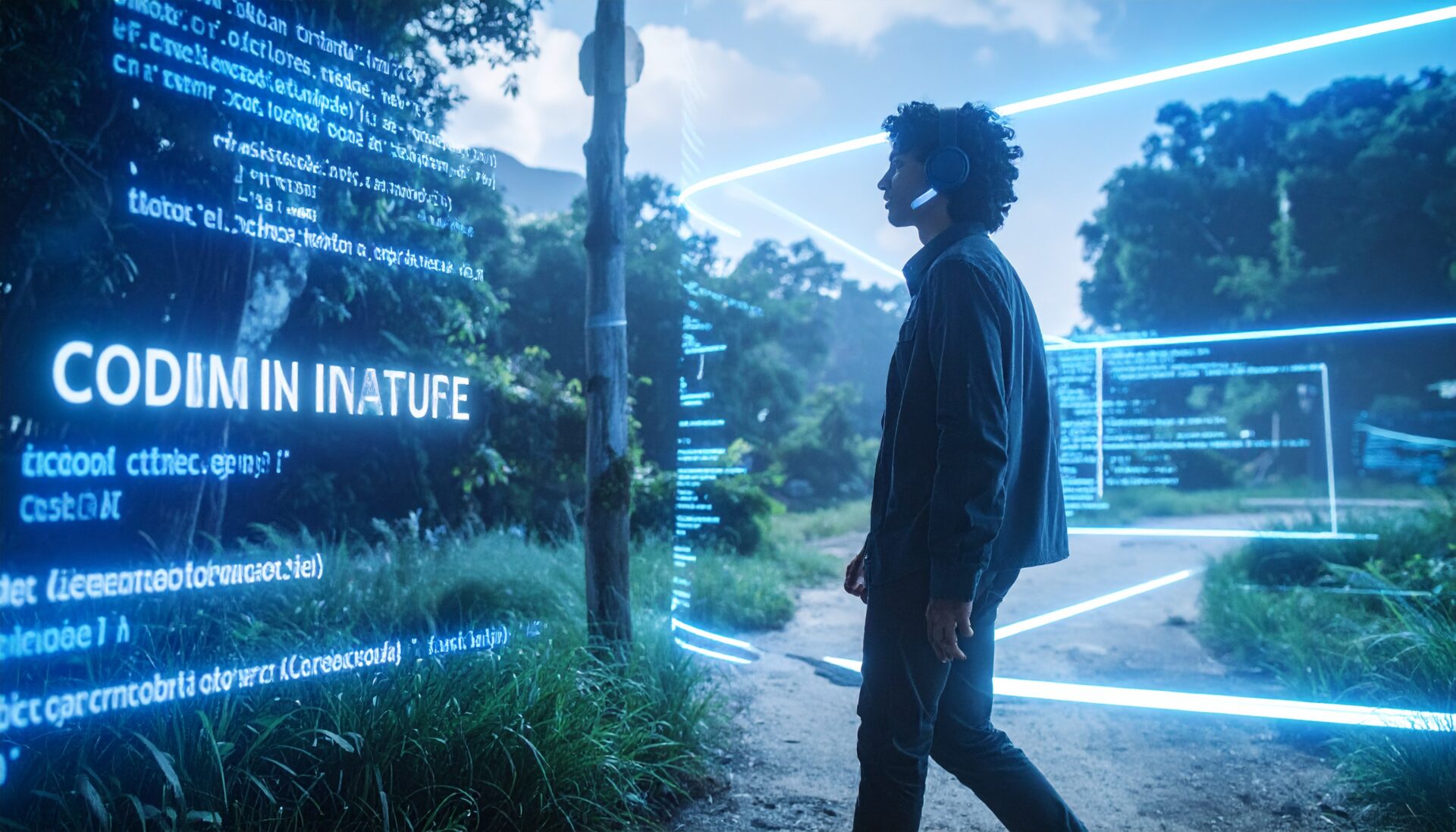
“Programming = Typing.” This half-century equation finally crumbled in 2026. The sound of clacking away on an HHKB or Realforce is becoming nothing more than a “traditional art form.” Today, cutting-edge engineers are writing code while muttering to themselves on cafe terraces and park benches during afternoon walks.
The fusion of OpenAI’s Whisper v3 Turbo and Cursor’s “Voice Mode” is not just voice input. It is a new interface revolution that lets you build software at the speed of thought.
In this article, dedicated to every engineer suffering from RSI, we walk through how to build a completely hands-free coding environment and explore the shift in thinking it brings.
The average human speaking speed is about 150 words per minute — nearly double the speed of typing. But traditional voice input (Siri, Google Assistant) was hopeless at entering symbols like {, }, and ;. Chanting “close curly brace, semicolon, newline” was pure torture.
Voice-to-Code in 2026 understands “intent.” Say “add error handling to this function,” and the AI reads the context, inserts a try-catch block in the right place, and even auto-generates logging code. You no longer need to speak syntax. We only need to speak logic.
This locally-running model achieves near-real-time processing with GPU acceleration. It removes filler words (“um,” “uh”) with high accuracy and correctly recognizes technical terms like Kubernetes and Idempotency. This real-time capability creates the immersive flow state essential for interactive coding.
Currently, the most advanced implementation is Cursor editor (v2.0+) Voice Mode.
Just talking is not enough. There is an art to treating AI as an excellent pair programmer. Here are voice command examples I use daily:
Have you heard of “rubber duck debugging”? It is the technique where explaining your code to a rubber duck helps you find bugs. Voice-to-Code turns this into actual implementation. As you verbally explain the cause of a bug, the code on screen starts fixing itself. Once you experience this, there is no going back.
In security-sensitive environments like finance or healthcare, you cannot send voice data to the cloud. This is where a local Whisper server running on a Raspberry Pi 5 or Apple Silicon Mac shines.
The veteran voice coding tool Talon Voice has also evolved. Let Cursor handle what AI does best — rough generation — while using Talon voice commands for precision operations (“change the variable on line 1 from foo to bar,” “move cursor down 5 lines”). This hybrid approach is the optimal solution in 2026.
Voice-to-Code has liberated engineers from being chained to their chairs.
Lately, I have been doing code reviews while walking on a gym treadmill with just an iPad Pro and AirPods. The increased blood flow from movement produces far sharper insights and more creative ideas than sitting ever did.
This might be the biggest benefit. Zero strain on your wrists. The keyboard becomes a tool for final fine-tuning only. Your primary input is your voice. This could extend an engineer’s career by decades.
It might feel embarrassing at first. Muttering at a screen definitely looks suspicious from the outside. But beyond that embarrassment lies freedom from RSI and the ability to turn ideas into reality at the speed of light.
Programming “languages” were always language. We can now finally speak them.
Turn on your microphone. And rewrite the world.
さらに詳しい情報はAll3DPでご覧いただけます。