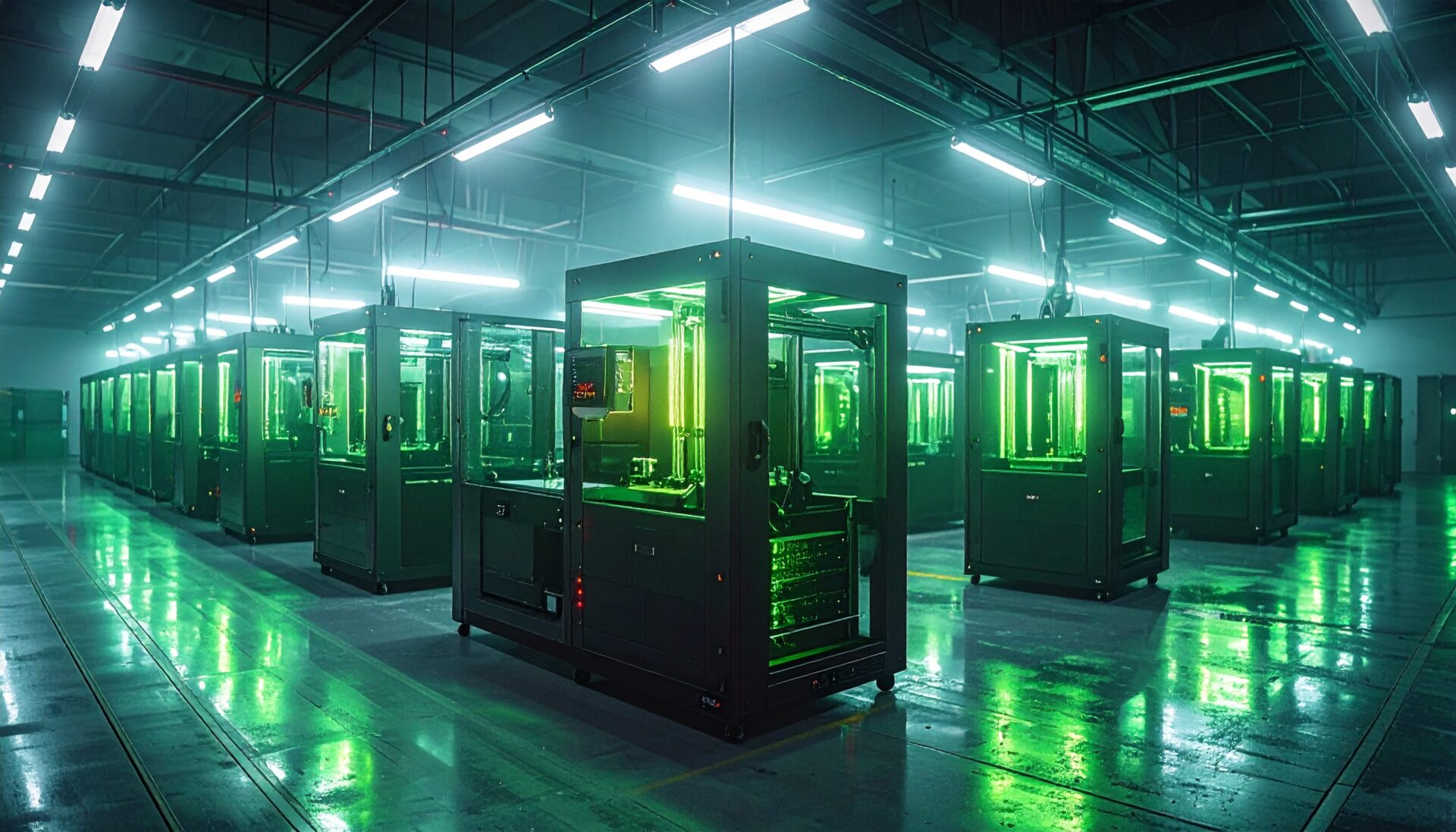
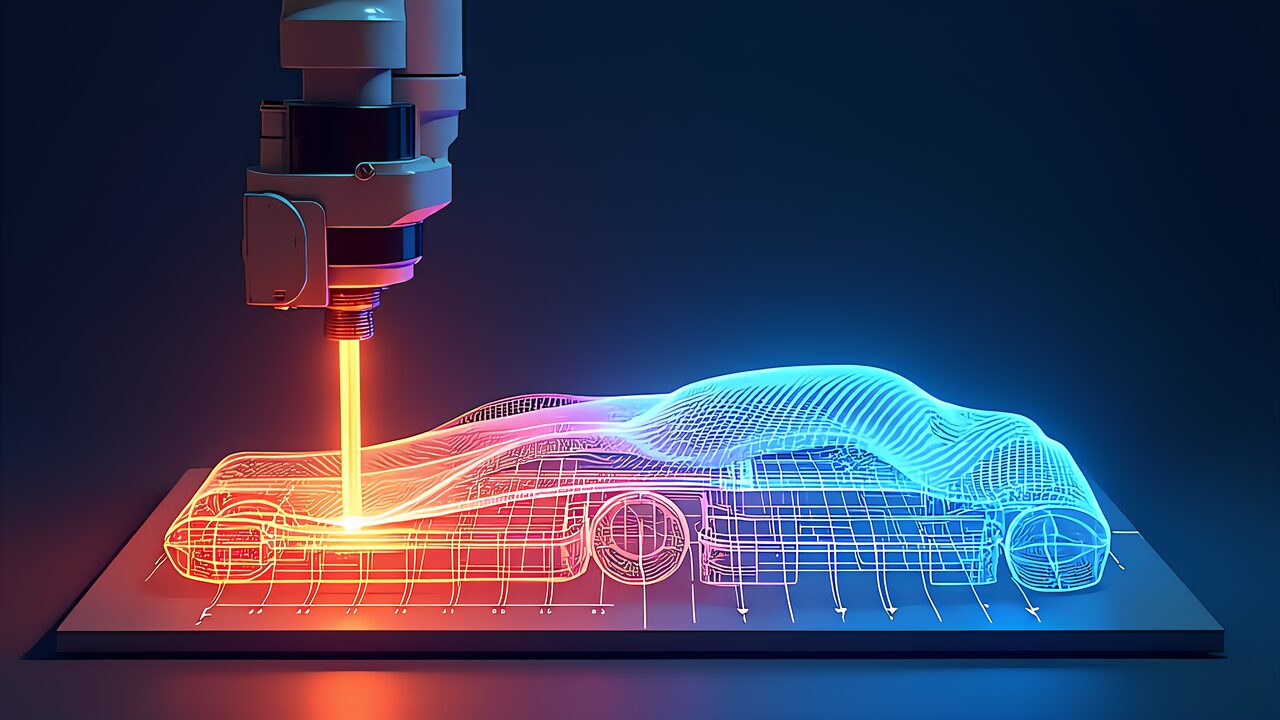
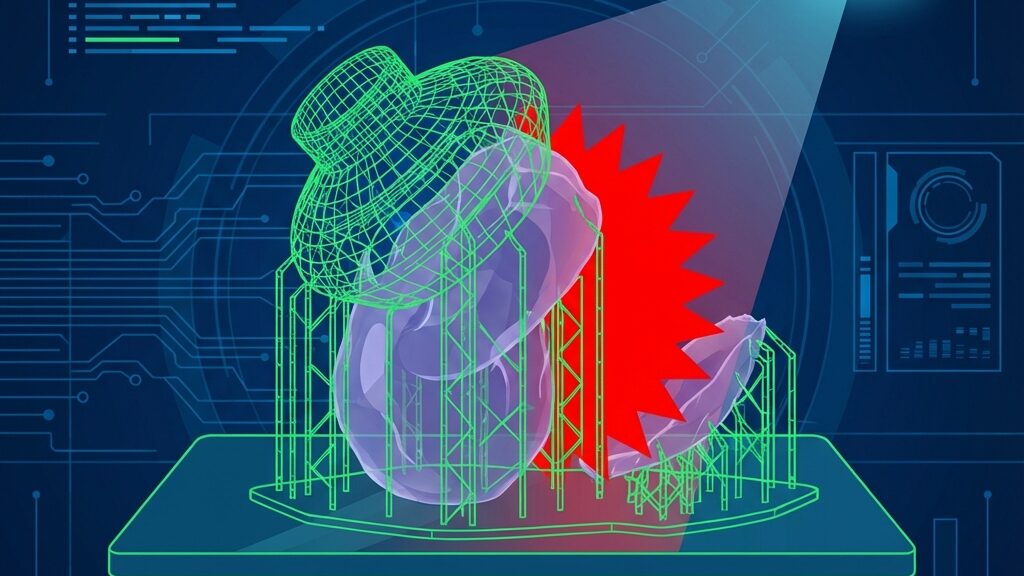
“Another failed print…” — If you’ve ever used a resin printer, you know the despair. Hours of printing, only to find the model has peeled off the build plate, leaving spaghetti-like debris in the resin tank. Floating fragments scratch the FEP film and even damage the LCD panel. That nightmare era is coming to an end, thanks to AI.
From late 2025 into 2026, AI cameras and failure-detection algorithms built into resin printers are evolving at a breakneck pace. This guide covers everything: how AI detects and prevents resin-printing failures, compatible printer comparisons, add-on AI monitoring tools, resin selection, post-processing workflows, and monetization strategies.
Three Breakthroughs in AI Resin Monitoring
1. Real-Time Defect Detection
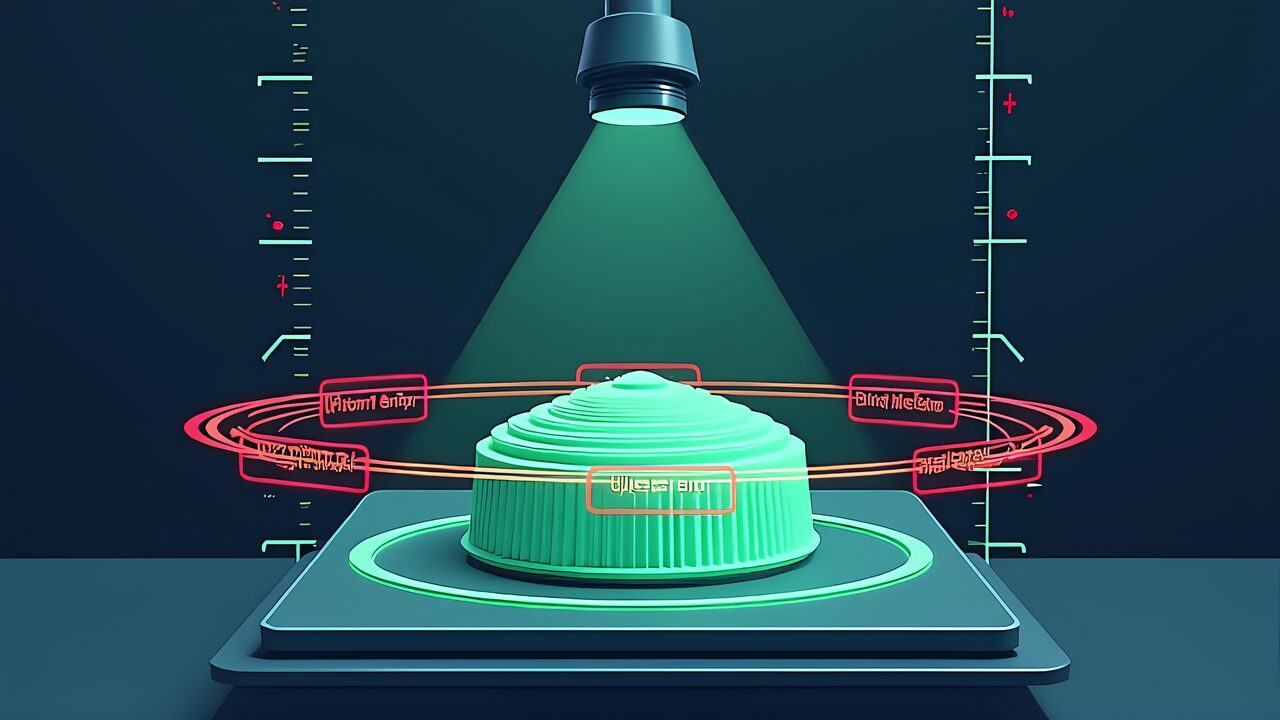
Built-in AI cameras analyze the curing state of each layer in real time, instantly detecting build-plate adhesion failures, raft deformation, and support-structure collapse. Machine-learning models trained on millions of hours of print data classify normal vs. abnormal with high accuracy.
2. Intelligent Pause (Auto-Pause)
When an anomaly is detected, the AI automatically pauses the print and sends a smartphone notification, letting you choose “continue” or “abort” remotely. This dramatically reduces wasted resin that previously went unnoticed until the print finished. One user reported saving over $60 in resin in the first month alone.
3. Tilt-Release Technology
Traditional resin printers use a straight Z-axis lift to peel each layer from the FEP. Tilt release tilts the resin tank instead, spreading the suction force and dramatically reducing peel stress. This enables print speeds up to 150 mm/h while minimizing the risk of peel failures.
2026 Notable AI Resin Printers Compared
Elegoo Saturn 4 Ultra (16K)
- 16K resolution (11,520 × 5,120) — industry-leading detail
- Built-in AI camera: real-time failure detection, empty-plate alerts, timelapse recording
- Smart resin tank: automatically maintains resin temperature at 30 °C for stable printing in cold environments
- Tilt release + auto-leveling for print speeds up to 150 mm/h
Anycubic Photon Mono M7 Pro (14K)
- 14K resolution with excellent cost-performance ratio
- Print speed of 170 mm/h — 20 mm/h faster than Saturn 4 Ultra
- Intelligent monitoring automatically watches print status
- Large build volume ideal for batch production; ~$40 cheaper than the Saturn 4 Ultra
Elegoo Mars 5 Ultra (9K)
- Compact 9K machine — perfect as a beginner’s first printer
- AI failure-detection camera, smart mechanical sensor, auto bed leveling
- Tilt-release capable despite its small size, enabling fast prints
- Affordable price point makes it an excellent entry into AI-equipped resin printing
Beyond built-in AI, external monitoring tools are evolving rapidly. They can be retrofitted to existing resin printers, adding AI monitoring without buying a new machine.
- Open-source AI failure-detection platform trained on millions of hours of print data
- Detects spaghetti failures, layer shifts, and adhesion failures from camera feeds
- Free plan covers basic features; integrates with OctoPrint/Klipper
OctoEverywhere Gadget
- Next-gen AI algorithms detect spaghetti, layer shifts, and other print defects
- Auto-pause with SMS/email/Discord/Telegram notifications
- Free, unlimited AI failure detection — ideal for cost-conscious users
SimplyPrint
- Cloud AI trained on 5+ million hours of print data since 2020
- Configurable auto-pause or auto-cancel on defect detection
- Multi-printer fleet management — suited for print farms and educational institutions
5 Practical Techniques to Prevent Resin Print Failures
- Replace FEP film regularly: Swap it every 50–100 print-hours. Replace immediately if clouding or scratches are visible.
- Manage resin temperature: The ideal range is 25–30 °C. Without a smart resin tank, use a space heater to regulate room temperature.
- Optimize support structures: Adjust support density and contact area in the slicer. Excessive supports increase peel force.
- Calibrate exposure times: Validate optimal values per resin using Resin XP2 Validation Matrix.
- Prep the build plate: Lightly sand with 400-grit sandpaper, then degrease with IPA. Adhesion improves dramatically.
4 Monetization Ideas
- Miniature & figurine made-to-order: AI monitoring slashes failure rates, enabling consistent quality. Sell miniatures for $3–$20 each.
- Dental & jewelry wax patterns: Produce lost-wax models with high-precision resin for dental technicians and jewelry designers.
- Resin printing courses & consulting: Launch an online course themed “Zero-Failure Resin Printing with AI Monitoring.”
- Custom parts sales: Sell original resin parts on Booth or Etsy. Digital STL downloads are also viable.
Practical Resin Selection Guide
Resin type dramatically affects finish quality and workability. Choose the right resin for each application.
Standard Resin (Miniatures & Figurines)
- Elegoo Water-Washable Resin: No IPA needed for cleanup — ideal for beginners.
- Anycubic Standard Resin: Great cost-performance, suited for mass production.
- Siraya Tech Fast: Fast-curing formula that pairs well with tilt-release machines.
Engineering Resin (Functional Parts)
- Siraya Tech Tenacious: Excellent impact resistance — ideal for gears and snap-fit parts.
- Elegoo ABS-Like Pro 2.0: ABS-like strength and heat resistance for jigs and enclosures.
- Phrozen Aqua Gray 8K: Optimized for 8K printing; great for jewelry models and dental casts.
Specialty Resin (Professional Use)
- Castable resin: For lost-wax casting — jewelry and dental prosthetics pattern making.
- Flexible resin: Rubber-like flexibility for gaskets, seals, and wearable-device prototyping.
- Clear resin: For optical components and display models. Polishing and coating yield glass-like transparency.
Post-Processing Workflow
Post-processing determines resin print quality. Following the correct steps dramatically improves strength and appearance.
- Step 1 — Wash: Clean in 99 % IPA (or water for water-washable resin). A two-stage wash removes all uncured resin.
- Step 2 — Dry: Dry completely after washing. UV-curing while moisture remains causes white hazing.
- Step 3 — Post-Cure: Expose all surfaces to 405 nm UV light for 5–15 minutes in a curing station.
- Step 4 — Remove Supports: Carefully clip supports with nippers. Sand marks with 400–800 grit sandpaper.
- Step 5 — Finish: Apply a surfacer primer before painting to fill fine layer lines and create a smooth surface.
7-Day Start Roadmap
A concrete one-week plan for getting started with AI-monitored resin printing.
- Day 1: Order an Elegoo Saturn 4 Ultra or Mars 5 Ultra. While waiting, learn slicer basics (Chitubox or Lychee Slicer).
- Day 2: Unbox and set up the printer. Run auto-leveling, connect the AI camera via Wi-Fi, and link the companion app.
- Day 3: Test-print with water-washable resin. Calibrate exposure times.
- Day 4: Test AI failure detection — intentionally print a model with insufficient supports and verify the AI detects and pauses correctly.
- Day 5: Print a real figurine or miniature. Establish your post-processing workflow (wash → UV cure → support removal).
- Day 6: Try painting and finishing. Photograph the completed piece and post it on social media.
- Day 7: Open a shop on Booth or Etsy. List your first product and announce your made-to-order service.
Outlook Beyond 2026
AI in resin printing is just getting started. Major advancements are expected in the coming years.
- Micro-defect AI detection: Currently, FDM spaghetti detection dominates. Soon, AI will detect resin-specific micro-delamination and surface defects.
- Autonomous correction: Inspired by Carnegie Mellon research, AI will detect defects and automatically adjust print parameters on the fly.
- Resin consumption optimization: AI will analyze print history to auto-tune support structures and exposure settings, cutting resin usage.
- Multi-material resin: Technology for switching between different resin properties within a single print is emerging — integrating rigid and flexible sections in one piece.
Skills to Develop
- Slicer configuration: Master support placement, exposure timing, and anti-aliasing in Chitubox/Lychee Slicer.
- Post-processing technique: The full workflow — washing, UV curing, support removal, sanding, and painting.
- 3D modeling: Design original figurines in ZBrush or Blender.
- Product photography: Lighting and composition skills for showcasing miniatures and figurines attractively.
Troubleshooting
Common resin-printing issues and solutions. Even AI monitoring can’t catch everything — address these through proper setup.
Print Won’t Stick to the Build Plate
- Degrease the build plate with IPA and lightly sand with 400-grit sandpaper.
- Increase bottom exposure time to 2–3× the normal value (30–60 seconds).
- Enlarge the raft-support contact area to boost plate adhesion.
FEP Film Clouding or Scratches
- Replace every 50–100 print-hours. Consider upgrading to nFEP (non-stick FEP).
- Always check for floating debris in the tank before printing. Strain resin through a filter.
Warping or Deformation
- Ensure even UV exposure during post-curing. A rotary UV curing station is ideal.
- Models with mixed thick and thin sections are prone to warping from internal stress. Design with uniform wall thickness where possible.
- Engineering resins (ABS-Like) have lower shrinkage — best for parts requiring dimensional accuracy.
Frequently Asked Questions (FAQ)
Q1: What’s the best AI-camera resin printer?
The Elegoo Saturn 4 Ultra (16K) is the top overall pick — 16K resolution, AI failure detection, tilt release, and smart resin tank in one package. For value, the Anycubic M7 Pro; for entry-level, the Elegoo Mars 5 Ultra.
Q2: Can I add AI monitoring to my existing resin printer?
Yes. External tools like Obico or OctoEverywhere Gadget add AI failure detection to any printer. All you need is a USB camera and a Raspberry Pi (or a Wi-Fi camera).
Q3: How accurate is AI failure detection?
Current systems excel at detecting complete adhesion failures and major raft collapses, though micro-surface-defect detection is still developing. SimplyPrint’s model, trained on 5+ million print-hours, is improving year over year.
Q4: What’s the difference between tilt release and conventional Z-axis peeling?
Conventional Z-axis peeling lifts the build plate straight up, applying suction force across the entire FEP surface. Tilt release tilts the tank, peeling gradually from one edge and distributing the stress — dramatically lowering failure rates.
Q5: What’s the most common cause of resin print failure?
Build-plate adhesion failure. Causes range from a dirty plate, resin temperature too low, insufficient exposure time, to inadequate support structures. With AI monitoring, detachment is caught immediately, minimizing resin waste.
Q6: What is a smart resin tank?
A feature that automatically maintains resin temperature at the optimal 25–30 °C. Found on the Elegoo Saturn 4 Ultra, it stabilizes resin viscosity in cold environments, preventing curing defects. Consistent quality even when printing in a winter garage.
Q7: What safety precautions are needed for resin printing?
Resin is a skin irritant — nitrile gloves are mandatory. Work in a well-ventilated area; an activated-carbon exhaust system is recommended. Store uncured resin in UV-blocking bottles and dispose of waste resin per local regulations.
Q8: Does AI monitoring work with FDM printers too?
Yes. Obico and OctoEverywhere support FDM as well as resin. In fact, many of these tools were originally developed for FDM, and their spaghetti and layer-shift detection is highly refined.
Conclusion: AI Is Making Resin Print Failures a Thing of the Past
Real-time defect detection via AI cameras, intelligent pause, and tilt-release technology — these three innovations are addressing the resin-printing failure problem at its root. Machines like the Elegoo Saturn 4 Ultra and Anycubic M7 Pro ship with these features as standard, and add-on tools are advancing rapidly.
The era of sighing “another failed print…” is drawing to a close. For beginners, the AI-camera-equipped Elegoo Mars 5 Ultra is the ideal entry point. If you already own a printer, Obico or OctoEverywhere can add AI monitoring starting today. Build an AI-monitored setup and experience zero-failure resin printing for yourself.
For more information, visit All3DP.
ブラウザだけでできる本格的なAI画像生成【ConoHa AI Canvas】
ABOUT ME
AIを使って、毎日の生活をもっと快適にするアイデアや将来像を発信しています。
初心者にもわかりやすく、すぐに取り入れられる実践的な情報をお届けします。 Sharing ideas and visions for a better daily life with AI.
Practical tips that anyone can start using right away.