Bambu Lab 3D Printer Complete Guide: High-Speed Multi-Color Printing for Beginners (2026)
swiftwand swiftwand.ai
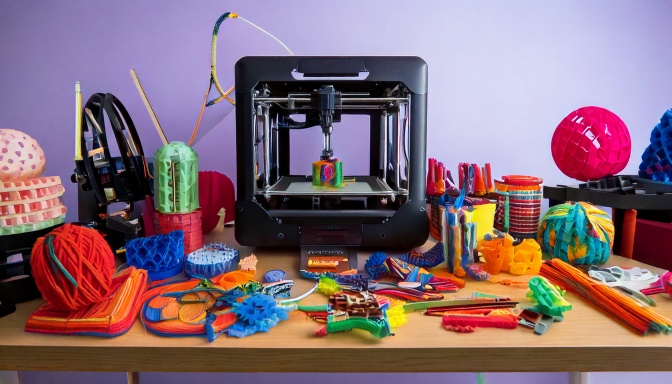
“I’m using an FDM 3D printer but want to create more detailed models.” “I’m considering buying my first 3D printer but don’t know which type to choose.” Sound familiar? In the world of 3D printing, the choice between resin (SLA/DLP/LCD) and FDM significantly affects the quality and usability of your final prints. If you’re seeking high-detail output, choosing the right technology is crucial. This article explains everything from how resin 3D printers work, their pros and cons, to a detailed comparison with FDM—all in beginner-friendly terms.
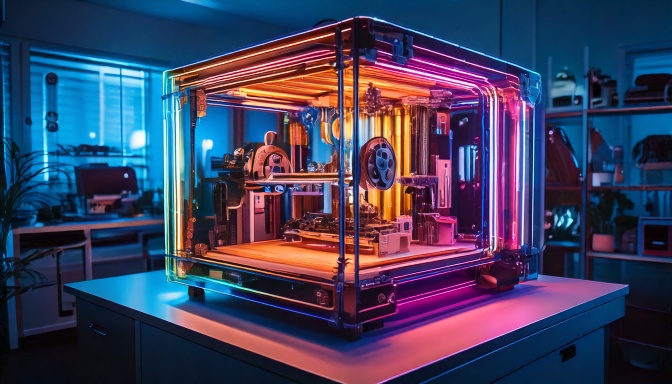
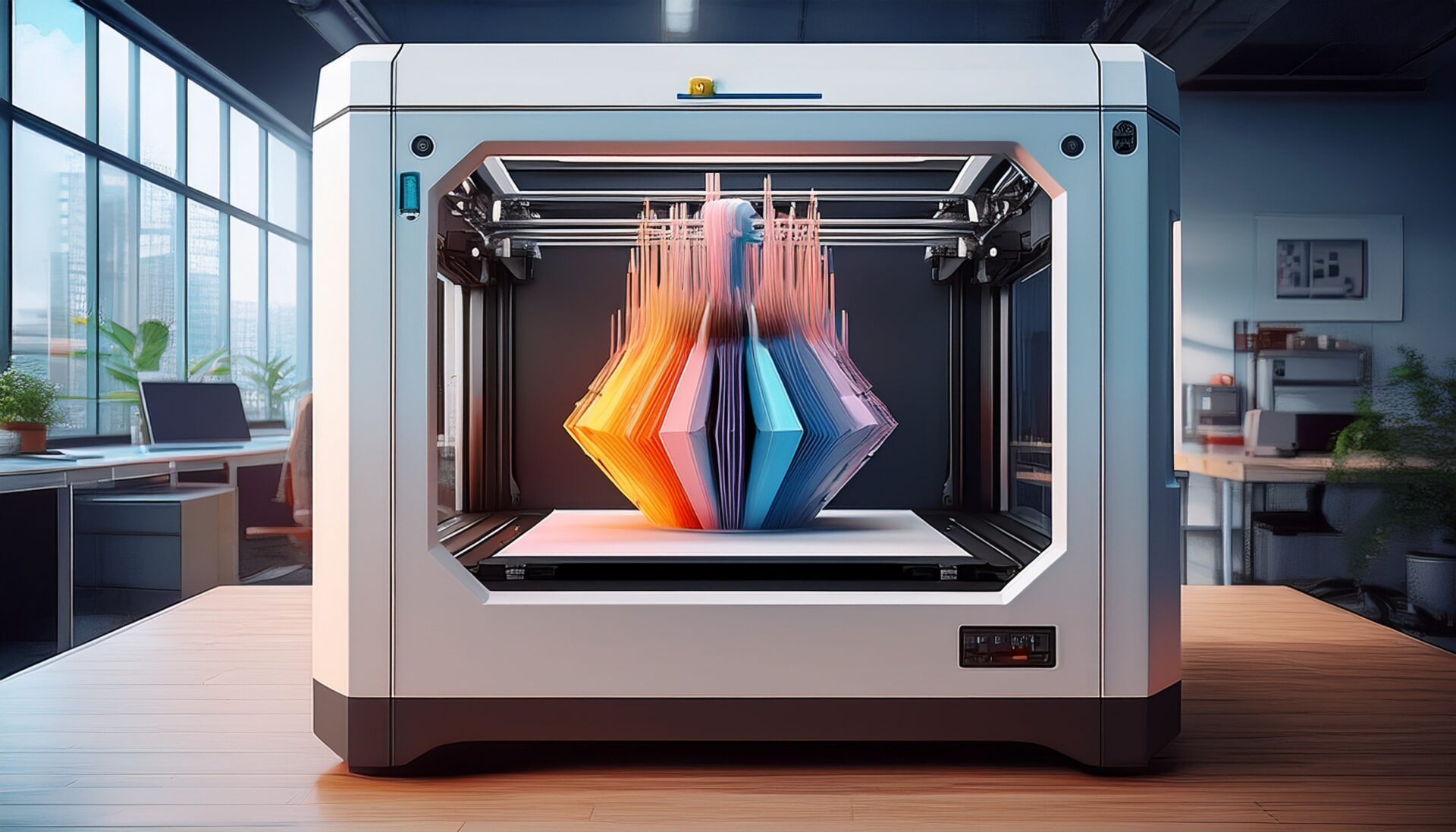
3D printers broadly fall into two categories: “resin” and “FDM.” Let’s first understand the basic mechanisms of each, as this forms the foundation for comparison.
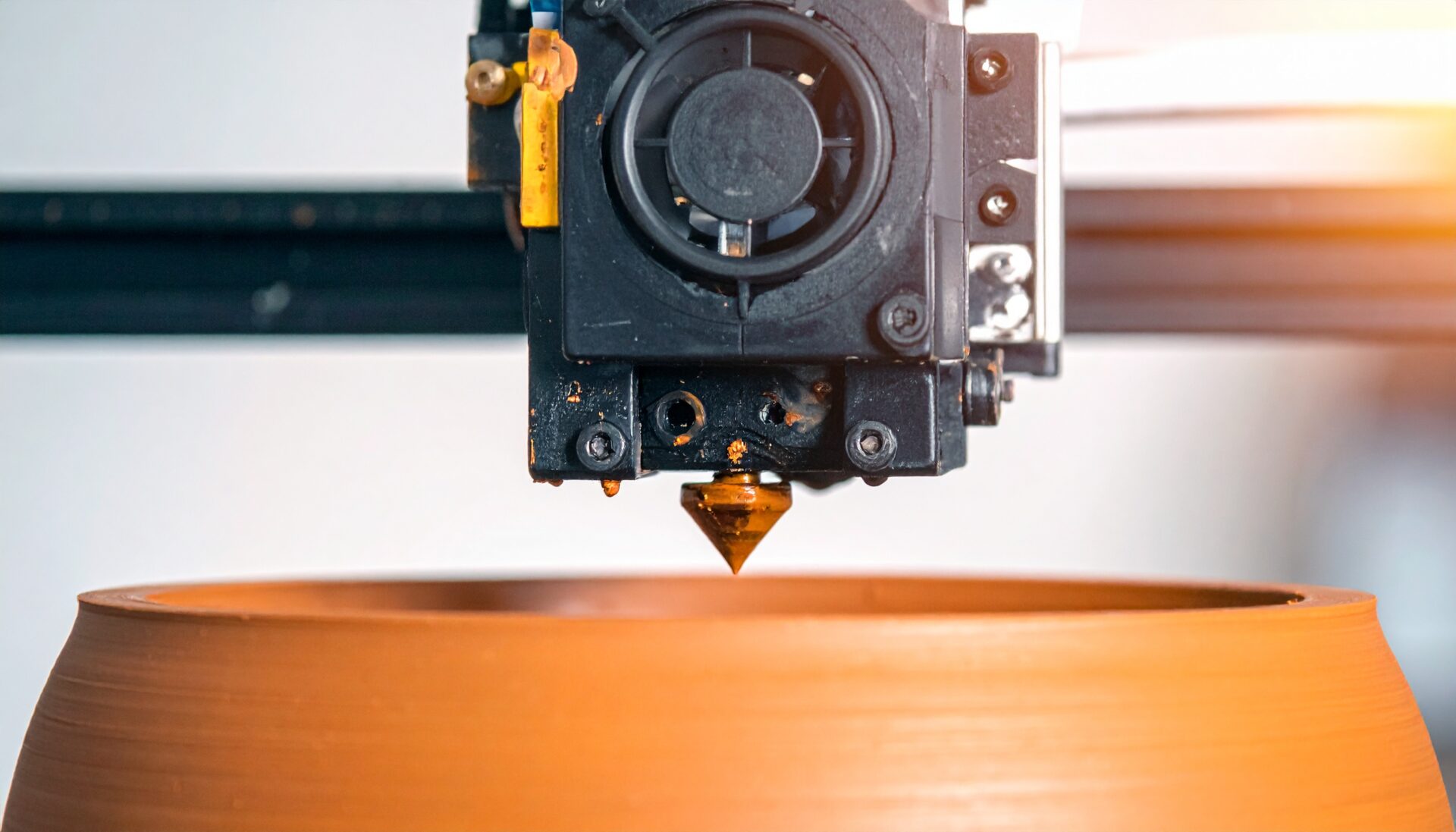
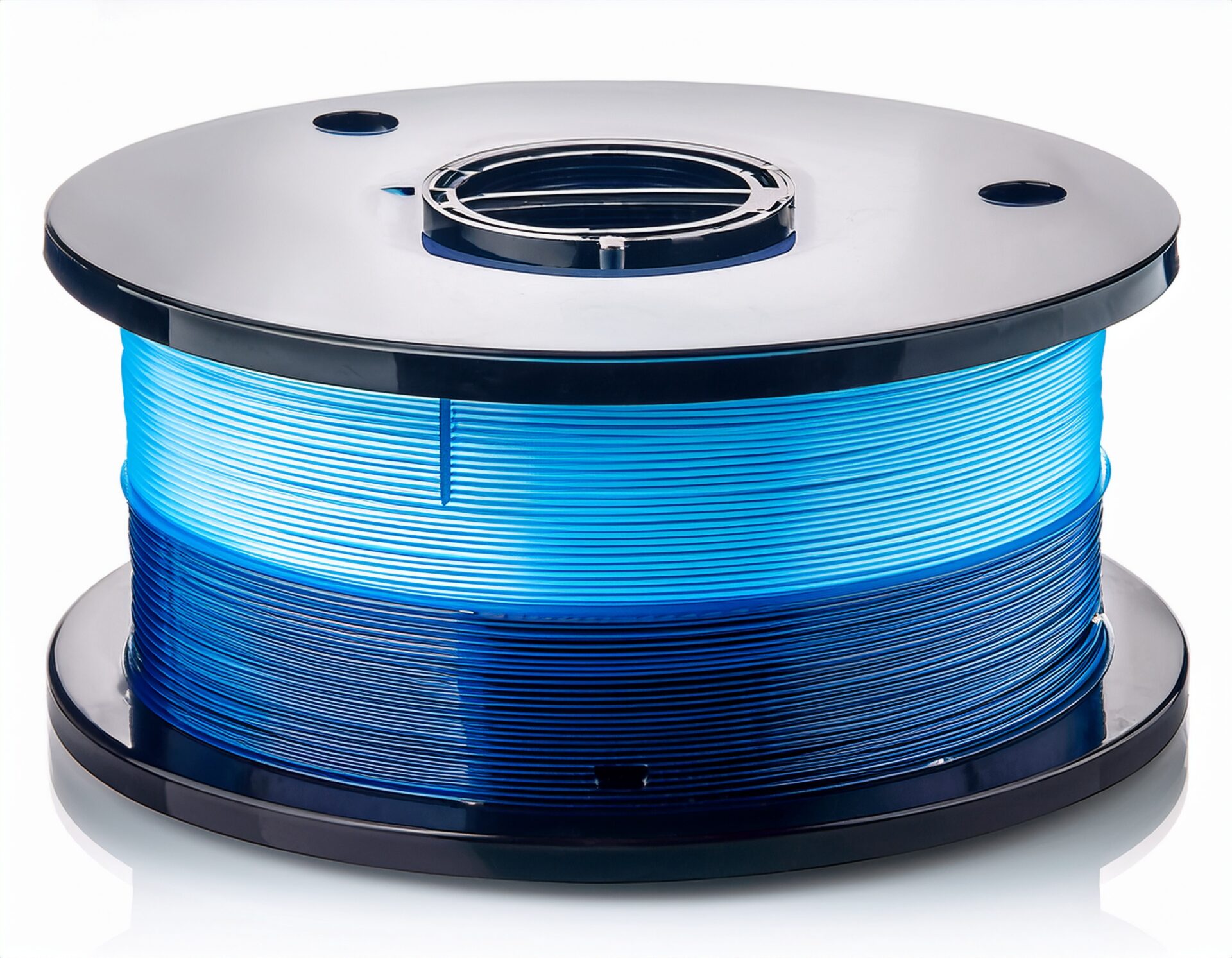
FDM (Fused Deposition Modeling) is the most widely used 3D printing method. It works by melting a thread of resin called filament through a high-temperature nozzle and building up layers. The nozzle moves horizontally (X-Y axis) while extruding melted resin, and once one layer is complete, the build platform lowers (Z-axis) to stack the next layer. This process repeats to complete the 3D model.
Resin printing uses photocurable resin that hardens when exposed to specific wavelengths of light. There are three main types: SLA, DLP, and LCD. They all share the principle of curing liquid resin with light. The build platform dips into the resin tank, light is projected from below to cure one layer, then the platform rises slightly to cure the next layer—the opposite direction from FDM.
SLA (Stereolithography Apparatus) is the oldest resin 3D printing technology. It uses a UV laser to trace and cure the model’s cross-section point by point. Its greatest strength is extremely high precision thanks to the tiny laser point, with excellent reproduction of curves and complex shapes. However, since it cures point by point, print speed tends to be slower than DLP or LCD methods.
DLP (Digital Light Processing) uses a digital projector to cure an entire layer of resin simultaneously. Light from the projector is reflected by a DMD (Digital Micromirror Device) chip composed of millions of tiny mirrors onto the resin surface. DLP’s biggest advantage is speed—curing a whole layer at once makes it faster than SLA. Resolution depends on projector quality, but high-detail printing is generally achievable. However, “pixel stretching” can cause reduced precision at the edges of prints.
LCD (Liquid Crystal Display) is the newest resin 3D printing technology. It uses an LCD panel as a mask to selectively allow UV light through to cure the resin. LCD’s greatest appeal is cost-effectiveness—LCD panels are cheaper than DLP projectors, enabling high-detail 3D printers at relatively low prices. Print speed is comparable to DLP. However, LCD panels have a limited lifespan and require periodic replacement, and resolution depends on pixel density.
Here’s a comprehensive comparison to help you choose the right method for your needs:
For character figures and miniatures, fine detail reproduction including expressions and textures is critical. Resin printing (especially SLA and DLP) is overwhelmingly superior here. With 25-50 micron resolution, you can clearly reproduce individual strands of hair and subtle facial expressions. SLA is particularly excellent for reproducing curves, making it ideal for organic figure shapes. However, watch out for build size limitations with larger figures.
When creating mechanical parts or practical prototypes, material strength and heat resistance are often important. FDM is well-suited for these applications with its wide material selection including ABS, nylon, and carbon fiber reinforced filaments. However, for precision gears or small mechanical parts requiring high accuracy, resin printing is worth considering—industrial resins can achieve both sufficient strength and precision.
For architectural models and large objects, build size matters most. FDM excels here, with many large-format printers available. Splitting large models into multiple parts for assembly is also common, and FDM offers lower material costs for these projects. However, for architectural models where fine detail matters, a hybrid approach using resin for detailed sections can be effective.
Jewelry and dental applications demand micron-level precision, where resin printing (especially SLA and DLP) is overwhelmingly dominant. Using dedicated castable resin, you can create patterns for lost-wax casting to produce metal accessories. In dentistry, dental aligners and models can be printed with high precision from intraoral scan data, making resin printers an indispensable tool in digital dental workflows.
With proper preparation, you can use a resin 3D printer safely and effectively. The initial investment may be slightly higher, but consider it a necessary investment to safely experience the joy of high-detail printing.
This article has detailed the mechanisms, differences, and pros and cons of resin 3D printers (SLA/DLP/LCD) and FDM. Each method has its strengths and weaknesses—there is no “absolutely superior method.” What matters is choosing the one that matches your goals and environment.
If high-detail models and fine features are important, resin is your best choice. For figures, jewelry, and dental applications, its precision is a major advantage. On the other hand, if you need large models, functional parts, or material diversity, FDM is more suitable.
For first-time buyers, starting with user-friendly FDM and then considering resin when higher detail is needed is one approach. Alternatively, using both methods for different applications is an effective strategy. 3D printing technology is evolving daily—new technologies and materials will continue to emerge, overcoming current limitations. Find the optimal 3D printer that supports your creative endeavors and expand the possibilities of making.
さらに詳しい情報はAll3DPでご覧いただけます。