AI Point Cloud Processing × Reverse Engineering Complete Guide 2026: Revopoint MIRACO vs Creality Raptor, Workflows, Monetization, and FAQ
swiftwand swiftwand.ai
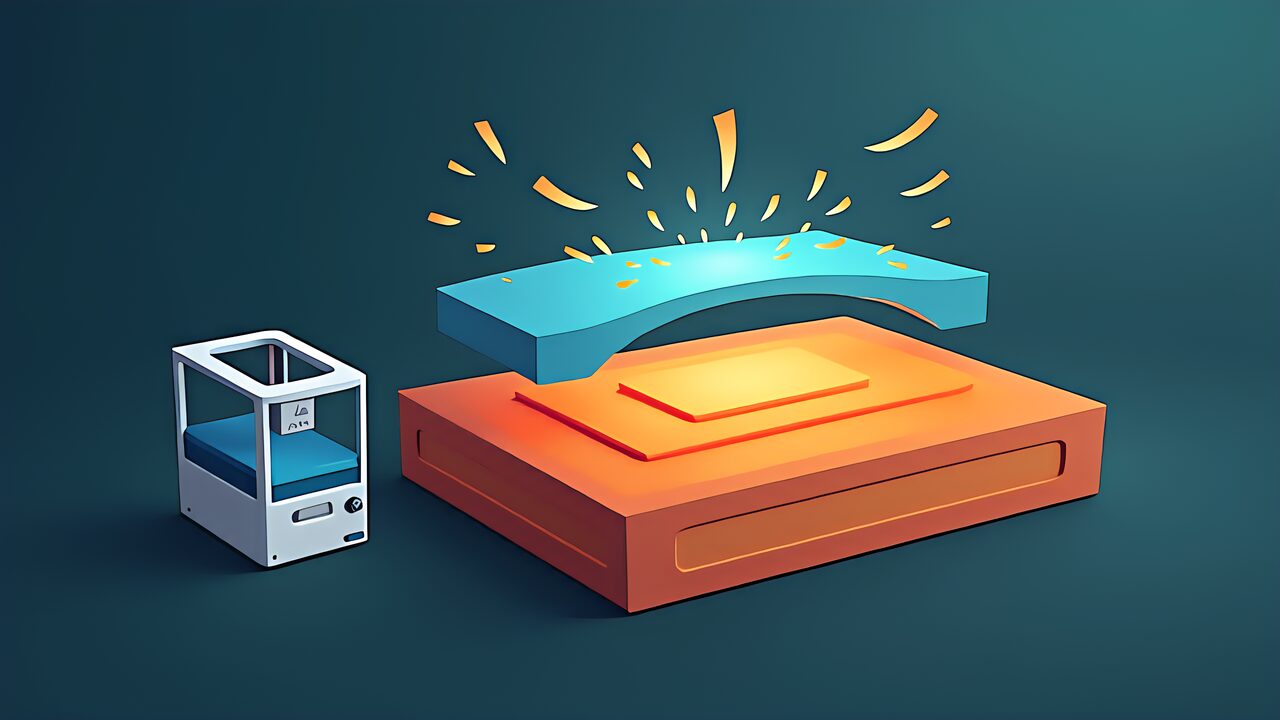
Specifically, I got a Bambu Lab AMS 2 Pro. I loaded four filament colors, printed a multicolor figurine, and posted it on social media. It got some likes. But let’s be honest — that was “multicolor,” not “multi-material.” I only changed colors; the material properties across all spools were identical PLA.
In the previous article on the “AI Slicer 2026 Revolution,” we explored how neural networks are transforming slicing. This article shifts focus to “materials.” Multi-material AI 3D print optimization isn’t about color differences — it’s about optimizing the placement of different physical properties within a single part: hardness, flexibility, heat resistance, and conductivity.
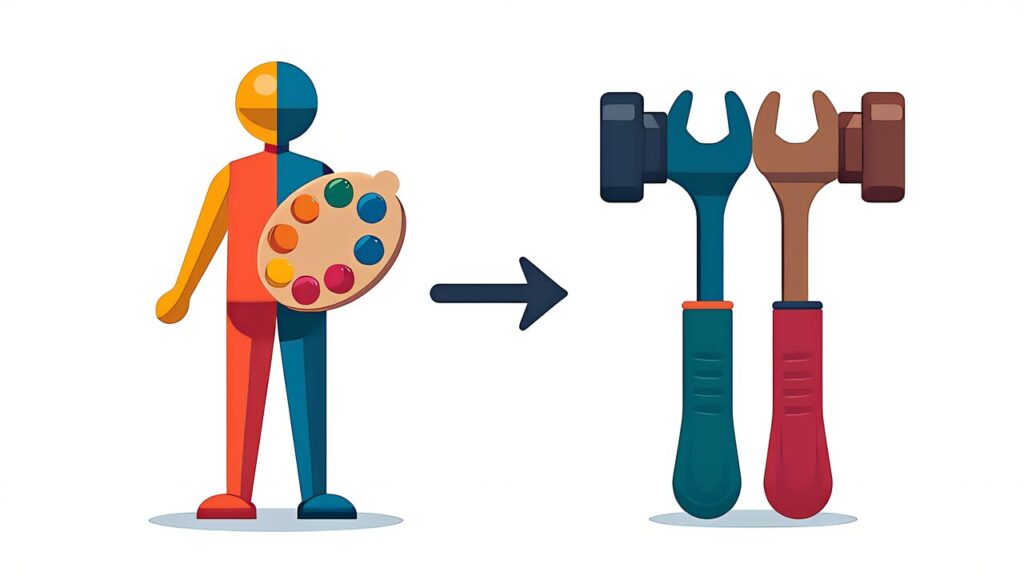
To understand multi-material AI 3D print optimization, you first need to grasp the essential difference between “color” and “material.”
Multicolor printing switches between different colors of the same material (typically PLA). Physical properties remain uniform. Applications are limited to figurines, decorations, and signage — domains where appearance matters most. The Bambu Lab AMS and Creality CFS Lite support this approach.
Multi-material printing combines materials with different physical properties within a single part. You can co-print rigid PLA with flexible TPU to create a tool handle with an integrated grip. You can place conductive and insulating filaments to create printed circuit board alternatives. You can use water-soluble PVA supports to achieve complex internal geometries. The difference in material properties creates function.
Moreover, this distinction matters because traditional manufacturing required advanced mold technologies like insert molding and overmolding to achieve multi-material integration. 3D printing fundamentally removes this constraint.
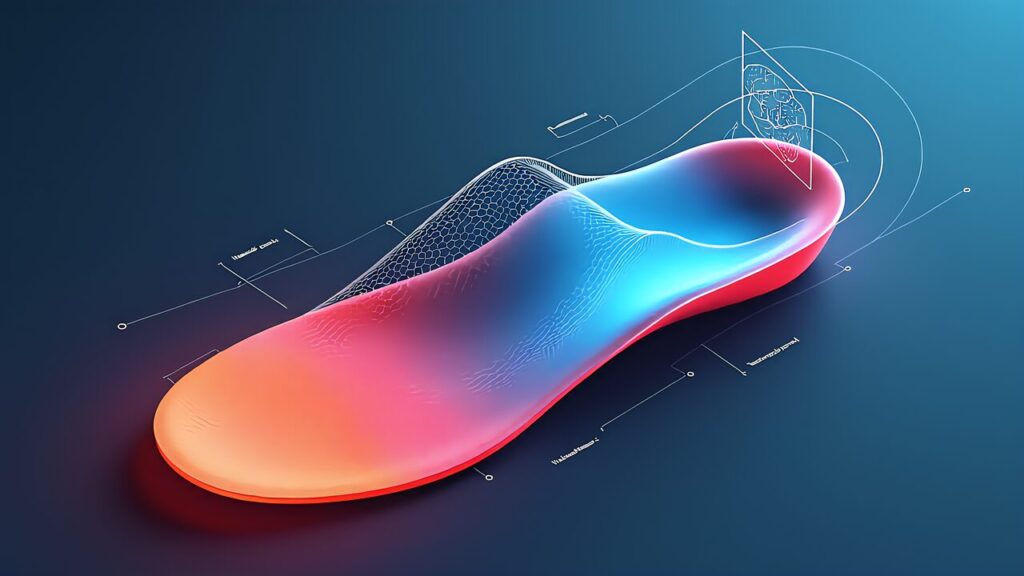
For example, the core of multi-material AI 3D print optimization lies in automatically determining which material to place in each region of a part.
Based on stress distributions from FEA (Finite Element Analysis), high-strength materials are placed in high-stress regions while lightweight materials go in low-stress areas. For instance, when designing a shoe insole, high-load regions like the heel and ball of the foot get TPU 95A (Shore hardness 95A, relatively firm), while the midfoot arch area receives TPU 70A (Shore hardness 70A, highly flexible). This delivers both impact absorption and arch support simultaneously.
Additionally, for parts used near heat sources, heat-resistant materials (PC, Nylon) are placed in high-temperature regions while standard materials (PLA, PETG) are used in low-temperature regions. For example, a camera mount near an engine might use PC (heat deflection temperature 140°C) for the engine-side bracket while using PETG (heat deflection temperature 80°C) for the camera-side housing.
Furthermore, for parts requiring both rigid structure and flexible movement, rigid materials form the structural framework while flexible materials are placed at joint and contact points. A phone case might use PLA for the outer frame (impact protection) and TPU for the button covers and corner bumpers (shock absorption).
Similarly, here are the tools currently available for AI-driven material placement optimization:
Fusion 360 Generative Design (¥92,400/year, approximately $620/year): As explained in “AI Generative Design × 3D Printing,” this auto-generates topology-optimized shapes with material assignment capabilities. However, multi-material output currently requires manual post-processing.
nTop (nTopology): An engineering design platform specializing in lattice structures and multi-material field-driven design. It can define material gradients based on FEA results. Pricing starts at approximately $7,000/year, targeting professional users.
Grasshopper + Multi-Material Plugin (Rhino): A parametric design environment where custom scripts can define material distribution based on stress analysis results. Free with Rhino (¥158,400, approximately $1,050).
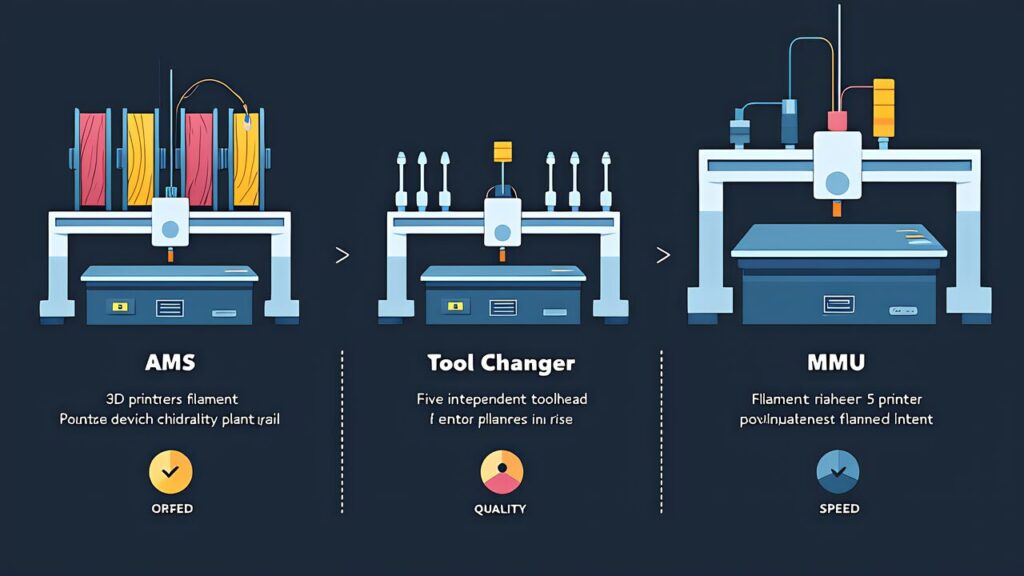
Consequently, multi-material AI 3D print optimization is only as good as the hardware that executes it. Three main approaches exist today.
The AMS 2 Pro (¥44,000, approximately $293) is Bambu Lab’s filament auto-switching unit supporting up to 4 materials per unit and up to 24 with daisy-chaining. RFID-based filament auto-recognition identifies material type, color, and remaining amount. The 65°C active drying function maintains optimal filament condition during printing. Material switching takes approximately 10 seconds with servo-driven 60% improvement.
Multi-material suitability: Different materials require purging during color/material changes. The purge tower typically consumes 5-15% additional filament. The AMS handles PLA, PETG, TPU, and PVA but struggles with high-temperature materials like PC and Nylon due to the shared PTFE tube path.
The Prusa XL 5-toolhead configuration (¥620,000, approximately $4,133) features five independent extruders, each with a dedicated nozzle. Zero contamination between materials — there is no purge tower or filament waste during material changes. Each toolhead can run at its optimal temperature independently.
Multi-material suitability: The gold standard for multi-material printing. Zero cross-contamination means clean material boundaries. Five independent temperature zones allow combining PLA (210°C), TPU (220°C), PETG (240°C), PC (270°C), and PVA (195°C) in a single print. The tradeoff is the price premium and slightly reduced build volume per toolhead.
The Prusa MMU3 (approximately ¥30,000-¥40,000, roughly $200-$267) is a 5-material upgrade kit. Cold-pull nozzle cleaning improves cleanliness during color/material switches. Filament change completes in 35-45 seconds.
Multi-material suitability: Like the AMS approach, purging is required, but cold-pull cleaning reduces contamination. The 5-material capacity exceeds AMS’s 4-material limit by one.
| Criteria | Bambu AMS 2 Pro | Prusa XL (5-Tool) | Prusa MMU3 |
|---|---|---|---|
| Simultaneous Materials | 4 (up to 24 daisy-chained) | 5 | 5 |
| Material Switch Quality | Medium (purge required) | High (zero contamination) | Medium-High (cold pull) |
| Switch Speed | Fast (60% servo improvement) | Medium (tool change) | Medium (35-45 sec) |
| Purge Waste | Yes | None | Yes (minimal) |
| Price Range | ¥44,000 (~$293) | ¥620,000 (~$4,133) | ~¥30,000-¥40,000 (~$200-$267) |
| Drying Function | Yes (65°C) | No (external required) | No (external required) |
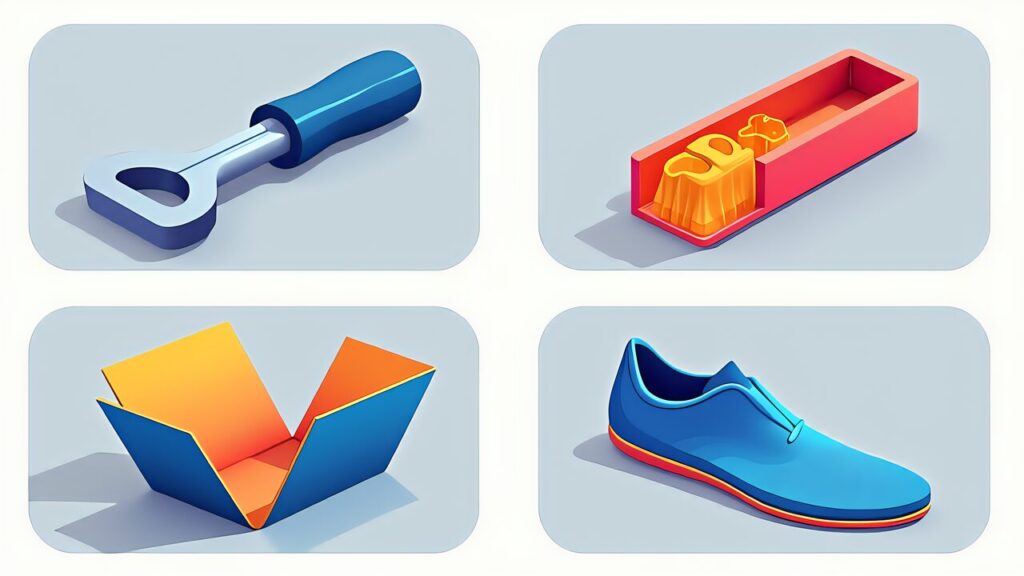
Specifically, here are concrete application patterns for multi-material AI 3D print optimization.
Moreover, a tool handle is co-printed with PLA (core, high rigidity) and TPU (outer surface, flexible grip) in two materials. The bonding interface fuses during printing, ensuring high integrity without adhesive. Applicable to screwdriver handles, bicycle grips, camera mounts, and more.
For example, here are specific design parameters: The PLA core should have wall thickness of 2.0mm or more with infill rate of 40% or higher for rigidity. The TPU outer layer should use Shore hardness 85A-95A depending on application, with wall thickness of 1.2mm or more for durability. The bonding interface should have a 0.5mm overlap to maximize layer fusion area. Print temperatures should be PLA at 210°C and TPU at 220°C, minimizing nozzle temperature change during switching. This 10°C difference keeps switch wait time under 5 seconds.
Consequently, PVA (water-soluble filament) serves as support material while PETG or similar structural material forms parts with complex internal channels. After printing, dissolving the PVA in water reveals internal structures that would otherwise be impossible. This enables electronic enclosures with cooling channels and manifolds with embedded fluid piping.
In addition, living hinges are co-printed using rigid material (PLA/PETG) for the body and flexible material (TPU) for the hinge section. This eliminates assembly of separate hinge components. Applicable to tool cases, electronic enclosures with flip-open lids, and articulated robot joints.

Specifically, multi-material printing introduces failure modes that don’t exist in single-material printing.
Delamination at material boundaries: When PLA and TPU separate at their interface. The cause is insufficient bonding temperature or too little overlap. The solution is to increase interface overlap to 0.8mm and raise interface layer temperature by 5-10°C above normal.
Stringing during material changes: Filament strands between material zones. The cause is insufficient retraction or too high nozzle temperature during switching. The solution is to increase retraction by 1-2mm and add a purge tower of at least 10mm × 10mm.
Warping due to differential shrinkage: Materials with different shrinkage rates cause the part to warp. For example, PLA (0.3-0.5% shrinkage) combined with Nylon (1.5-2.0% shrinkage) creates significant stress at the interface. The solution is to pair materials with similar shrinkage rates or add mechanical interlocking features at the boundary.
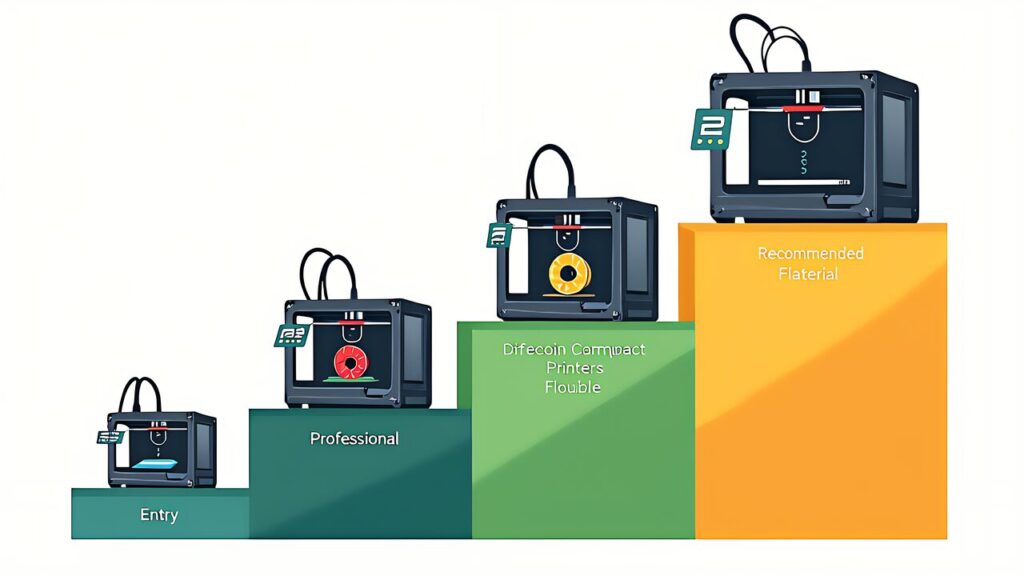
In conclusion, multi-material AI 3D print optimization transforms 3D printing from a “single-material shaping tool” into a “multi-property functional design platform.” Color is decoration; material is function.
Furthermore, start with a simple two-material combination — PLA + TPU for a rigid-flexible integrated grip. Experience firsthand how material property differences become functional differences. From that single experience, you’ll understand why multi-material is the true unlocked potential of 3D printing.
For more information, visit All3DP: Multi-Material 3D Printing.
In the next article, “Digital Twin × 3D Print AI Simulation,” we’ll explore how to eliminate print failures before they happen through virtual simulation — a capability that becomes even more critical as multi-material complexity increases.