Bambu Lab X1E for Manufacturing: Why Factories Are Choosing This 3D Printer for Production
swiftwand swiftwand.ai
You want to sell things made with a 3D printer. But you don’t know “how much to charge” — this is the wall that virtually everyone entering the 3D printing business hits. Too cheap means losses; too expensive means no sales. Pricing based on intuition and experience kills businesses, even in 3D printing where there’s no inventory risk. This article explains how to automate 3D print cost calculation with AI and build a system where you “never struggle with pricing again.”
In the previous article “5 Printers, 1 Human: AI-Powered 3D Print Production Line,” we covered building a mass production system. Once you have the production environment in place, the next requirement is “the science of optimal pricing.” The cost structure of 3D printing is fundamentally different from injection molding or CNC machining. No molds. No setup changes. The unit price barely changes whether you make 1 or 1,000. Without properly understanding this uniqueness, applying traditional manufacturing pricing logic leads to systematic underpricing or overpricing.

The biggest mistake most makers commit is assuming cost = filament price. “A 1kg spool costs ~$20, this part uses 50g, so that’s ~$1.” This calculation is correct but captures only 20–30% of the full picture. Actual 3D print cost calculation involves at least 7 cost elements. Without accurately grasping each one, the very foundation of your pricing crumbles.
① Filament (Material Cost). For Polymaker PolyTerra PLA, a 1kg spool runs ~$19–$20. Multiply the gram output from your slicer by the unit price. However, what’s often overlooked is support material and purge waste (from color changes). In practice, 15–25% is added as waste on top of displayed weight. In other words, if the slicer shows “50g,” estimate actual consumption at 60–63g.
② Electricity Cost. FDM printer power consumption is 100–250W, but during PLA printing, actual measurement typically shows 80–150W. If a 120W printer runs for 8 hours, that’s 0.96kWh. At typical electricity rates (~$0.18/kWh), one print costs ~$0.17. Small individually, but printing 100 items monthly adds up to ~$17. Furthermore, don’t overlook heat bed preheat time — even PLA adds 5–10 minutes of extra energy consumption per print.
③ Printer Depreciation. The Bambu Lab A1 mini costs ~$200–$325, the Prusa MK4 approximately $750–$1,260. Industry standard estimates FDM printer lifespan at roughly 5,000 hours. For a $267 printer, that’s ~$0.05/hour in depreciation. An 8-hour print adds $0.43. Makers who ignore this are essentially treating their printer as a “free tool.” Additionally, factor in nozzle replacements (~$3–$7 every 500–1,000 hours) and belt replacements as consumable costs.
④ Failed Print Cost. No matter how well-tuned your printer is, a 5–15% failure rate is unavoidable in practice. A 10-hour print that fails at 80% completion wastes 8 hours of electricity, material, and time. This “invisible loss” must be factored into per-unit cost as a statistical average. Specifically, if your failure rate is 10%, multiply all costs by 1.1.
⑤ Post-Processing and Packaging Costs. Support removal, sanding, painting. Plus sales packaging materials. The range is $0.35–$2 per item, but varies greatly by product category. Figurines and miniatures require 20–40 minutes of support removal and surface finishing. Functional parts need 10–20 minutes of accuracy verification and tolerance checking.
⑥ Platform Fees. Etsy charges $0.20 per listing plus 6.5% of sales. Mercari takes 10%. Shopify runs from $39/month plus payment processing fees. These are often treated as “unavoidable expenses,” but choosing the wrong platform can shave 3–5% off your profit margin unnecessarily.
⑦ Labor Cost (Your Own Work). Design, slicer settings, quality checks, shipping, customer support. Convert at $10/hour and calculate minutes per item. A surprisingly large number of people treat this as “free.” Even as a side business, your time has value. If you spend 2 hours designing an original product and only sell 10 units, that’s $20 in design cost per item. Sell 100 and it dilutes to $2.
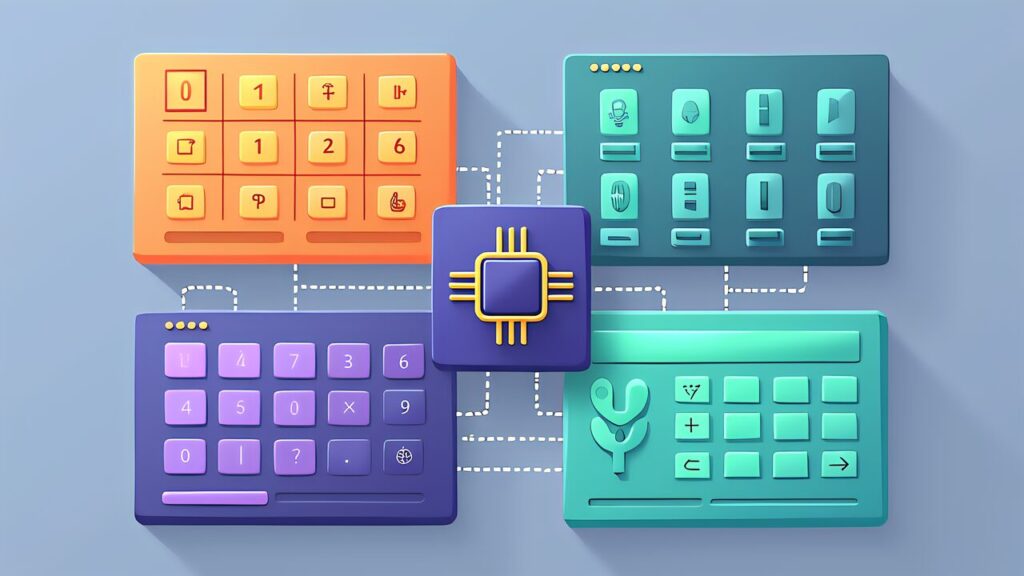
Manually calculating all 7 elements every time is unrealistic. This is where AI and calculation tools come in. Let’s review the key tools currently available along with their strengths and limitations.
Prusa 3D Printing Price Calculator is a free web-based 3D print cost calculation tool published by Prusa Research. Input material costs, electricity, depreciation, and labor, and it auto-calculates per-unit manufacturing cost and recommended selling price. The UI is simple enough for beginners to grasp cost structure in 10 minutes.
Calc3dprint (calc3dprint.com) offers more detailed parameters. It enables precise material cost calculations considering filament density, nozzle diameter, and infill rate, with cross-material comparison capabilities. It excels at analyses like “cost difference between printing the same model in PLA vs. PETG.”
3D Print Desk (3dprintdesk.com) is a comprehensive tool with print job management features. Beyond cost calculation, it handles print queue management and customer information linking, covering the entire small business workflow. Particularly suited for made-to-order business models.
Omnicalculator’s 3D Printing Calculator features an educational approach. It explains the theory behind each formula while building up costs step by step. Ideal for makers who want to understand “why that number.” Best for beginners grasping the overall cost structure.

Static calculators are useful for initial estimates, but in real business operations, costs fluctuate constantly. Filament prices change, electricity rates vary by season, and failure rates shift with new materials. AI-powered dynamic cost management handles these changes automatically.
Approach 1: Claude-Powered Spreadsheet Automation. Export your print history (material used, print time, failures) to CSV and have Claude analyze it. Claude can identify patterns like “PETG prints have a 3% higher failure rate than PLA” and automatically adjust cost formulas. Furthermore, by regularly feeding updated filament prices, Claude keeps your cost calculations current without manual intervention.
Approach 2: Google Sheets + Apps Script Integration. Build a cost calculation spreadsheet that auto-pulls filament prices from supplier APIs and electricity rates from utility company data. Apps Script triggers recalculation whenever input data changes. This approach requires initial setup effort but runs maintenance-free afterward.
Approach 3: Custom Python Dashboard. For technically inclined makers, a Streamlit-based dashboard that integrates with your printer farm’s API (OctoPrint/Bambu) provides real-time cost tracking per print job. Combined with Obico’s failure data, it automatically adjusts failure rate assumptions. This is the most powerful approach but requires programming skills.
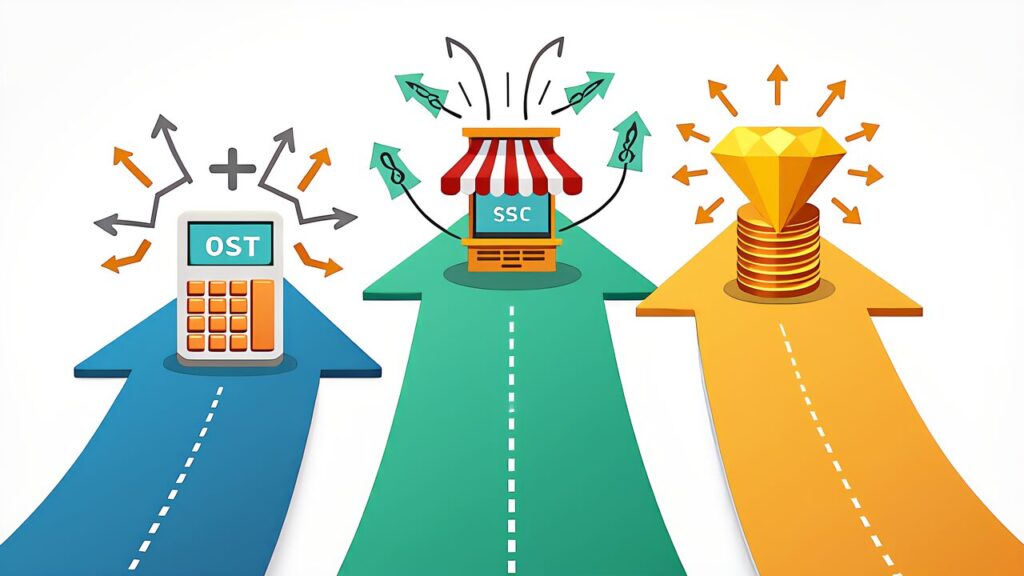
Once you know your true costs, the next question is: “How much markup?” There are three fundamental strategies, each with different optimal use cases.
Cost-Plus Pricing: Total cost × markup rate (typically 2–5x). The simplest and most conservative approach. Best for commodity products where you need to ensure minimum profitability. For example, if total cost is $5, selling at $15 (3x markup) guarantees a 67% gross margin. The limitation is that it ignores what the market is willing to pay.
Market-Driven Pricing: Research competitor prices on Etsy and set yours relative to the market. Use EverBee data to identify the price sweet spot. This approach maximizes sales volume but can lead to a race to the bottom if competitors undercut aggressively. Best combined with cost-plus as a floor price.
Value-Based Pricing: Price based on the perceived value to the customer, not your costs. A custom nameplate that costs $3 to produce might be worth $40 to someone who wants a unique wedding gift. This strategy yields the highest margins but requires understanding your customer’s emotional drivers. AI tools like Claude excel at analyzing customer reviews to identify value perception patterns.
Theory is important, but what matters most is getting started. Here’s a practical 30-minute setup to have AI handle your cost calculations from today.
Minutes 1–10: Build Your Cost Template. Open Google Sheets or Excel. Create columns for: Material (g), Material Cost, Print Time (h), Electricity, Depreciation, Failure Allowance (10%), Post-Processing Time, Packaging, Platform Fee (%), and Labor. Input your printer’s specs and local electricity rate as fixed parameters.
Minutes 11–20: Calibrate with Real Data. Print one of your products and record actual measurements: weigh the finished print plus waste, note actual print time from your slicer, and time your post-processing. Input these real numbers into your template. Compare them against your slicer’s estimates — most people find reality is 15–25% higher than estimates.
Minutes 21–30: AI-Powered Analysis. Copy your completed spreadsheet data and paste it into Claude. Ask: “Analyze this cost breakdown and suggest an optimal selling price using cost-plus, market-driven, and value-based strategies.” Claude will generate three price points with reasoning for each, giving you a data-backed pricing framework you can use immediately.
Furthermore, save this conversation as a template. Every time you develop a new product, paste updated costs into the same Claude conversation thread. Over time, Claude builds context about your business and provides increasingly refined pricing recommendations.
The shift from “deciding” prices to “calculating” them is the turning point where a 3D printing hobby becomes a business. By making all 7 cost elements visible, leveraging AI for dynamic cost management, and choosing the right pricing strategy for each product, you eliminate the guesswork that kills most side businesses.
The tools are available today, most of them free. The 30-minute setup described above is your minimum viable pricing system. Start there, refine as you learn, and let AI handle the numbers while you focus on what matters — creating products people love.
For the next step in building your AI-powered 3D printing business, see our guide on product photography: AI Product Photography for 3D Prints.