Bambu Lab 3D Printer Complete Guide: High-Speed Multi-Color Printing for Beginners (2026)
swiftwand swiftwand.ai
Two sellers list identical-quality 3D printed products at the same price. One sells 50 per month; the other sells 5. The decisive difference? Product photos. In the e-commerce market, it’s widely known that photo quality largely determines click-through rates and ultimately sales. By introducing AI into 3D print product photography, anyone can achieve professional-grade visual presentation without expensive equipment or photography expertise.
In the previous article “AI-Optimized 3D Print Cost Calculation,” we covered optimal pricing. However, no matter how fair your pricing is, it won’t sell if nobody clicks. 3D printed products carry an inherent disadvantage in photography: layer lines, single colors, and small sizes. Overcoming this triple challenge is where the latest AI image processing capabilities become essential.

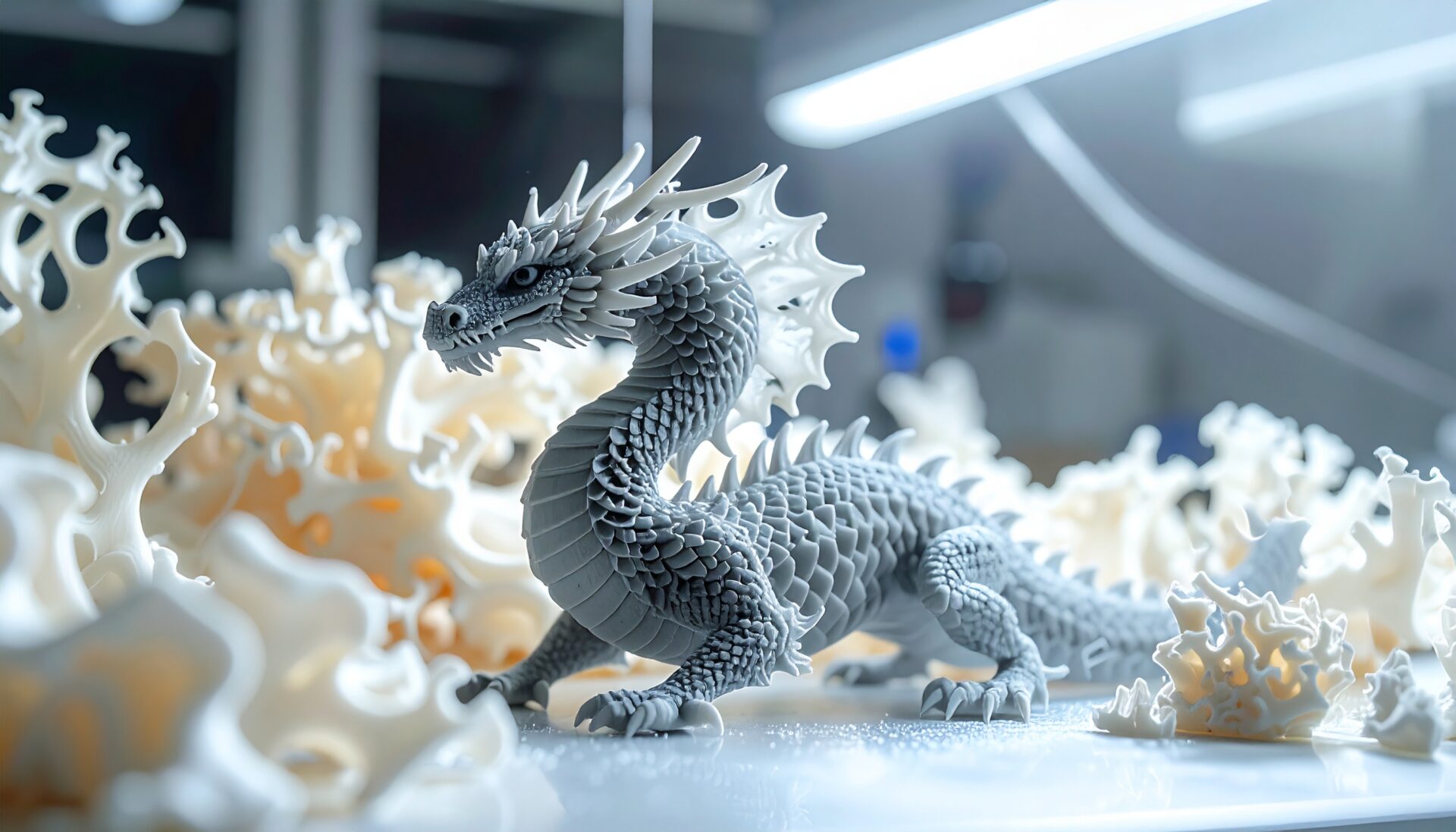
The difficulty of 3D print product photography stems from the physical properties of the materials. FDM-printed PLA products retain fine layer lines on the surface. While barely noticeable to the naked eye, camera macro shots and smartphone high-resolution lenses mercilessly pick them up. Furthermore, PLA and PETG have semi-glossy surface finishes that create unwanted reflections, making color reproduction in photos particularly challenging.
Color is another problem. Most FDM printing is single-color. Even with Bambu Lab’s AMS (Automatic Material System) supporting up to 16 colors, achieving uniform color like injection-molded products remains difficult. Color variations and filament lot differences show clearly in photos. Silk PLA and gradient filaments in particular look stunning in person but photograph poorly due to uneven light reflection.
Size is also a serious issue. Most 3D printed products are palm-sized items like phone stands, cable holders, and miniature figurines. Shooting small products attractively requires scale staging and background control. Without comparison objects (pen, coin, hand) in frame, customers can’t accurately perceive size.
This is where AI enters the picture. By lowering the technical barriers of photography, AI enables anyone to elevate product presentation to professional standards. In the 2026 e-commerce market, “hybrid workflows” are becoming mainstream — a new division of labor where humans handle photography basics and AI handles post-processing and visual enhancement.
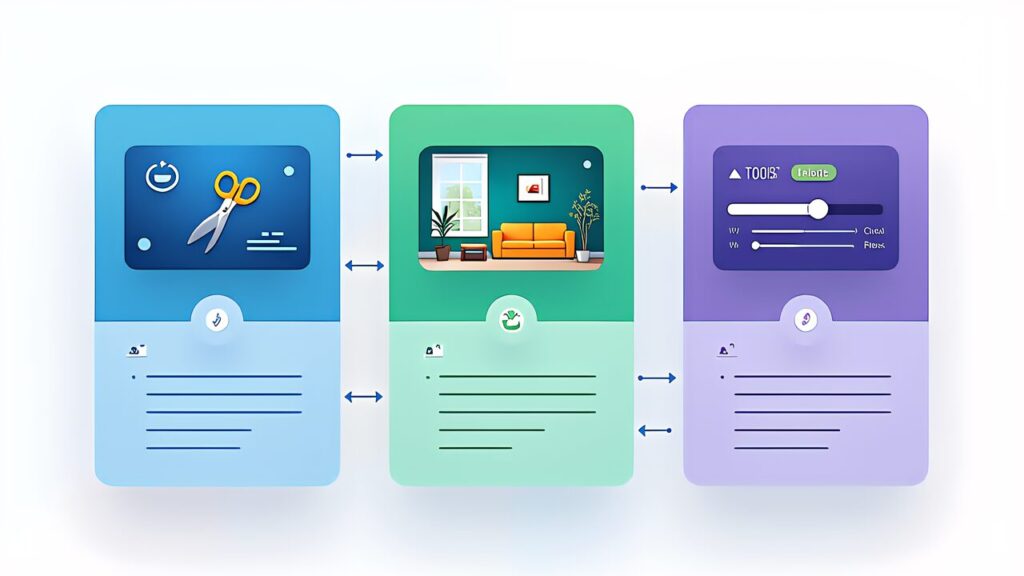
remove.bg is an AI-powered automatic background removal service. Upload a product photo and get a transparent PNG in seconds. The free plan processes up to 50 images per month. For 3D printed products, this tool works best with solid-colored items against contrasting backgrounds. Furthermore, combining remove.bg’s output with Canva’s product mockup templates creates professional lifestyle shots without any photography equipment.
PhotoRoom offers both background removal and AI-powered scene generation. Its “Instant Backgrounds” feature generates contextually appropriate backgrounds based on product type. Particularly effective for 3D printed home decor items, as it can place your product in realistic room settings. The Pro plan costs ~$14/month (as of March 2026).
Flair.ai specializes in AI-generated product photography scenes. Upload your product image and describe the desired scene in text — “minimalist desk with morning light” or “rustic wooden shelf with plants” — and the AI generates a photorealistic composite. The free plan allows 20 generations per month, with the Pro plan at ~$11/month offering unlimited generations.
Pebblely is specifically designed for e-commerce product photography. It generates marketing-ready backgrounds and can batch-process multiple products with consistent styling. This consistency is particularly valuable for Etsy shops where visual brand coherence drives customer trust.
Topaz Photo AI excels at upscaling, noise reduction, and sharpening. For 3D printed products, its “Remove Noise” feature can subtly smooth layer lines without making the product look artificially rendered. The one-time license costs ~$199, making it a worthwhile investment for serious sellers.
Adobe Lightroom with AI (included in the Photography plan at ~$10/month) offers AI-powered auto-corrections that are particularly effective for color accuracy. Its “Color Grading” and “Masking” AI features can correct the color shifts that commonly occur when photographing translucent filaments like PETG.

Step 1: Basic Setup (Cost: $0). All you need is a smartphone, a white sheet of paper for background, and natural window light. Place the product on white paper near a window. Shoot from 3 angles: front 45°, top-down, and detail close-up. Use your phone’s portrait mode to create natural depth of field. This alone produces usable base images.
Step 2: Background Removal (Cost: $0). Upload to remove.bg or PhotoRoom’s free tier. Get clean transparent PNGs in seconds. Save these as your “product assets” — you’ll reuse them across multiple listings and marketing materials.
Step 3: Scene Generation (Cost: $0–$11/month). Use Flair.ai or Pebblely to place your product in contextual scenes. For a custom nameplate, try “modern entryway with morning light.” For a dice tower, try “tabletop RPG setup with dim atmospheric lighting.” Generate 3–5 variations and pick the best performers.
Step 4: Final Polish (Cost: $0–$10/month). Run the final images through Lightroom mobile (free tier) for color correction and exposure adjustment. Ensure consistent color temperature across all listing images. Furthermore, add a size reference image — one shot with a hand or common object for scale.
This entire workflow takes 15–20 minutes per product and costs $0–$21/month for tools. Compare this to professional product photography at $50–$200 per product, and the ROI is immediately clear.

The numbers speak for themselves. Etsy’s own data shows that listings with professional-quality photos receive 2–3x more clicks than those with amateur photos. For 3D printed products specifically, where visual differentiation is crucial, the impact can be even more pronounced.
Consider a practical example: a custom nameplate seller using AI photography invested approximately ~$24/month in tools (Flair.ai Pro + Lightroom). After upgrading all listing photos, click-through rate increased from 1.2% to 3.8%, and monthly sales grew from 15 to 45 units. At $27 per unit, the additional 30 sales generated $810/month in revenue — a 33x return on the $24 tool investment.
Furthermore, consistent visual branding across all listings builds shop credibility. Customers who see professional, cohesive product images are more likely to browse additional products, increasing average order value. This compounding effect makes AI photography one of the highest-ROI investments for any 3D printing side business.

There’s a critical line between “enhancement” and “deception.” AI-smoothing layer lines beyond what the actual product looks like, or generating scenes that misrepresent the product’s finish quality, crosses into misleading advertising. The golden rule: your product photo should make the customer say “it looks exactly like the photo” when they receive it, not “this isn’t what I expected.”
Specifically, acceptable AI enhancements include: background replacement, lighting correction, color accuracy improvement, and lifestyle scene compositing. Unacceptable manipulations include: removing actual surface defects, changing the product’s color, adding features that don’t exist, or making the product appear larger than it is. Including at least one unedited “raw” photo in your listing builds trust and reduces returns.
Etsy’s seller policy requires that product photos accurately represent the item. Platforms are increasingly using AI to detect manipulated product images. Building your brand on honest, enhanced photography is not just ethical — it’s strategically smart for long-term business sustainability.
AI product photography tools have eliminated the biggest gap between amateur and professional sellers: visual presentation quality. With a smartphone, free AI tools, and 15 minutes per product, anyone can create listing images that compete with professionally shot products.
The key is to start simple. Use remove.bg for clean backgrounds, Flair.ai for lifestyle scenes, and Lightroom for final color correction. As your sales grow, invest in more advanced tools. The important thing is to get your products looking their best today, not to wait until you can afford a professional photo studio.
Next in our series: building an automated online store with AI-powered order management — AI × Shopify: Building a 3D Print On-Demand Store.