How to Start a Pet 3D Figurine Business: Home-Based Startup with Meshy AI and 3D Printers (Complete Guide)
swiftwand swiftwand.ai
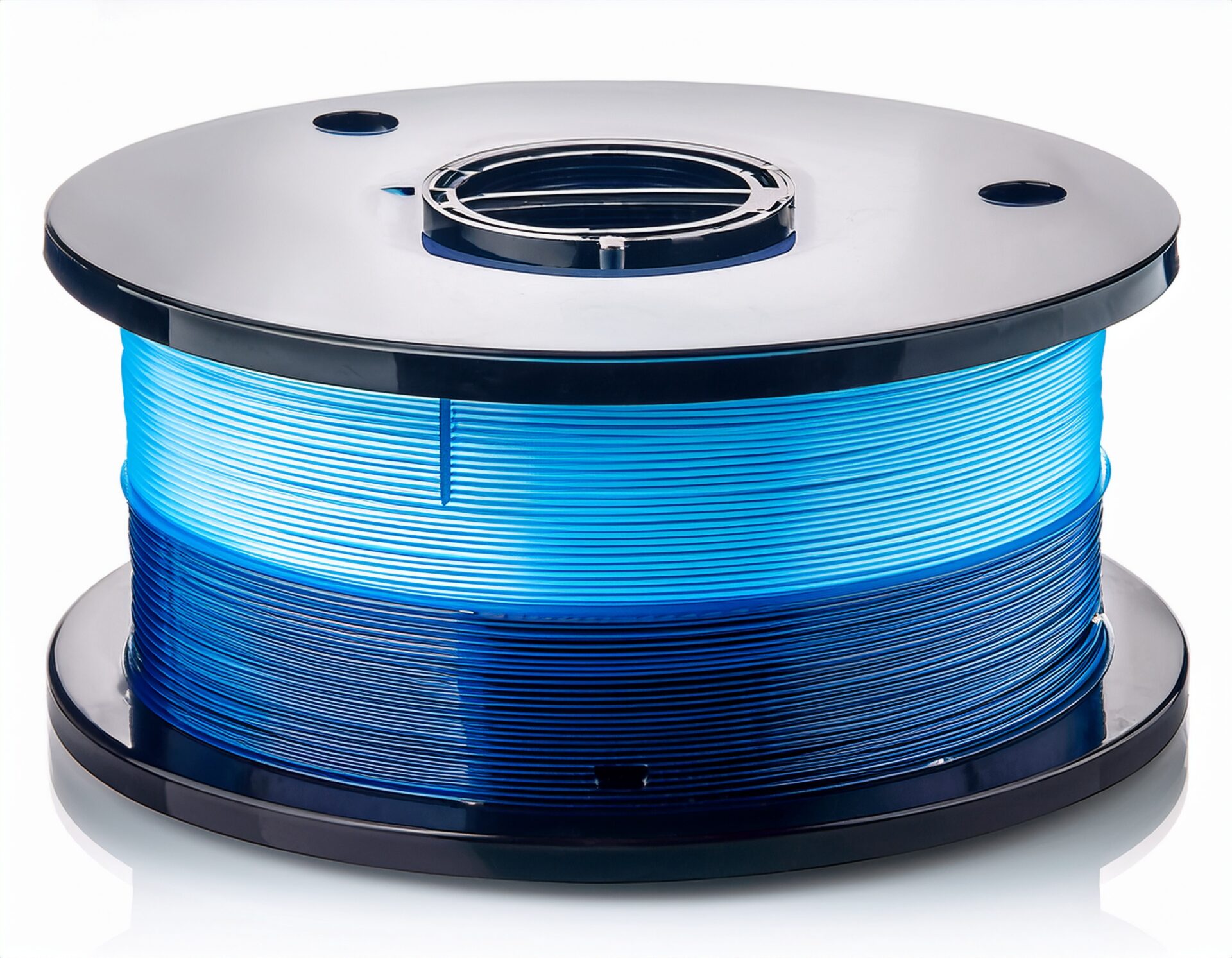
Have you ever noticed string-like residue, gaps between layers, or rough surfaces when 3D printing? Many of these issues are actually caused by filament absorbing moisture from the air. Meanwhile, many users struggle with insufficient strength or warping in their prints. PLA in particular is easy to print with but lacks strength and heat resistance. Did you know that proper annealing treatment can dramatically improve these problems?
The SUNLU E2 we’re introducing here is an innovative device that handles both filament drying and annealing in a single unit. This product is currently running a crowdfunding campaign on CAMPFIRE, offering a chance to purchase at a discount compared to the regular retail price.
3D printing filaments are inherently prone to absorbing moisture from the air. Common materials like PLA, ABS, and PETG begin absorbing moisture within just days of opening. No matter how high-performance your 3D printer is, if the filament contains moisture, you can’t achieve its full potential. Filament management is the absolute foundation of high-quality printing.
Annealing is a heat treatment process that rearranges the internal molecular structure of printed plastic parts by heating them at a specific temperature for a set duration. For PLA filament, heating near the glass transition point (approximately 60°C) increases crystallinity, improving both strength and heat resistance.
Previously, annealing was done manually using ovens or heat guns. However, temperature management was difficult, and issues like deformation from overheating and quality inconsistency from uneven heating were common challenges.
The SUNLU E2 integrates filament drying and annealing functions into a single device designed for 3D printing enthusiasts. Its intuitive operation and precise temperature control make it accessible for beginners through advanced users:
Notably, optimized preset programs are provided for each material type. For example, PLA is preset at 55°C and ABS at 65°C, enabling proper treatment even without specialized knowledge.
The SUNLU E2’s drying mode supports temperature settings for various filament materials. Applying appropriate drying treatment for each material maximizes print quality:
Over-drying can also be problematic, so proper time and temperature management matters. The SUNLU E2’s timer function helps prevent over-drying while achieving optimal results.
In annealing mode, place finished parts inside the chamber and heat at the appropriate temperature for the material. For PLA, the standard is 60–65°C for 1–2 hours.
For example, when creating functional prototypes, dry your filament first, then print, and finally apply annealing treatment — achieving strength and quality close to commercial products.
The SUNLU E2, designed specifically for 3D printing, excels in temperature control precision, ease of use, and safety. Covering both functions in a single unit also offers excellent space efficiency.
The SUNLU E2 is currently running a project on CAMPFIRE, Japan’s crowdfunding platform, offering a chance to purchase at a discount before general retail. Benefits include early-bird pricing, priority shipping, and potential bonus accessories or extended warranty. However, crowdfunding carries risks such as potential delivery delays and minor specification changes — review the project page carefully before backing.
After drying, store filament in sealed containers with desiccant to extend the effect. Combining the SUNLU E2 with proper storage creates an environment where you always use filament in optimal condition.
The SUNLU E2 is an innovative device covering two critical processes that determine 3D print quality — filament drying and annealing — in a single unit. It’s a highly valuable investment for intermediate and advanced users aiming to improve their print quality. It’s especially recommended for those struggling with stringing and layer adhesion issues, those wanting to improve part strength and durability, users working with multiple materials pursuing high-quality output, those creating functional prototypes and practical parts, and anyone looking to seriously level up their 3D printing setup.
3D print quality depends not only on printer performance but significantly on filament condition and post-processing. The SUNLU E2 supports all these processes, serving as a reliable partner to take your 3D printing experience to the next level.
さらに詳しい情報はAll3DPでご覧いただけます。