How to Start a Pet 3D Figurine Business: Home-Based Startup with Meshy AI and 3D Printers (Complete Guide)
swiftwand swiftwand.ai
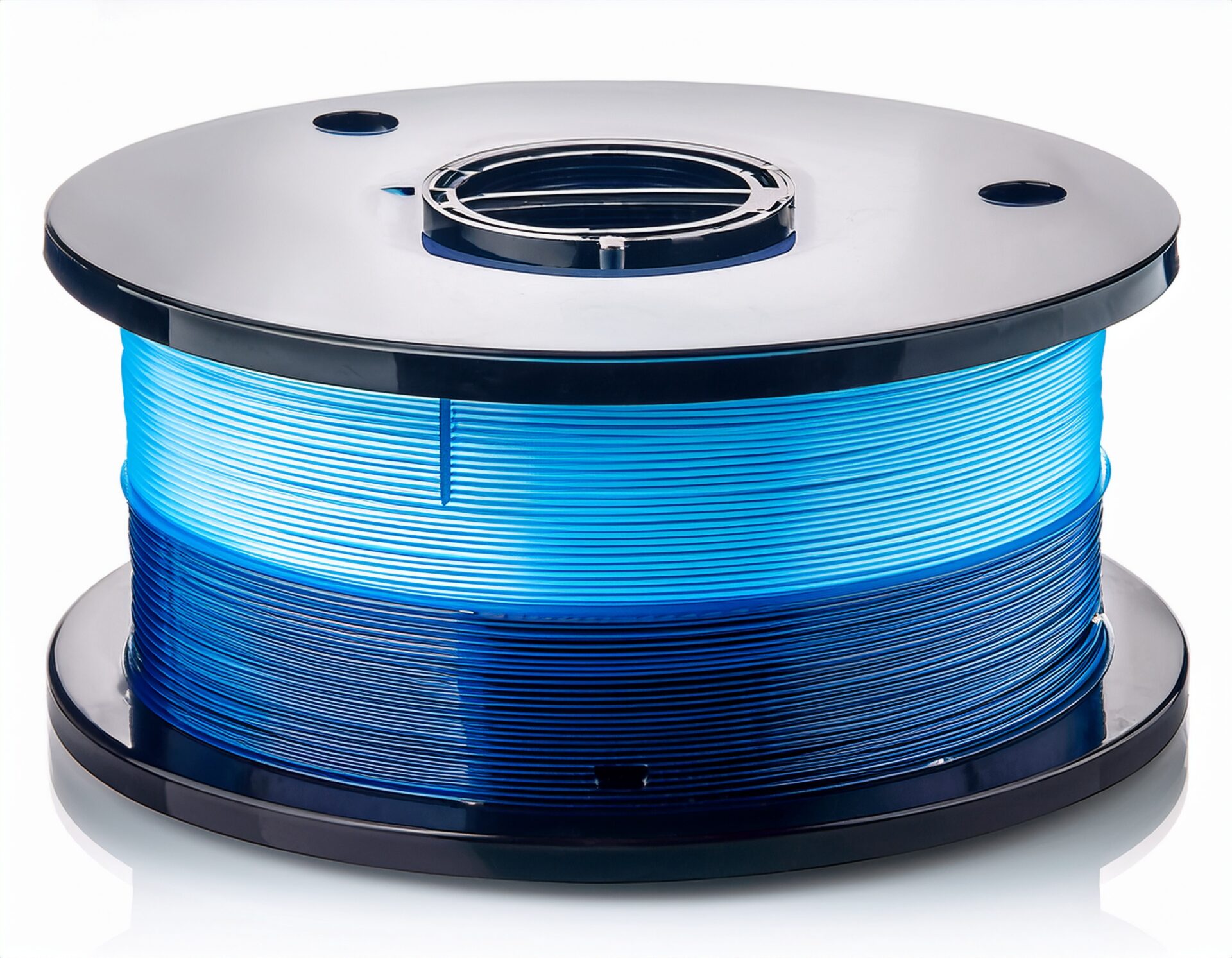
You’ve carefully leveled your bed, dialed in your slicer settings, and even upgraded your hotend — but your prints still come out with ugly stringing, rough layer lines, or random blobs. Sound familiar? The culprit might not be your printer at all. It could be your filament absorbing moisture from the air.
Filament moisture is one of the most overlooked causes of 3D print failures. PLA, PETG, ABS, Nylon, and TPU are all hygroscopic materials — they absorb water from the atmosphere. Even a few hours of exposure can degrade print quality noticeably.
In this guide, we’ll explain exactly how moisture affects your filament, how to test if your filament is wet, and the best methods to dry it — from DIY solutions to dedicated filament dryers.
Most 3D printing filaments are made from thermoplastic polymers that are hygroscopic — meaning they naturally attract and absorb water molecules from the surrounding air. This process happens at the molecular level and is invisible to the naked eye.
The rate of moisture absorption depends on several factors:
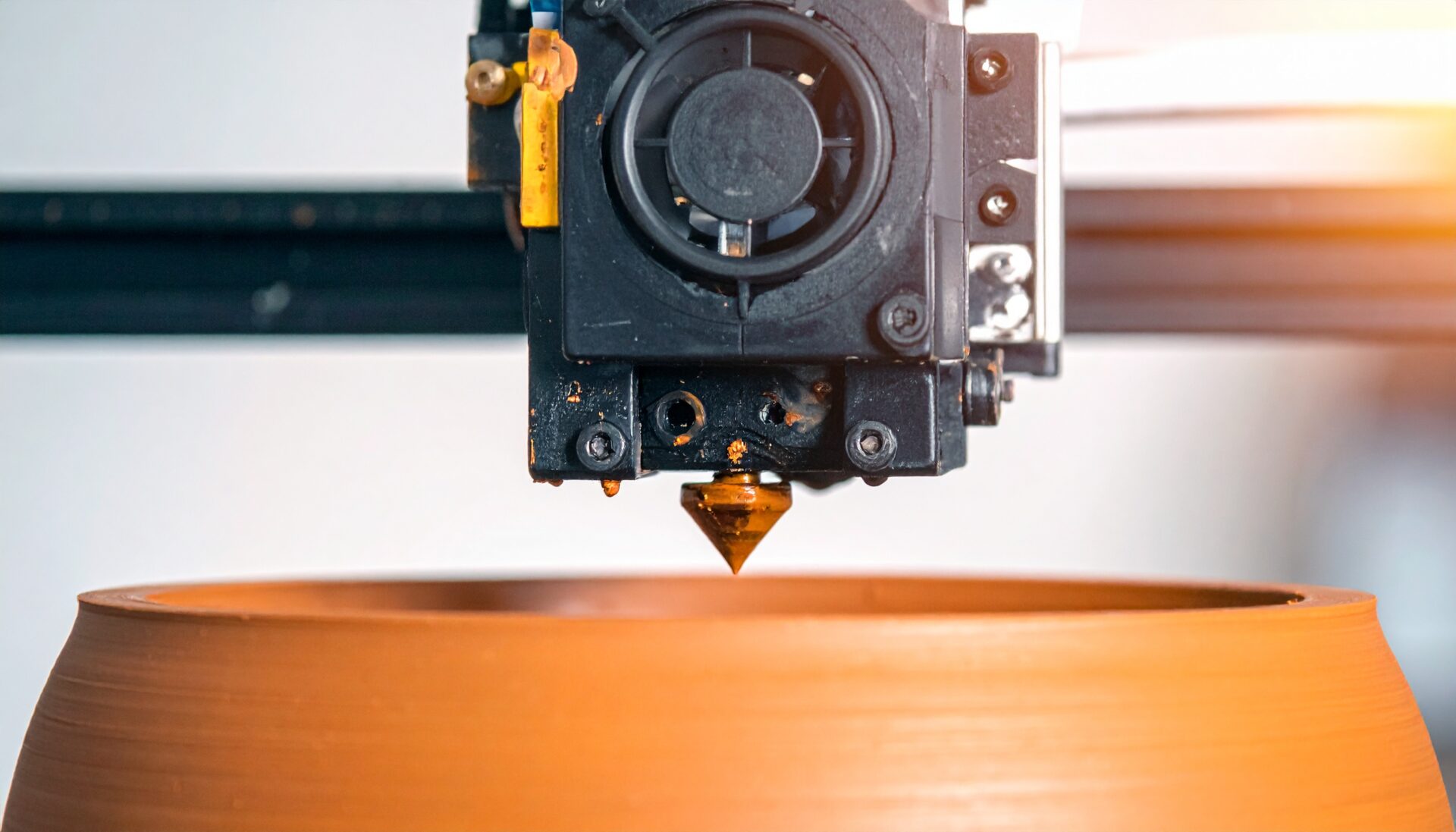
When wet filament passes through your hotend, the absorbed water turns to steam at printing temperatures (typically 190–260°C). This rapid vaporization causes several visible defects:
Steam pressure inside the nozzle pushes molten plastic out even during travel moves, creating thin strings between printed parts. If you’ve tried adjusting retraction settings without success, moisture is likely the real cause.
Listen to your printer during extrusion. If you hear popping, sizzling, or crackling sounds, that’s water boiling inside the hotend. This is the most reliable indicator of wet filament.
Steam bubbles create inconsistent extrusion, resulting in rough, pitted surfaces with random blobs and zits. The surface texture will look noticeably worse compared to prints made with dry filament.
Moisture-induced steam creates micro-voids between layers, weakening the bond. Parts printed with wet filament are significantly weaker and more likely to delaminate under stress.
The intermittent steam generation causes the extrusion flow rate to fluctuate. This results in alternating thin and thick sections along extrusion lines, visible as an uneven, “wavy” pattern on print walls.
For materials like PLA and PETG, prolonged moisture exposure can cause hydrolysis — a chemical breakdown of the polymer chains. This makes the filament brittle and prone to snapping, even before printing.
Before spending time drying filament, here are quick ways to check if moisture is actually the problem:
Extrude filament slowly (5-10mm/s) and listen carefully. Dry filament extrudes quietly with a smooth, consistent flow. Wet filament produces audible pops, crackles, or hissing sounds as steam escapes from the nozzle.
Extrude a line of filament in mid-air. Dry filament produces a smooth, consistent strand. Wet filament creates a rough, bubbly strand with visible steam wisps or an irregular diameter.
Try bending a piece of PLA filament. Fresh, dry PLA should flex slightly before breaking cleanly. Severely moisture-damaged PLA will snap instantly like a dry twig with little to no flexibility.
Purpose-built filament dryers like the SUNLU S2, eSUN eBOX Lite, or Creality Space Pi are the most reliable option. They maintain precise temperatures with even heat distribution and allow you to print directly from the dryer.
A food dehydrator with adjustable temperature settings works surprisingly well. Look for models that can reach at least 60°C (140°F) and have enough interior space for a filament spool.
A conventional oven can dry filament, but proceed with extreme caution. Most home ovens have poor temperature accuracy and hot spots. The risk of accidentally melting your filament is real, especially with PLA (glass transition ~60°C).
While not a “drying” method per se, storing filament with silica gel desiccant in airtight containers or vacuum bags prevents moisture absorption in the first place. This is the best long-term strategy.
Each filament material has an optimal drying temperature. Going too high risks deforming the spool or fusing filament layers together. Here are the recommended settings:
| Material | Drying Temp (°C) | Drying Temp (°F) | Duration (hours) |
|---|---|---|---|
| PLA | 45–50 | 113–122 | 4–6 |
| PETG | 60–65 | 140–149 | 4–6 |
| ABS | 60–80 | 140–176 | 4–6 |
| Nylon (PA) | 70–80 | 158–176 | 8–12 |
| TPU | 50–60 | 122–140 | 4–6 |
| PVA | 45–50 | 113–122 | 4–6 |
| ASA | 60–80 | 140–176 | 4–6 |
| Polycarbonate | 70–80 | 158–176 | 8–12 |
Prevention is always better than cure. Follow these storage guidelines to keep your filament dry:
For active printing, consider building or buying a dry box with PTFE tube feed-through. This lets you print directly from a sealed, desiccated environment. Several commercial options exist (like the SUNLU FilaDryer S4 or eSUN eBOX), or you can DIY one from a plastic storage container.
PLA is the least hygroscopic common filament, but it still absorbs moisture over weeks. More importantly, PLA undergoes hydrolysis — meaning moisture chemically degrades the polymer over time, making it brittle. Old PLA that snaps easily should be replaced rather than just dried.
PETG is more hygroscopic than PLA and shows moisture effects quickly. Stringing is PETG’s biggest weakness, and moisture makes it dramatically worse. Always dry PETG before printing if it’s been open for more than a few days.
Nylon is extremely hygroscopic and can absorb enough moisture in just a few hours to affect print quality. Many experienced users print Nylon directly from a dryer. If your Nylon prints look foamy or have terrible layer adhesion, moisture is almost certainly the cause.
TPU absorbs moisture moderately but shows dramatic effects when wet — excessive stringing, bubbling, and poor surface quality. Dry TPU at lower temperatures (50–55°C) to avoid the flexible material sticking to itself on the spool.
The difference between wet and dry filament is often dramatic. Here’s what you can typically expect after properly drying your filament:
In theory, no — thermoplastics reach an equilibrium moisture level and won’t lose more water beyond that point. However, excessive temperatures or extremely long drying times can cause other issues like spool warping, filament fusion on the spool, or color changes. Stick to recommended temperatures and times.
It depends on your environment. In a climate-controlled room (40–50% RH), PLA can stay usable for weeks. Nylon may re-absorb significant moisture in just 24–48 hours. Always store dried filament in airtight containers immediately after drying.
Not necessarily. While most manufacturers vacuum-seal their filament with desiccant, shipping conditions, warehouse storage, and damaged seals can all introduce moisture. If a “new” spool shows symptoms of moisture, don’t hesitate to dry it.
Absolutely not. Microwaves heat unevenly and can melt or ignite filament. Never use a microwave for filament drying.
Filament moisture is one of the most common — yet most underestimated — causes of 3D print quality issues. If you’ve been chasing perfect retraction settings, tweaking temperatures, or adjusting print speeds without improvement, the answer might be as simple as drying your filament.
Invest in a filament dryer or food dehydrator, establish good storage habits, and you’ll see an immediate improvement in print quality. Your printer isn’t broken — your filament just needs to dry out.
さらに詳しい情報はAll3DPでご覧いただけます。