Your First 3D Print: AI-Assisted Zero-Failure Guide for Beginners
swiftwand swiftwand.ai
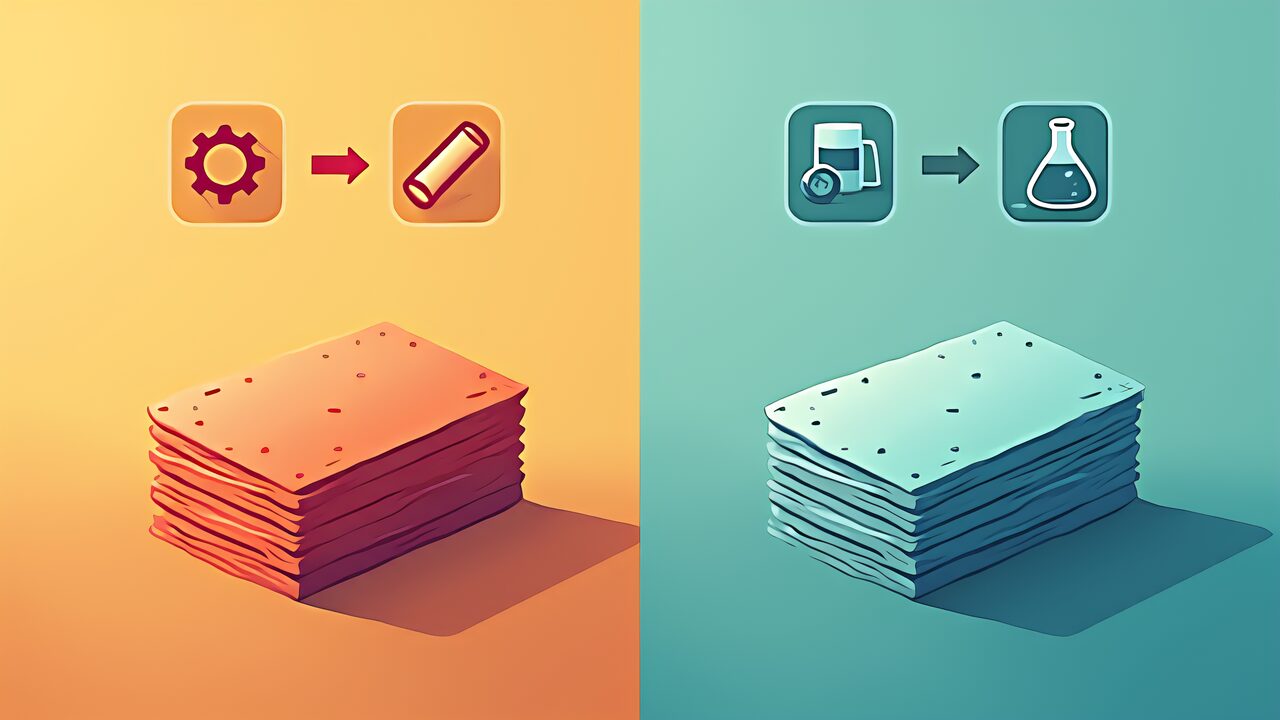
Additionally, whenever you search “how to choose a 3D printer,” the debate “FDM or SLA?” inevitably appears. The answer is clear: beginners should start with FDM. Here is a side-by-side comparison.
| Comparison | FDM | SLA |
|---|---|---|
| Resolution | 0.1–0.3 mm | 0.01–0.05 mm |
| Post-processing | Minimal (support removal only) | Wash + UV cure + dry |
| Safety | PLA is non-toxic and odorless | Resin is a skin irritant; gloves and ventilation required |
| Material cost | PLA 1 kg = $18–20 | Resin 1 kg = $25–40 |
| Additional equipment | None needed | Wash station + UV curing station ($100–200) |
| Beginner suitability | Very high | Low (safety knowledge and equipment required) |
Specifically, the only case where a beginner should start with SLA is when “figure painting and sculpting is your hobby and you absolutely need sub-0.05 mm detail.” In every other case, FDM is the clear starting point.
However, for all other scenarios, I strongly recommend starting with FDM. Safety (PLA is non-toxic and odorless), cost (filament is cheaper, no extra equipment needed), and learning curve (simpler workflow, faster iteration) all favor FDM for beginners.
Therefore, consider SLA after mastering the basics with FDM, as a second machine. You need proper knowledge of handling and storing uncured resin, including wearing nitrile gloves, ensuring adequate ventilation, and using UV-blocking containers for waste resin. These requirements become manageable once you understand 3D-printing fundamentals through FDM experience.
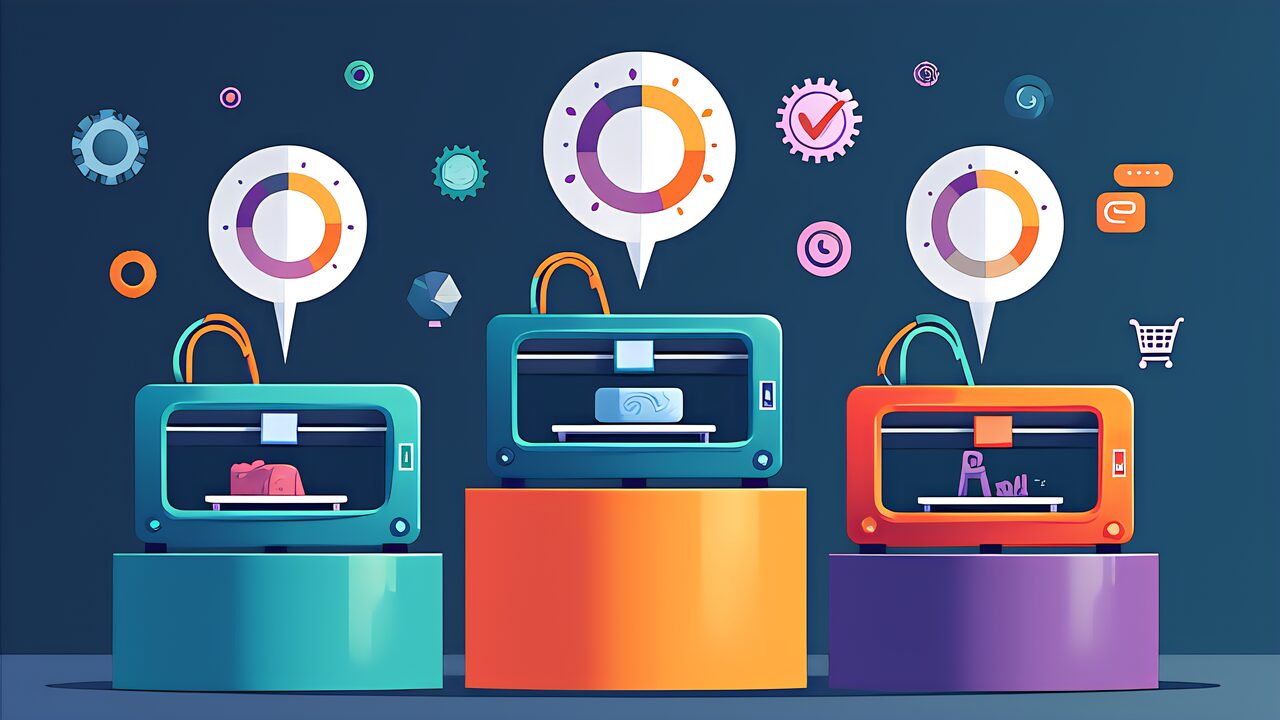
In conclusion, the essence of choosing a 3D printer is not “comparing spec-sheet numbers” but “choosing an environment where you are least likely to fail.” The AI Beginner Suitability Score evaluates exactly that: setup ease, AI feature completeness, community strength, and total cost.
In other words, with 2026 AI features dramatically reducing beginner failures, the most important criteria are “AI feature completeness” and “community size.” Spec-sheet numbers like max speed and build volume matter far less than the support system around you.
If you are still undecided, use this simple flowchart.
Furthermore, whichever you choose, all are excellent machines by 2026 standards. Three years ago, picking the wrong machine carried a high risk of giving up. Today, AI-assisted printers guide beginners through calibration, error detection, and material settings automatically. The barrier to entry has never been lower.
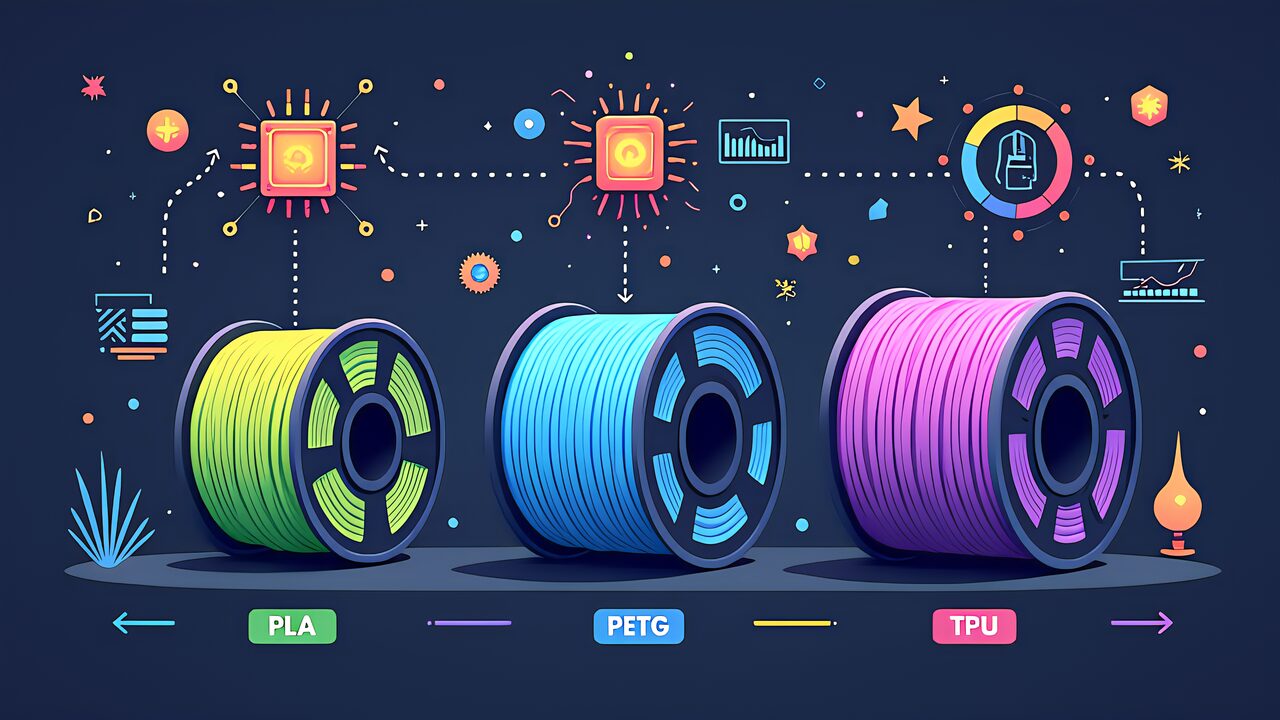
Next, tomorrow’s Part 3 covers “How to Choose 3D Printer Filament.” Now that you have chosen your printer, the next question is “what to print with.” We will explain PLA, PETG, TPU, and more so you can confidently pick your first three filament rolls.