5 Printers, 1 Human: Inside the AI-Powered 3D Print Production Line
swiftwand swiftwand.ai
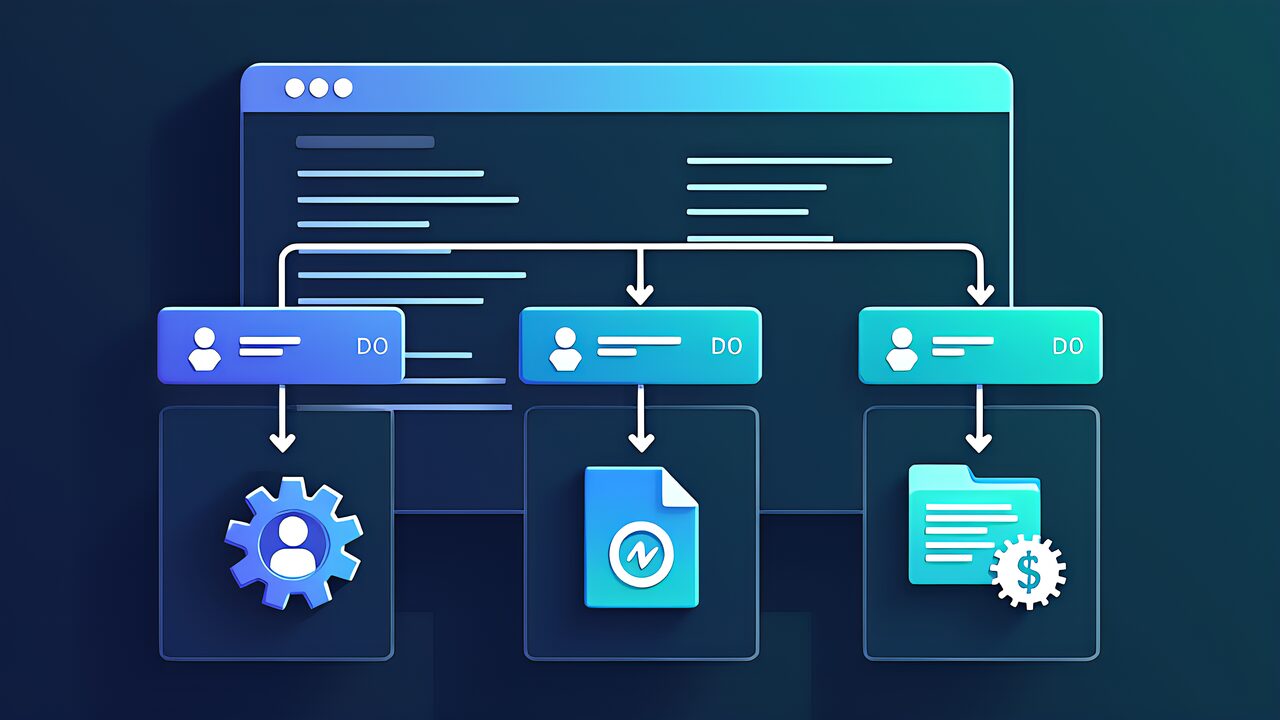
For example, among the five domains of the CCA Foundations exam, Domain 3 “Claude Code Configuration & Workflows” accounts for 20% of the total score. Comprising six task statements (T3.1–T3.6), it tests practical Claude Code configuration and operational skills from CLAUDE.md hierarchy design to CI/CD pipeline integration.
Therefore, as the fifth installment in our CCA exam prep series, this article provides a complete explanation of all Domain 3 tasks related to CCA exam Claude Code configuration and workflows.
The MCP integration knowledge from our previous Domain 2 explanation directly applies to T3.3’s path-specific rules.

On the other hand, the most important topic in CCA exam Claude Code configuration and workflows is CLAUDE.md’s hierarchical structure. CLAUDE.md is loaded at three levels, with lower levels overriding/supplementing higher ones.
| Level | Path | Scope | Purpose |
|---|---|---|---|
| User | ~/.claude/CLAUDE.md | All projects | Personal dev style, common rules |
| Project | project-root/CLAUDE.md | Entire repository | Project-specific conventions, structure info |
| Directory | any-directory/CLAUDE.md | That directory and below | Sub-package specific rules |
Similarly, the loading order is “User → Project → Directory,” with deeper levels taking higher priority. If you define a coding style at the user level and specify a different style at the project level, the project level takes precedence.
Writing @filename.md within CLAUDE.md imports external files.
# CLAUDE.md
@FLAGS.md
@RULES.md
@PRINCIPLES.md
In particular, this mechanism has three advantages. First, separation of concerns (managing security rules, coding conventions, and workflows in separate files). Second, reusability (sharing common rules across multiple projects). Third, maintainability (changes are localized).
Furthermore, .claude/rules/ contains rule files with glob patterns that are loaded only when editing matching files.
# .claude/rules/react-components.md
# paths: ["src/components/**"]

- Use functional components with hooks
- Follow naming convention: PascalCase for components
- Every component must have a corresponding .test.tsx file
This means React component rules are loaded only when editing files under src/components/. Unrelated files won’t consume tokens loading these rules.
| Criterion | Directory CLAUDE.md | .claude/rules/ |
|---|---|---|
| Target | All files under that directory | Files matching glob pattern |
| Scope | Directory tree-based | Pattern-based (cross-directory) |
| Placement | Distributed across directories | Centralized in .claude/rules/ |
| Token efficiency | Always loaded when entering directory | Loaded only when editing matching files |
Use /memory command to check currently loaded CLAUDE.md and rules state. Useful for debugging and design verification.
~/.claude/CLAUDE.md          ← Personal common (editor, language settings)
├── @FLAGS.md
└── @PRINCIPLES.md

project/CLAUDE.md             ← Project-wide (tech stack, naming conventions)

project/.claude/rules/
├── react-components.md       ← paths: ["src/components/**"]
├── api-endpoints.md          ← paths: ["src/api/**"]
└── test-conventions.md       ← paths: ["tests/**", "**/*.test.ts"]

project/packages/mobile/CLAUDE.md ← Mobile-specific rulesFurthermore, test files are scattered throughout the project and you want to apply consistent naming conventions. What is the optimal approach?
A) Add test conventions to the project root CLAUDE.md
B) Create a rule file with glob patterns in .claude/rules/
C) Place CLAUDE.md in each test directory
D) Write in user-level CLAUDE.md
Correct: B — Glob pattern "**/*.test.ts" can apply rules across scattered test files with good token efficiency. In exams, when you see “scattered files,” choose .claude/rules/ + glob patterns.

| Scope | Path | Sharing | Version Control |
|---|---|---|---|
| Project | .claude/commands/command-name.md | Entire team | Shareable via Git |
| User | ~/.claude/commands/command-name.md | Self only | Personal settings |
Command files are written in Markdown and use the $ARGUMENTS placeholder for user input. Place commands in the project scope (.claude/commands/) for Git sharing so the entire team can use them. In exams, when “team sharing” is mentioned, choose project scope.
Additionally, skills are domain-specific knowledge bundles with enhanced capabilities compared to simple commands. Skills can include multiple files, reference external resources, and define complex workflows.
| Criterion | Commands | Skills |
|---|---|---|
| Complexity | Single-file, simple instructions | Multi-file, domain knowledge |
| Invocation | Slash command (/command) | Automatic or explicit |
| Context isolation | None | Can use context: fork |
Q: A team needs a standardized code review workflow that all members can access. Where should it be placed?
Correct: .claude/commands/review.md — Project scope commands are shared via Git and accessible to all team members.
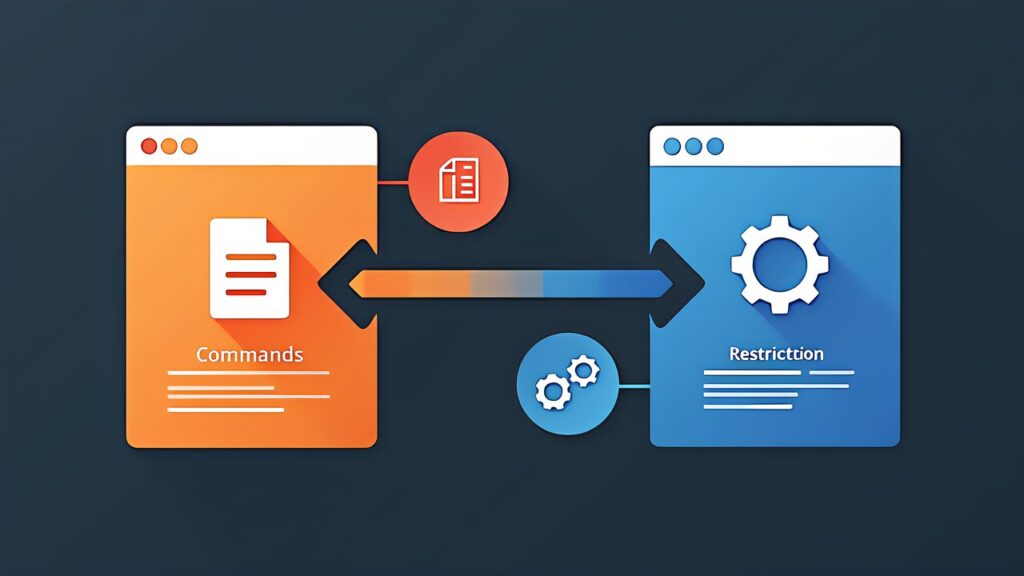
Specifically, Path-specific rules in D3 involve placing rule files with YAML frontmatter and glob patterns in the .claude/rules/ directory. Rules are conditionally loaded only when editing matching files, making them token-efficient
In .mcp.json, environment variables can be expanded in the format ${GITHUB_TOKEN}. Tools are discovered at connection time, and tools from multiple MCP servers become simultaneously available.
MCP resources provide content catalogs like issue lists, document hierarchies, and database schemas. This reduces exploratory tool calls (the “first get the file list, then read each one” pattern).
The tool description design principles covered in detail in our Domain 2 article apply directly to MCP server tool definitions.
| Scenario | Reason |
|---|---|
| Large-scale changes | Need to understand impact scope in advance |
| Multiple valid approaches exist | Need to compare and evaluate options |
| Architecture decisions | Includes irreversible decisions |
| Changes spanning multiple files | Need to verify consistency |
| Scenario | Reason |
|---|---|
| Single-file bug fix | Scope is clear |
| Typo correction | Impact range is limited |
| Documentation update | No impact on logic |
When in doubt, choosing the safe side (plan mode) is the golden rule.
Besides entering plan mode with /plan, you can use the Explore sub-agent to isolate exploratory investigation. Verbose exploration output doesn’t pollute the main conversation, and only summaries are returned. Ideal for investigating large codebases.
Specifically, when splitting a monolith application into microservices, why is plan mode recommended?
A) Because execution speed is faster
B) Because multiple splitting strategies can be compared, and irreversible architecture decisions require advance evaluation
C) Because plan mode has access to more tools
D) Because direct execution cannot handle multi-file changes
Correct: B — Architectural decisions are irreversible, requiring comparison of multiple strategies before execution.
Rather than abstract instructions, providing concrete before/after examples significantly improves Claude’s output quality. Include specific input-output pairs in CLAUDE.md or command files.
Write tests first, then let Claude iterate until all tests pass. This creates a measurable improvement loop with clear success criteria.
For complex tasks, use the “interview” pattern: ask Claude to gather requirements before starting implementation. This produces better results than one-shot instructions.
Keep messages focused and specific rather than bundling multiple unrelated requests. Each message should have a clear, single objective.
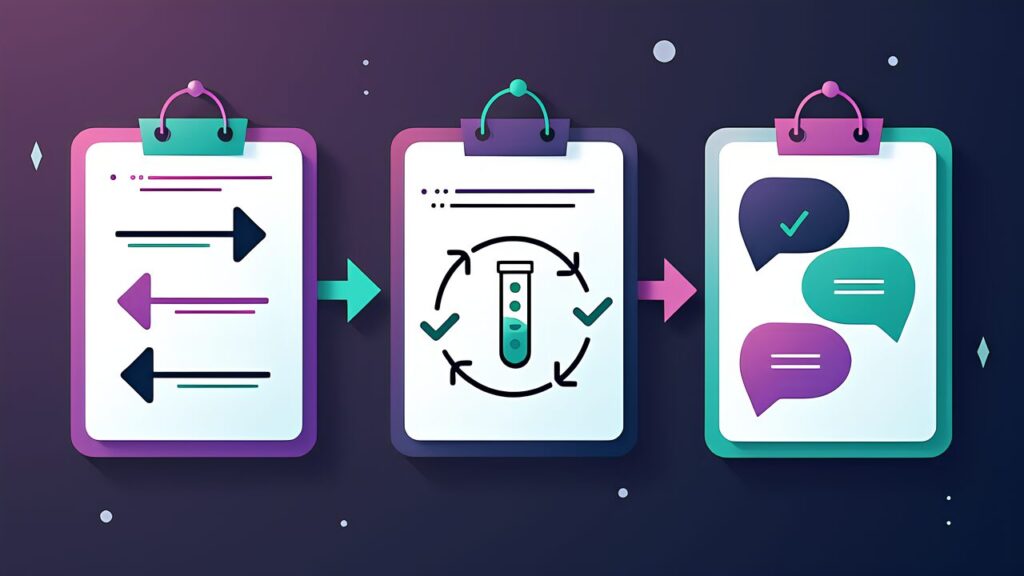
The -p flag runs Claude Code in non-interactive (pipe) mode, essential for CI/CD environments. Without it, Claude Code waits for interactive input and the job hangs.
The most common cause of CI jobs hanging is forgetting the -p flag. Without the flag, Claude Code waits for interactive input indefinitely, causing the job to timeout. In exams, when “CI job hangs” is mentioned, immediately answer -p flag.
Use --output-format json and --json-schema to get parseable structured output.
claude -p "Analyze code issues" \
    --output-format json \
--json-schema '{"type":"object","properties":{"issues":{"type":"array"}}}'In conclusion, CLAUDE.md is also loaded in CI environments. Project conventions and structure information are automatically included in the context, improving review quality.
Furthermore, self-review within the same session is weak. When reviewing code in the same session that generated it, prior reasoning context remains, creating bias against questioning one’s own judgments. CI code reviews should run in independent instances separate from code generation.
| Method | Reliability | Reason |
|---|---|---|
| Review in same session | Low | Bias toward own output |
| Review in independent instance | High | Objective evaluation without preconceptions |
name: Claude Code Review
on: [pull_request]
jobs:
  review:
    runs-on: ubuntu-latest
    steps:
      - uses: actions/checkout@v4
      - name: Security Review
        run: |
          claude -p "Review the changes in this PR for security issues" \
              --output-format json
        env:
ANTHROPIC_API_KEY: ${{ secrets.ANTHROPIC_API_KEY }}Q: A CI pipeline using Claude Code hangs during execution. What is the most likely cause?
Correct: The -p flag is missing. Without non-interactive mode, Claude Code waits for user input, causing the job to hang.
Design a CLAUDE.md hierarchy for a full-stack monorepo with: React frontend, FastAPI backend, Terraform infrastructure, and shared CI/CD configuration.
~/.claude/CLAUDE.md           ← Personal common rules
project/CLAUDE.md             ← Project-wide conventions
project/frontend/CLAUDE.md    ← Frontend-specific (React, TypeScript)
project/backend/CLAUDE.md     ← Backend-specific (Python, FastAPI)
project/infra/CLAUDE.md ← Infrastructure-specific (Terraform)Additionally, for rules that don’t align with directory structure (test files, config files, etc.), use glob patterns in .claude/rules/.
project/.claude/rules/
├── test-conventions.md       ← paths: ["**/*.test.ts", "**/*.test.tsx",
│                                        "**/*_test.py"]
│   → Test naming conventions, AAA pattern, mock policies
│
├── api-contracts.md          ← paths: ["project/frontend/src/api/**",
│                                        "project/backend/app/routers/**"]
│   → API contract rules (type consistency, endpoint naming)
│
├── terraform-safety.md       ← paths: ["infra/**/*.tf"]
│   → Terraform change safety confirmation procedures
│
└── ci-config.md
    paths: [".github/**", "Dockerfile", "docker-compose*.yml"]
    → CI/CD configuration change rules
test-conventions.md matches both "**/*.test.ts" and "**/*_test.py". Even with test files scattered across frontend and backend, a single rule file provides cross-cutting coverage.
Key Point: api-contracts.md matches both frontend API clients and backend routers. This design enforces API contract consistency across directories.
For example, place team-shared commands in project scope, and personal commands in each user’s user scope.
# Team-shared commands
project/.claude/commands/
├── review.md          ← Standardized code review
├── deploy-check.md    ← Pre-deployment checklist
└── api-design.md      ← API design template

# Personal commands
~/.claude/commands/
├── my-shortcuts.md    ← Personal shortcuts
└── daily-standup.md ← Daily standup formatEnsure all CI jobs use the -p flag and run reviews in independent instances.
| Task | Mode | Reason |
|---|---|---|
| New API endpoint | Plan mode | Frontend-backend coordination needed |
| Terraform production changes | Plan mode | Irreversible changes, large impact scope |
| README update | Direct execution | No logic impact |
| Auth system refactoring | Plan mode | Multi-file, architecture changes |
Therefore, when in doubt, choose plan mode. Erring on the safe side avoids risks from irreversible changes.
Mistake 1: Consolidating all rules into project root CLAUDE.md
On the other hand, putting React frontend rules and FastAPI backend rules in one file means unnecessary frontend rules are loaded during backend development. Separating with directory-level CLAUDE.md or .claude/rules/ glob patterns improves token efficiency.
Mistake 2: Placing personal settings in project scope
Editor preferences and shortcut settings should go in user-level (~/.claude/CLAUDE.md). Writing them in project scope forces them on the entire team, creating friction.
Mistake 3: Not considering session isolation in CI/CD
Similarly, running reviews in the same flow as code generation introduces bias from prior reasoning context. CI/CD review jobs should always be designed to run in independent instances.
| Checkpoint | Related Task |
|---|---|
| Is the three-layer hierarchy properly designed? | T3.1 |
| Are rules for scattered files handled with glob patterns? | T3.1 |
| Are team-shared commands in project scope? | T3.2 |
| Are exploratory skills isolated with context: fork? | T3.2 |
| Is the -p flag specified in CI environments? | T3.6 |
| Is plan mode selected for large-scale changes? | T3.4 |
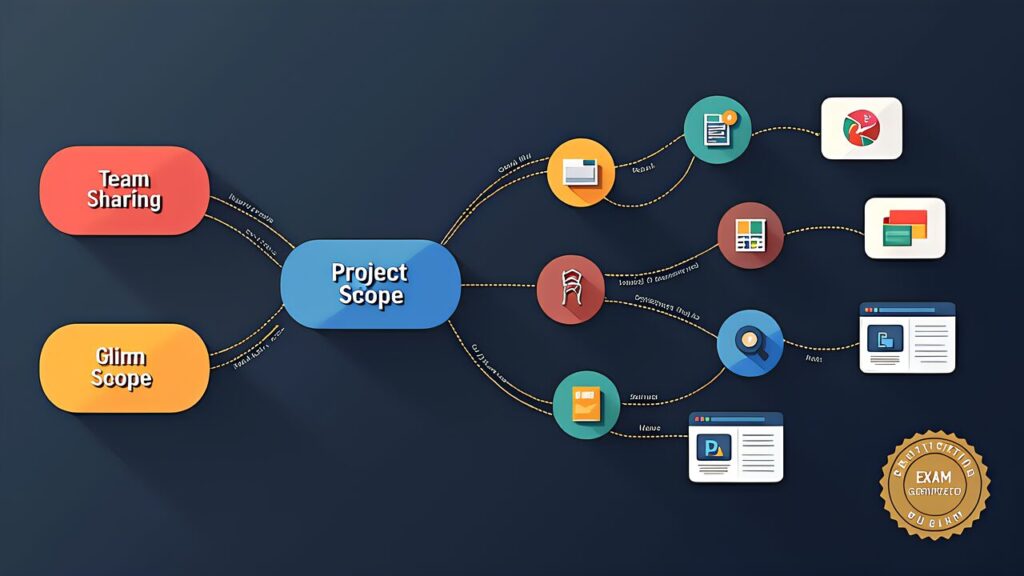
| Keyword in Question | Correct Answer Direction |
|---|---|
| “Scattered files” | .claude/rules/ + glob patterns |
| “Team sharing” | Project scope (.claude/commands/) |
| “CI job hangs” | -p flag (non-interactive mode) |
| “Token efficiency” | Conditional loading (.claude/rules/) |
| “Architecture decision” | Plan mode |
| “Self-review bias” | Independent instance for review |
Key Point: This article covers CCA exam Claude Code configuration and workflow patterns. For practical preparation, combine hands-on learning through the Anthropic Academy official course with practice on mock exam sites. Also refer to our Complete Guide (Day 1) for the recommended “three-pillar” study strategy.
For more information, visit Claude Code Documentation.