Arachne Variable Line Width Complete Guide: Settings, Classic Comparison, and Practical Examples for OrcaSlicer and PrusaSlicer
swiftwand swiftwand.ai
You own a 3D printer. Yet you cannot create your own original models. Furthermore. Simply downloading. Printing pre-made models from Thingiverse means you are using barely 10% of your printer’s potential.
Moreover. Learning Blender or Fusion 360 requires dozens of hours. And most users give up before mastering CAD software.
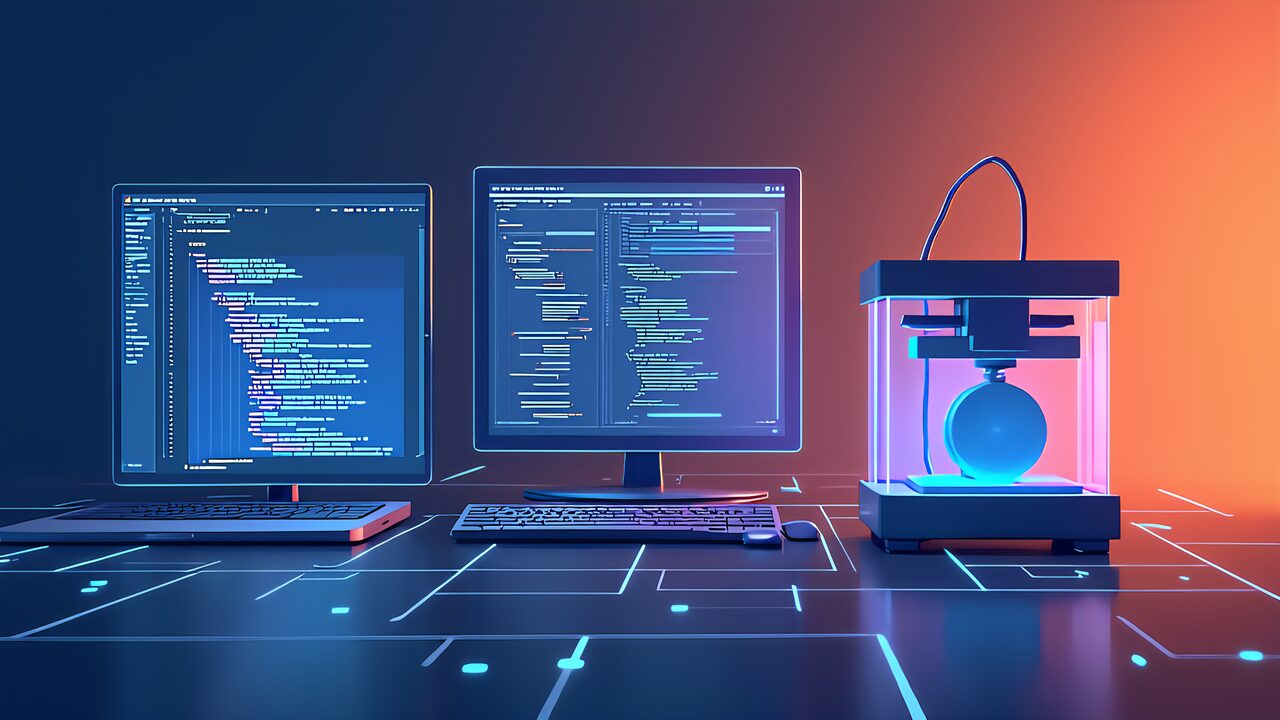
In 2026. AI coding tools are tearing down this wall. Specifically. Just by giving instructions in plain language like “make me a smartphone stand” or “design a cable holder,” AI operates Blender. OpenSCAD to generate printable 3D models.
In other words. You don’t need to learn CAD. No programming experience required either. Particularly. All you need is the ability to put “what you want” into words.
This article paints the full picture of AI coding tools for 3D printing. For example. We compare the three major tools—Claude Code. Google Antigravity. And Cursor—from a “3D printing user’s perspective”. Clarify what each tool can do.
The first wall beginners hit after buying a 3D printer is “modeling.” In other words. Printing models found on Thingiverse as-is is easy.
But attempting to create original works requires dozens of hours learning Blender or Fusion 360. Furthermore. This “modeling wall” traps many makers in the “download. Print” loop.
The combination of AI coding tools. 3D printing destroys this wall at its foundation. On the other hand. The conventional workflow required six steps: “Idea → CAD learning → Modeling → STL export → Slicing → Printing.
” However. With AI coding tools. This shortens to five steps: “Idea → AI instructions → STL export → Slicing → Printing,” replacing the two most time-consuming steps—”CAD learning”. “Modeling”—with “AI instructions.”
What powers this transformation is the Model Context Protocol (MCP). MCP is an open protocol developed by Anthropic that enables AI agents to control external tools (Blender.
OpenSCAD, etc.) in real time. Additionally. It functions like a “universal remote control” that allows AI to directly operate 3D modeling software.
Let’s look at a specific example. For instance. When you instruct an AI coding tool to “create a smartphone stand that’s 70mm wide. 80mm deep.
With a 15-degree tilt,” it operates Blender through the BlenderMCP server. Automatically generates the 3D model. Similarly. This entire process completes in just 30 seconds to 2 minutes.
Furthermore. What’s important is the “iteration of corrections.” Specifically. If you want to change the width from 70mm to 75mm. You simply instruct “change the width to 75mm.
” Moreover. The AI doesn’t rebuild from scratch. Modifies the existing model. Consequently. This “conversation-style modeling” makes 3D creation accessible to everyone.
Claude Code is an AI coding tool developed by Anthropic. Available as both a CLI (command line) tool. VS Code extension. Additionally. It is powered by Claude Sonnet 4.
6 (released February 17. 2026). Featuring the highest coding performance in the Claude series. Particularly. Its strength lies in “generating complete. Runnable code in a single output.”
For 3D printing users. Claude Code’s greatest advantage is its native MCP support. For example. With BlenderMCP (ahujasid/blender-mcp). You can control Blender in real time.
And with OpenSCAD MCP Server (jhacksman/OpenSCAD-MCP-Server). You can generate. Execute OpenSCAD code. In other words. It directly “operates” modeling software rather than just generating code snippets.
The practical workflow goes like this: First. You install Claude Code. Configure the MCP connection. Then. You give natural language instructions like “create a cable organizer with 4 slots. Each 8mm wide.” Moreover.
Claude Code generates the appropriate Blender operations or OpenSCAD code. Executes them. And delivers the resulting STL file. Additionally. When you want to modify the model. Simply describe the changes in natural language.
Claude Code’s pricing is $20/month for the Pro plan. Furthermore. This includes Claude Sonnet 4.6 access. MCP integration capabilities. Consequently, for 3D printing workflows. Claude Code offers the most comprehensive MCP ecosystem among the three tools.
Google Antigravity is an agent-first IDE released by Google on November 18. 2025. Specifically. Unlike traditional code editors. It’s designed from the ground up for AI agents to operate autonomously.
Particularly. Its defining feature is “prebuilt MCP support”—BlenderMCP comes pre-configured. Requiring zero setup from users.
For 3D printing users. This “zero setup” aspect is revolutionary. For example, with Claude Code or Cursor. You need to manually install. Configure MCP servers. However, with Antigravity.
You simply open the IDE. Say “create a 3D model,” and BlenderMCP is ready to go. Additionally. Antigravity supports the full Google AI stack including Gemini models.
Antigravity’s IDE integration goes beyond just MCP. Similarly. It provides a unified workspace. Code editing. Terminal output, and 3D preview coexist. Furthermore. The built-in agent can handle multi-step tasks like “generate a model.
Check for manifold errors, fix them. And export as STL” autonomously. In other words. What requires manual step-by-step execution in Claude Code can be automated in Antigravity.
Antigravity is available for free during the preview period. Moreover. The $25/month subscription provides additional compute. Priority access. Consequently. For users who want the easiest entry point into AI-powered 3D modeling. Antigravity is the strongest candidate.
Cursor is an AI-powered code editor that has taken the development world by storm. Specifically. It started as a VS Code fork with AI superpowers—inline code completion.
Natural language editing. And multi-file context awareness. Particularly. Cursor excels at understanding entire codebases. Generating contextually appropriate code.
For 3D printing. Cursor’s approach differs from Claude Code. Antigravity. Furthermore. Rather than real-time MCP control. Cursor excels at generating complete scripts. For example.
It generates Python scripts for Blender (bpy) or OpenSCAD .scad files with high accuracy. Additionally. Its code completion understands 3D modeling APIs. Suggests appropriate functions and parameters.
Cursor Pro costs $20/month. Similarly to Claude Code. It provides powerful AI assistance for 3D modeling workflows. However.
The key difference is that Cursor generates scripts rather than controlling tools in real time. Consequently. Cursor is best suited for users who want to build reusable parametric scripts rather than one-off models.
Let’s compare the costs of the three tools for 3D printing use. Claude Code Pro is $20/month with native MCP support. Furthermore.
Google Antigravity offers a free preview tier with $25/month for the full subscription. Additionally. Cursor Pro is $20/month with excellent script generation capabilities.
For beginners starting out. The most cost-effective approach is to begin with Antigravity’s free tier. Specifically. The prebuilt MCP support means zero additional setup cost. Moreover.
Once you’ve confirmed that AI-powered 3D modeling fits your workflow. You can upgrade to Claude Code Pro for the most comprehensive MCP ecosystem. Consequently, the “try free. Then upgrade” path minimizes both financial. Time investment.
This article is the first in a 7-part series on “AI × 3D Printing Workflow Practice.” Furthermore. The series is structured to take you from zero to productive in one week.
Specifically. Day 1 (this article) covers the landscape of AI coding tools. Day 2 dives into Blender MCP hands-on practice. Day 3 explores Google Antigravity’s IDE integration.
Day 4 covers the complete workflow from AI-generated models to finished prints. Additionally. Day 5 provides a comprehensive 6-axis comparison of all three tools. Day 6 introduces OpenSCAD parametric design with AI.
Finally. Day 7 (the series finale) tackles customizing existing Thingiverse models with AI. Consequently, by the end of the series. You’ll have mastered the entire AI-powered 3D printing pipeline.
AI coding tools have fundamentally changed the 3D printing landscape. Furthermore. The barrier of “needing to learn CAD” that blocked countless makers has been completely removed. Specifically, in 2026. Anyone who can describe what they want in words can create custom 3D models.
Here’s your action plan: Today. Install Google Antigravity (free). Create your first 3D model using natural language. Moreover. Follow the remaining articles in this series to build your complete AI × 3D printing skill set.
Additionally. Remember—you don’t need to be perfect. Consequently. Start with a simple object. Iterate with AI assistance. And gradually tackle more complex designs. The age of “creating things with words” has arrived.