Democratizing Reverse Design: How AI Point Cloud Processing Changes Everything
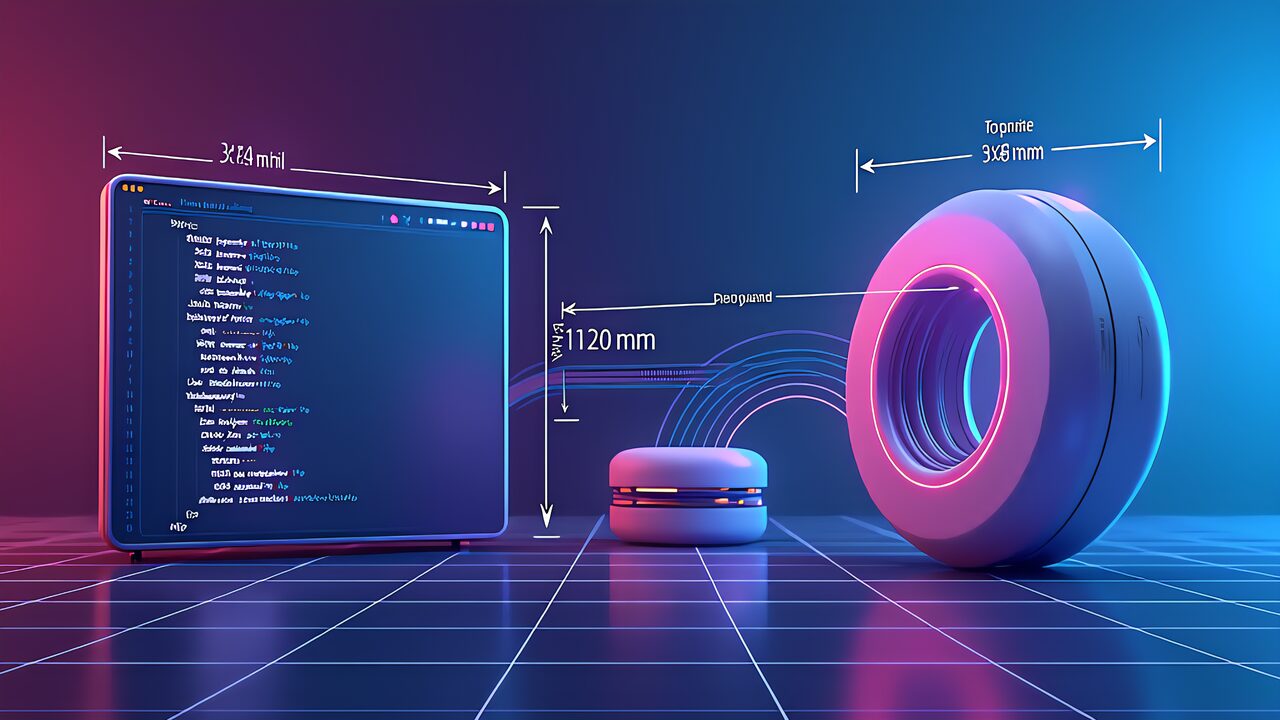
AI now automatically processes “point cloud data” captured by 3D scanners and converts it into CAD models — a technology that has advanced dramatically in 2026. Reverse engineering that once took specialist engineers several days is now compressed to hours. This guide covers everything from how AI point cloud processing works to scanner comparisons, practical workflows, and monetization ideas.
What Is AI Point Cloud Processing: Automatic Conversion from Points to CAD Models
A point cloud is millions of 3D coordinate data points obtained by a 3D scanner measuring an object’s surface. Traditional reverse engineering required meshing this point cloud, then manually reconstructing CAD surfaces and edges. AI fundamentally changes this process.
3 Breakthroughs in AI Point Cloud Processing
- PointNet and successors (PointNet++, Point Transformer): Feed point cloud data directly into neural networks for automatic segmentation and classification. Eliminates manual selection work.
- Point2CAD technology: Research on directly reverse-engineering CAD models from 3D point clouds reached practical stage in 2025. Auto-recognizes edges, surfaces, and fillets to output parametric CAD.
- AI noise removal: Deep learning-based point cloud denoising achieves sub-0.01mm precision. 10× faster processing speed compared to traditional filtering methods.
2026 Latest 3D Scanner Comparison: Choosing in the Edge AI Era
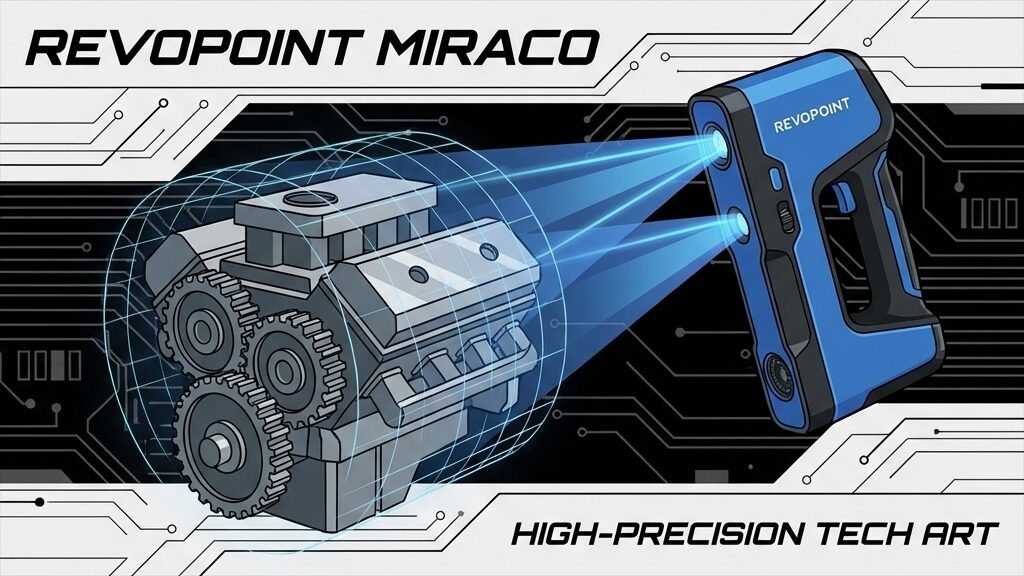
Revopoint MIRACO: The Standalone Revolution — No PC Required
- 0.02mm precision, 48MP color camera faithfully reproduces textures
- 2.4GHz 8-core processor + 16GB RAM — scan, mesh, and export all on-device
- 6-inch 2K AMOLED touchscreen with 180° rotation. Wi-Fi 6 for wireless transfer
- 750g weight, 5000mAh battery for ~2 hours continuous operation. Price ~$1,500
Creality CR-Scan Raptor: Blue Laser High-Speed Precision
- Blue laser + NIR infrared dual mode. 0.02mm precision in laser mode, up to 60fps
- 660,000 points per second for rapid processing of large objects
- PC connection required, but scan speed and quality are best-in-class. Price ~$1,799
Creality CR-Scan Ferret SE: Beginner Entry Model
- 0.1mm precision, 30fps. Just 105g for one-handed operation
- Smartphone connection (Android) for instant scanning
- ~$269 with outstanding value. Perfect for 3D scanning beginners
Practical Workflow: From Scan to Finished CAD Model
Step 1: Acquiring 3D Scan Data
Scan the target object from all angles. MIRACO completes on-site scanning standalone. For complex shapes, apply tracking markers to ensure accuracy. Scanning time: ~5 minutes for palm-sized objects, 15–20 minutes for full-body scans.
Step 2: AI Automatic Pre-Processing
AI automatically performs noise removal, outlier elimination, and registration (alignment) on the captured point cloud data. Software like Revo Scan and Geomagic Wrap handles this. Cleaning work that previously took 30+ minutes now completes in under 5 minutes.
Step 3: Meshing and CAD Conversion
AI generates triangle meshes from clean point clouds, then converts them to parametric CAD models. Geomagic Design X and Siemens NX are the go-to tools. AI features auto-recognize edges, holes, and fillets, outputting in editable SOLIDWORKS/STEP formats.
- Manufacturing: Reverse engineering discontinued parts enables mold-free reproduction at 1/10 the cost of traditional methods.
- Architecture/Construction: Auto-generate digital twins from building 3D scans. Compare with BIM models for construction quality management.
- Medical: Scan patients to design custom prosthetics and orthotics. Fitting precision improves while production time drops to 1/3.
- Cultural heritage preservation: High-precision digital archiving of ruins and sculptures. AI estimates damaged areas for restoration replica production.
- Automotive aftermarket: Scan and restore discontinued car parts. Combine with 3D printers for on-demand manufacturing.
Getting Started with AI Point Cloud Reverse Engineering
- Step 1: Get an entry scanner. Creality Ferret SE (~$269) offers the best value. Smartphone-connected for instant scanning.
- Step 2: Practice point cloud processing with free software. Learn noise removal and meshing basics in CloudCompare (open-source) or MeshLab (free).
- Step 3: Adopt AI-powered software. Experience AI auto-meshing with Geomagic Essentials (monthly subscription) or Autodesk ReCap Pro.
- Step 4: Integrate with 3D printer. Export scan data as STL, print, and verify accuracy. Iterative improvement builds skills.
4 Monetization Ideas with AI Point Cloud Processing
- Reverse engineering services: 3D scan + CAD conversion of discontinued parts. $300–$1,000/job. Factories and repair shops are primary clients.
- 3D scanning agency: Spatial scanning for real estate and architecture. $500–$2,000/job. Digital twin demand is surging.
- Cultural heritage digital archiving: Scan museum and temple collections for digital preservation. Government grants available.
- Online courses/content: Sell 3D scan + AI point cloud tutorials on Udemy. Target $500–$1,500/month in passive income.
Recommended Tools and Software Complete Guide
3D Scanner Software (Scan Acquisition and Initial Processing)
- Revo Scan (Revopoint): Integrated scanning and meshing software for MIRACO series. Real-time preview and auto-alignment.
- Creality Scan (Creality): For Raptor and Ferret series. Mobile app available for on-the-go scan management.
- Artec Studio: Professional high-function scan software. AI autopilot for automatic multi-scan integration and denoising.
Point Cloud Processing and Mesh Editing Software
- CloudCompare (free, open-source): Point cloud filtering, registration, distance computation, and statistical analysis. Widely used in academic research.
- MeshLab (free): Specializes in mesh repair, simplification, and smoothing. STL/OBJ/PLY format support for 3D printer integration.
- MeshMixer (free): Autodesk mesh editing tool. Hole filling, boolean operations, and support structure generation in one package.
Reverse Engineering and CAD Conversion Software
- Geomagic Design X: Industry-standard scan-to-CAD software. AI auto-recognizes primitive shapes, outputting SOLIDWORKS/NX-compatible parametric CAD.
- Geomagic Essentials: Budget version of Design X with basic mesh-to-CAD conversion. Monthly subscription for easy adoption.
- Siemens NX Reverse Engineering: For large-scale manufacturing. Integrated with NX CAD environment for seamless design changes from scan data.
Best Practices and Pitfalls in AI Point Cloud Processing
Tips for Maximizing Scan Quality
- Lighting: Uniform indirect light is ideal. Avoid direct sunlight and reflective glare that cause noise.
- Surface treatment: Glossy and transparent materials are scan-challenging. Apply matte spray (vanishing scan spray) when needed.
- Overlap: Maintain 30%+ scan path overlap. Eliminating blind spots is key to accuracy.
- Calibration: Calibrate before every scan session. Sensor accuracy drifts with temperature, especially critical for outdoor work.
Common AI Processing Failures and Solutions
- Extremely thin parts (under 0.5mm): Point cloud may capture only one side. Use two-sided scanning + manual correction.
- Complex internal structures: External scans cannot capture internal geometry. Consider CT scanning integration.
- Dense fillets and blend surfaces: AI may misidentify individual fillet radii. Manually adjust parameters after CAD conversion.
- Textureless flat surfaces: Few feature points cause unstable tracking. Attach marker stickers to resolve.
1-Week Practical Roadmap for AI Point Cloud Reverse Engineering
- Day 1–2: Select and purchase a scanner. ~$270 budget → Creality Ferret SE. ~$1,500 budget → Revopoint MIRACO.
- Day 3: Install CloudCompare and scan everyday objects (mugs, tools, etc.). Learn basic point cloud operations.
- Day 4–5: Practice meshing, repair, and STL export in MeshLab. Test print on a 3D printer to verify accuracy.
- Day 6: Try AI CAD conversion with Geomagic Essentials trial. Experience the precision and limitations of primitive recognition.
- Day 7: Tackle a real project. Complete the full workflow: scan a broken part → CAD conversion → 3D print repair.
AI Point Cloud Processing Trends: 2026 and Beyond
- Smartphone LiDAR + AI integration: iPhone Pro/iPad Pro LiDAR sensors will gain higher precision. Dedicated apps + AI may achieve 0.1mm accuracy from a phone alone.
- End-to-end AI CAD conversion: AI models that generate parametric CAD directly from point clouds are heading toward commercial release. Geomagic and Siemens accelerating development.
- Real-time AR overlay: Superimpose scan data and CAD models in AR in real time. On-site dimensional variance inspection workflows gaining adoption.
- Cloud AI processing services: Upload large point cloud datasets to the cloud for GPU cluster AI processing, overcoming edge device limitations.
- Multi-sensor fusion: AI automatically integrates LiDAR + photogrammetry + structured light, combining each sensor’s strengths for maximum accuracy.
Essential Skills for Modern Reverse Engineering
AI-era reverse engineering demands new capabilities beyond traditional CAD skills: the eye for evaluating point cloud data quality (identifying noise types and causes), the ability to select and configure appropriate AI tools, and skills to verify and correct AI outputs. Engineering knowledge to judge the validity of AI-generated CAD models remains a valuable, irreplaceable ability even in the AI age.
Frequently Asked Questions (FAQ)
Q1: Can beginners use 3D scanners?
Yes. The Creality Ferret SE connects to a smartphone for intuitive operation — beginners can complete their first scan within 30 minutes. The Revopoint MIRACO is also easy to operate via its touchscreen.
Q2: What PC specs are needed for AI point cloud processing?
NVIDIA RTX 3060+ GPU and 32GB+ RAM recommended. However, standalone scanners like MIRACO need no PC for scanning itself. High-spec PCs are advantageous during post-processing CAD conversion.
Q3: Is there free point cloud processing software?
CloudCompare (open-source) and MeshLab (free) are the leading options. Both handle noise removal, meshing, and measurement. For commercial use, Geomagic or Polyworks are more suitable.
Q4: Can you feel the difference between 0.02mm and 0.1mm scan precision?
For mechanical parts and dental models requiring high precision, the difference is clear. For figurines and decorative items where rough shapes suffice, 0.1mm is adequate. Choose based on your application.
Q5: Is reverse engineering legal?
Reverse engineering your own products for repair or improvement is generally legal. However, commercial reproduction of products protected by patents or design rights may constitute infringement. Always verify intellectual property rights.
Q6: How accurate is automatic point cloud to CAD conversion?
As of 2026, AI auto-CAD conversion reproduces approximately 90–95% of the original data. Complex freeform surfaces and undercuts may require manual correction, but simple geometric shapes convert almost perfectly.
Q7: What should you watch for when integrating with 3D printers?
Scan data tends to be high-polygon, so decimate (reduce polygons) to optimize file size. Also check for mesh holes and inverted normals when exporting to STL.
Q8: How will AI point cloud processing evolve?
Beyond 2026, smartphone LiDAR sensors combined with AI should enable high-precision scanning for anyone. End-to-end AI that generates CAD models directly from point clouds is heading toward commercialization, bringing an era where reverse engineering requires no specialized knowledge.
Conclusion: AI Point Cloud Processing Makes Reverse Design Accessible to Everyone
Thanks to advances in AI point cloud processing, reverse engineering is no longer exclusive to specialists. You can start with an entry scanner under $300 and free software, while AI-powered tools compress what used to take days of CAD conversion into just hours.
Start with a Creality Ferret SE and CloudCompare for your first scan, and dive into the world of AI reverse engineering.
For more information, visit All3DP.
ブラウザだけでできる本格的なAI画像生成【ConoHa AI Canvas】
ABOUT ME
AIを使って、毎日の生活をもっと快適にするアイデアや将来像を発信しています。
初心者にもわかりやすく、すぐに取り入れられる実践的な情報をお届けします。 Sharing ideas and visions for a better daily life with AI.
Practical tips that anyone can start using right away.