MechStyle AI 3D Printing Proves "Unbreakable Beauty": How MIT Is Redefining Generative Design
swiftwand swiftwand.ai
Zero inventory. Zero upfront product investment. A customer places an order, and the printer starts automatically. This “on-demand manufacturing” model, once exclusive to large corporations, is now achievable by individual makers through the combination of Shopify’s e-commerce platform and AI-powered automation. This article provides a complete guide to building a 3D print on-demand store that eliminates inventory risk while maximizing production efficiency.
In the previous article “AI Product Photography for 3D Prints,” we covered how to make products look their best. Now, with compelling photos driving orders, you need a system that fulfills them automatically. The traditional model of “print first, sell later” carries inherent risk. The on-demand model of “sell first, print after” is the rational evolution.

Many makers start with manual on-demand: receive an order via Etsy or Mercari, manually start a print, process it, and ship. This works for 1–3 orders per day. However, beyond that threshold, the system collapses. Order tracking gets confused, print queue management becomes chaotic, and shipping delays erode customer reviews.
The core problem is human bandwidth. Every order requires multiple manual steps: read the order details, select the correct G-code file, load the right filament, start the print, monitor for failures, post-process, photograph for quality check, package, and ship. For a customized product, add design modification time. At 20–30 minutes of human attention per order, 10 daily orders consume 3–5 hours of pure administrative work.
Furthermore, this manual approach doesn’t scale. Doubling orders means doubling your time investment. The solution is automation at every possible step, with AI handling the decisions that previously required human judgment.
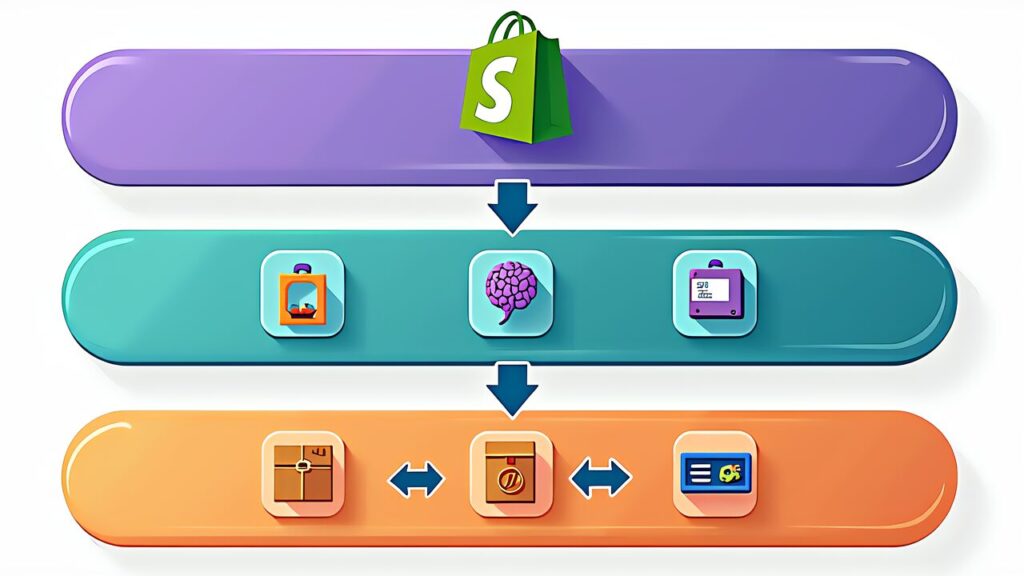
The ideal on-demand 3D print store connects four systems: storefront (Shopify), order processing (webhook + automation), production management (printer farm software), and fulfillment (shipping label generation). Shopify serves as the hub because its robust API and app ecosystem make integration straightforward.
Shopify’s Basic plan starts at $39/month (~¥6,201 at current exchange rates). While this seems expensive compared to free Etsy listings, the ability to build a branded store with full automation capabilities pays for itself once you reach 15–20 orders per month. Furthermore, Shopify’s API allows direct integration with your printer farm, something marketplace platforms simply cannot offer.
The integration flow works like this: Customer places order on Shopify → Webhook triggers automation script → Script selects appropriate G-code based on order parameters (size, color, customization) → Job is queued in FDM Monster or Bambu Farm Manager → Print completes → Shipping label auto-generated → Customer receives tracking notification. The entire chain from order to shipping notification can run with zero human intervention for standard products.
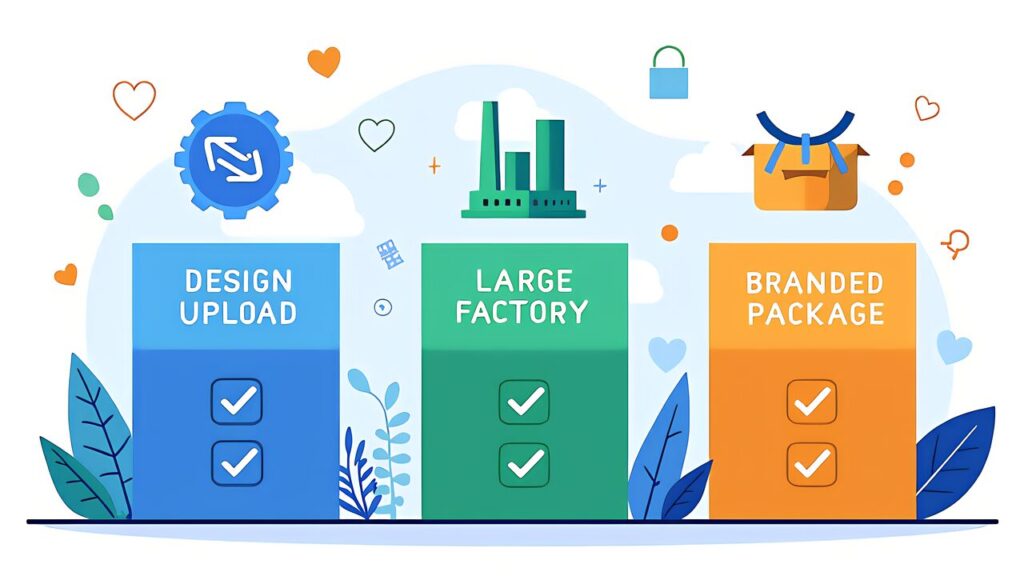
Before building a custom solution, consider existing platforms that handle 3D print on-demand fulfillment. Shop3D integrates directly with Shopify and Etsy, allowing you to upload 3D models and have them printed and shipped by their facility. You set the price, they handle production. The trade-off is lower margins but zero production headaches.
Slant 3D operates as a high-volume 3D printing service with API integration. They specialize in large batch production and offer competitive per-unit pricing at scale. For sellers who want to focus exclusively on marketing and design while outsourcing all production, Slant 3D provides a viable path.
WAZP+ is a newer entrant combining 3D print on-demand with product customization tools. Customers can personalize products directly on your Shopify store before ordering. This “configure-to-order” model is particularly powerful for customizable items like nameplates and phone cases.
The choice between self-fulfillment and platform-based fulfillment depends on your priorities. Self-fulfillment with your own printers offers higher margins (60–70% vs. 30–40%) but requires time and equipment investment. Platform fulfillment offers simplicity but lower margins. Many successful sellers start with platform fulfillment, then transition to self-fulfillment as volume justifies the investment.

1. Intelligent Order Routing. When a customized order arrives, AI analyzes the parameters (size, color, material) and automatically selects the optimal printer from your farm based on current queue length, material loaded, and printer capabilities. This eliminates the bottleneck of manual assignment and ensures maximum utilization across all printers.
2. Dynamic Production Scheduling. AI optimizes print scheduling based on delivery deadlines, printer availability, and batch efficiency. For example, if three orders for the same product arrive within 2 hours, the AI batches them on a single print plate instead of running three separate jobs. This reduces per-unit print time by 30–50% while meeting all delivery commitments.
3. Predictive Quality Assurance. Combined with Obico’s AI monitoring, the system predicts potential failures before they happen based on printer telemetry data. If a printer shows early signs of bed adhesion issues, the AI reroutes pending jobs to other printers and flags the problematic machine for maintenance. This proactive approach reduces failure rates from the typical 10–15% to under 3%.
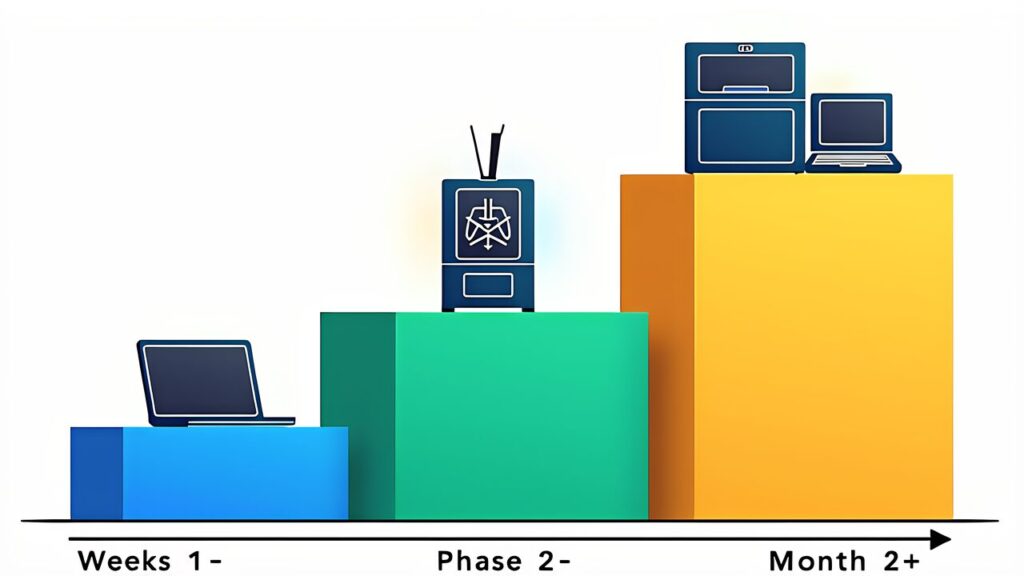
You don’t need the full automation stack on day one. Here’s the minimum viable setup to launch an on-demand store this week.
Week 1: Storefront Setup. Create a Shopify store ($39/month). List 3–5 of your best-performing products with AI-enhanced photos. Set up Shopify’s built-in order notification system. At this stage, manually start prints when orders arrive — the goal is to validate demand.
Week 2: Semi-Automation. Install a Shopify webhook that sends order details to a Google Sheet or n8n workflow. This eliminates manual order tracking. Furthermore, set up standardized G-code files for each product variant so you can start prints with a single click rather than re-slicing each time.
Week 3–4: Full Automation. Connect your webhook to your printer farm API. Implement automatic G-code selection and job queuing. Add shipping label auto-generation via Shopify’s Shipping API. Test the end-to-end flow with test orders before going live.
The estimated startup cost breakdown: Shopify Basic ~$39/month, Bambu Lab A1 mini ~$200–$325, Raspberry Pi 5 ~$85–$107, filament ~$20/kg, miscellaneous (packaging, shipping supplies) ~$65. Total initial investment: approximately $420–$560 (excluding printer if you already own one).
The 3D print on-demand model eliminates the two biggest risks in traditional product businesses: inventory waste and upfront production investment. By combining Shopify’s e-commerce infrastructure with AI-powered production automation, individual makers can build manufacturing businesses that scale without proportional increases in time or capital.
Start with the minimum viable setup, validate demand with real orders, and progressively add automation. The path from manual fulfillment to fully automated on-demand production is incremental — each step reduces your per-order time investment while improving customer experience.
Next in our series: how AI enables mass customization for 3D printed products — AI Custom Orders: Opening the Door to 3D Print Personalization.