AI Coding Agent Comparison 2026: Claude Code vs Codex vs Cursor – The Big Three's Real Capabilities and When to Use Each
swiftwand swiftwand.ai

In 2026, the answer to “Should I learn programming?” has fundamentally changed. You no longer need to memorize Python syntax or hunt for missing semicolons. But the ability to logically articulate how a system should behave in natural language has never been more important. At the center of this paradigm shift is Cursor, the AI-native code editor.
Cursor is an AI-native code editor developed by Anysphere. While based on VS Code, it’s fundamentally different in that AI is built into the editor’s core. By 2025, it surpassed $1 billion ARR (Annual Recurring Revenue) and reached a $29.3 billion valuation (as of the November 2025 Series D). Over 50% of Fortune 500 companies have adopted it, and the concept of “programming with natural language” has been fully embraced by the market.
Traditional programming required memorizing syntax — for loops, async patterns, and more. With Cursor, you simply instruct in natural language: “When a user logs in, fetch their past order history and display it sorted by date” — and the implementation across multiple files is complete.
While GitHub Copilot predicts “what comes next on the current line,” Cursor comprehends the entire repository context. It understands your project’s directory structure, dependencies, and coding conventions, generating code that fits your project’s style — dramatically reducing the “it works but doesn’t match our patterns” problem.
Building an MVP used to take weeks. With Cursor 2.0’s Composer mode, you describe specifications in natural language and the AI autonomously generates code across multiple files, runs tests, and debugs. Individual developers can now create working prototypes in a single day.
The core feature of Cursor 2.0. The Composer model, introduced in the October 29, 2025 major update, is a mixture-of-experts model trained with reinforcement learning that can perform semantic search, file editing, and terminal commands within actual codebases. It completes most tasks within 30 seconds.
Tab completion with full repository context goes beyond simple next-line prediction. It learns your project’s naming conventions, import patterns, and error handling styles, suggesting code that feels like “your project.” Available unlimited on the Pro plan.
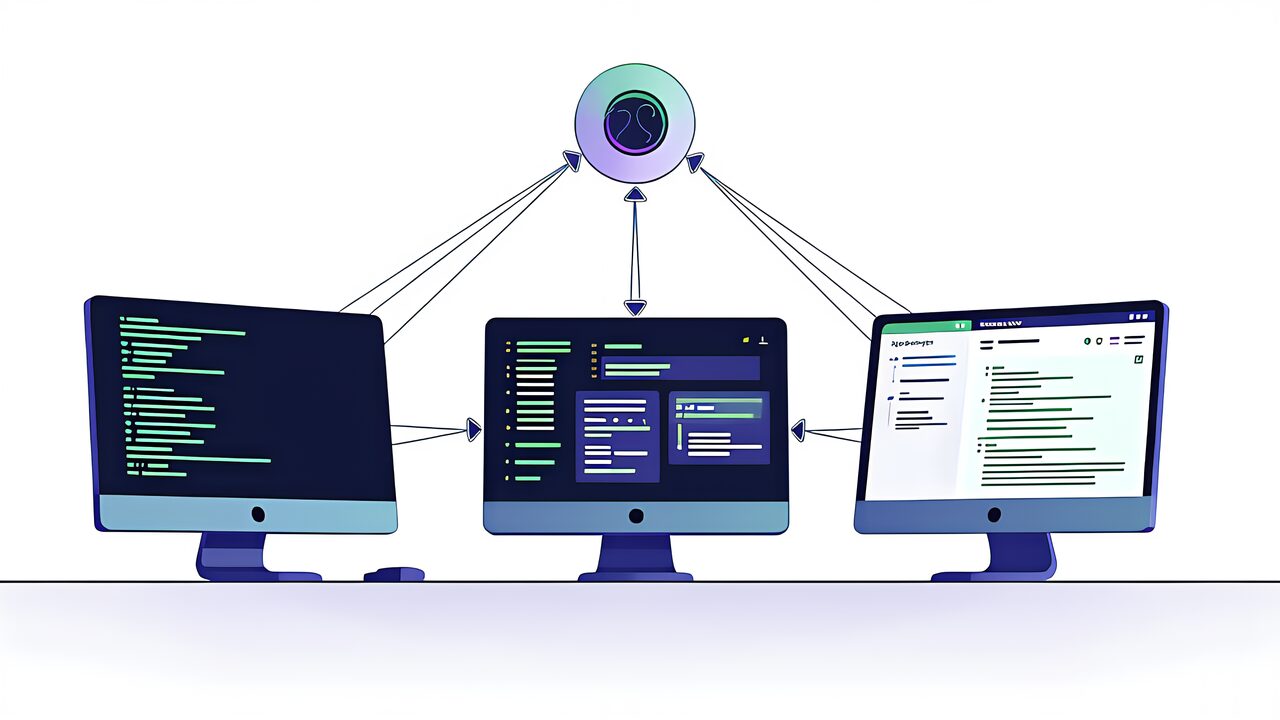
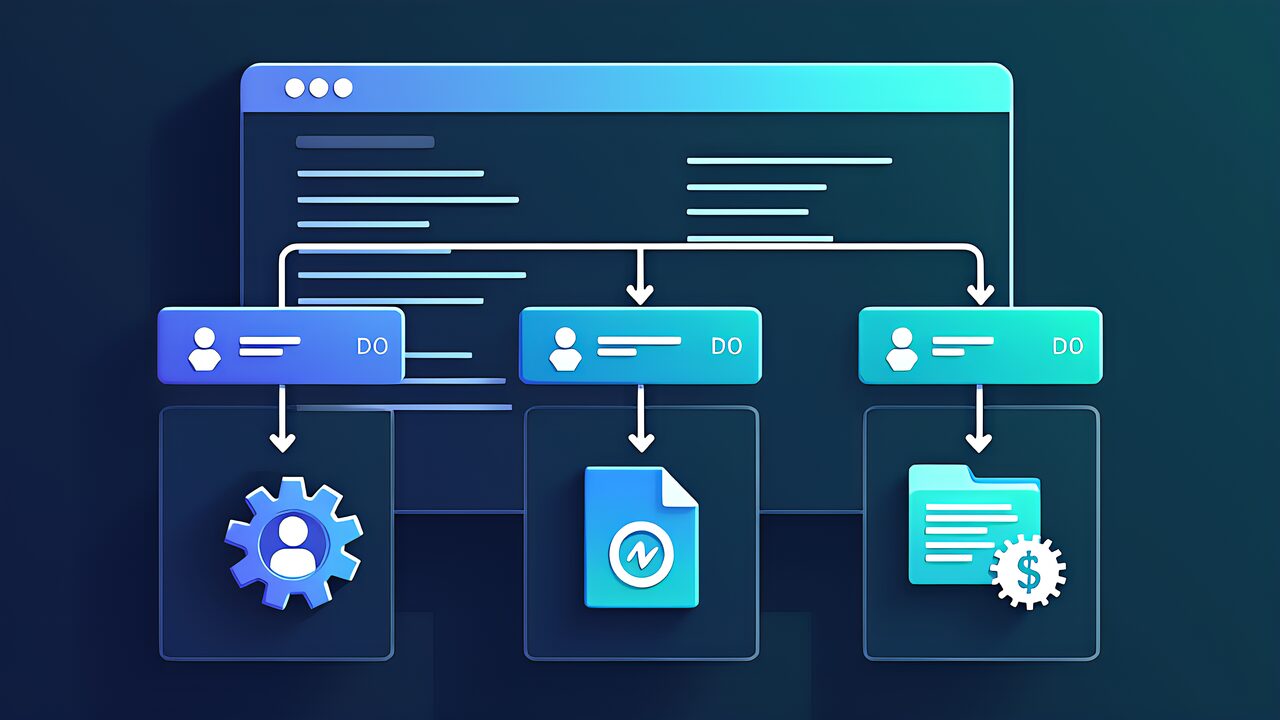
Cursor 2.0 can run up to 8 AI agents simultaneously. Using Git worktree isolation, each agent works in an independent workspace with no conflicts. You can build frontend, create APIs, and write tests in parallel.
Following the June 2025 pricing revision, Cursor shifted from request-based to token-based billing:
For individual developers, the Pro plan offers the best balance. Start with Hobby, and if you feel “I can’t work without Pro” within two weeks, upgrade.
The 2026 AI coding tool landscape is a four-way competition. Here’s how they compare:
The AI coding pioneer since 2021. Three-tier pricing: Free (2,000 completions/month), Individual ($10/month), Business ($39/user/month). Supports VS Code, JetBrains, Neovim and more, with GitHub workflow integration as its biggest strength. Agent mode can automate everything from Issues to PR creation.
An AI agent from Anthropic that runs on the command line. With a 200K token context window, it grasps massive codebases at once. It has the strongest reasoning capabilities for complex refactoring and architecture design, ideal for developers who prefer working in the terminal. Available with Claude Pro ($20/month).
Born from Codeium and acquired by OpenAI. Features Cascade, an autonomous agent, starting at $15/month. Offers similar features to Cursor at a lower price, popular with budget-conscious developers.
Cursor has dramatically lowered the programming barrier, creating huge opportunities for solo developers:
Place a .cursorrules file at your project root to customize AI code generation rules. For example: “Always use TypeScript,” “Error handling must use try-catch,” “Write components as functional components.” Both Composer and Tab completion will follow these rules.
Now that AI handles the “writing” part, the skill set demanded of programmers is evolving:
Yes. The Hobby plan is completely free with limited Agent requests and Tab completion. For serious use, Pro ($20/month) is recommended.
Since Cursor is VS Code-based, virtually all VS Code extensions work. The import feature makes migration from VS Code smooth, though some extensions may have compatibility issues.
Chat is primarily for Q&A and explanations about code. Composer is the agent mode that actually generates, edits, and tests code. Think of it as: “ask questions in Chat, delegate work to Composer.”
You can, but basic knowledge of “what code does” is needed. Learning HTML/CSS/JavaScript fundamentals while using Cursor as a companion is the most efficient path. AI helps with “writing” but “designing” is still a human job.
Released in February 2026, it’s Cursor’s latest agentic coding model. It scaled reinforcement learning 20x over the previous version and features auto-summarization when context windows overflow. Token pricing is cheaper than Claude Opus 4.6 ($3.5/$17.5 vs $5/$25), making it optimal for everyday coding.
Cursor offers “Privacy Mode” — when enabled, your code is not stored on Anysphere’s servers and is not used for AI model training. Always enable it when working with proprietary business code.
With Cursor, the essence of programming has completely shifted from “writing syntax” to “articulating intent.” The person who can most clearly express “what they want to build” becomes the best programmer.
Start by downloading Cursor on the free Hobby plan, opening an existing project, and having a conversation with Composer. You’ll immediately understand what “English is the best programming language” means. And yes, it works brilliantly in any language.
For more information, visit All3DP.