Ricoh Full-Color 3D Printer Complete Guide: Inkjet Technology, Figure Creation, Architectural Models, and Monetization (2026 Edition)
swiftwand swiftwand.ai

For those who want to learn how to get started with 3D printing, this article provides the latest information for 2026. We cover the basics of 3D printers, their history, and key applications for beginners. We also introduce what 3D printers can and can’t make, as well as their drawbacks and limitations.
We explain the equipment and tools you need to get started, recommend models for first-time buyers, budget considerations, and running costs. We also cover 3D data creation methods and necessary software, including free software and basic CAD usage, plus easy data creation methods using smartphones.
Finally, we walk through the actual steps of using a 3D printer — from data preparation to print settings, execution tips, finishing techniques, and troubleshooting. We’ve included troubleshooting guides and practical project ideas so even beginners can start with confidence. Let’s take that first step and bring your creativity to life with a 3D printer!
3D printers create physical objects by building them up layer by layer from digital data. This is called “additive manufacturing.” Common types of 3D printers include FDM (Fused Deposition Modeling), SLA (Stereolithography), and SLS (Selective Laser Sintering).
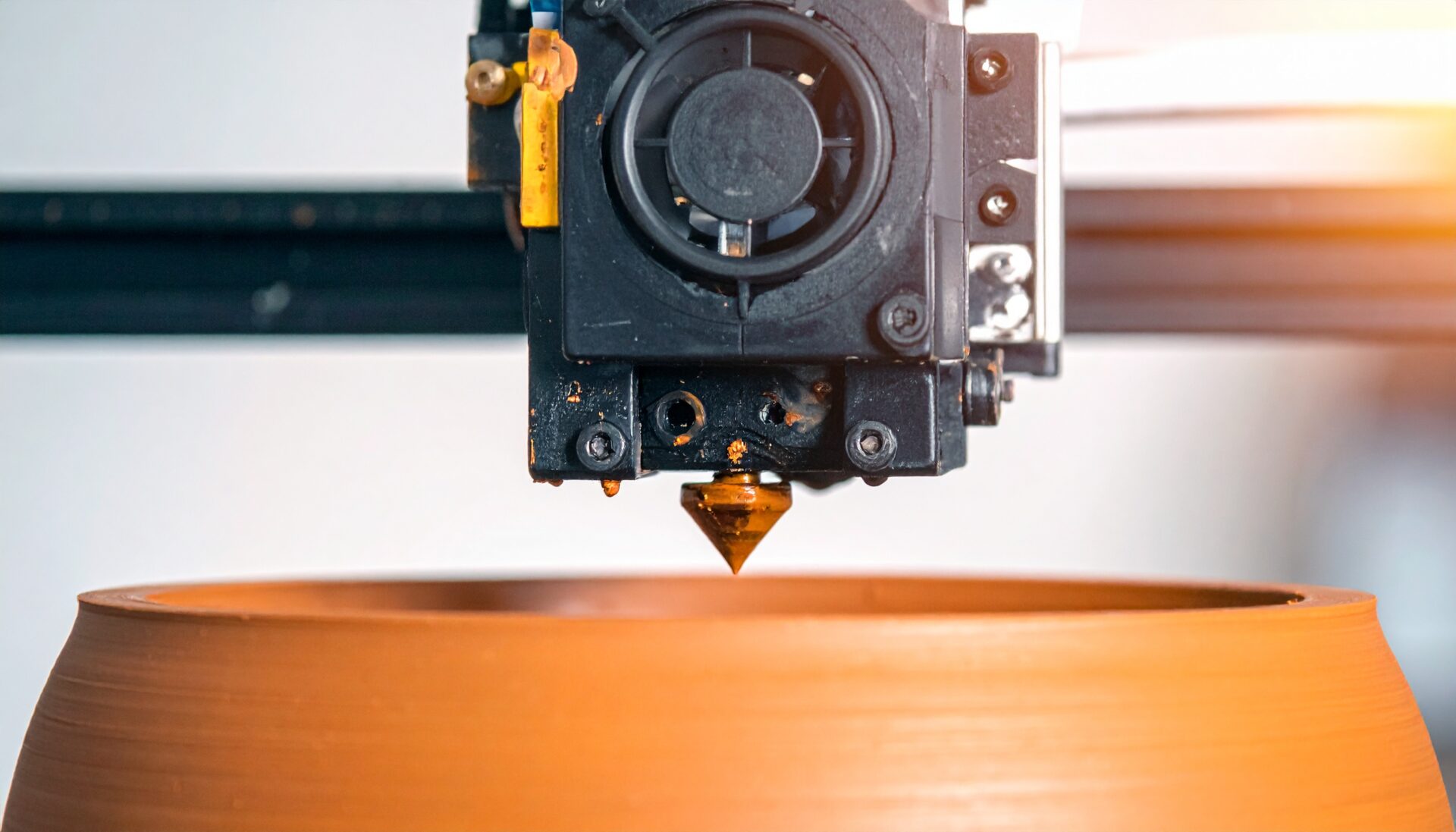
FDM extrudes heat-melted filament through a nozzle to build objects, while SLA uses a laser to cure liquid resin. SLS sinters powder materials with a laser and is used when robust parts are needed. When choosing between these technologies, consider your application, materials, precision, and cost requirements.
3D printers emerged in the 1980s and have evolved rapidly since then. The first commercial 3D printer was invented by Charles Hull in 1986, using SLA technology. Since then, many companies have developed new technologies and higher-precision printers, and today they’re used across a wide range of fields including home use, industry, medicine, and education. In recent years, new materials like metals and carbon fiber have become commonplace, enabling even more diverse applications.
3D printers have a wide range of applications including prototype creation, custom part manufacturing, education, and art production. Engineers use them to rapidly create prototypes to speed up product development. In the medical field, they’re used to create custom prosthetics and implants, as well as dental applications. Artists use 3D printers to bring their ideas to life as physical objects. Educational use is also growing, helping students deepen their understanding by creating physical models.
Things that can be created with 3D printers include mechanical parts, prosthetics, prototypes, and figurines. However, not everything can be made. For example, parts requiring advanced mechanical properties, very large objects, or components that must be made from specific materials can be challenging for 3D printers. Complex shapes requiring support material or specific surface finishes may need additional processing.
3D printers have several drawbacks and limitations. For example, slow build speeds make them unsuitable for large objects or mass production. There are also material constraints — not all materials can be used. Some filament types can be expensive or lack strength and heat resistance. Additionally, complex shapes with fine details require support material, making post-processing labor-intensive. It’s important to consider these factors when deciding how to use a 3D printer.
When choosing your first 3D printer, consider your intended use, budget, space, and materials. For home hobby use, relatively affordable and easy-to-operate models are suitable, but if you need precision and features, consider a slightly more expensive industrial-grade printer. FDM, SLA, and SLS printers each have their pros and cons — FDM is easy to operate with cheap materials, while SLA offers high precision and is advantageous for complex shapes. Choose the printer that best suits your needs.
Here are recommended models for getting started with 3D printing in 2026. The Bambu Lab A1 Mini is available for around $200-300 and is popular as a fast, beginner-friendly printer. The Creality K1 features a Core XY mechanism for high-speed printing with excellent value. For resin printing, the Elegoo Saturn 4 Ultra offers beautiful high-resolution prints.
The Bambu Lab A1 Mini features auto-calibration and high-speed printing, making it the ideal first 3D printer. The Elegoo Saturn 4 Ultra uses 12K resolution MSLA technology, perfect for highly detailed figurines and jewelry. The Prusa i3 MK3S is a high-quality FDM printer that receives excellent reviews. Each model has different characteristics, so choose based on your needs and budget.
Home 3D printer prices range widely from about $150 to several thousand dollars. For first-time buyers, we recommend models known for the best value. The Creality Ender 3 V2 can be purchased for under $200, making it extremely popular with beginners. Despite its low price, it’s reliable and equipped with nearly all necessary features, making it an excellent choice. It’s easy to set up and compatible with various filaments, offering the best cost-performance ratio for home use.
Using a 3D printer requires more than just the printer itself. You’ll need materials like filament and resin, a heated print bed, nozzle cleaners, tweezers, spatulas, and tools for removing support material. These tools are important for ensuring print quality and improving work efficiency. A filament holder, dryer, and IPA (isopropyl alcohol) for part cleaning are also useful additions.
When getting into 3D printing, consider not just the initial investment but also running costs. Initial costs include the printer itself, software licenses, and peripheral purchases. Running costs include filament and resin, annual maintenance, and consumable replacements. Special filaments and resins used with high-performance printers can be expensive, so costs can add up with frequent use. Carefully estimate your budget and running costs to ensure adequate funding.
Autodesk Fusion is a beginner-friendly 3D CAD software. After installation, start by learning the basic interface and operations, then practice creating simple shapes. Autodesk Fusion has many online resources — YouTube and official site tutorials are effective learning tools.
You can also create 3D data using smartphones. Apps like Shapr3D and Morphi enable easy modeling on phones and tablets. These apps are optimized for touch operation, making them intuitive for beginners. Shapr3D supports Apple Pencil for more precise work. They’re perfect for creating simple shapes and parts, letting you instantly bring design ideas to life on the go.
Blender is a free, open-source 3D modeling software that’s feature-rich yet beginner-friendly. Start by understanding the interface and mastering basic operations. In Blender, you can create complex shapes using basic shapes and meshes. Use sculpting and texturing features for adding fine details. Blender has abundant online tutorials available to help you learn various techniques.
Proper data preparation is crucial for successful 3D printing. First, export your 3D data in STL format and load it into slicer software. The slicer divides the data into layers for building and configures settings for each frame. Fine-tune nozzle temperature, bed temperature, filament type, print speed, and other settings to optimize the build. You’ll also decide whether to use support material and rafts during this process. This is a critical step that affects the precision and durability of your printed objects.
Once settings are complete, it’s time to start printing. Key points to watch include verifying the print bed is level and ensuring filament is properly loaded. If the first layer doesn’t adhere well or filament gets clogged, address the issue promptly. Check progress frequently during printing and immediately pause if any abnormalities occur to investigate the cause. For long prints, prepare extra filament in advance to avoid running out mid-print.
After printing is complete, you’ll need to remove support material and apply finishing touches. Carefully remove support material and polish surfaces to improve the finished quality. Tools include tweezers, spatulas, and sandpaper. In some cases, special solvents may be used to smooth edges. Painting or coating can improve appearance and enhance durability. Finishing is an important step for improving the quality of your completed pieces.
Various problems can occur when using a 3D printer. For example, filament clogging or prints detaching from the bed. For clogged filament, clean the nozzle and load new filament. For bed adhesion issues, adjust bed temperature or adhesion properties. If initial print settings are inadequate, readjust settings in the slicer software. Acquiring basic knowledge and techniques for handling these problems is important.
Examples of useful items you can create with a 3D printer include stationery holders for the office, kitchen tools for home use, and gardening accessories. Popular items include custom-fit phone stands, cable management tools, and planters. These can be created with your own original designs that aren’t available commercially, making them highly appealing. The ability to create unique items at low cost is a major advantage of home 3D printers.
Easy projects for 3D printing beginners include keychains, nameplates, and simple badges. These are small and complete relatively quickly, making them easy successes for beginners. They’re ideal training projects for learning the entire process from data creation to printing. Keychains and nameplates can feature personal designs or messages, making them great gifts. The designs are simple and slicer settings are straightforward, making them perfect first projects.
Amazing creations made with 3D printers include complex gear mechanisms, precision art pieces, and everyday gadgets. Examples include medical education models of human organs and architectural models with realistic detail, showcasing both functionality and beauty. Some art pieces feature curves and geometric patterns that would be impossible with traditional manufacturing. These works expand the possibilities of 3D printing while demonstrating its innovative nature.
Figurines you can create with home 3D printers range from popular anime characters and game characters to original designs. High-resolution printers can faithfully reproduce fine details and textures. You can also print parts separately and assemble them in specific poses. Adding paint or gloss coating creates even more realistic figurines. The joy of bringing your own characters to life in 3D form is truly special.
Free 3D data download sites include Thingiverse, MyMiniFactory, and Cults. These sites host enormous libraries of 3D data that users can freely download and print. Thingiverse is widely used from beginners to experts, with diverse data ranging from educational materials to everyday items and art. MyMiniFactory is known for high-quality data, especially rich in figurines and complex designs. Cults features unique creative works by designers and serves as a great source of inspiration.
さらに詳しい情報はAll3DPでご覧いただけます。
Professional-grade 3D print ideas include functional mechanical parts, advanced medical devices, designer furniture, and intricate jewelry. For example, bicycle parts, engine components, and medical device prototypes that actually function have been created with 3D printers. In furniture design, 3D printing enables shapes and functions impossible with traditional manufacturing, transforming interior spaces. In jewelry design, accessories with micro-fine details and complex shapes create premium, luxurious pieces.