AI Resin Printing Complete Guide 2026: AI Failure Detection, Tilt Release, Elegoo Saturn 4 Ultra, Obico Comparison, Monetization, and FAQ
swiftwand swiftwand.ai
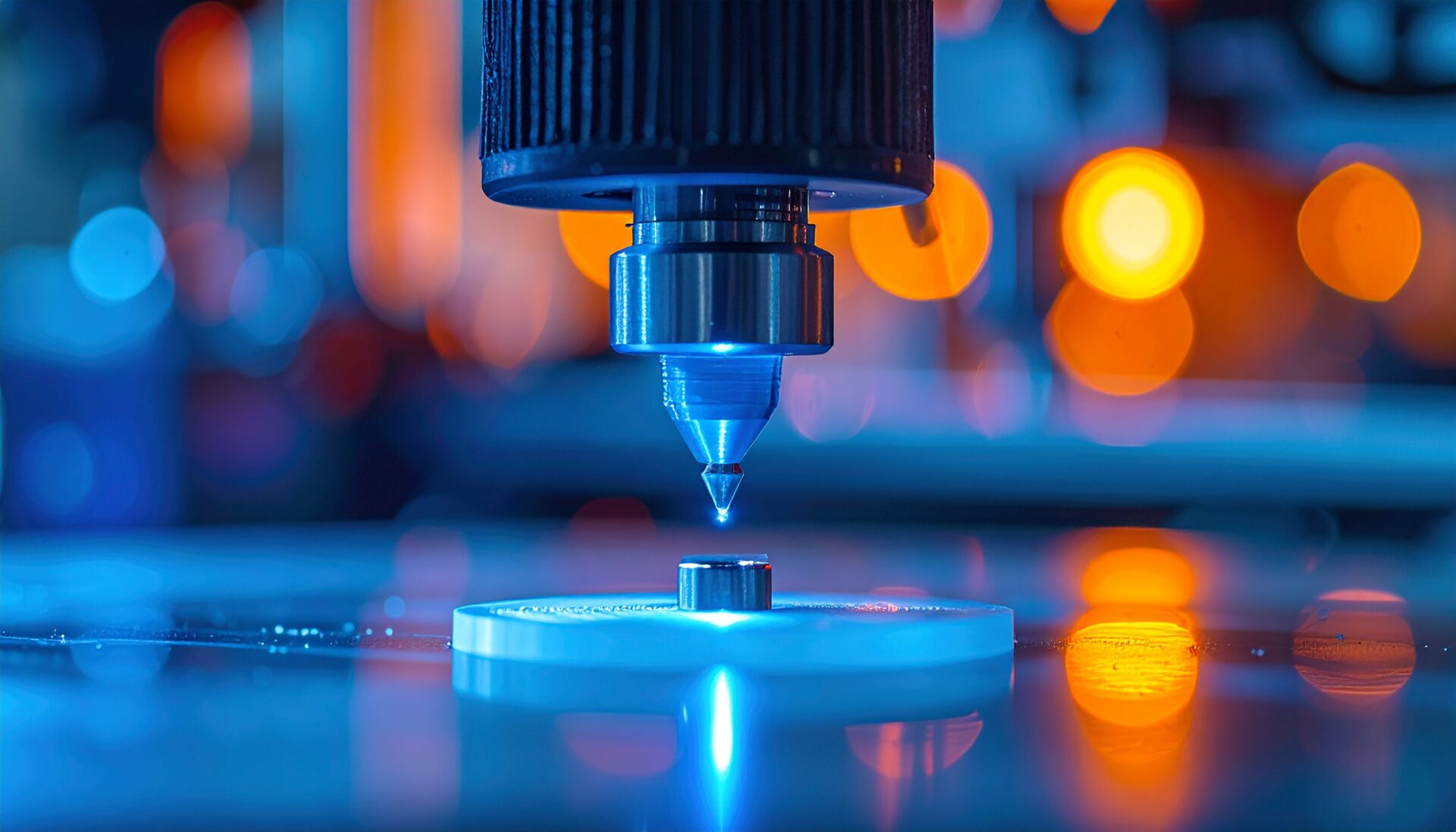
3D printers are evolving from “machines that create shapes” to “robots that create functions.” By 2025, the 3D printed electronics market reached approximately $12 billion and is projected to grow to $49 billion by 2035 (CAGR ~15%). Driving this growth is hybrid manufacturing—the technique of embedding electronic components and sensors during the printing process.
Traditional manufacturing separates “fabrication” from “assembly.” Hybrid technology erases this boundary, simultaneously achieving:
The core method is called “Pause-Print-Insert”: pause the print at a specific G-code layer, place components (LEDs, microcontrollers, sensors) manually or automatically, then resume printing to encapsulate them. The hardest part is cavity design—precisely sizing the void for component dimensions to avoid nozzle collisions or adhesion failures.
AI agents are revolutionizing this process:
Home FDM printers (Ender-3, Prusa MK4, etc.) can practice hybrid manufacturing. Here’s how to embed an ESP32 microcontroller and BME280 temperature/humidity sensor into an enclosure.
Design the enclosure in FreeCAD or Fusion 360. Create a cavity with 0.4mm clearance on each side for the ESP32 board (~25mm x 48mm). Include a USB-C port opening at the bottom. Note the cavity floor layer number in your slicer.
Use OrcaSlicer’s custom G-code feature to insert an M600 (filament change) command at the cavity top layer. When the print pauses, place the ESP32 in the cavity and optionally secure with a drop of super glue. Press resume—the upper layers print and encapsulate the component.
After encapsulation, flash firmware via the USB-C port and run Wi-Fi connectivity tests. For PLA encapsulation, component operating temperature is limited to 60°C—use ABS or PETG for high-temperature environments.
Klipper firmware enables further automation of the insert process with four practical macros:
Combined with Moonraker API, external scripts can orchestrate the entire insert process. A fully automated pipeline—Python-controlled printer plus camera verification before resume—is entirely achievable.
Cause: Insufficient cavity clearance. Allow at least 0.5mm above the component’s maximum height. Reduce print speed to 50% on the first pass after resuming to minimize collision damage.
Cause: Nozzle temperature drops too much during pause. Set Klipper standby temperature to -10°C from printing temperature, and apply first-layer settings (+5°C temperature, -30% speed) on resume for strong adhesion.
Cause: Excessive clearance. Design 0.2mm snap-fit protrusions on cavity walls, or use a small amount of hot-melt adhesive for temporary fixation before encapsulation.
Fabrisonic’s UAM bonds metal foil layers with ultrasonic vibration while embedding sensors and optical fibers. In NASA collaborations, strain sensors embedded directly in rocket engine components enable real-time structural health monitoring. Sensors encapsulated within metal withstand extreme vibration and temperature environments.
Switzerland’s CSEM has developed implantable sensors with electronics fully encapsulated in biocompatible resin. 3D-printed custom shapes optimized per patient are in clinical trials for post-surgical monitoring. Dramatically lighter than traditional metal-cased devices with MRI compatibility.
Auto parts manufacturers are exploring hybrid manufacturing to embed TPMS sensors directly into resin valve caps. This eliminates separate sensor unit installation, reducing part count and manufacturing costs.
Individuals can leverage hybrid tech for business: custom IoT sensor case manufacturing ($20–$70 per unit), educational kits (ESP32 embedding experience kits), and prototype fabrication services. Crowdfunding is especially compatible—projects for sensor-embedded planters and environmental monitoring devices have already succeeded.
Hybrid manufacturing will continue evolving. Multi-nozzle multi-material printers will standardize simultaneous conductive/structural material printing. AI real-time quality monitoring will enable per-layer detection and correction of misalignment and adhesion failures. Bioprinting fusion will enter clinical stages for embedding biosensors directly into tissue structures.
Total additional investment: approximately $150–$200. If you already own an FDM printer, you can start experimenting for under $30 with just components and adhesive.
A manufacturing technique that embeds electronic components and sensors mid-print, integrating structural and electronic functions in a single build. It merges 3D print layer fabrication with traditional assembly processes.
Yes. Standard FDM printers like Ender-3 or Prusa MK4 work fine. Insert M600 commands via slicer custom G-code and use the pause-print-insert method.
LEDs, microcontrollers (ESP32, Arduino Nano), temperature/humidity sensors (BME280), accelerometers, RFID tags, and small batteries. The component’s heat tolerance must exceed the filament’s printing temperature.
Conductive PLA from Proto-Pasta or Multi3D can print simple circuit patterns. However, volume resistivity of 15–115 ohm/cm limits it to low-current applications like touch sensors and capacitive switches.
Not required. Marlin firmware supports pausing with M0 or M600 commands. However, Klipper’s macro system automates temperature management and probe verification, significantly improving reproducibility.
Fully encapsulated components are difficult to repair. Design access panels (removable lid structures) or modular designs allowing only the failed component to be swapped.
Hybrid manufacturing transforms 3D printers from mere shaping tools into production machines that create functional finished products. In 2026, home FDM printers can produce integrated IoT devices, while industrial applications span from aerospace to medicine. AI-automated cavity design and Klipper macro process control have opened the path from prototype to business for individual makers. Start by embedding a single LED with an M600 command—and experience the future of manufacturing firsthand.
For more information, visit All3DP.