Beyond Copilot: Designing Autonomous AI Agent Architecture with LangGraph in 2026
swiftwand swiftwand.ai
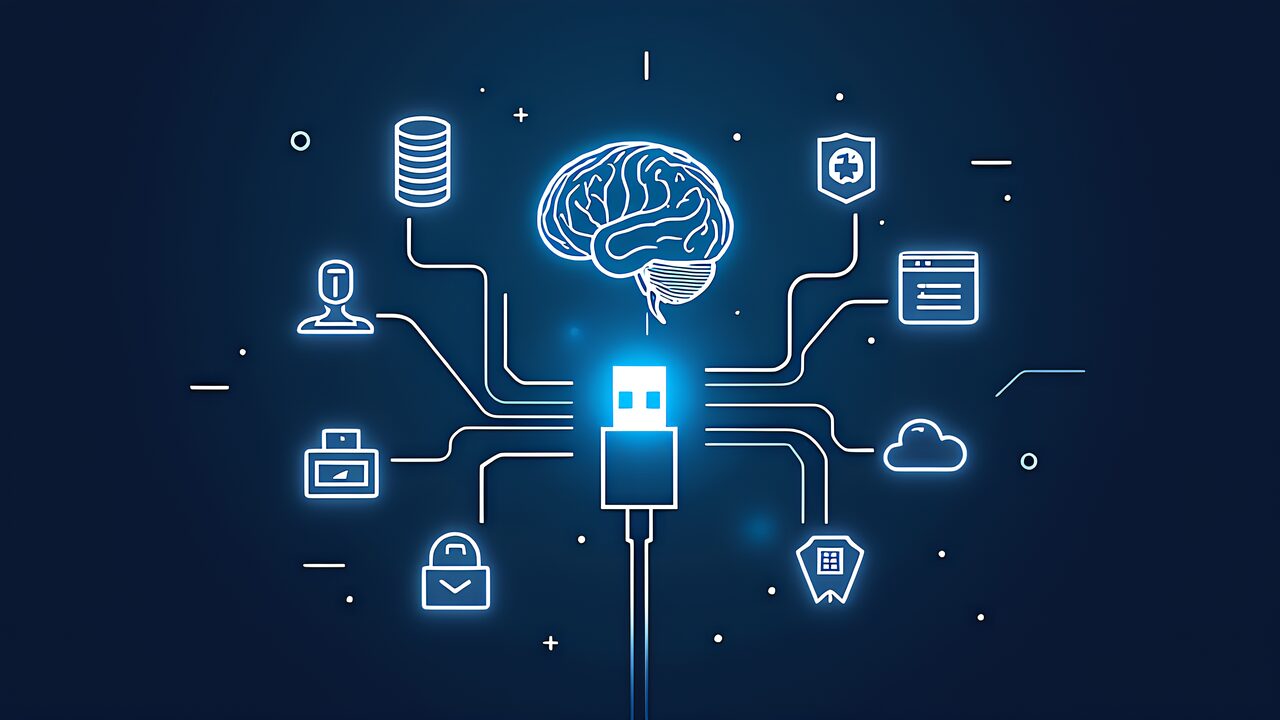
Model Context Protocol (MCP) represents a paradigm shift in how AI agents interact with external tools and services. Often described as the “USB-C of AI,” MCP provides a standardized, interoperable approach to extending LLM capabilities through a universal interface. In this guide, we will explore the foundational concepts of MCP, its architectural principles, and how to set up your first MCP server implementation.
Model Context Protocol is an open standard developed by Anthropic that enables seamless integration between Claude (and other LLMs) and external systems such as databases, APIs, file systems, and custom applications. Unlike proprietary integration approaches that vary by service provider, MCP offers a universal, human-readable protocol for tool definition and invocation.
The “USB-C” metaphor captures the essence of MCP: just as USB-C provides a standard connector for countless devices, MCP provides a standard interface for countless tools and services. This eliminates the need to write custom integrations for each LLM-service pair, dramatically reducing complexity and improving interoperability.
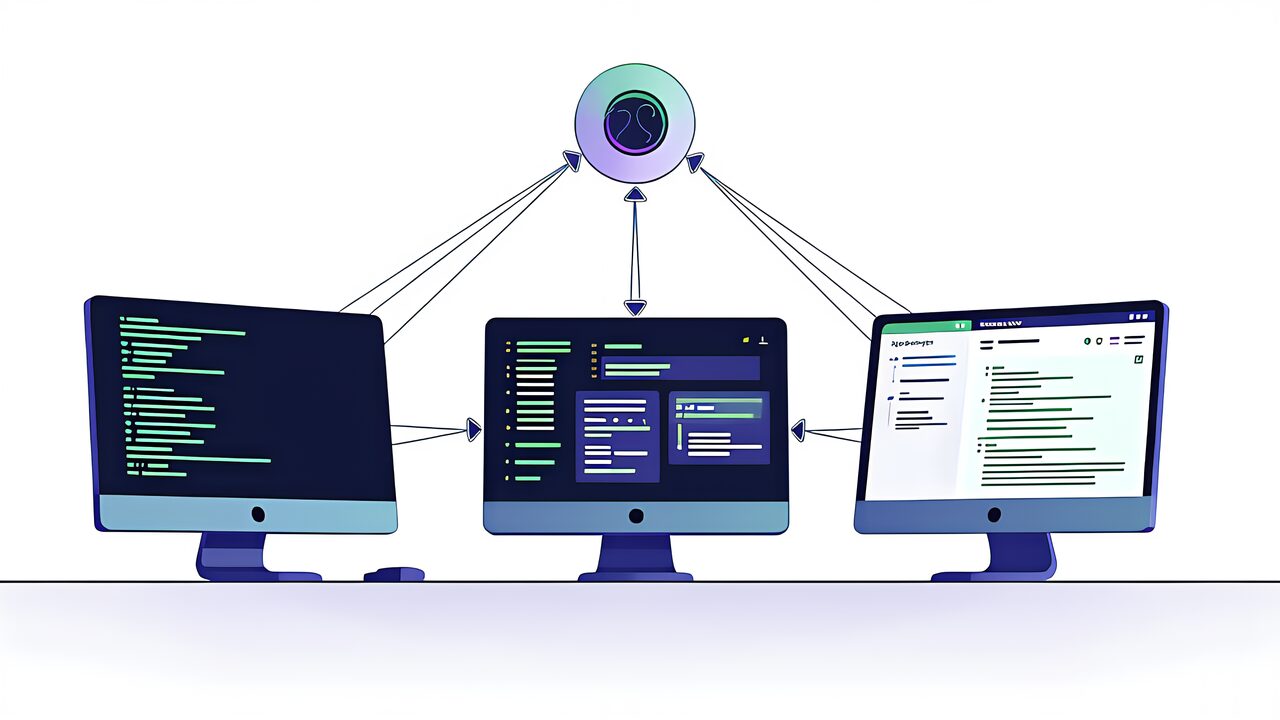
MCP follows a straightforward client-server model. The LLM (Claude) acts as the client, initiating requests to one or more MCP servers. Each server encapsulates access to a specific domain or system—for example, a database server, file system server, or API aggregator. This separation of concerns ensures clean boundaries and enables independent development and deployment of services.
MCP supports two primary transport mechanisms:
MCP servers expose two primary types of capabilities:
Standardization: Before MCP, every LLM provider and tool vendor had to negotiate custom integrations. MCP eliminates this friction by defining a single, universal standard.
Interoperability: An MCP server built for Claude works equally well with other MCP-compatible clients. This breaks vendor lock-in and encourages an open ecosystem.
Security and Isolation: MCP servers run in isolated processes (or remote systems), preventing buggy or malicious code from compromising the LLM client. Tool definitions are explicit and immutable, providing transparency and control.
Scalability: With Streaming HTTP support, MCP scales from local development (stdio) to enterprise deployments (remote HTTP servers), all using the same protocol.
To get started with MCP, you’ll need:
FastMCP is Anthropic’s lightweight Python framework for building MCP servers. Install it via pip:
pip install fastmcpHere’s a minimal MCP server that exposes a single tool:
from fastmcp import FastMCP
import asyncio

app = FastMCP("hello-world")

@app.tool()
def greet(name: str) -> str:
    """Greet a user by name."""
    return f"Hello, {name}!"

if __name__ == "__main__":
app.run()Once your MCP server is running, configure Claude Code (or another MCP client) to use it. In your .claude directory, create a .mcp.json file:
{
  "mcpServers": {
    "hello-world": {
      "type": "stdio",
      "command": "python",
      "args": ["/path/to/hello_world.py"]
    }
  }
}Expose file system operations (read, write, list) to Claude, enabling it to work with local files safely and transparently.
Connect Claude to a PostgreSQL, MySQL, or SQLite database via MCP, allowing semantic queries and data manipulation while maintaining strict access control.
Build an MCP server that aggregates multiple REST APIs (weather, news, search) and presents them to Claude through a unified interface, reducing latency and simplifying prompting.
Tool Design: Keep tools focused and single-purpose. A tool that does one thing well is better than a Swiss-Army knife tool.
Error Handling: Always return structured error responses. Include error context (reason, recovery suggestions) to help Claude understand what went wrong and how to retry.
Documentation: Write clear, comprehensive descriptions for each tool and resource. Claude uses these descriptions to decide when and how to invoke your tools.
Security: Validate all inputs, implement rate limiting, and audit tool usage. MCP servers should enforce the principle of least privilege.
Now that you understand the basics of MCP, explore:
Model Context Protocol is poised to become the standard for LLM integrations. By learning MCP now, you’re positioning yourself at the forefront of AI-native application development.