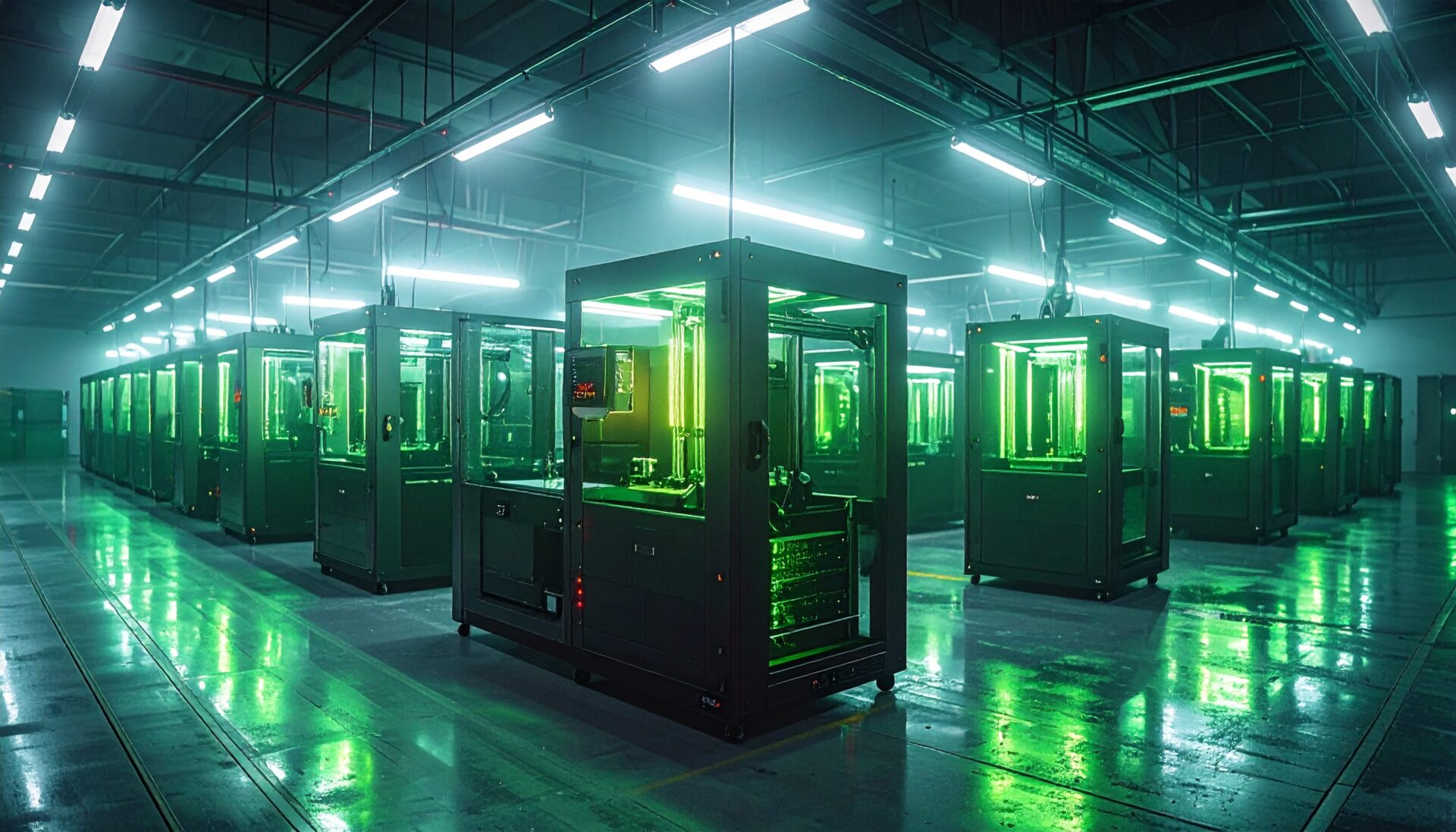
Home Dark Factory: Autonomous Print Farm Operation with AI Agents in 2026
swiftwand swiftwand.ai

“I want to feed internal docs to my LLM, but building a RAG pipeline is too painful.” “I’m writing yet another Python API wrapper just to connect Claude to my local 3D printer logs.” If you’ve been drowning in low-quality glue code like this, this article is for you.
Before 2024, connecting AI agents to external tools was the Wild West. Then in 2025, MCP—drafted by Anthropic and the open-source community—changed everything. Think of it as USB-C for AI agents. No more carrying a different cable (custom plugin) for every device.
This article dives into MCP’s technical specification, architecture, and the implementation patterns every engineer should know—including a real-world “3D printer × AI” example.
The bottleneck we faced was never LLM intelligence—it was a broken context supply pipeline.
Under the old paradigm, every time a new LLM launched you had to re-implement connectors for every existing tool. With 10 tools and 3 LLMs, that’s 30 integrations to maintain. A massive waste of engineering resources.
Copy-pasting logs into a prompt is not engineering. And even though context windows have expanded to 2 million tokens, stuffing everything in every time is impractical from both a cost and latency standpoint. What was missing was a mechanism to pull the right data only when needed.
MCP collapses the “N × M” problem into a simple 1-to-1 connection.
The elegance of MCP lies in its clean separation of Host, Client, and Server.
The interaction flow works as follows: the user asks a question (e.g., “What’s the current nozzle temperature on my Bambu Lab A1?”). The Host interprets the intent, discovers available tools via the Client, selects the right tool, executes it through JSON-RPC, and returns the result as natural language—all in a single conversational turn.
MCP is not magic. It’s a robust JSON-RPC 2.0 protocol. What engineers should pay attention to is the flexibility of the transport layer:
Let’s get our hands dirty. Here’s a proof-of-concept MCP server that lets Claude Desktop directly query the status of a Bambu Lab printer.
from mcp.server.fastmcp import FastMCP
import json

# Initialize the server
mcp = FastMCP("BambuPrintMonitor")

# Shared state (updated via MQTT callbacks in production)
printer_state = {
    "nozzle_temp": 0.0,
    "bed_temp": 0.0,
    "print_progress": 0,
    "current_layer": 0
}

@mcp.resource("bambu://status")
def get_printer_status() -> str:
    """Returns current printer status as JSON text"""
    return json.dumps(printer_state, indent=2)

@mcp.tool()
def set_nozzle_temperature(temp: int) -> str:
    """Sets the nozzle temperature. Warning: use caution during active prints."""
    if temp > 280:
        return "Error: Temperature too high."
    # MQTT publish logic goes here
    # mqtt_client.publish(...)
    printer_state["nozzle_temp"] = temp
    return f"Nozzle temperature set to {temp}°C."

if __name__ == "__main__":
    mcp.run()
With roughly 30 lines of code, your Claude gains the ability to perceive and control physical-world temperatures. The authentication flows and Swagger definitions that traditional API development demands are abstracted away by the MCP SDK.
To use your server, simply add an entry to the Host’s (Claude Desktop) configuration file.
{
  "mcpServers": {
    "bambu-monitor": {
      "command": "uv",
      "args": ["run", "path/to/server.py"]
    }
  }
}After restarting Claude Desktop, you should see bambu-monitor recognized under the plugin (or tool) icon in the chat input area. Simply ask “How’s my print going?” and in the background, the bambu://status resource is fetched and a natural-language answer is generated.
As of 2026, the MCP ecosystem is maturing rapidly:
1. Custom MCP Server Development
Build MCP servers that connect enterprise internal tools (Slack, Jira, internal DBs). Market rate is $700–$3,500 per server, and multi-tool integration projects command premium pricing.
2. MCP Server Marketplace Listings
Develop general-purpose MCP servers and sell them on marketplaces. Niche industry-specific servers (real estate, healthcare, manufacturing) face less competition and generate stable recurring revenue via subscription models.
3. Technical Blog & Tutorials
MCP is still a new technology, and practical English-language resources with real implementation examples are scarce. Well-crafted technical articles rank well in search and drive affiliate revenue.
4. AI Agent Architecture Consulting
Design and build AI agents powered by MCP that integrate multiple data sources. These agents dramatically improve enterprise operational efficiency, enabling premium consulting rates.
MCP is a standardized protocol based on JSON-RPC 2.0 that enables AI models to discover and execute external tools. While REST APIs are designed for “apps fetching data,” MCP is designed for “AI autonomously choosing and executing tools”—a fundamental difference.
Basic knowledge of Python or TypeScript is sufficient. Official SDKs (Python and TypeScript versions) are available, and you can build a functional server by simply writing tool definitions and handlers.
MCP servers run locally, so data is not transmitted externally. However, permission design matters. Separate read-only tools from write tools and follow the principle of least privilege.
Claude Desktop offers the most comprehensive MCP support. Claude Code, Cursor, and Windsurf also support MCP. OpenAI has announced MCP support as well, solidifying its position as an industry standard.
Local execution (stdio transport) is the simplest approach. For remote access, use SSE (Server-Sent Events) transport. Packaging as a Docker container further reduces environment setup overhead.
2026 could be called “Year One of MCP.” Anthropic, OpenAI, and Google are all strengthening MCP support, and the number of third-party MCP servers is growing rapidly. Building skills early gives you a significant first-mover advantage.
MCP is the “USB-C of AI agents”—a standard protocol that solves the N × M connection problem. Its simple JSON-RPC 2.0 design lets you start with a small server and scale incrementally.
Start by using the 3D printer monitoring server example in this article as a reference and get an MCP server running in your own environment. The future of AI agents is not about smarter models—it’s about better connections.
For more information, visit All3DP.