Home Dark Factory: Autonomous Print Farm Operation with AI Agents in 2026
swiftwand swiftwand.ai
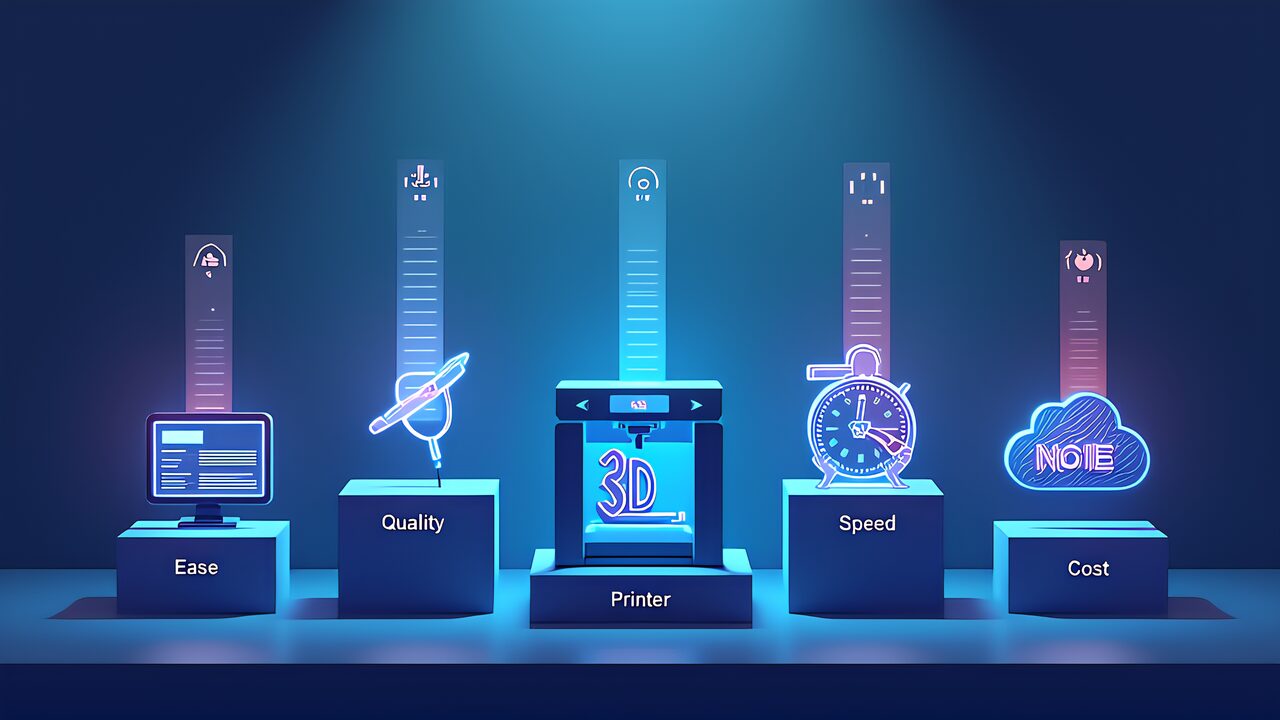
In this fifth installment of our AI × 3D Printing series. We conduct a comprehensive comparison of the three major AI coding tools. Furthermore. Rather than generic benchmarks. We evaluate Claude Code.
Google Antigravity. And Cursor across six axes specifically relevant to 3D printing workflows. Consequently, by the end of this article. You’ll know exactly. Tool fits your needs.
We evaluate each tool on six dimensions: Speed. Quality, Freedom (flexibility), Cost. Learning Curve, and Extensibility. Furthermore. Each axis is scored on a 10-point scale based on practical 3D printing tasks.
Specifically. We tested identical modeling tasks across all three tools to ensure fair comparison. Additionally. The scoring reflects real-world 3D printing use cases. Not general coding performance.
Speed measures the time from natural language instruction to exportable STL file. For simple models (single-part. Basic geometry). All three tools perform similarly at 1-3 minutes. However.
For complex models requiring multiple iterations. Differences emerge. Specifically. Antigravity’s autonomous multi-step execution completes complex tasks 30-40% faster than manual step-by-step workflows in Claude Code or Cursor.
Claude Code scores 8/10 for speed—fast execution with excellent MCP responsiveness. Furthermore. Antigravity leads at 9/10 thanks to autonomous workflows that eliminate manual step management.
Additionally. Cursor scores 7/10—script generation is fast. Requires manual execution. Consequently, for pure speed. Antigravity has a clear advantage.
Quality measures how print-ready the AI-generated models are without manual intervention. Furthermore. This includes mesh integrity (manifold checks). Dimensional accuracy.
And adherence to 3D printing design rules (wall thickness. Overhangs, supports). Specifically. Claude Code leads this category with the most consistently print-ready outputs.
Claude Code scores 9/10 for quality—Claude Sonnet 4.6’s deep understanding of 3D printing constraints produces reliable. Print-ready models. Moreover. Antigravity scores 7/10—occasionally produces non-manifold meshes that require repair.
Additionally. Cursor scores 8/10—generated scripts tend to be clean. May not account for all printing constraints. In other words. If print quality is your priority. Claude Code is the best choice.
Freedom measures the range of designs you can create. From simple geometric shapes to complex organic forms. Furthermore. This axis also considers the ability to mix modeling approaches (mesh editing.
Parametric design, boolean operations). Specifically. Cursor’s script generation approach offers the most flexibility for advanced users.
Claude Code scores 8/10—excellent MCP flexibility with custom server support. Additionally. Antigravity scores 7/10—prebuilt MCP is convenient. Limits customization. Furthermore.
Cursor scores 9/10—full scripting freedom enables any design approach. Consequently. For advanced users who want maximum creative control. Cursor is the top choice.
Cost comparison is straightforward. Claude Code Pro costs $20/month. Furthermore. Antigravity offers a free tier plus $25/month for the full subscription. Additionally, Cursor Pro is $20/month. However. The real cost calculation must include setup time. Learning investment.
When factoring in setup time. Antigravity’s free tier with zero-configuration MCP offers the lowest total cost of entry. Moreover. For users already comfortable with VS Code. Cursor’s familiar interface reduces learning time.
Consequently. The “best value” depends on your starting point: absolute beginners benefit most from Antigravity’s free tier. While VS Code users get the fastest productive start with Cursor.
Learning curve measures how quickly a complete beginner can produce their first successful 3D print using each tool. Furthermore. Antigravity wins decisively here with its zero-setup approach. Specifically.
A beginner can go from installation to first print file in under 30 minutes with Antigravity. On the other hand. Claude Code requires MCP server configuration (add 30-60 minutes). And Cursor requires understanding of script execution workflows.
Extensibility measures how well each tool grows with your skills. Furthermore. Claude Code excels here with its open MCP ecosystem—you can add custom MCP servers for any tool. Additionally, OpenSCAD MCP Server. Blender MCP.
And community-developed servers expand Claude Code’s capabilities continuously. Moreover. Cursor benefits from its VS Code extension ecosystem. Consequently. Claude Code scores highest for long-term extensibility.
No single tool wins across all six axes. Consequently. Our recommendation is a hybrid strategy. Start with Antigravity’s free tier for the easiest entry point. Furthermore. Add Claude Code ($20/month) when you need deeper MCP customization. Higher-quality outputs. Additionally.
Consider Cursor ($20/month). Building reusable parametric design libraries. In other words. Let your needs. Skill level guide which tools you combine. The next article explores OpenSCAD parametric design with AI—a powerful complement to the Blender-based workflows covered so far.