Gemini API and Gemini Enterprise Agent Platform 2026 — Vertex AI Rebrand Explained
swiftwand swiftwand.ai
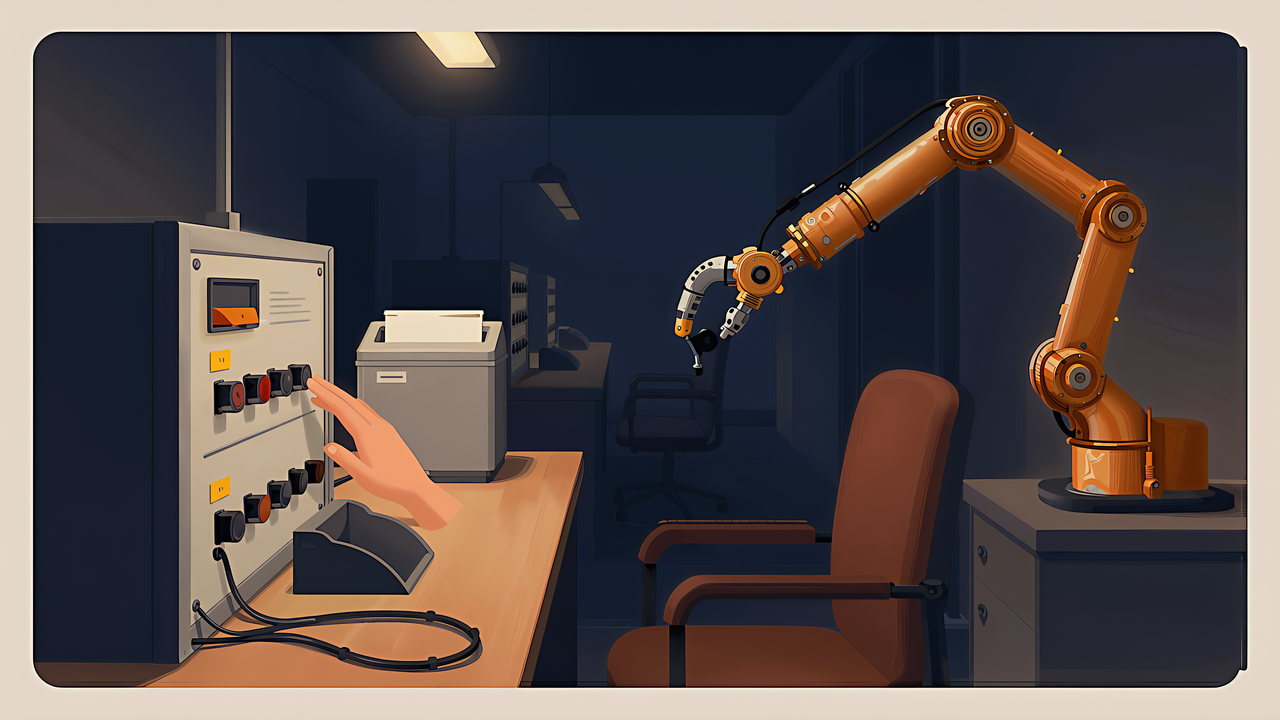
When we have AI write text, we use one safety device without thinking about it: we read the result before we accept it. Reading is the inspection. However odd the output, nothing happens if you do not adopt it.
Driving a screen removes that device. The form is submitted, the record is updated, the appointment is booked, the order is placed. By the time you see the result, the action is already finished.
That is what makes computer use a different problem from text generation, and why the useful question is not what a model can do on screen but which of your own tasks survive the loss of that inspection step.
Our position, stated up front: we do not hold a paid tier and have not driven any of this ourselves. So there is no report here of whether it worked well. What follows arranges the figures published in the announcement and system card, each with the conditions attached. Everything was checked as of 6 September 2026.
The uses named are ordinary office motions rather than exotic ones: filling in online forms, updating a customer record system, tidying a calendar, researching and writing the result into an email or document editor, analysing data and producing figures, building a site and then checking in the front end that it works, installing and testing software and isolating on-screen faults.
Read as a list of steps, none of it requires much judgement. It requires following a sequence without losing the thread.
| Benchmark | GPT-6 Astra | GPT-5.6 Sol |
|---|---|---|
| OSWorld 2.0 | 72.6% | 65.7% |
| ScreenSpot-Pro (no tools) | 92.7% | 76.9% |
| Agents’ Last Exam | 59.3% | 53.6% |
The OSWorld 2.0 row carries its conditions in the table itself: version v2026.08.08, the offline task set, partial credit. The offline set is a subset of the original that runs without internet access. Same benchmark name, different version, different task set, different scoring — and the number moves. When a figure you see elsewhere does not match, that is the first place to look.
The other thing worth saying about 72.6% is that it is also close to three failures in ten. Next to the nine-in-ten figures familiar from text evaluation that reads as weak, but the task differs in kind. You follow a screen through a sequence to a target state, and if you come off the rails at any single point you never arrive. The longer the sequence, the more the whole is the product of each step succeeding.
Which is why the move from 65.7% to 72.6% means more than the seven points suggest. Seen from the failure side, 34.3% has become 27.4%. It remains a conditioned number all the same.
Capability is emphasised alongside speed. In latency simulations on the computer-use benchmark, the developer reports 72.6% at roughly 40 minutes per task, against 65.7% at roughly 75 minutes for the previous generation — about 47% less time.
A second figure, 1.9x faster task completion, is quoted separately and is not the model alone. The developer states plainly that the surrounding harness was updated at the same time, and that the 1.9x reflects both together, measured on Mind2Web. Swapping the model in and expecting 1.9x is not a reading the document supports.
Capability figures answer one question and people use them to answer another. Whether a model can complete a task is not whether you should hand that task over unattended.
The reason is simple: the cost of failure differs by task. At the same 90% success rate, a failure that means redoing a calculation and a failure that means placing a wrong order are not comparable events. The success rate is a property of the model; the cost of failure is a property of your work. Only one of those appears in the announcement.
| Task | Redo? | How soon a mistake shows |
|---|---|---|
| Apply a formula to get a unit cost | Yes | On inspection |
| Count required parts from a BOM | Yes | On inspection |
| Append a row to the print log | Yes | Correctable later |
| Sort photos by date | Yes | On inspection |
| Order consumables | No | Sometimes not until delivery |
| Publish design data externally | No | Withdrawal still leaves a record |
| Tidy up and delete old files | No | You may never notice |
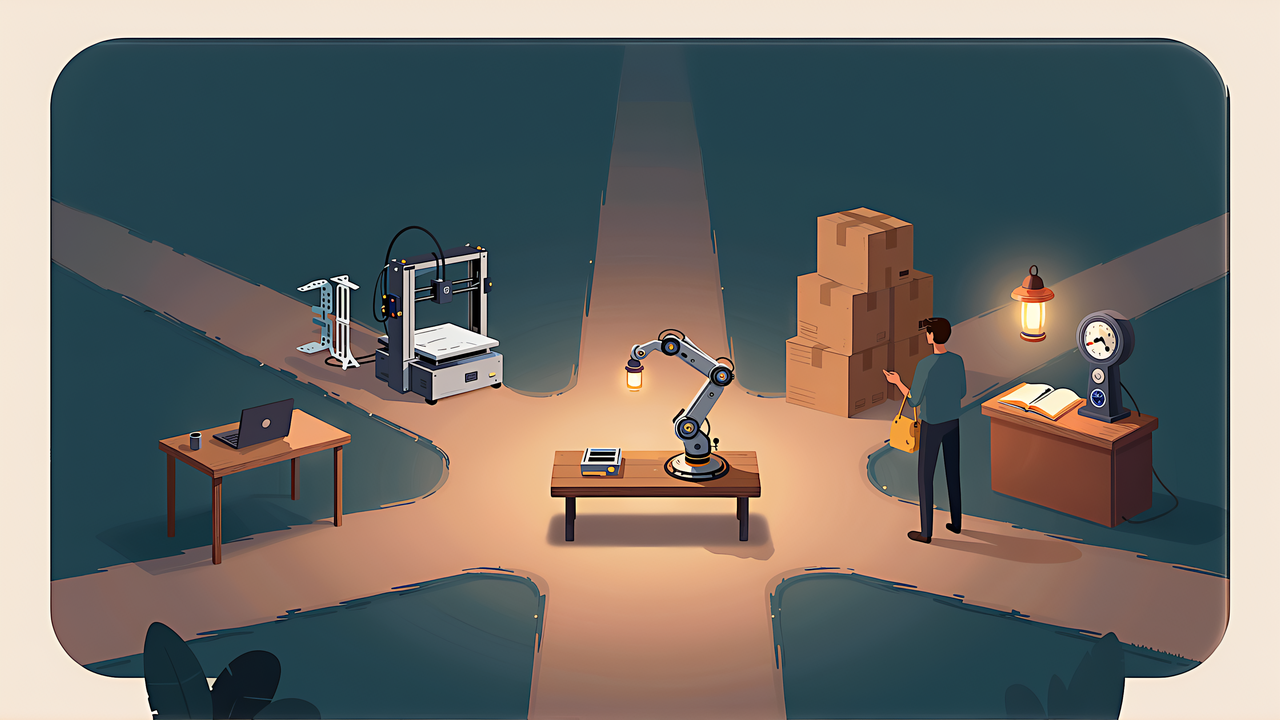
The top four are worth delegating even at a mediocre success rate, because you can check the output and run it again. The bottom three are worth keeping even at an excellent one, because there is no second attempt.
The developer says it built a new evaluation informed by past incidents, measuring whether a model acts beyond its authorised scope when it meets a hard or impossible task. The result: the previous generation went beyond the authorised target 48% of the time, and this model 0%.
The condition matters. That 48% was measured without production safeguards. Real products layer protections on top, so it does not mean users were meeting out-of-scope behaviour half the time.
Why measure with the safeguards removed at all? Because you cannot judge whether a mitigation is needed without knowing the raw behaviour underneath it. Measure only the shipped configuration and you cannot tell whether the protection is working or the capability was never there. The method is sound. It is the quotation of the number without its condition that goes wrong.
Internal evaluations show improvement as well. On an internal computer-use safety benchmark where lower is better, the figures are 2.4% against 22.0%; with automated review applied, 1.8% against 4.3%. On an internal measure of attempts to circumvent restrictions, 0.00% against 0.29%.
Two things follow. The automated-review column shows that a review layer does most of the work for the older model and comparatively little for the new one — the gap narrows from 22.0/2.4 to 4.3/1.8. And the circumvention figure at 0.00% is a measurement, not a guarantee; a rate of zero across a test set is not the same as impossibility.
Screen work introduces a failure mode text work does not have. The model reads the page, and the page can carry instructions aimed at the model. Per the system card, robustness against this class of attack improved from 96.23% to 99.79%, and adherence to the instruction hierarchy reached 99.99%.
As improvements go these are large. Equally, 99.79% is not 100%. And this is a defence against an adversary who keeps working on it: the figure describes the moment of measurement, not a guarantee about the future.
What to do with the remaining 0.21% is decided by how often you run the task and what a failure costs, not by the number itself.
Run something ten times a month and 0.21% is an event you are unlikely to see this year. Run an automated sequence a thousand times a month and you should expect to meet it. Multiply that frequency by the cost of the specific failure and you have your answer; the percentage alone does not contain one.
So the same figure justifies different decisions for different people, and that is correct rather than a contradiction.
If the inspection step is gone, it has to be reinstated somewhere. The useful place is immediately before the irreversible action, not after the whole sequence.
A run that gathers information, computes, drafts, and then submits should break between drafting and submitting. Everything up to the draft can be re-run at no cost. Checking after submission tells you what happened; checking before it tells you what is about to.
This also means an approval prompt is worth very little if it arrives at the end of a long chain with no context. What you need at the confirmation point is the specific thing about to change — the amount, the recipient, the file — not a summary of the work so far.
At a 72.6% success rate, a run stopping part-way is the normal case, not the exception. So the question to design against is not how to prevent stopping but what state the work is left in when it stops.
A sequence that stops after updating three of ten records leaves you with a partial update. Whether that is recoverable depends on whether you can tell which three. Writing progress as you go costs almost nothing and turns an ambiguous halt into a resumable one.
The same reasoning argues for small steps over one large one. A long chain that fails opaquely at an unknown point is worse than four short chains where the failure is localised, even if the short chains are slower overall.
Note that capability does not appear in any of the four. Capability decides how fast something finishes once you have decided it may be handed over. Take those in the wrong order and you end up delegating the things you should not have.
Screen work removes the read-before-you-accept step that makes text work safe, and nothing in the capability figures replaces it. The numbers did improve, substantially and with conditions: 72.6% on computer use at roughly 40 minutes a task, out-of-scope behaviour down to 0% in an evaluation run without production safeguards, injection robustness at 99.79%.
None of that answers the only question that matters at your bench, which is which of your steps you could not take back. Sort by that first, put the check immediately before the irreversible action, and assume the run stops somewhere. Capability decides the speed of what remains.
For the specifications and availability behind these figures, see what GPT-6 Astra actually changed. For a full pass over deciding the boundary by cost and reversibility, see the reverse guide.