Listening While Your Hands Are Busy — Long Articles as Audio With Local TTS
swiftwand swiftwand.ai
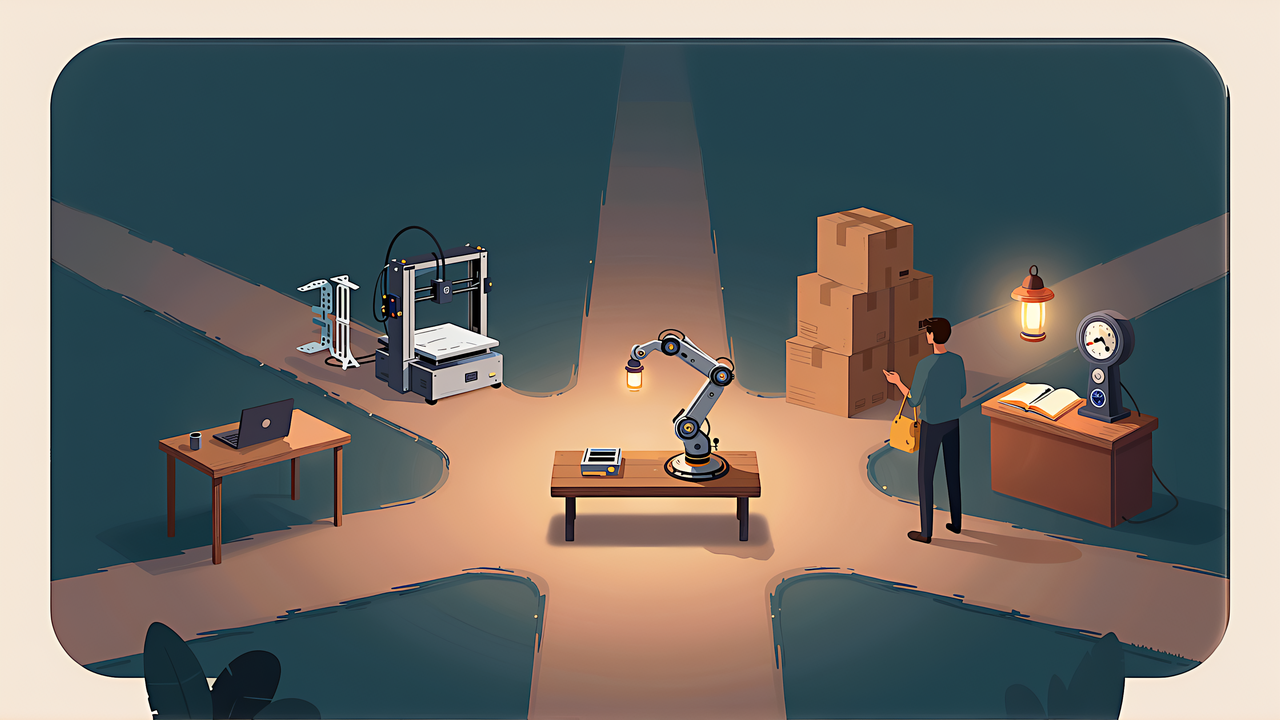
Robot learning stopped being a laboratory subject sometime in the last two years. What has not become clear is where an individual is supposed to start.
This article contains affiliate links. As an Amazon Associate, we earn from qualifying purchases.
This article rearranges what the rest of this series established into something you can enter from a budget and a goal. Every figure was confirmed from official material on 2 September 2026. This site does not own the hardware, and this is not a record of a build.
| Path | What you need | Initial cost | Running cost |
|---|---|---|---|
| Understand only | A browser | 0 | 0 |
| Rent compute | An account with credit | 0 | A few hundred to a couple of thousand yen per training run |
| Build the arms | A 3D printer, or bought printed parts | From JPY 44,530 | Filament and electricity |
| Simulate | An upper-tier GPU, 32GB RAM or more | Cost of a machine | Electricity |
These are not exclusive. Printing and building the arms while renting the training compute is the most natural combination for anyone who owns a printer.
Cost is not the only axis. What you already own, how much time you can give it, and what you want the arm to do all matter — and whether you have a printer changes the route more than anything else, because it decides your initial cost, your recovery when something breaks, and how freely you can change what the arm grasps.
If you are building on top of these models rather than just using them, foundation-model engineering is the reference that covers the whole path from prototype to production.

 ポチップ
ポチップBefore buying anything, it is worth reading the memory table and the licence terms. They tell you what is actually within reach, and the answer at the 16GB class is one small vision-language policy and nothing above it.
One caution: do not treat simulation as the free entry point. The official system requirements start at an upper-tier GPU and 32GB of RAM, and training needs more than that. The software is free; the environment is not. The details are in the sim-to-real article.
If you have a printer, this is the main route. The official bill of materials carries a JPY column: JPY 44,530 for the two-arm configuration teaching requires, or JPY 24,414 for the follower alone.
Two things sit outside that total: a camera and filament. A vision-conditioned model needs the camera, available separately from around USD 12. Filament consumption is not documented, so estimate it in your own slicer.
The print settings are specified: PLA+, 0.4mm nozzle at 0.2mm layers, 15 per cent infill, supports except on slopes above 45 degrees — and no supports in the screw holes with horizontal axes. Get that last one wrong and it is not fixable after assembly.
The servos share a part number but come in three gear ratios. The follower uses six of the same ratio; the leader varies by joint so it supports its own weight while staying light in the hand. Sort them by joint when you unbox, and you will not mix them up mid-build.
The supply is 5V. If you want more torque there is a 12V servo variant, and it requires swapping to a 12V supply rated 5A or more. You cannot change one without the other, so decide before ordering. Full detail is in the SO-101 build article.
Local GPU short? Hosted compute is priced by the hour, from USD 0.40 for a T4 up to USD 2.50 for an A100. Billing is by the minute and only while starting or running, with no charge during the build phase. One training run lands somewhere between a few hundred and a couple of thousand yen.
The specification that catches everyone on the first go is the default job timeout of 30 minutes. Raise it explicitly, or the run stops before it finishes. The estimating method is in fine-tuning SmolVLA on your own GPU.
Knowing how these models are put together makes it much easier to judge what they can and cannot do.
The single most consequential decision is not which path you take. It is what you ask the arm to do.
Published hardware comparisons put the best average success rate a little above half. Within that, the same policy reaches 95 per cent on transferring a pen and 0 to 10 per cent on sorting by colour. The axis is not how complex the motion is — it is whether the destination depends on what was seen.
So a first task should be stated in one sentence, finish inside 60 seconds, and be objectively judgeable. Sixty seconds is also comfortably inside the recording defaults, which is not a coincidence.
That last point overlaps with something this site has covered before. Getting a workspace onto a standard and keeping it repeatable is the subject of rebuilding your workshop. A repeatable bench is a precondition for robot learning, not an aesthetic preference.
It is more than saved parts cost.
The fifth is the one that matters. Wiring mistakes and camera misconfigurations do not reveal themselves until the whole loop runs once.
| If you want this | Then |
|---|---|
| Automation you can rely on | Best reported average is about 56 per cent. This is not that |
| A task requiring visual decisions | Colour sorting has been measured at 0 per cent. Wait, or redesign the task |
| A free way in | The simulator minimum is an upper-tier GPU and 32GB RAM |
| To skip building the second arm | Teleoperation needs it. There is no shortcut here |
Being clear about what this is not is more useful than enthusiasm. What it is: a way to learn, at a price where breaking something is affordable.
Worth naming because it is unusually well matched: automating the removal and sorting of finished prints. The parts are ones you designed, so their geometry is known; the bench is yours to fix in place; and the task can be cut to one sentence under sixty seconds. Most of the conditions that make a first task tractable are already satisfied.
If you have a printer, the parts list is the practical starting point. For the model landscape, robot foundation models in 2026. For recording data, the teleoperation article. And when it does not work, the failure modes article.