ChatGPT Prompt Engineering — Structured Techniques from the OpenAI Cookbook
swiftwand swiftwand.ai
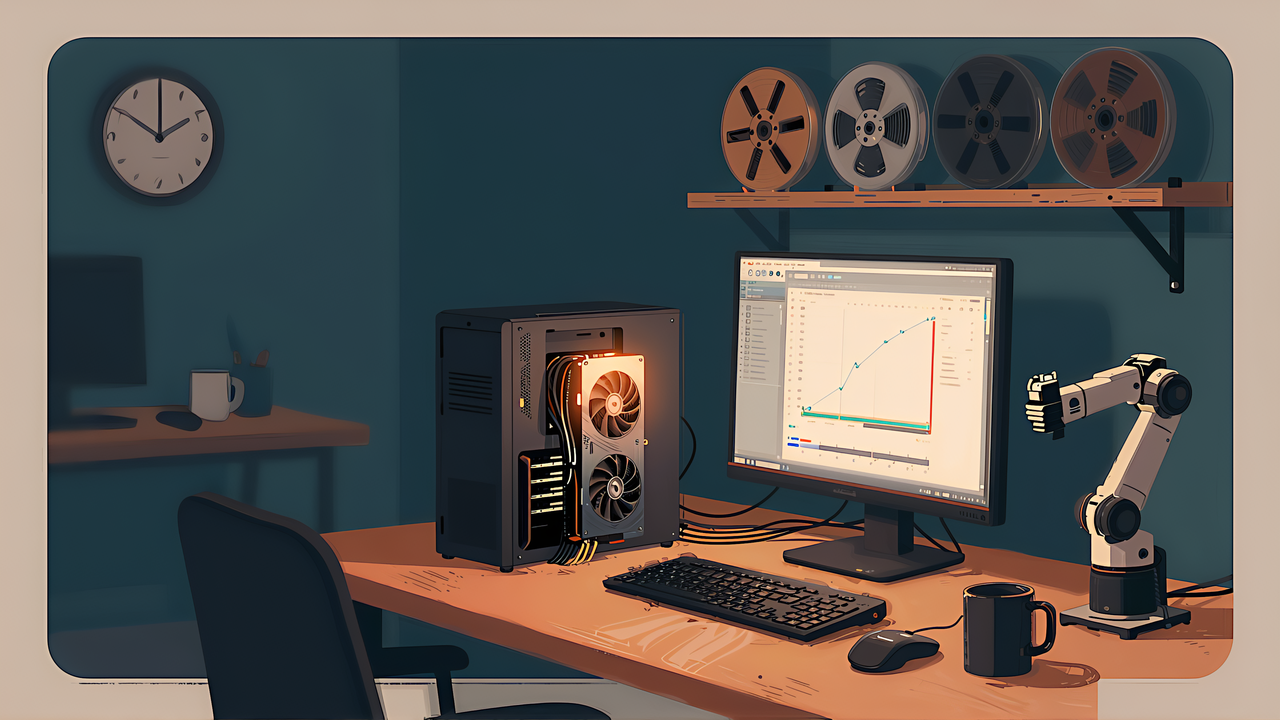
Fifty demonstrations are recorded. From here the question stops being about the arm and becomes a question about the computer.
This article contains affiliate links. As an Amazon Associate, we earn from qualifying purchases.
A disclaimer first: this site has not run these training jobs on its own GPU, so there are no claims here that something ran or crashed. What follows is inference from the official estimate tables, plus an honest account of how far that inference can be trusted. All checked 2 September 2026.
The robot learning library ships several policies. The names tell you nothing on their own, but the official compute guide sorts them into tiers by the memory they need, assuming batch size 8 with the AdamW optimiser.
| Group | Policies | Peak VRAM | Starter GPUs |
|---|---|---|---|
| Light BC | act, vqbet, tdmpc | about 2-6 GB | Laptop GPU, L4, A10G |
| Diffusion | diffusion, multi_task_dit | about 8-14 GB | RTX 4070 and up, L4, A10G |
| Small VLA | smolvla | about 10-16 GB | RTX 4080 and up, L4, A10G |
| Large VLA | pi0, pi0_fast, pi05 and others | about 24-40 GB | A100 40GB and up (24GB tight even at batch 1) |
| Multimodal | groot, eo1 | about 24-40 GB | A100 40GB and up |
Reading it is simple: find your VRAM, and choose from the rows at or above it. If the guide itself says 24GB is tight for large VLAs, then a 16GB card leaves you the top three rows. The memory arithmetic behind this is the same reasoning used in estimating what fits in your VRAM.
Of the policies that take vision and language and output actions, the only one that realistically fits a 16GB card is SmolVLA. That is why the entry point narrows to one choice rather than a menu.
It is a 450M parameter model, an order of magnitude or more below the large policies. Its stated design goal is training on a single GPU and running on consumer hardware — the smallness is the point, not a compromise.
The lighter imitation policies such as act are smaller still, at 2-6 GB, but they carry no vision-language pretraining. Changing behaviour by changing the instruction, or coping at all with an object that was not in the training set, is not something to expect from them. If you want the benefit of a vision-language backbone, SmolVLA; if you only want something light that repeats one motion, the act tier is honest about what it is.
The guide is explicit that these are order-of-magnitude figures, not predictions. Real usage moves roughly fifty per cent either way depending on image resolution, dataset I/O and dataloader threading. Memory also scales close to linearly with batch size, and AdamW itself adds thirty to a hundred per cent on top of the forward and backward pass.
So a 16GB card sitting at the top of the small VLA range is not a comfortable fit. It is a fit that depends on your resolution and your batch size. Both are yours to lower.
The official example fine-tuning command specifies batch size 64. That is written for a large GPU, and pasting it onto a 16GB card will not run. The documented example is designed around roughly four hours on a single A100 for 20k steps. Check the command against the memory table before you run it, and drop the batch size — gradient accumulation gets the effective batch back if you need it.
There is a second setting that quietly ruins short runs. The guide warns that if you shorten training, for example to 5k or 10k steps on a small dataset, you should shorten the learning rate schedule to match. Otherwise the rate stays near its peak and never decays, and the run ends without ever settling. The same logic applies to checkpoint intervals.
The guide publishes measured wall-clock numbers on 4 by H100 80GB, 5000 steps at batch 32, on a roughly 50-episode dataset:
| Policy | Wall-clock |
|---|---|
| diffusion | 16m 17s |
| smolvla | 27m 49s |
| pi05 | 3h 41m |
Even on that hardware the policies differ by an order of magnitude. It is worth internalising that the choice of policy, not the size of your dataset, is what sets the duration.
The most common way to lose heart here is to treat the first training run as the one that has to produce a working policy. Record fifty episodes, train for hours, try it, watch it fail.
Turn it around: until you have been through the loop once end to end, adding data is not the lever. Going from fifty episodes to a hundred teaches you less than taking the fifty you have all the way through. Wiring mistakes and camera misconfigurations do not surface until the loop closes.
The same organisation publishes hourly rates for hosted compute (checked 2 September 2026):
| Hardware | Per hour |
|---|---|
| Nvidia T4 small | USD 0.40 |
| 1x Nvidia L4 | USD 0.80 |
| Nvidia A10G small | USD 1.00 |
| Nvidia A10G large | USD 1.50 |
| 1x Nvidia L40S | USD 1.80 |
| Nvidia A100 large | USD 2.50 |
Billing is by the minute and covers only the starting and running states; there is no charge during the build phase. Running requires a positive credit balance, and the monthly credits included with paid plans count toward it.
Get a sense of the magnitude. SmolVLA on an L4 for three to six hours is USD 0.80 times a few hours — a few dollars. An A100 for four hours is around ten. One training run costs somewhere between a few hundred and a couple of thousand yen. Since the duration itself swings fifty per cent, treat these as a range, not a quote.
One specification catches people on the first attempt: the default job timeout is 30 minutes. Any real training run needs it raised explicitly, or the job stops before it finishes and you pay for the part that ran.
Deciding what runs locally versus in the cloud is exactly the trade-off foundation-model engineering covers.

 ポチップ
ポチップWhere the fifty episodes come from is the teleoperation article. When the trained policy does not grasp, the failure modes article is the triage order. And if you are choosing a GPU rather than renting, what to buy first for local AI covers the trade-offs.