MLA-C01 Domain 3 Complete Guide: Deployment and Orchestration for 22%
swiftwand swiftwand.ai
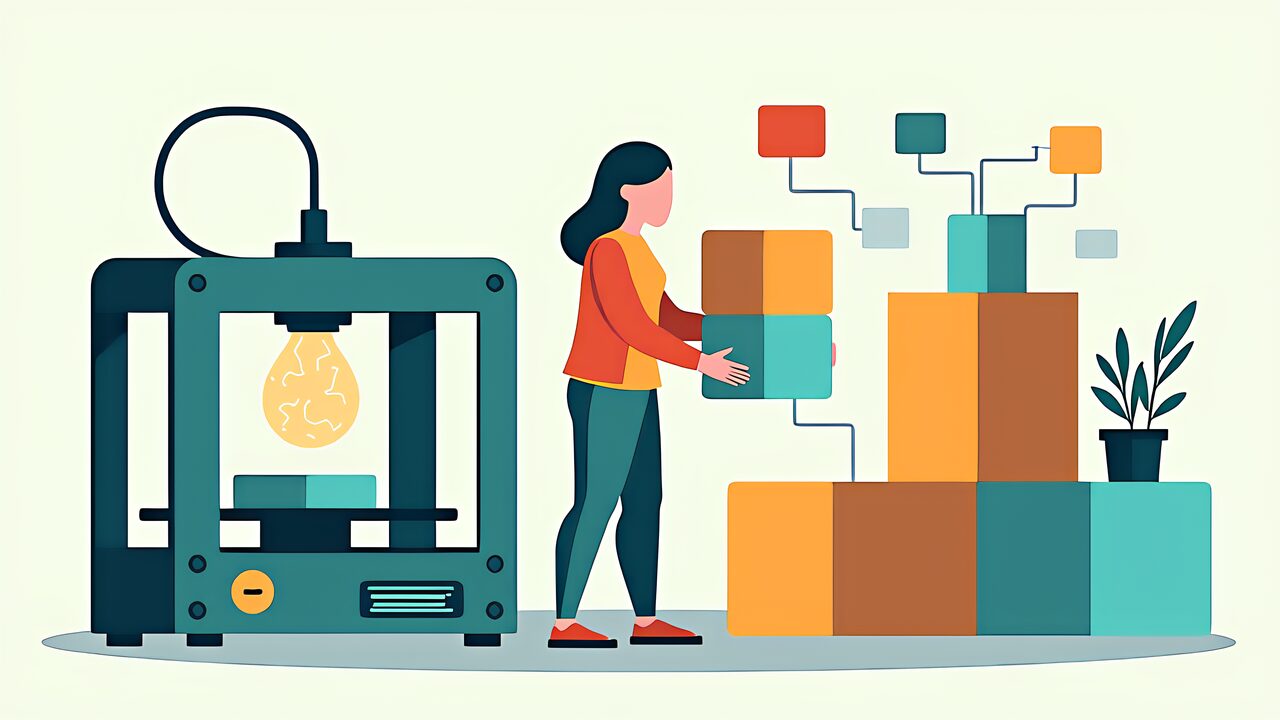
Custom GPTs creation is a feature every ChatGPT Plus subscriber should explore at least once. By solidifying the structured prompts from ChatGPT Prompt Engineering into a reusable “workflow GPT,” you eliminate the need to rewrite prompts every time. By incorporating spec sheets, datasheets, and FAQs as Knowledge files, response accuracy consistently stays at a high level.
The three Custom GPTs most commonly needed in 3D printing maker workflows are: design review, troubleshooting, and material selection. This article verifies the OpenAI official documentation (help.openai.com, developers.openai.com, platform.openai.com) as of May 1, 2026, covering everything from GPT Builder’s four elements (Instructions / Knowledge / Capabilities / Actions) to three implementation examples, GPT Store publishing, and a comparison with Claude Skills.
All specifications, limitations, and procedures in this article were verified on OpenAI official documentation as of May 1, 2026. Custom GPTs were updated to support GPT-5.2 and later models on January 12, 2026.
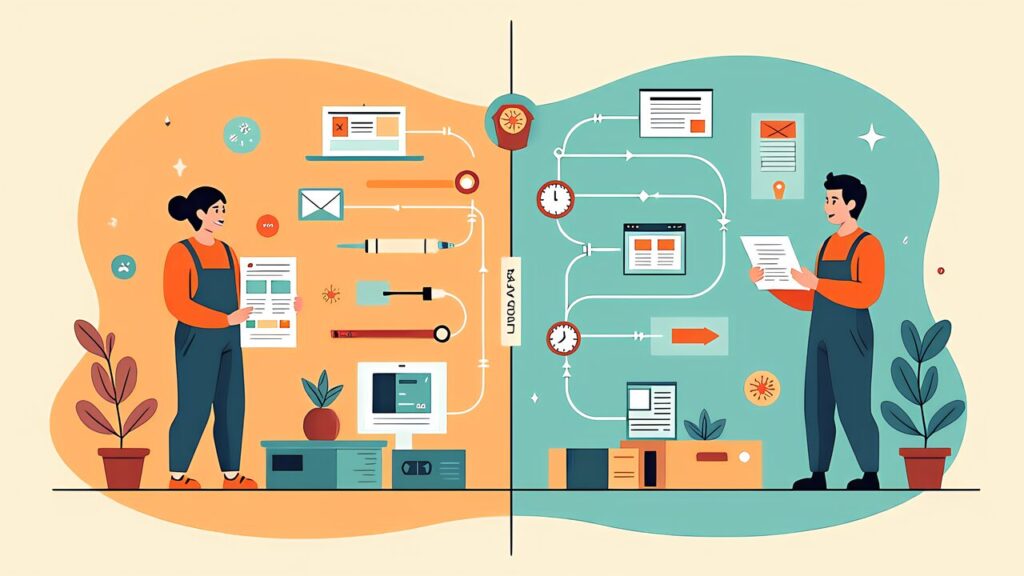
The fundamental value of Custom GPTs is turning one-off prompt engineering into persistent, shareable tools. A 3D printing maker who spends 30 minutes building a troubleshooting GPT saves 5 minutes per diagnosis going forward. At 3 diagnoses per week, the break-even point is just 2 weeks.
Custom GPTs also solve the “context loading” problem. Without a Custom GPT, you need to explain your printer model, preferred materials, slicer software, and common issues every time you start a new chat. A Custom GPT stores this context permanently in its Instructions and Knowledge files.
The combination of Knowledge files (up to 20 files, 512MB each) and Actions (API integrations) means your Custom GPT can access your material database, query current filament prices, or even interface with your OctoPrint instance — all without you writing any code beyond simple API endpoint configurations.
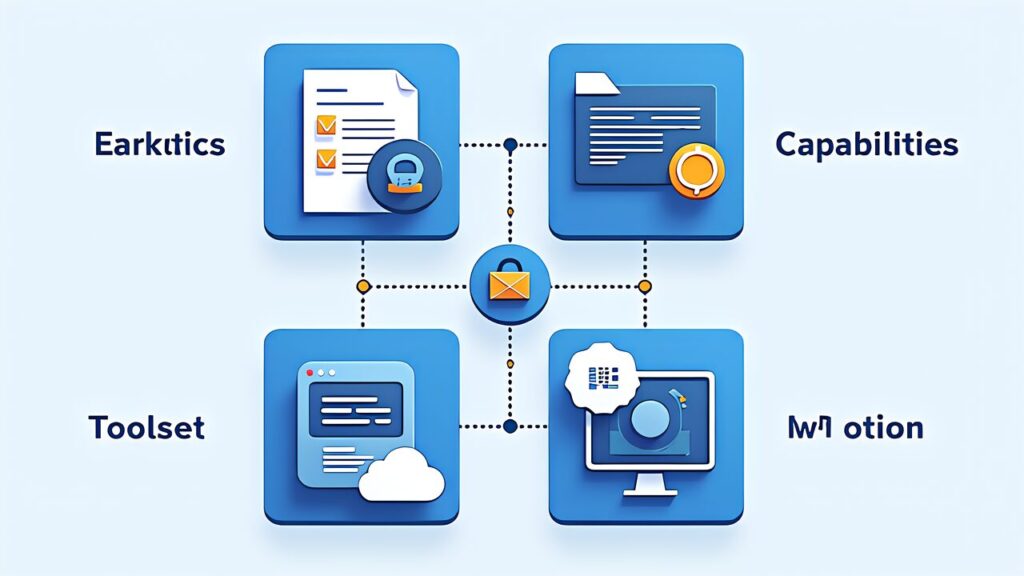
Instructions: The system prompt that defines your GPT’s behavior. Use the CTCO Framework from ChatGPT Prompt Engineering. Be specific about your GPT’s domain (3D printing), its capabilities (diagnose, recommend, generate), and its constraints (only suggest safe parameters, cite sources).
Knowledge: Upload files that your GPT can reference. For a 3D printing assistant, upload: your printer’s user manual, filament datasheets for materials you commonly use, a troubleshooting FAQ based on your experience, and slicer setting presets. The GPT uses retrieval augmented generation (RAG) to search these files when answering questions.
Capabilities: Toggle built-in features: Web Browsing (for checking current filament prices), GPT Image (for generating reference images or analyzing print photos), and Code Interpreter (for processing G-code files or calculating costs).
Actions: Connect external APIs. For makers, useful actions include: OctoPrint API (monitor and control prints remotely), filament database APIs (query material properties), and webhook integrations (send alerts when analysis is complete).

Plus ($20/month) users can create and use Custom GPTs with GPT-5 and GPT-5.5, but face conversation rate limits. Pro $100 users get 5× the conversation quota and access to GPT-5.5 Pro within Custom GPTs. Pro $200 users get unlimited usage with highest priority.
For most makers, Plus is sufficient for personal Custom GPTs. The rate limit typically allows 40+ messages per 3 hours with GPT-5.5, which covers most interactive workflow sessions. If you’re running automated pipelines through Custom GPTs, consider the Pro $100 tier or switch to the API for higher volume.

This GPT reviews STL files and CAD designs for printability issues before you slice them. Setup time: 15 minutes.
Instructions (System Prompt):
___CODE_0___
Knowledge Files: Upload your printer’s build volume specs, supported materials list, and your slicer profile exports.
Capabilities: Enable Code Interpreter (for STL analysis) and GPT Image (for visual reference).
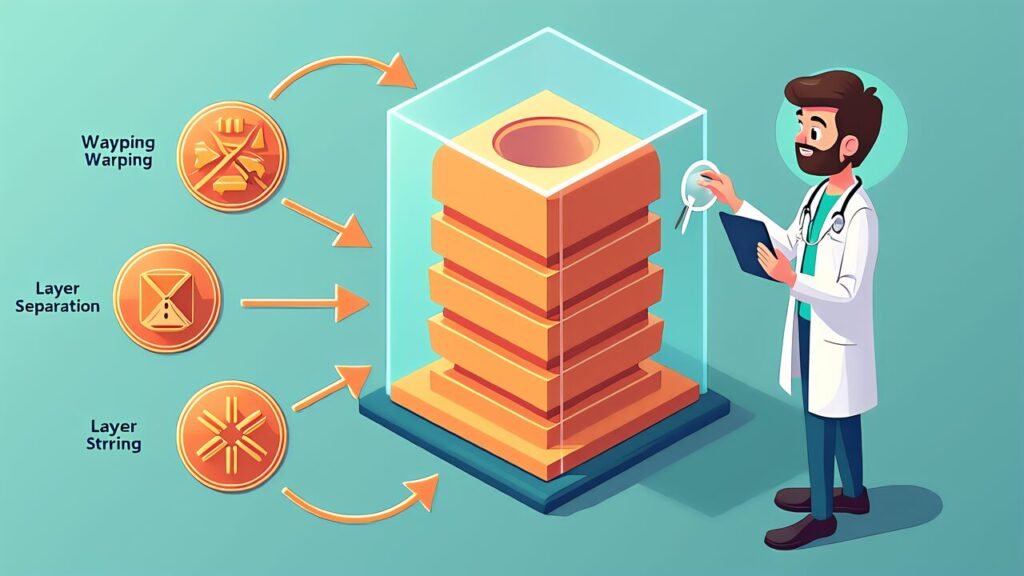
Upload a photo of a failed print and get an instant diagnosis with specific parameter adjustments. Setup time: 10 minutes.
Instructions:
___CODE_1___
Knowledge Files: Upload a troubleshooting guide with common failures and fixes, organized by failure type.
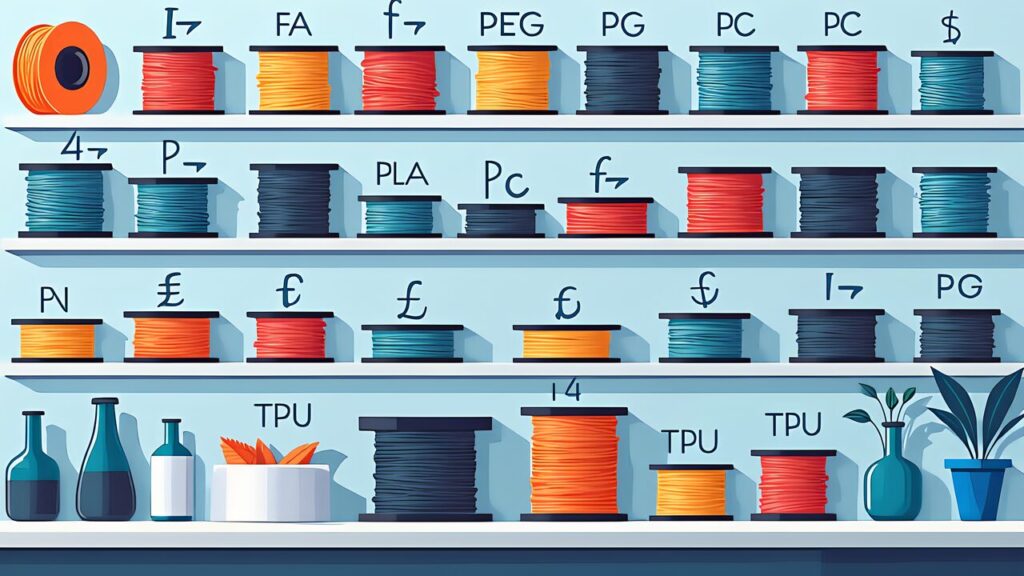
Describe your project requirements and get instant material recommendations with trade-off analysis. Setup time: 10 minutes.
Instructions:
___CODE_2___
Knowledge Files: Upload material comparison datasheets and your personal material test results.

The GPT Store allows you to publish your Custom GPTs for others to use. Revenue sharing is based on usage (conversations started), but the practical reality for niche GPTs like 3D printing tools is modest — expect single-digit dollars per month unless your GPT gains significant traction.
The real value of publishing isn’t revenue but community building and feedback. A publicly available 3D printing GPT attracts users who test edge cases you never considered, improving your GPT over time. For makers building in public (à la 個人開発者), a GPT Store listing is another touchpoint in your maker brand.

Claude (Anthropic) offers a similar concept through Skills in Claude Code and Cowork. Key differences:
| Feature | ChatGPT Custom GPTs | Claude Skills |
|---|---|---|
| Knowledge Files | 20 files, 512MB each | Project-level CLAUDE.md + file access |
| Actions (API) | OpenAPI schema integration | MCP server connections |
| Image Analysis | GPT Image built-in | Vision via file upload |
| Code Execution | Code Interpreter sandbox | Full Linux VM |
| Sharing | GPT Store (public/private) | Skill files (local/git) |
| Best For | Multimodal, consumer-friendly | Code-heavy, developer-oriented |
For 3D printing makers: Use Custom GPTs for visual tasks (photo diagnosis, image generation) and shareable tools. Use Claude Skills for development workflows (firmware scripting, parametric modeling, G-code processing).

Custom GPTs creation transforms your prompt engineering investment into reusable, shareable tools. The three examples above — design review, troubleshooting, and material selection — cover the core 3D printing workflow. Build them in 30 minutes total, and you’ll save hours every week.
Tomorrow , we go beyond conversational assistants to autonomous agents. ChatGPT Agent, which replaced the deprecated Operator, can execute multi-step workflows — monitoring print queues, ordering materials, and generating reports — with minimal human intervention.
OpenAI Official
Third-Party