ChatGPT API Development — Responses, Function Calling & Realtime Guide
swiftwand swiftwand.ai

The reason you need a ChatGPT complete guide is simple. Since the start of 2026, OpenAI’s model lineup, pricing plans, and integrated features have been reorganized at an unprecedented pace. GPT-4o was deprecated on February 13, 2026, the GPT-5.1 series was removed from the lineup on March 11, 2026, and the new flagship GPT-5.5 launched on April 23, 2026. A new Pro $100 tier was added on April 9, 2026, and the Free tier now shows ads in the US.
TL;DR — ChatGPT in May 2026 at a glance
The challenge facing 3D printing makers is determining which model and plan to use for their work amid this whirlwind of changes. A sole proprietor who started made-to-order manufacturing on Etsy may not know if the $80/month difference between Plus and Pro $100 is justifiable, while educators running 3D printing courses may give up on proposing ChatGPT Edu adoption without knowing its true cost.
This article verifies the latest information as of May 2026 from all official sources, organizing models, plans, key features, and application points for 3D printing workflows into a single comprehensive ChatGPT complete guide — the starting point for our This Series (May 4–10). Throughout this series, we dissect the OpenAI ecosystem from a maker’s perspective over seven days.
All prices and model names in this article were verified on OpenAI official sources (chatgpt.com, help.openai.com, developers.openai.com) on May 1, 2026. Prices may change at any time, so please confirm on official pages before subscribing.

OpenAI has restructured its product portfolio four times in the first five months of 2026 alone. The deprecation of GPT-4o (February 13) was followed by the removal of the GPT-5.1 series (March 11), the launch of GPT-5.5 and GPT-5.5 Pro (April 23), and the addition of the Pro $100 plan (April 9). Add to this the deprecation of the Operator agent (August 31, 2025) and the launch of the ChatGPT Agent (July 17, 2025), and the landscape a maker must navigate has changed completely.
The root cause of confusion is that these changes span three axes simultaneously: models (architecture and capability), plans (pricing and quotas), and features (tools and integrations). Most guides cover only one axis. This article maps all three axes as of May 2026 to give makers a complete picture.
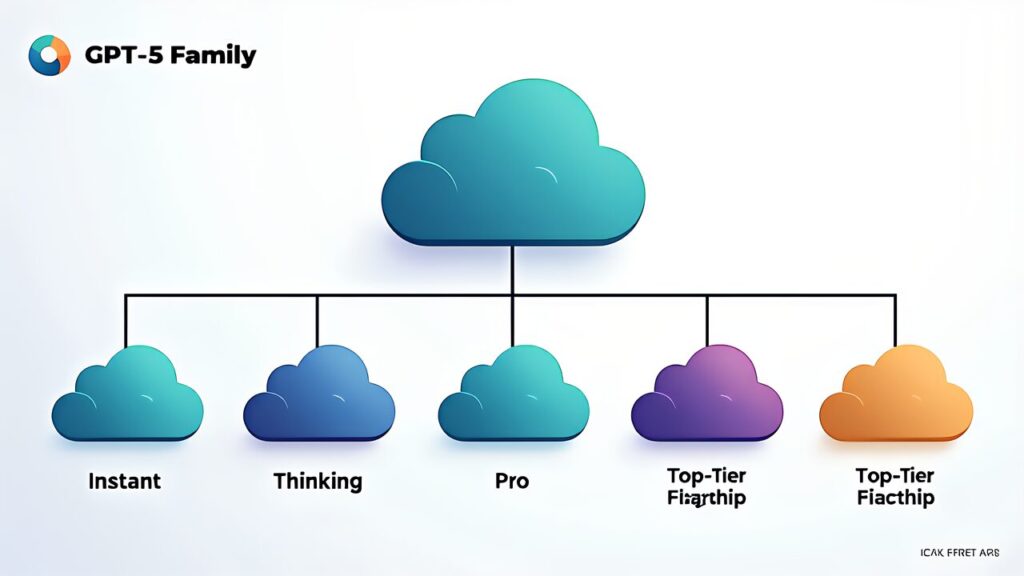
The current ChatGPT model lineup has three active tiers: GPT-5 (the workhorse), GPT-5.5 (the flagship), and GPT-5.5 Pro (the pinnacle). Specialized reasoning models (o3-pro, o4-mini) are available within certain plans for tasks requiring chain-of-thought reasoning. Here’s the full breakdown:
| Model | Release Date | Context Window | Key Strengths | Best For |
|---|---|---|---|---|
| GPT-5 | 2025-12 | 256K | Fast, cost-effective | Summaries, classification, simple extraction |
| GPT-5.5 | 2026-04-23 | 272K | Latest flagship, highest general capability | Complex reasoning, code gen, long-form content |
| GPT-5.5 Pro | 2026-04-23 | 272K | Maximum performance, extended thinking | Research, complex multi-step tasks |
| o3-pro | 2025-06 | 200K | Deep reasoning with chain-of-thought | Math, logic, scientific analysis |
| o4-mini | 2025-04 | 200K | Efficient reasoning | Quick logic tasks, cost-sensitive reasoning |
For 3D printing makers, the practical choice in most workflows is GPT-5.5. It handles G-code analysis, STL troubleshooting prompts, material selection advice, and print failure diagnosis with high accuracy. GPT-5 is sufficient for repetitive tasks like generating product descriptions or translating documentation. Reserve GPT-5.5 Pro for complex multi-file code generation or research-grade analysis where maximum quality justifies the higher cost.

| Plan | Monthly Price | Models Available | Key Features | Best For |
|---|---|---|---|---|
| Free | $0 | GPT-5 (limited) | Basic chat, ads (US), limited uploads | Casual exploration |
| Plus | $20 (¥3,000) | GPT-5, GPT-5.5, o4-mini | Custom GPTs, file uploads, DALL-E → GPT Image, advanced voice | Individual makers, hobbyists |
| Pro $100 | $100 (¥16,800) | All models incl. o3-pro | 5× Plus usage, early access features, extended context | Power users, professional makers |
| Pro $200 | $200 (¥30,000) | All models incl. GPT-5.5 Pro | Unlimited usage, highest priority, research-grade | Researchers, heavy professional use |
| Team | $25/user | Same as Plus | Shared workspace, admin console, no training on data | Small maker teams (2-10) |
| Enterprise | Custom | All models | SSO, SCIM, analytics, dedicated support | Organizations 50+ |
| Edu | Custom | GPT-5, GPT-5.5 | Campus-wide deployment, admin controls | Educational institutions |
For most individual 3D printing makers, the Plus plan at $20/month (¥3,000) hits the sweet spot. You get GPT-5.5, Custom GPTs for building specialized assistants (covered in Custom GPTs Creation), and GPT Image for generating reference images. The Pro $100 tier makes sense once you hit Plus rate limits regularly — typically when running automated workflows or processing large batches of files daily.

| Model | Input (per 1M tokens) | Output (per 1M tokens) | Best Use Case |
|---|---|---|---|
| GPT-5 | $1.25 | $10.00 | High-volume, cost-sensitive tasks |
| GPT-5 Pro | $15.00 | $120.00 | Advanced reasoning, complex tasks |
| GPT-5.5 | $5.00 | $30.00 | Latest general-purpose flagship |
| GPT-5.5 Pro | $30.00 | $180.00 | Highest performance, research |
To get a practical sense of API costs, consider a typical maker workflow: passing STL file metadata (dimensions, volume, estimated print time) and material info to GPT-5.5 to generate a quote document. Input is typically around 5,000 tokens and output around 2,000 tokens. At GPT-5.5 rates, that’s $0.025 input + $0.06 output = $0.085 total (about ¥13). Automating 100 quotes per month costs roughly ¥1,350. Through Custom GPTs on a Plus subscription, this processing incurs no additional API charges.
GPT-5.5’s long-context pricing (2× input and 1.5× output beyond 272K tokens) matters for maker development workflows processing entire codebases or lengthy documents. Sending 300K tokens to GPT-5.5 in a single request raises the effective input rate to $10/M tokens, costing roughly $3. We cover this in detail on ChatGPT API (May 9) in the API development guide, but using the Batch API halves these costs, making overnight batch processing highly recommended.
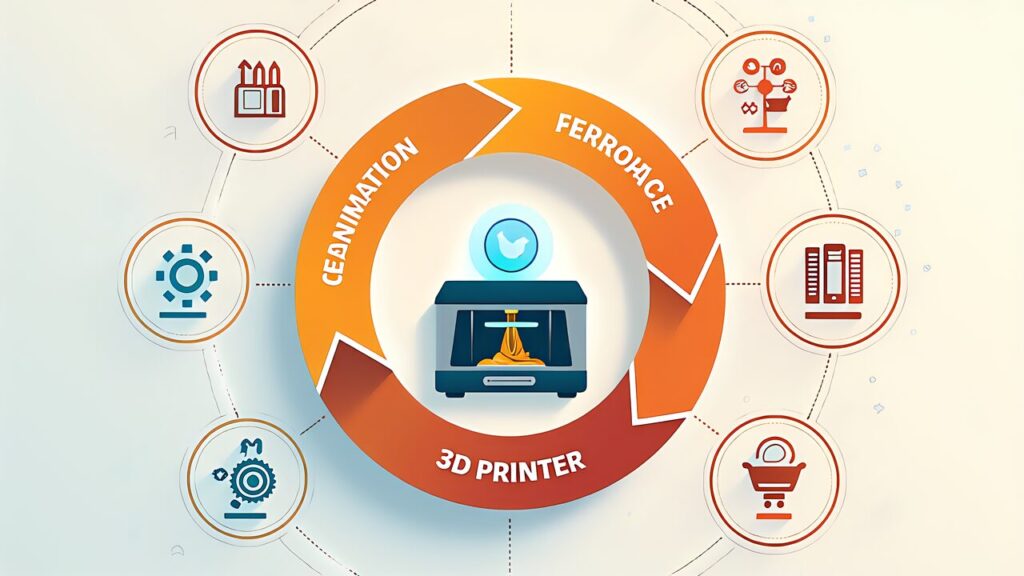
ChatGPT can be integrated into the 3D printing workflow at four key points: design (generating and refining 3D model concepts), pre-processing (G-code analysis, slicer setting optimization), production (print failure diagnosis, material selection), and post-processing (surface finishing advice, assembly instructions). Here are practical use cases for each stage:
Design Phase: Use GPT Image to generate reference images and concept sketches. Feed your design constraints to GPT-5.5 to get parametric modeling suggestions for OpenSCAD or FreeCAD. Custom GPTs can store your preferred design parameters and material library for quick access.
Pre-Processing: Paste G-code snippets into ChatGPT to analyze layer heights, speeds, and retraction settings. GPT-5.5 can identify potential print issues from slicer configurations before you start a print.
Production: Upload photos of failed prints for diagnosis. ChatGPT can identify common issues like stringing, layer adhesion problems, warping, and elephant’s foot, then suggest specific parameter adjustments.
Post-Processing: Get advice on sanding, priming, painting techniques for specific filaments. Generate assembly instructions for multi-part prints with step-by-step illustrations via GPT Image.

Rather than choosing one AI exclusively, the optimal maker setup in May 2026 uses both ChatGPT and Claude with clear role division. ChatGPT excels at multimodal tasks (image generation, voice interaction, web browsing) and has the broadest plugin/GPT ecosystem. Claude excels at long-context code analysis, careful reasoning, and extended document processing.
A practical split: Use ChatGPT for visual tasks (GPT Image for reference images, photo-based print diagnosis) and quick interactions (voice mode while hands are busy with prints). Use Claude for deep code sessions (firmware modification, parametric model scripting) and long document analysis (comparing material datasheets, reviewing standards). ChatGPT vs Claude (May 10) covers this comparison in full depth.
| Day | Date | Topic | Key Takeaway |
|---|---|---|---|
| 1 | May 4 | ChatGPT Complete Guide (this article) | Models, plans, pricing overview |
| 2 | May 5 | Prompt Engineering | OpenAI Cookbook structured techniques |
| 3 | May 6 | Custom GPTs Creation | Build a 3D printing assistant in 30 min |
| 4 | May 7 | ChatGPT Agent | Post-Operator workflow automation |
| 5 | May 8 | Image Generation | GPT Image after DALL-E deprecation |
| 6 | May 9 | API Development | Responses, Function Calling, Realtime |
| 7 | May 10 | ChatGPT vs Claude | AI pair programming for makers |

The ChatGPT ecosystem in May 2026 is the most capable it has ever been — and the most confusing. GPT-5.5 represents a genuine leap in reasoning and multimodal capability, the Pro $100 tier fills the gap between casual and professional use, and the API pricing makes automation accessible even for solo makers.
Your first step: If you’re currently on the Free tier, start a Plus trial ($20/month) and build one Custom GPT for your most repetitive 3D printing task (Custom GPTs Creation shows you how). If you’re already on Plus, evaluate whether your usage hits rate limits regularly — if so, the Pro $100 tier’s 5× quota may pay for itself in productivity gains.
Tomorrow , we dive into prompt engineering techniques from the OpenAI Cookbook to maximize the quality of every ChatGPT interaction for your maker workflows.
No. OpenAI deprecated GPT-4o on February 13, 2026, and retired the GPT-5.1 series on March 11, 2026. As of May 2026 the lineup is led by GPT-5.5, with o4-mini and o3-pro covering reasoning tasks.
GPT-5.5, launched in April 2026, is the current flagship. Paid tiers add reasoning models such as o4-mini (Plus) and o3-pro (Pro).
Free is $0, Plus is $20 per month, Pro is $100 or $200 per month depending on tier, and Team is $25 per user per month. Enterprise and Edu pricing is custom.
For most makers, yes. The $20 Plus plan unlocks GPT-5.5, Custom GPTs, GPT Image and advanced voice, which covers ideation, image generation and print troubleshooting workflows.
OpenAI Official
Exchange Rate & Third-Party