AI CAD Copilot Comparison 2026: The 5 Types of Design AI
swiftwand swiftwand.ai

The convergence of 3D scanning, AI processing, and 3D printing has created a unified pipeline: capture reality, enhance it digitally, and manufacture physical objects. This roadmap synthesizes the entire series — from scanning fundamentals through mesh repair to print conversion — into a single decision framework for 2026. Whether you’re a hobbyist, freelancer, or small business, this guide maps the optimal equipment, software, and workflow investments at every budget level.
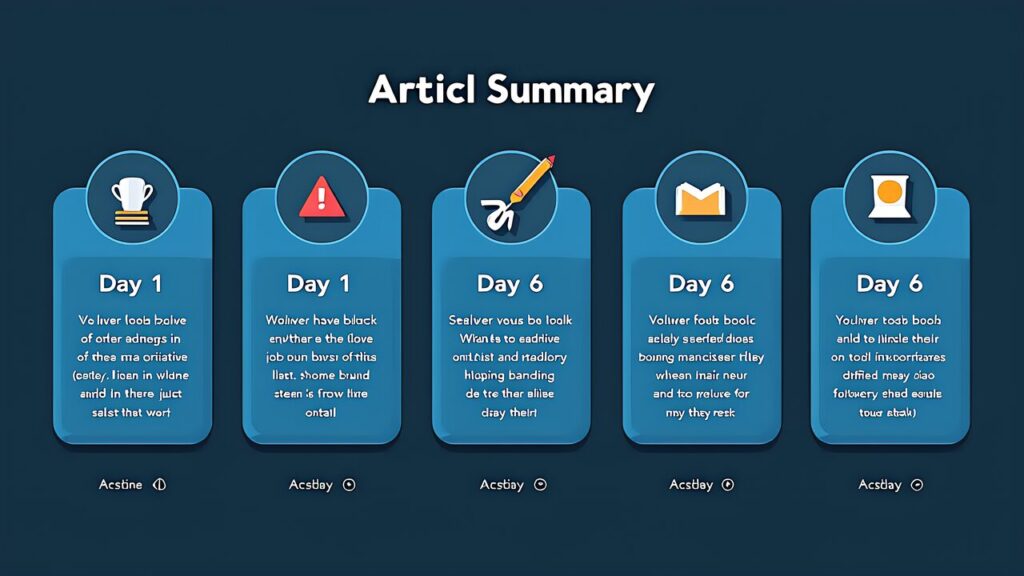
The reality-to-manufacturing pipeline consists of six stages: 1) Capture (scanning the physical object), 2) Reconstruction (generating a 3D mesh from scan data), 3) Repair (fixing holes, noise, and topology), 4) Optimization (hollowing, splitting, support planning), 5) Slicing (generating printer instructions), and 6) Printing (physical manufacturing). Each stage has free and paid tool options, and the quality bottleneck shifts depending on your budget and use case.

3D Scanning Beginner Guide: Four physical principles — photogrammetry, structured light, laser triangulation, ToF/LiDAR — plus Gaussian Splatting. Method selection follows subject scale, material, and environment.
Smartphone 3D Scanning Comparison: Polycam (~$593 from Amazon.co.jp), KIRI Engine, Scaniverse (free), and RealityScan (free) compared across precision, export formats, and pricing. Start free with Scaniverse, upgrade to Polycam Pro for professional needs.
Handheld 3D Scanner Buying Guide: Five models from ~$593 (Revopoint POP 3 Plus) to ~$1,870 (SHINING 3D Einstar Vega). Match scanner to subject size, precision requirements, and operational environment.
AI Mesh Repair Guide: Meshy (free tier + Pro $20/month), MeshLab (free), Blender (free) for automated and manual scan-to-STL conversion. AI handles 80-90% of repair work.
Scan to Print Conversion: Hollowing saves 40-70% material, tree supports minimize cleanup, and split printing overcomes build volume limits. Meshmixer + PrusaSlicer handle the complete workflow.
Cultural Heritage Scanning: Standalone scanners (~$1,593 MIRACO) enable field digitization. AI restoration fills damaged geometry. Desktop printers produce museum-quality reproductions.
| Budget | Scanning | Software | Printing | Total Investment |
|---|---|---|---|---|
| Free / Minimal | Scaniverse (free smartphone app) | MeshLab + Blender + Meshy Free | Existing printer or outsource | $0 |
| Entry (~$700) | Revopoint POP 3 Plus (~$593) | Revo Scan + MeshLab + Meshy Free | Entry FDM (~$200) | ~$800 |
| Mid (~$1,500) | Creality CR-Scan Raptor (~$1,167) | Meshy Pro ($20/mo) + Blender | Resin printer (~$300) | ~$1,700 |
| Pro (~$2,500) | Revopoint MIRACO (~$1,593) | Meshy Pro + Blender | FDM + Resin combo | ~$2,500 |
| Advanced (~$3,000+) | Einstar Vega (~$1,870) | Full software suite | Multi-printer setup | ~$3,500+ |
AI-native scanning: The boundary between “real scanning” and “AI generation” is blurring. Gaussian Splatting already produces photorealistic captures from phone photos. Next: AI that fills scan gaps in real-time, predicting occluded geometry as you scan.
Scan-to-print automation: End-to-end pipelines where you scan an object and a printer reproduces it with minimal human intervention are emerging. Current tools still require manual steps, but each stage is automating individually.
Democratized precision: Sub-$600 scanners now deliver 0.04mm precision that cost $5,000+ three years ago. This trajectory continues — expect sub-$300 structured light scanners within 2-3 years.
Multi-material reproduction: Color 3D printing, multi-material FDM, and automated post-processing are making reproductions increasingly faithful to originals in appearance and feel, not just geometry.
this series: Install Scaniverse on your phone. Scan 5 household objects. Learn about angles, lighting, and overlap through practice. Total cost: $0.
this series: Import your best scan into MeshLab. Practice decimation, hole-filling, and STL export. Try Meshy Free for AI repair comparison. Total cost: $0.
this series: Print your first scan. Use Meshmixer for hollowing, PrusaSlicer for slicing. Experience the full pipeline end-to-end. Total cost: filament only.
this series: Evaluate your results. If smartphone scanning meets your needs, continue at zero cost. If you need more precision, order a Revopoint POP 3 Plus (~$593 from Amazon.co.jp) and step up your game. One month of data beats any amount of spec-sheet comparison.
The 3D scanning to 3D printing pipeline in 2026 is more accessible, more affordable, and more capable than ever. From free smartphone apps to ~$1,870 professional scanners, from free AI mesh repair to automated print optimization, every step of the workflow has options at every budget. Start with what you have (your phone), learn the fundamentals through practice, invest in dedicated tools only when specific limitations demand it, and build your skills incrementally. The complete pipeline — reality to digital to manufacturing — is now within reach of any motivated maker.