AI 3D Print Workspace Setup: Build Your Home Fab Lab
swiftwand swiftwand.ai
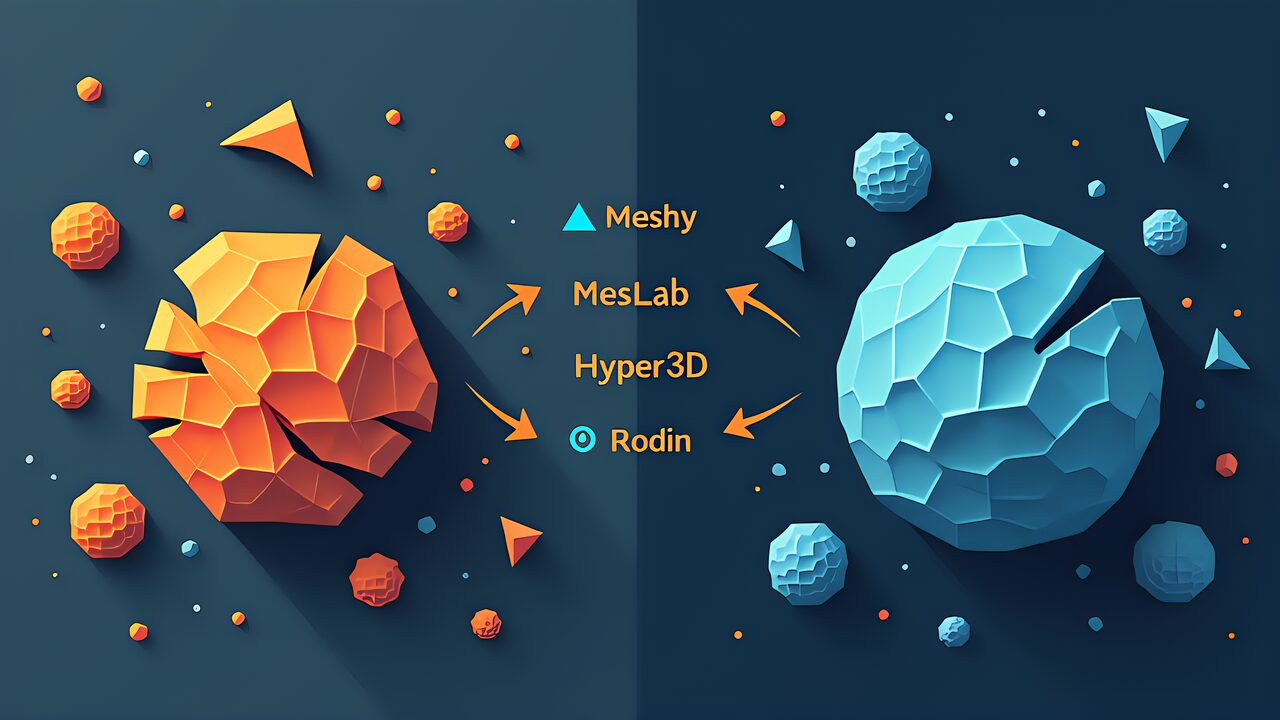
Raw 3D scan data is almost never print-ready. Holes from occlusion, noisy surfaces, non-manifold geometry, and excessive polygon counts are universal problems regardless of scanner quality. AI mesh repair tools have transformed this bottleneck from hours of manual Blender work into minutes of automated processing. This guide covers the complete pipeline from raw scan to printable STL, comparing AI-powered solutions against traditional manual workflows.
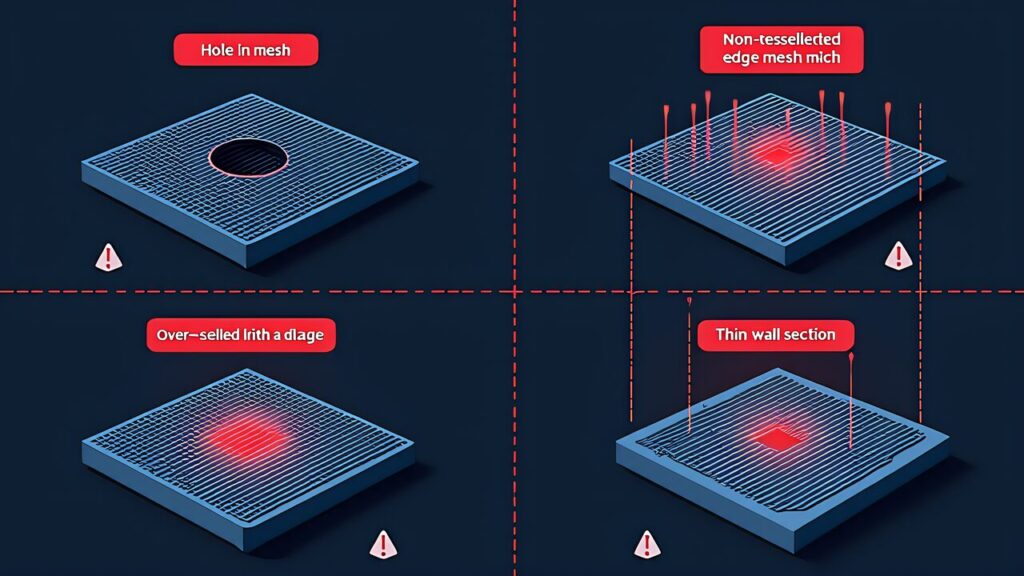
Every 3D scan has defects. Holes appear wherever the scanner couldn’t see — underneath objects, inside cavities, behind occlusions. Noise creates bumpy surfaces from sensor imprecision. Non-manifold geometry produces edges shared by more than two faces, causing slicers to crash. Excessive polygon count generates multi-million triangle meshes that overwhelm consumer 3D printers and slicing software. Fixing these issues manually in Blender or ZBrush requires expertise and hours of work. AI mesh repair automates 80-90% of this process.
| Tool | Type | Pricing | Best For |
|---|---|---|---|
| Meshy | Cloud AI | Free (200 credits/mo), Pro $20/mo ($16 annual) | Automated remesh + texture |
| Hyper3D Rodin | Cloud AI | $0.4/generation, Pro $99+/mo | Image/text to clean 3D model |
| MeshLab | Desktop (free) | Free, open-source | Manual mesh operations |
| Blender | Desktop (free) | Free, open-source | Full manual control, sculpting |
| Instant Meshes | Desktop (free) | Free, open-source | Quad remeshing |

Meshy offers AI-powered mesh generation and repair through a cloud platform. Upload a scan, and Meshy’s AI fills holes, smooths noise, and generates clean topology — often producing game-ready assets from raw photogrammetry data. The free tier provides 200 credits per month (enough for 6-10 remesh operations). The Pro plan ($20/month, $16 on annual billing) with 1,000 credits covers 30-50 monthly tasks. Meshy excels at “game asset quality” output — clean topology, good UV unwrapping, and AI-generated textures. For 3D printing specifically, the remeshed output typically needs a final manifold check in MeshLab before slicing.
Hyper3D Rodin takes a different approach: rather than repairing existing meshes, it generates clean 3D models from images or text prompts using AI. Pricing is usage-based at $0.4 per generation via fal.ai, with Creator/Business/Pro subscription tiers (Pro at $99+/month). This approach works when you need a clean 3D model inspired by a reference photo rather than an exact dimensional replica. Commercial clients use it to generate clean product mockups from rough reference images. It complements rather than replaces traditional mesh repair for precision applications.
MeshLab (free, open-source) remains the workhorse for mesh inspection, cleaning, and basic repair. Its filters handle hole-filling, smoothing, decimation, and manifold repair. For complex repairs requiring sculpting or manual retopology, Blender (free) provides unmatched flexibility through its Remesh modifier, Voxel Remesher, and sculpt tools. The trade-off: manual workflows require expertise and time that AI tools eliminate for straightforward cases. Master both — use AI for the 80% of cases it handles well, and fall back to manual tools for the remaining 20%.

Step 1 — Import & inspect: Load your raw scan into MeshLab. Check face count, identify holes (Render > Show Non-Manifold Edges), and assess overall quality. Scans over 2 million faces should be decimated first.
Step 2 — Decimation: Reduce polygon count to 100k-500k faces using Quadric Edge Collapse Decimation in MeshLab. This preserves shape while making the mesh manageable for both AI tools and slicers.
Step 3 — AI repair: Upload the decimated mesh to Meshy for automated hole-filling and topology cleanup. Review the result — AI handles simple holes and noise well but may smooth over intentional details.
Step 4 — Manual refinement: If AI output needs corrections, open in Blender for targeted sculpting or mesh editing. Fix any remaining non-manifold edges or inverted normals.
Step 5 — Export as STL: Export the final mesh as binary STL for 3D printing. Run a final manifold check in your slicer (Cura, PrusaSlicer) — both have built-in mesh repair that catches remaining issues.

Hobby/personal use: MeshLab + Blender (free) + Meshy Free (200 credits/month). Zero cost, handles most repair tasks. Try Meshy’s free tier to evaluate AI quality before committing to Pro.
Freelance/small business: Meshy Pro ($20/month) + Blender. 1,000 credits covers 30-50 monthly tasks. One month of usage data reveals your exact ROI.
Professional production: Hyper3D Rodin Pro ($99+/month) or Meshy Max ($60/month). High-volume commercial workflows where speed matters more than per-unit cost.
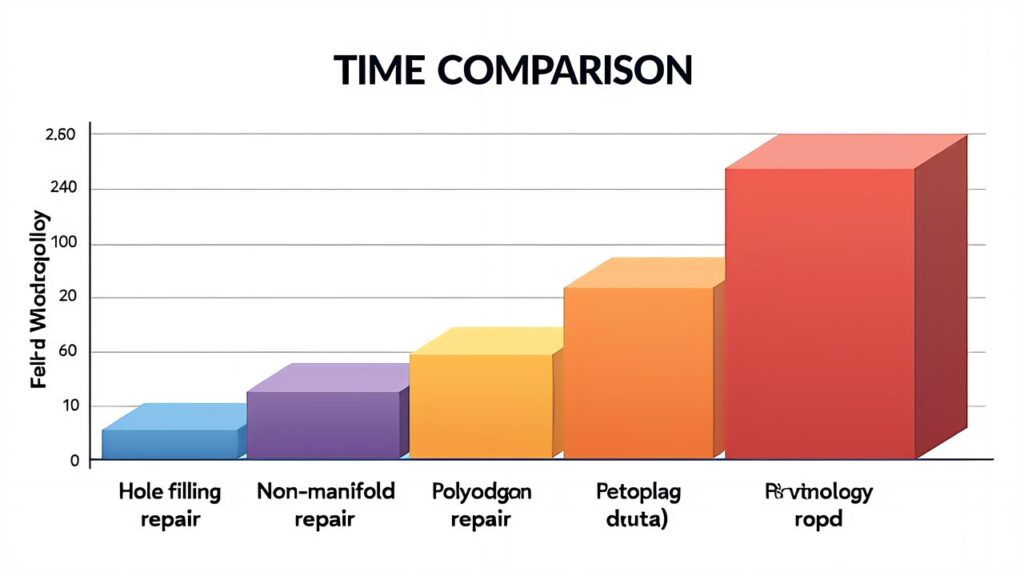
AI mesh repair has reduced the scan-to-print barrier from hours of expert work to minutes of automated processing. Start with free tools (MeshLab + Meshy Free), graduate to paid AI when volume justifies the cost, and always maintain Blender skills for cases AI can’t handle. The goal isn’t perfection — it’s getting printable STLs efficiently and consistently.