Image to 3D in Practice 2026: Turning One Photo into a Printable Mesh
swiftwand swiftwand.ai

Smartphone 3D scanning has evolved dramatically by 2026, with four leading apps competing for dominance: Polycam, KIRI Engine, Scaniverse, and RealityScan. Each offers a fundamentally different approach to turning your phone into a 3D scanner — from photogrammetry to LiDAR to Gaussian Splatting. This guide compares all four across precision, export formats, pricing, and real-world use cases to help you choose the right app for your workflow.
This article contains affiliate links. As an Amazon Associate, we earn from qualifying purchases.
With iPhone Pro’s LiDAR sensor and Android flagships packing advanced multi-camera systems, your pocket device is now a capable 3D scanner. Free apps like Scaniverse offer unlimited scanning with no export paywalls, while premium apps like Polycam Pro ($17.99/month or $99.99/year) unlock professional features like API access, team collaboration, and 15+ export formats. The question is no longer “can my phone scan in 3D?” but “which app best fits my specific needs?”
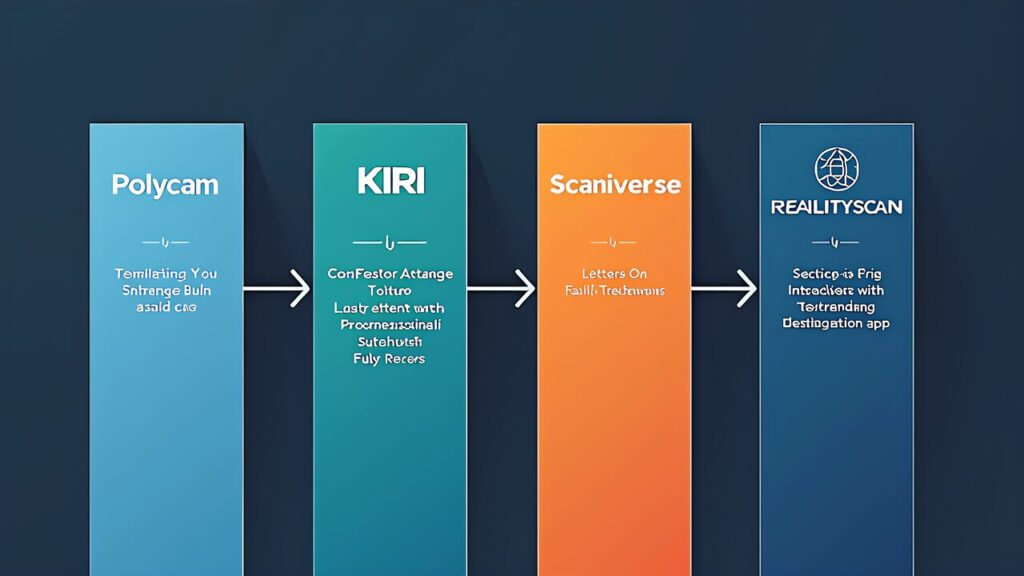
| Feature | Polycam | KIRI Engine | Scaniverse | RealityScan |
|---|---|---|---|---|
| Company | Polycam Inc. | KIRI Innovation | Niantic | Epic Games |
| Core Tech | LiDAR + Photogrammetry + 3DGS | Cloud Photogrammetry + AI | LiDAR + 3DGS (on-device) | Cloud Photogrammetry |
| Free Tier | 5 scans, limited exports | Unlimited scans, 3 exports/week | Fully free, unlimited | Fully free, commercial OK |
| Pro Monthly | $17.99 | $14.99 | — | — |
| Pro Annual | $99.99 (44% off) | $59.99 | — | — |
| Platform | iOS, Android, Web | iOS, Android, Web | iOS, Android | iOS, Android |
Whatever app you pick, a turntable-free workflow still needs something to print the result on.
Polycam leads in feature breadth: LiDAR scanning, photogrammetry, Gaussian Splatting (SuperSplat/Cesium compatible), room capture with floor plans, and an extensive export pipeline (15+ formats including USDZ, GLB, FBX, OBJ, STL). The Pro plan ($17.99/month, $99.99/year) is the most expensive among the four apps, but justifies the premium with API access, team collaboration, web-based editing, and business-grade features. Best for: professionals needing diverse scan modes, e-commerce product capture, and real estate virtual tours.
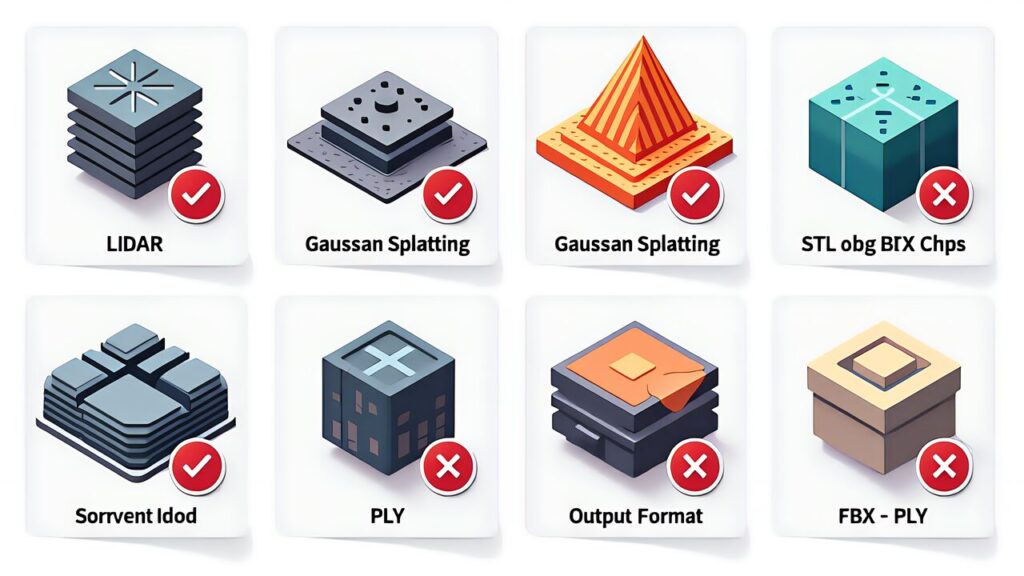
KIRI Engine differentiates through cloud-based processing — upload up to 200 photos (Pro) for server-side photogrammetric reconstruction, yielding higher detail than on-device processing. It also supports DSLR and drone photo uploads via the web interface, making it a bridge between phone scanning and professional photogrammetry. At $14.99/month or $59.99/year, it sits in the mid-range. Best for: users who want photogrammetry quality beyond what on-device processing can deliver, and those who shoot with cameras beyond their smartphone.
Acquired by Niantic (Pokémon GO), Scaniverse is the only major scanning app that’s completely free with no export paywalls, no watermarks, and no scan limits. It pioneered on-device Gaussian Splatting, processing 3DGS captures locally without cloud uploads. Export formats include OBJ, GLB, USDZ, PLY, and LAS. The trade-off: no cloud processing means quality depends entirely on your device hardware, and photogrammetry options are limited compared to cloud-based competitors. Best for: beginners, hobbyists, educators, and anyone who wants unlimited scanning without spending a cent.
RealityScan (formerly part of Capturing Reality/RealityCapture) offers Epic Games’ photogrammetry engine on mobile — free for personal use and companies under $1M annual revenue. AR-guided capture helps position photos correctly, and processed models can be published directly to Sketchfab. Cloud processing handles the heavy computation. Exports in OBJ, FBX, and GLB formats. Best for: Unreal Engine users, game asset creators, and those who want professional photogrammetry quality without subscription costs.
Best free experience: Scaniverse — truly unlimited with zero friction. Best photogrammetry quality: KIRI Engine (cloud processing with 200 photos) or RealityScan (Epic’s engine). Best for professionals: Polycam Pro — broadest feature set, API, team tools. Best Gaussian Splatting: Scaniverse (on-device, free) or Polycam (SuperSplat integration). Best for Unreal Engine workflow: RealityScan — direct pipeline to Epic’s ecosystem.
Hobbyist exploring 3D scanning: Start with Scaniverse (free). Scan household items, learn angles and lighting. No financial commitment, no limits. If you hit quality ceilings, try KIRI Engine’s free tier for cloud processing comparison.
E-commerce product photography: Polycam Pro ($99.99/year). The combination of LiDAR speed, photogrammetry detail, 15+ export formats, and web sharing makes it the most complete solution for commercial product capture.
Game asset creation: RealityScan (free) for photogrammetry assets flowing into Unreal Engine. Supplement with KIRI Engine for objects requiring more photo angles.
When to move beyond smartphones: If you consistently need sub-0.1mm precision, struggle with reflective surfaces, or scan professionally, it’s time to invest in a dedicated handheld 3D scanner — covered in the next article in this series.
Phone-based capture has a ceiling, and a dedicated handheld scanner is where you go when 0.04 mm detail actually matters.

 ポチップ
ポチップ
The smartphone 3D scanning landscape in 2026 offers something for every budget and use case. Scaniverse provides the best free experience, KIRI Engine bridges phone and DSLR photogrammetry, Polycam delivers professional-grade versatility, and RealityScan connects to Epic’s game development ecosystem. Start free, upgrade when you hit specific limitations, and remember that the best scanner is the one you actually use consistently.