"Looking Good" Is Calculable: How AI Product Photography Transforms 3D Print Sales
swiftwand swiftwand.ai

Generative design flips the design process: instead of drawing a shape, you state the requirements, geometry that must remain, loads, candidate materials, manufacturing methods, and let an algorithm explore a large space of shapes that satisfy them. What comes back is a family of organic-boned candidates no human would sketch, each with a mechanical rationale.
This article contains affiliate links. As an Amazon Associate, we earn from qualifying purchases.
If Text-to-CAD removes the labor of drawing, generative design removes the ceiling on what you can think of. The former is bounded by what your prompt can express; the latter, given well-defined requirements, returns answers from outside your imagination. It is the neighboring mountain to the territory we mapped in the Text-to-CAD guide.
This article untangles generative design from its frequently confused sibling, topology optimization, then walks the Autodesk Fusion workflow and its real costs, down to what one study costs and what you get for it.
Structural parts live inside an old tug-of-war: lighter means weaker, stronger means heavier and pricier. Even a bracket concentrates judgment calls, where ribs go, where material comes out, and a designer’s skill shows up directly as part mass. Manual optimization hits two structural walls. First, the number of candidates: under real deadlines a part gets a handful of variants, and those variants are riffs on shapes the designer has already seen. Second, verification cost: every variant means re-running analysis, and most projects time-out at “there is probably a better shape” and settle.
The stubborn part is that this is a limit of human cognition, not tooling. Designers start from remembered forms; straight ribs and circular bosses are habits from drafting history and machine-tool constraints, not demands of mechanics. Follow only the stress paths and lighter shapes exist, but humans struggle to imagine them from a blank page. 3D printing sharpened the irony: additive manufacturing can build shapes subtractive machining cannot, so the constraint on “makeable shapes” loosened dramatically while the constraint on “thinkable shapes” stayed put. Generative design is the tool that fills that asymmetry.
The input is not a sketch of a finished part but a set of requirements. In Autodesk Fusion terms, per the official documentation: preserve geometry (bolt holes, mounting faces that must survive), obstacle geometry (regions the shape must avoid), structural constraints (fixed, pinned, frictionless), loads (forces, pressures, bearing loads), candidate materials, and manufacturing methods.
Run it and the cloud solver generates many alternative outcomes that satisfy the conditions. This is the decisive difference from classic design aids: you get not one optimum but a population of qualitatively different candidates, an aluminum machining take, a polymer additive take, a mass-first take, a stiffness-first take, all from the same requirements. Fusion clusters similar results with machine learning so you can compare by family and shortlist. A chosen candidate imports as editable geometry and rejoins the normal CAD workflow.
So the human job shifts from drawing shapes to defining requirements correctly and judging candidates. Not a designer replacement; outsourced exploration. Set your expectations there.
The two get conflated because both live in the “remove material, keep strength” conversation, but Autodesk itself has published an article titled to the effect that topology optimization is not generative design. They differ at the root.
| Aspect | Topology optimization | Generative design |
|---|---|---|
| Starting point | A human-made initial shape (design space) | Requirements: preserves, loads, manufacturing |
| Output | A single solution carved from the initial shape | Many qualitatively different alternatives |
| Stage | Mature designs (shape improvement) | Early designs (shape discovery) |
| Scope | Structure (loads and constraints) | Structure plus manufacturing, materials, cost |
Topology optimization answers “how far can this shape be carved down while holding strength,” working inside the frame of a human initial concept. Generative design removes the frame and raises shapes from requirements. Academic treatments position topology optimization as one component technology inside the broader generative-design umbrella. Practical split: shape already decided and you only want it lighter, topology optimization suffices; want to rethink the shape or see outside your own imagination, generative design. Our hands-on for the former is Topology Optimization in Practice.
Costs also differ in kind. Topology optimization ships inside many CAD and CAE packages as local computation, often at no extra charge, though note Fusion’s own shape optimization runs in the cloud and meters 3 tokens per study. Generative design, with its many-candidate search, is standardly cloud-plus-metered. Free polishing of one answer versus paid surveying of an answer space: budget-wise they are different tools. One adjacent term while we are here: implicit modeling, championed by nTop, treats geometry as mathematical fields and handles lattice structures effortlessly; it typically appears downstream, engineering the chosen generative result. For now, remember it as exploration versus detailed build-out.
Repairing and reshaping meshes is a modeling skill, and a structured Blender course is the quickest way to pick it up.

 ポチップ
ポチップFor individual makers the realistic venue is Autodesk Fusion. The workflow compresses to five stages. One, define the design space: model preserve geometry like bolt bosses and mounting pads, and mark obstacle regions like cable paths. You are drawing the part’s promises, not the part. Two, set the mechanics: which faces are fixed, where loads act and how large. Three, choose materials and manufacturing methods; constraining to additive or machining filters the candidates to shapes that method can actually make. Four, run generation in the cloud, where your local hardware is irrelevant. Five, evaluate: results arrive with mass and stiffness metrics, clustering groups them into families, and your pick imports as an editable model for finishing.
Trace it on a concrete part, a wall bracket for a monitor arm: preserves are the four wall-screw holes and the arm mounting boss; the obstacle is the cable channel; constraints fix the wall holes; loads are the bending and torsion converted from arm-tip mass. Where a human would draw an L-bracket with a triangular rib, generation often returns a bundle of diagonal struts linking holes to boss, a shape not in the textbook, along with the material to judge it: where the stress actually flows. For a first attempt, pick small parts with unambiguous loads, wall hooks, camera mounts, shelf brackets. Starting from a part with fuzzy loads leaves you unable to judge the output, and trust in the tool dies early. As we noted in the Text-to-CAD guide, every AI design tool interrogates your ability to verbalize requirements.
Time-stamped numbers for the adoption decision. The Fusion subscription itself runs 116,600 yen per year including tax in Japan (after the July 7, 2026 price revision, authorized-reseller listed price; roughly 800 dollars equivalent), with a 30-day free trial and a free personal non-commercial license for those who qualify, conditions on the official site.
The catch: generative design runs are billed separately from the subscription through Autodesk’s metered currency, tokens. Per the official help, one generative study, generating and using results, bills 11 tokens, and consumption triggers once Generate produces even a single iteration. Token pricing sits around 500 yen each at Japanese authorized resellers as of July 2026 (roughly 3.3 dollars; volume discounts exist), which puts one study in the ballpark of 5,700 yen, or about 38 dollars. Prices were raised in Autodesk’s 2026 revisions, so ignore older per-token figures still floating around the web, and note the legacy cloud-credit system has been consolidated into tokens; any pricing page still speaking in credits is stale.
A few thousand yen for a family of shapes you could not have imagined is cheap; mashing Generate with sloppy conditions can melt tens of thousands. The discipline of freezing requirements on paper before running is itself the cost control.
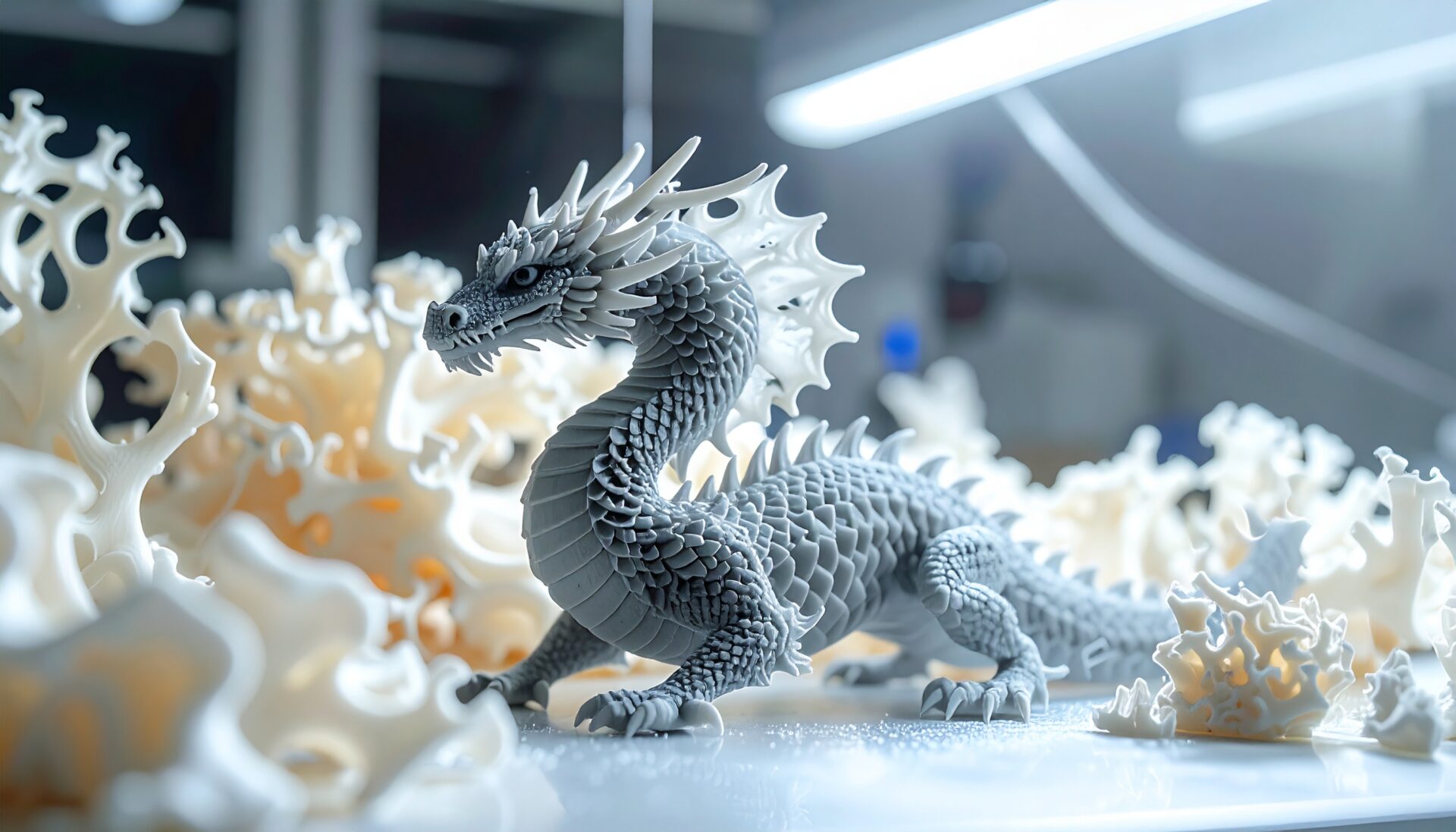
First sight of a generative result usually evokes bone or branching wood: material laid along stress flows converges on biology-like structure. And those shapes are awkward on a mill but natural on a printer, which is why generative design and additive manufacturing are spoken of as a pair. Fusion supports specifying additive as the manufacturing method, and from there the path is ordinary: export STL, slice, print, with support and orientation planning as for any print.
One practical layer deserves care: generated geometry is a mass of curves, so orientation and supports reward extra thought. Thin load-bearing struts crossing the layer direction make interlayer adhesion the weak point. Specify additive at generation time, then align principal loads with the strong direction at print time; that double move is what turns on-screen optimality into physical strength. For makers, the payoff often exceeds lightweighting: a mechanically justified organic shape reads as a work of design while being a functional part. Gadget stands and drone frames are the kind of subject where the investment returns both function and looks.
Entry is straightforward: start with the Fusion trial or the personal license where applicable, and practice requirement definition on a simple part. Load and constraint setup goes far smoother with basic statics; if that feels shaky, review static loading first. You do not need to buy tokens on day one; writing out the requirements of an existing part on paper already trains the thinking this method demands. For team adoption, pick a first target whose numbers speak: a moving part where mass saves cost, a large part where mass saves shipping. That makes the roughly 38-dollar-per-study line item easy to defend; a standards-constrained part with undefined loads makes it impossible.
Trap one: under-defined requirements. Forget a real-world load, side impact, clamping torque, and the algorithm returns a shape defenseless in exactly that direction. It is faithful to entered conditions and helpless against unentered reality; read suspiciously thin regions as signals of missing conditions. Trap two: uncritical adoption. Output is optimal within the analysis model, not the physical part; layer anisotropy, surface finish, and aging are outside it, so safety-relevant parts keep their traditional verification analysis and physical tests. Trap three: cost bleed, cured by iterating on requirements and pressing Generate as a finishing move.
For a first machine, the A1 mini combo removes most of the setup hurdles before they appear.
 ポチップ
ポチップGenerative design delegates the imagination ceiling to an algorithm. Inputs are requirements, preserves, obstacles, constraints, loads, materials, manufacturing, and outputs are many qualitatively different candidates rather than one answer. Topology optimization is the single-solution, mature-stage sibling that carves an existing shape; generative design is the early-stage discovery tool that contains it. In Fusion, the subscription (116,600 yen per year, tax included, post-July-2026 revision) is separate from metered runs at 11 tokens per generative study, roughly 5,700 yen or 38 dollars each. Generated shapes print naturally on additive machines. And the traps, missing loads, blind adoption, Generate-mashing, all share one cure: freeze requirements first, verify like an engineer after.
If Text-to-CAD is ordering a design in words, generative design is ordering it in conditions. Both promote the human from drawing to defining and judging. Where this sits in your workflow: see the AI 3D design complete guide, and for the carving-down sibling, Topology Optimization in Practice.