Don't Buy Springs, Print Them: Embedding Computation into Matter with 2026 Metamaterial Engineering
swiftwand swiftwand.ai

Multi-material hardware has reached consumer machines, but the print quality still lives or dies in the slicer. A toolchanger or an AMS gives you the mechanism; the settings you choose for purge, flush, supports and material boundaries decide whether the result is clean or a tangle of bleed and weak seams. This guide walks through the practical slicer settings that make multi-material printing reliable in 2026, with advice that applies whether your machine swaps tools or feeds from a multi-spool unit.
This article contains affiliate links. As an Amazon Associate, we earn from qualifying purchases.
Most multi-material trouble comes down to three recurring problems. The first is waste and bleed at color changes: on a shared nozzle, the old material must be flushed before the new color prints cleanly, and too little flush leaves muddy transitions. The second is supports, especially water-soluble ones, where temperature and speed mismatches cause poor adhesion or stringing. The third is the material boundary itself, where dissimilar plastics with different shrinkage and bonding behavior meet. Address these three and the rest of multi-material printing becomes routine.
On any machine that shares a nozzle across colors, each change purges old material, and that plastic has to go somewhere. The wipe tower (also called a purge tower) is the standard answer: a sacrificial structure printed alongside your model that absorbs the flushed material so your part stays clean. A key setting choice is which material to assign to the tower — always assign a normal, cheap material to the wipe tower and avoid wasting expensive water-soluble support filament there. On toolchanger machines that give each material its own nozzle, purging disappears almost entirely, so the wipe tower shrinks or vanishes; on AMS-style single-nozzle machines, tuning the tower is unavoidable.
Flush volume is the amount of material purged on each transition, and it is the single biggest lever on waste for single-nozzle multicolor. The right value depends on the color pair and material: going from a dark color to a light one needs far more flush than the reverse, because residual dark pigment shows badly in light filament. Most slicers expose a flush matrix where you set per-pair volumes; tune the volumes down until you just start to see bleed, then back off slightly. The goal is the smallest flush that still gives clean transitions — too generous and you waste plastic and time, too stingy and earlier colors ghost into later ones.
Water-soluble supports (such as PVA or BVOH) are what make complex internal cavities possible, but they are fussy. Print them slower than your model material — around 25 mm/s is a safe support speed — because these filaments are soft and stringy at higher speeds. Temperature matters too: match the support hotend to the filament’s range and avoid overheating, which degrades solubility. The interface layer, where support meets model, is where adhesion and clean release are decided; a slightly larger interface gap improves removal, while too large a gap leaves rough down-facing surfaces. Most importantly, keep these materials dry, because they are strongly hygroscopic.
An example of a PVA support filament; using it only for interface layers makes a spool last.

 ポチップ
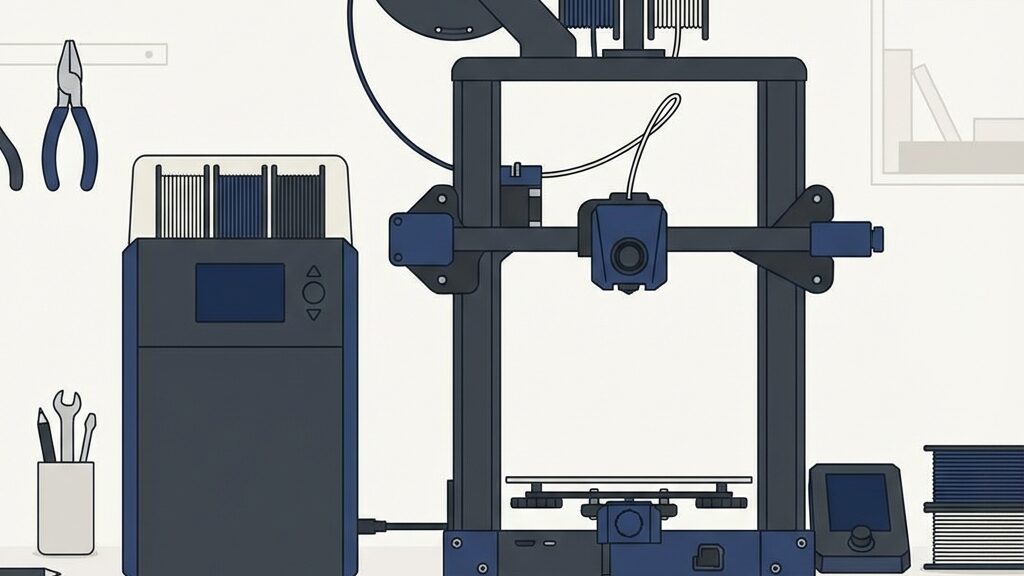
ポチップThe biggest workflow split is between dedicated-nozzle toolchangers and single-nozzle AMS-style feeders. On a toolchanger, each material keeps its own nozzle, so there is essentially no purge and no flush matrix to tune; your slicer work shifts toward tool assignment, dock calibration, and managing offsets between toolheads. On an AMS machine, one nozzle handles every color, so flush volume and the wipe tower become the dominant settings, and waste scales with the number of changes. Knowing which class your machine belongs to tells you which settings deserve your attention — flush tuning on AMS, tool and offset management on a toolchanger.
Before a multi-material print, run through a short check. Is the flush volume tuned per color pair, with extra for light-after-dark transitions, so you are not wasting material? Is the support speed slowed to roughly 25 mm/s for water-soluble filament? Is a normal material — not the expensive soluble one — assigned to the wipe tower? And have hygroscopic materials been dried adequately before printing? This list holds regardless of the machine’s mechanism; it is the basic discipline that keeps multi-material results consistent.
Multi-material printing is a slicer skill as much as a hardware feature. Tame the three hard parts — purge and the wipe tower, flush volume, and water-soluble supports — and match your settings to whether you run a toolchanger or an AMS, and the bleed, weak seams and failed supports that frustrate beginners largely disappear. The hardware made multi-material possible; disciplined slicing makes it reliable.
PrusaSlicer and OrcaSlicer documentation on multi-material printing, flush volumes and wipe towers; manufacturer guidance on water-soluble support materials.