3D Print Post-Processing Guide: AI-Designed Beautiful Finishes Without Painting
swiftwand swiftwand.ai
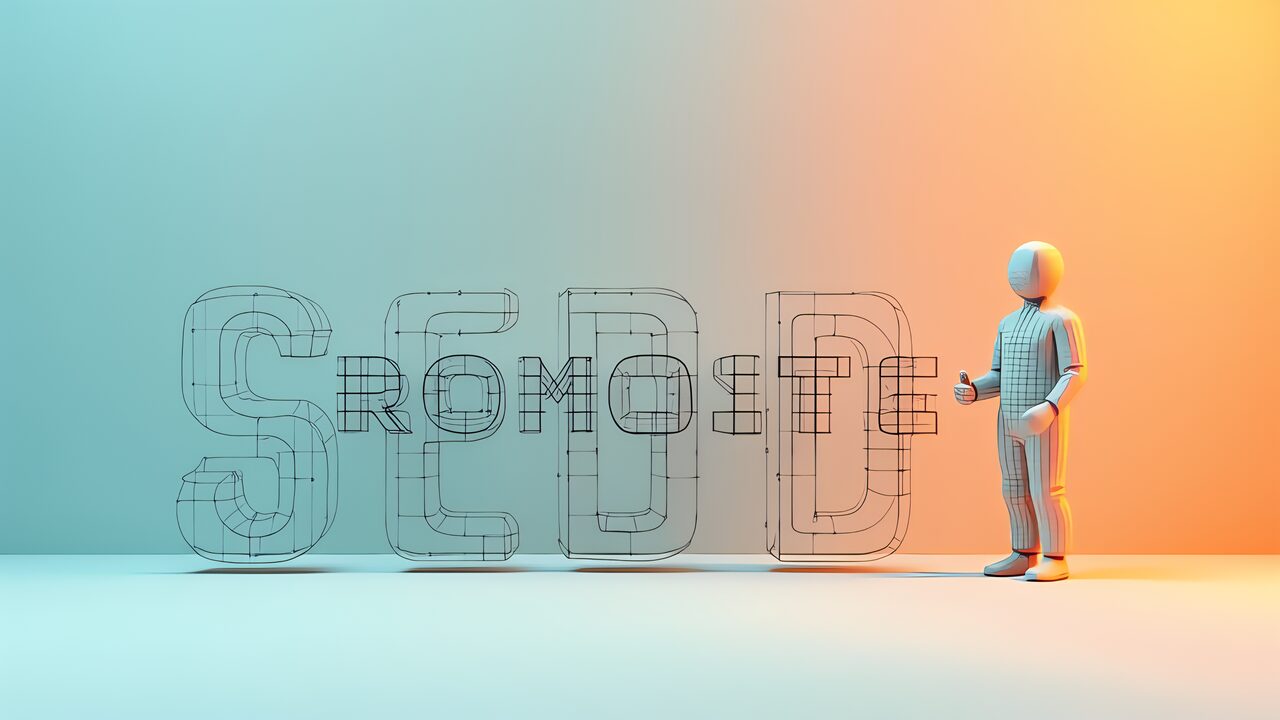
A Text-to-3D prompt looks like magic: type one sentence, receive a solid model. But between “a model came out” and “the model I wanted came out” lies a craft — and 3D has its own grammar, distinct from image prompting. This article covers the structure of prompts that land, negative prompting and failure repair, the iteration workflow, and the part that hides behind the craft: who owns the output, and whether you may sell it. We covered structured prompting for text generation elsewhere; solids play by different rules, and ignoring them makes your words spin without traction.
This article contains affiliate links. As an Amazon Associate, we earn from qualifying purchases.
The foundation is a three-part composition: Subject, Modifiers, Styles. Tripo’s prompt design guide names exactly this triad as basic practice. The subject says what to make, modifiers say what features it has, styles say how it looks and feels. Merely respecting that division already beats piling up words at random.
The subject is the core of the sentence — vague there, and the whole model collapses. Not “an animal” but “a cat standing on four legs”: words that pin the target uniquely. Modifiers flesh out the subject — size, pose, part composition, surface detail. Styles set the overall material and direction: low-poly, realistic, ceramic-like. Keep the three layers distinct and the generator hears your intent. A concrete example: for a ceramic teapot, put “a ceramic teapot” as subject, add “with a curved spout and a round handle” as modifiers, and finish with the style words.
The biggest difference from image prompting: staging language does nothing. Lighting, composition, camera angle, depth of field — a 3D generator produces geometry, and “dramatic lighting” does not exist in geometry. Such words are noise that misleads the model. Spend your vocabulary on shape, structure and material: describe the object, not the picture of it. Order and density matter too — lead with the subject, add two or three strong modifiers, and grow from there while watching outputs. Overstuffed prompts produce average, mushy shapes because the generator cannot tell what to prioritize.
For makers who print, it helps to think in two layers. The identity layer is everything that makes the object recognizable — the subject and its distinguishing features. The build layer is everything that makes it printable: words like “solid,” “thick walls,” “stable base,” “no floating parts.” A carefully written build layer reduces the repair bill downstream — fewer holes to close, fewer non-manifold edges to fix. Upstream care makes downstream light; the repair work itself is covered in making generated meshes print-ready.
What you exclude matters as much as what you request — but the mechanics differ by tool. Tripo supports explicit negative specification: write “(negative: X, Y)” inside the prompt and those elements are pushed out of the result. Meshy’s 4 and 5 series, by contrast, do not support negative prompts at all; the workaround is writing “no X” in the prompt body as a hint. Whether you get a dedicated mechanism or a suggestion changes how reliably the exclusion works — know which camp your generator is in before you rely on it.
Typical failures have standard cures. Missing limbs come from ambiguous topology — state the count: “four legs.” Melted or blobby surfaces mean under-specified material and features — add concrete texture and part descriptions. Unnatural asymmetry often resolves with the single word “symmetrical.” In every case you are pre-empting a generator that does not read minds, filling gaps with words before they become defects.
When nothing works, shorten the prompt. More words are not more control: conflicting specifications confuse the generator. Strip down to the subject and one or two anchors, confirm stability, then reintroduce modifiers one at a time until you find which word triggers the collapse.
Work in cycles: observe the output, identify what broke, add the missing specification to the identity or build layer, remove the unwanted via negatives, regenerate. Change one thing per cycle so you learn which word did what. The accumulated result is a personal prompt vocabulary that makes every future model faster. Since iteration count is the engine of quality, generous free tiers and fast generation matter — which tools give you the most attempts is covered in our Text-to-3D comparison.
Keeping one standard PLA+ spool as your baseline makes every comparison meaningful.

 ポチップ
ポチップOnce you can produce the shape, the next wall is whether you may use it. Rights depend on the tool and the plan, and misunderstanding here walks you into terms violations or infringement. Being able to make it and being allowed to sell it are entirely different questions.
Meshy: models generated on the free plan carry a CC BY 4.0 license — commercial use is permitted with proper attribution. On paid plans, outputs set to private become fully and privately owned. Either way, the bedrock condition is that your output must not infringe anyone else’s work. Tripo draws the line differently and more sharply: free-plan models may not be used commercially at all; commercial rights require the Pro plan. Same word “free,” nearly opposite meanings. Never assume a free-tier model can be sold — read the current terms with your own eyes before it ships.
The practical safeguard: record which tool, which plan and which settings produced every asset. If commercial legitimacy is ever questioned, you must be able to show provenance and license conditions. Prototyping free and regenerating on a paid plan at commercialization time is a perfectly sound pattern.
Beyond licenses lies a deeper question: the generators themselves are trained on vast amounts of existing work, and the legal relationship between training data and output rights remains unsettled in many jurisdictions. Some questions here simply do not have black-and-white answers yet. What you can do: avoid prompting for recognizable third-party characters, brands or designs; avoid outputs that are substantially similar to identifiable existing works; and keep provenance records. Prudence in the gray zone is cheaper than litigation at its edge. The same caution applies to image inputs, which we covered in image to 3D in practice.
Text-to-3D prompting rewards structure over volume: subject first, modifiers that pin the shape, styles that set the material — plus a build layer that thinks about the printer. Exclude with negatives where supported, fix failures with the standard cures, iterate one change at a time, and shorten when confused. And in parallel with the craft, manage the rights: know your tool’s license per plan, record provenance, and treat the training-data gray zone with respect. The shape and the right to sell the shape are two separate achievements — this guide exists so you can secure both.
Tripo prompt design resources (official)
Meshy (official)
CC BY 4.0 license (Creative Commons)