Claude Spring 2026 Complete Roadmap — Integrated Workflow and the Path to CCA Certification
swiftwand swiftwand.ai
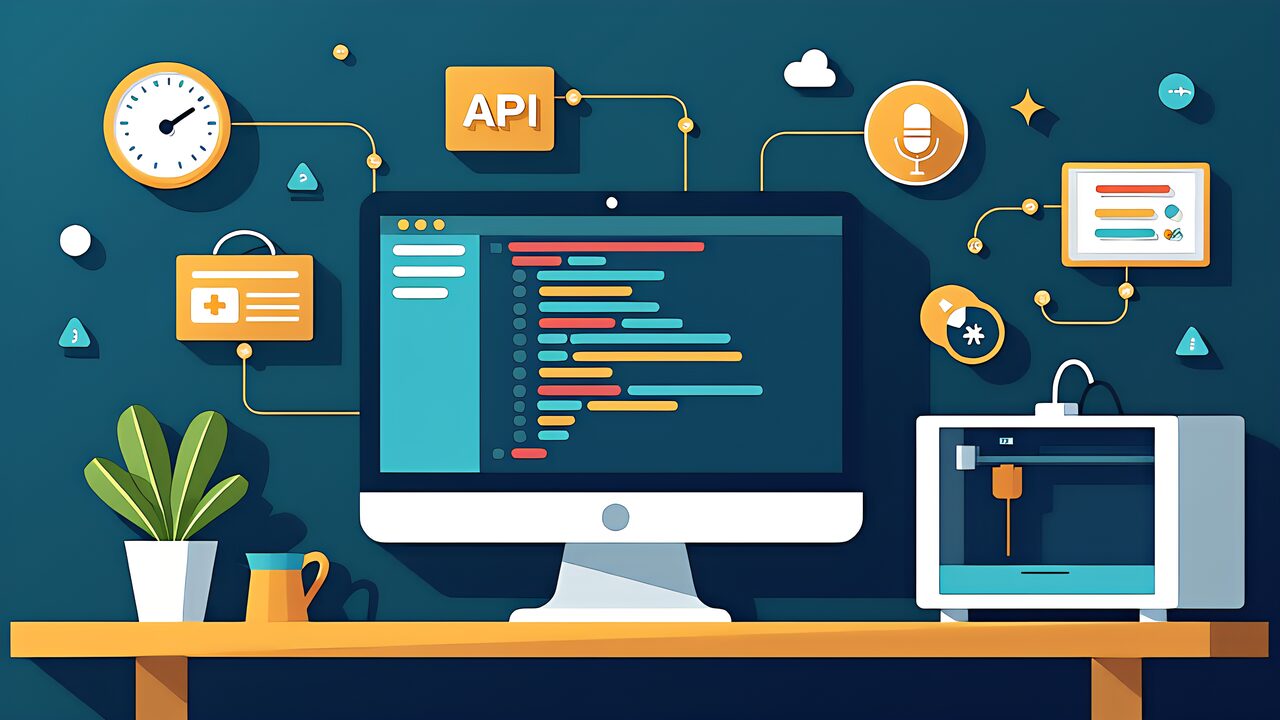
The ChatGPT API in 2026 has evolved far beyond simple text-in/text-out completions. With the Responses API replacing Chat Completions as the new standard, Function Calling gaining strict mode for reliable tool integration, and Realtime API enabling voice-controlled interactions, the API layer offers capabilities that no subscription plan alone can match.
For 3D printing makers who code (or want to start), the API opens up possibilities that Custom GPTs cannot: custom dashboards that integrate print farm monitoring with AI analysis, automated quote generators that pull from your exact pricing model, and voice-controlled slicer interfaces for hands-free operation during post-processing.
This article maps the current ChatGPT API architecture as of May 2026, verified on OpenAI official documentation (developers.openai.com, platform.openai.com), and provides implementation examples specifically for 3D printing workflows.
All API endpoints, parameters, and pricing in this article were verified on developers.openai.com as of May 1, 2026. The API evolves rapidly — always check the current documentation before production deployment.
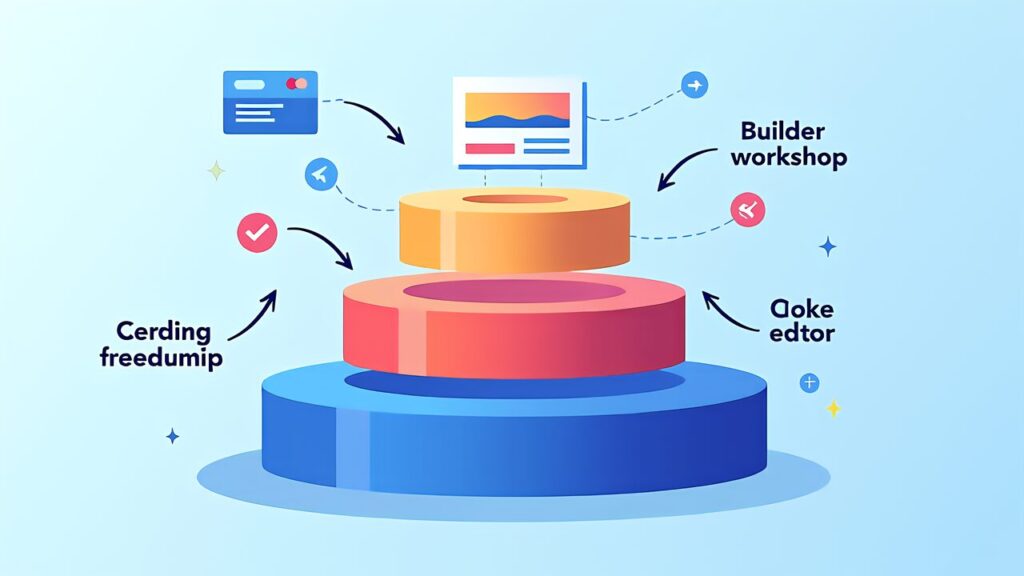
OpenAI’s ChatGPT ecosystem has three integration layers, each serving different use cases:
Layer 1 — Subscription (Plus/Pro): No code required. Use ChatGPT through the web interface with Custom GPTs. Rate-limited but zero development effort. Best for individual makers who need AI assistance during design and troubleshooting sessions.
Layer 2 — Custom GPTs with Actions: Low code. Define API endpoints in your Custom GPT’s Actions configuration. The GPT handles the conversation while calling your backend for data. Best for makers who have a simple backend (OctoPrint, inventory spreadsheet) they want to connect.
Layer 3 — Direct API: Full code control. Build custom applications using the Responses API. You control the UI, conversation flow, and integration logic. Best for makers building products, dashboards, or automated pipelines.
This article focuses on Layer 3, as it provides the most flexibility and is the foundation for serious automation.

The Responses API is OpenAI’s newest API endpoint, designed to replace both the Chat Completions API and the Assistants API. Key differences from Chat Completions:
Stateful by default: The Responses API maintains conversation state server-side. You don’t need to resend the entire conversation history with each request — just the new message and a session ID.
Built-in tool orchestration: When using Function Calling, the Responses API handles the tool-call loop automatically. You define your tools, and the API manages the back-and-forth between the model and your tool implementations.
Streaming with structured output: You can stream responses while still getting structured JSON output, enabling real-time UI updates with reliable data parsing.
Multi-modal input: Accept text, images, files, and audio in a single request. For 3D printing, this means sending a photo of a failed print alongside text describing the problem.
// Basic Responses API call (Python)
from openai import OpenAI
client = OpenAI()

response = client.responses.create(
    model="gpt-5.5",
    input="Analyze this G-code for potential print issues",
    tools=[{
        "type": "function",
        "function": {
            "name": "get_printer_settings",
            "description": "Get current printer settings",
            "parameters": {
                "type": "object",
                "properties": {
                    "printer_id": {"type": "string"}
                }
            }
        }
    }]
)
Function Calling lets GPT models invoke your custom functions as part of generating a response. In strict mode (the 2026 default), the model is guaranteed to produce valid JSON matching your function’s parameter schema — eliminating the parsing errors that plagued earlier implementations.
Practical example for 3D printing: Define a function “calculate_print_cost” that takes material_type, weight_grams, and print_hours as parameters. When a user asks “How much would it cost to print this part in PETG?”, the model calls your function with the appropriate values, gets the result, and incorporates it into a natural language response.
tools = [{
    "type": "function",
    "function": {
        "name": "calculate_print_cost",
        "strict": True,
        "parameters": {
            "type": "object",
            "properties": {
                "material": {"type": "string", "enum": ["PLA", "PETG", "ABS", "TPU", "PC"]},
                "weight_grams": {"type": "number"},
                "print_hours": {"type": "number"},
                "include_electricity": {"type": "boolean", "default": True}
            },
            "required": ["material", "weight_grams", "print_hours"]
        }
    }
}]
Strict mode ensures the model never hallucinates parameter names or types. Combined with the Responses API’s automatic tool-call loop, you get reliable, production-grade function integration.
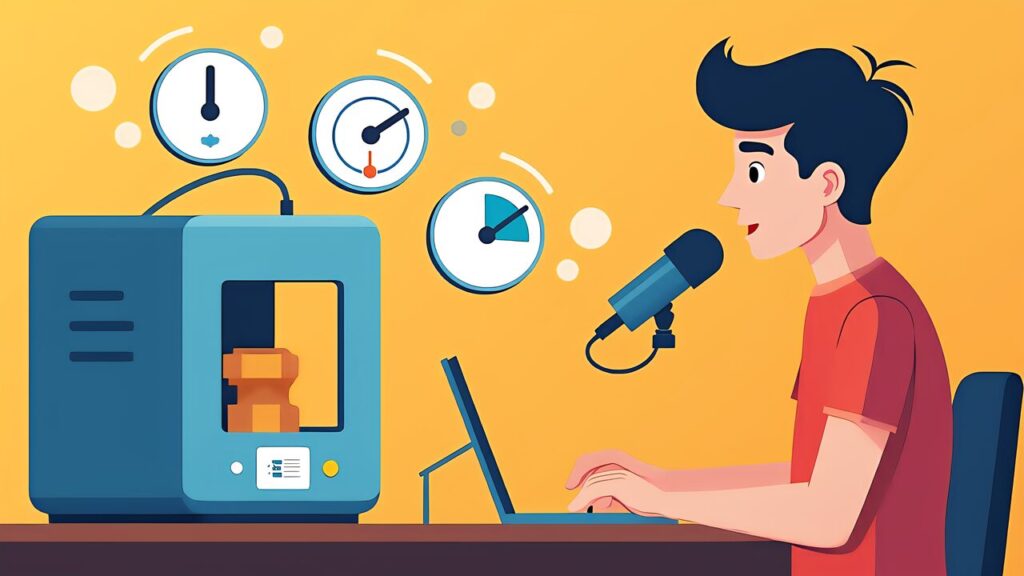
The Realtime API enables bidirectional voice communication with GPT models. For 3D printing, the killer application is a voice-controlled interface you can use while your hands are busy — during post-processing, assembly, or printer maintenance.
Imagine adjusting slicer settings by voice: “Increase infill to 30%, switch to gyroid pattern, and add supports for the overhang on the left side.” The Realtime API processes your speech, interprets the instructions, calls your slicer’s API via Function Calling, and confirms the changes — all in real-time, hands-free.
Implementation requires a WebSocket connection to OpenAI’s Realtime endpoint, audio capture/playback in your application, and Function Calling definitions for your slicer API (PrusaSlicer, Cura, or OrcaSlicer).
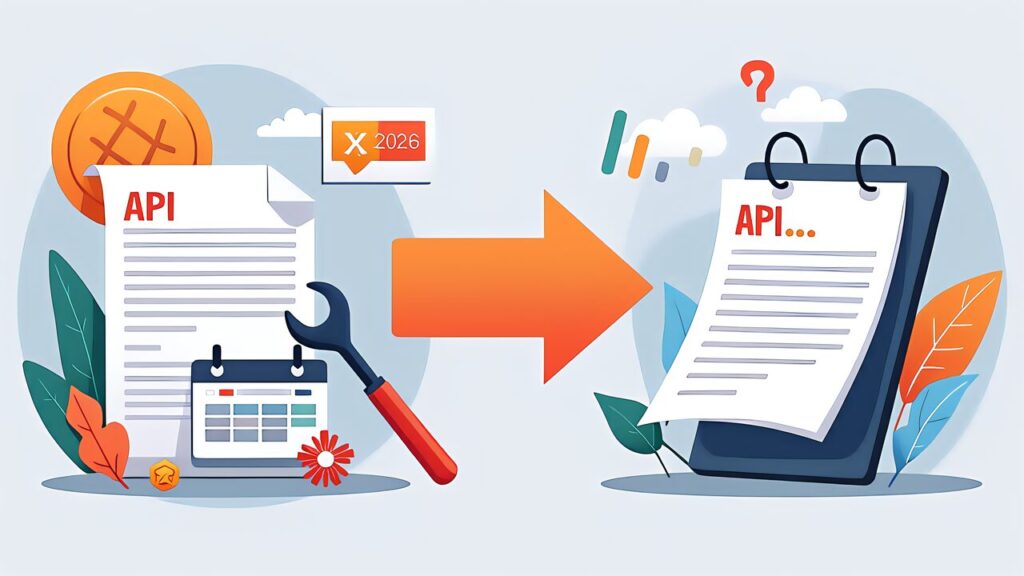
The Assistants API, launched in late 2023, is being phased out in favor of the Responses API. While the exact deprecation date hasn’t been announced as of May 2026, OpenAI has stopped adding new features to Assistants and recommends all new development use the Responses API.
Migration is straightforward: Assistants’ key features (threads, file search, code interpreter) are all available in the Responses API with improved implementations. If you have existing Assistants-based integrations, plan your migration before the deprecation announcement to avoid rush transitions.

Example 1: Automated Quote Generator
Build a web form where customers upload an STL file. Your backend extracts dimensions and volume, sends this data to GPT-5.5 via the Responses API with your pricing function, and returns a professional quote document — all automated, typically under 10 seconds per quote.
Example 2: Print Farm Dashboard
Connect OctoPrint instances across multiple printers to a central dashboard. Use Function Calling to let GPT-5.5 query printer status, analyze completion times, suggest optimal job scheduling, and flag potential issues based on temperature/speed data.
Example 3: Material Recommendation API
Create a REST endpoint that accepts project requirements and returns material recommendations. Use GPT-5.5 with your material database as context, Function Calling for price lookups (Amazon.co.jp API), and structured output for consistent JSON responses.
Batch API: For non-real-time tasks (nightly report generation, bulk analysis), the Batch API offers 50% cost savings. Submit a batch of requests and get results within 24 hours. Ideal for processing a day’s worth of orders, analyzing print logs, or generating content.
Prompt Caching: The API automatically caches common prompt prefixes. If your system prompt is consistent (as it should be), subsequent requests reuse the cached tokens at reduced cost. A 2,000-token system prompt cached across 100 daily requests saves roughly 200K tokens/day.
Model Selection: Use GPT-5 ($1.25/$10 per M tokens) for simple extraction and classification tasks. Use GPT-5.5 ($5/$30) for complex reasoning and generation. Reserve GPT-5.5 Pro ($30/$180) for critical tasks requiring maximum accuracy. This tiered approach can reduce API costs by 60-70% compared to using GPT-5.5 for everything.

The ChatGPT API in May 2026 offers three powerful primitives: Responses API for stateful conversations, Function Calling with strict mode for reliable tool integration, and Realtime API for voice interaction. For 3D printing makers who code, these tools unlock automation possibilities that go far beyond what subscription plans offer.
Tomorrow (Day 7), we close the series with a comprehensive ChatGPT vs Claude comparison, evaluating both platforms across every dimension that matters for makers: models, pricing, API capabilities, agent features, and real-world 3D printing workflow performance.
OpenAI Official
Community