Zero Server Costs? Browser-Only AI Development with Transformers.js v4 and WebGPU
swiftwand swiftwand.ai

The greatest value of Agent Skills practical 2026 lies in transforming recurring work procedures into “reusable instruction sets that AI automatically invokes.” Routine tasks that 3D printing businesses handle weekly — print failure analysis, model optimization, BOM generation — can be elevated into permanently running workflows by converting them into Agent Skills. This article covers everything from the .claude/skills/ directory structure, SKILL.md frontmatter design, automatic invocation control, to concrete implementation examples for 3D printing operations, all from the Agent Skills practical 2026 perspective.
This article contains affiliate links. As an Amazon Associate, we earn from qualifying purchases.
Once you master Agent Skills practical 2026, you can redirect time previously spent on prompt trial-and-error toward essential design decisions. Creating a Skill takes 30 minutes to an hour initially, but afterward, simply saying “analyze this print failure” triggers the pre-defined procedure to execute precisely. Agent Skills practical 2026 is not merely an efficiency tool — it’s a knowledge asset methodology that converts individual and team tacit knowledge into explicit knowledge.
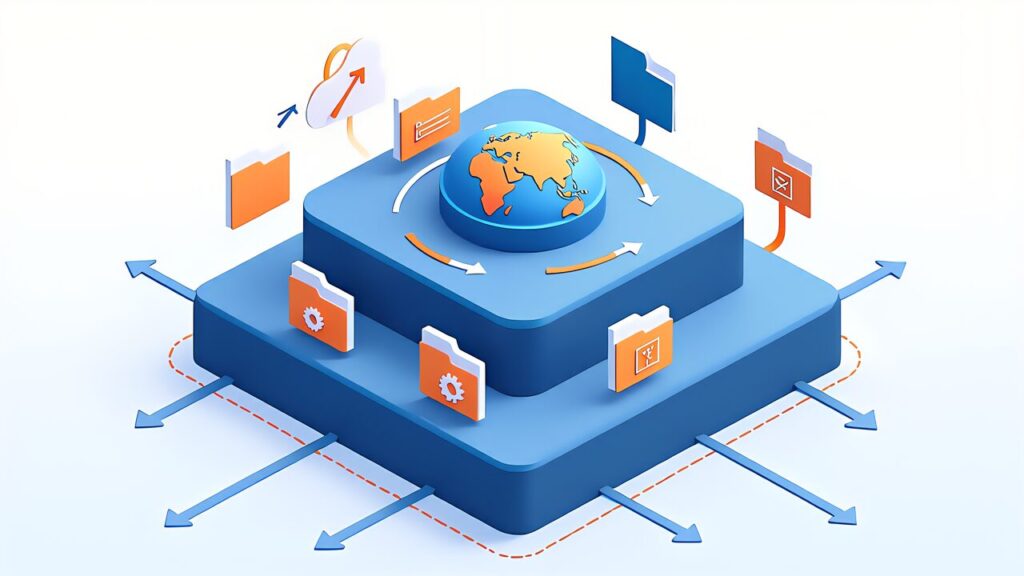
Agent Skills is the evolution of the “reusable instruction set” feature that Anthropic has been gradually introducing since late 2025. The previous slash commands placed in .claude/commands/ were interactive mechanisms where users explicitly typed /command-name to invoke them. Agent Skills differ fundamentally in that Claude reads context and automatically invokes them based on conditions described in the frontmatter.
As of spring 2026, Agent Skills form a three-layer structure. First, local Skills that operate within Claude Code (CLI), placed in .claude/skills/ at the project root to define repository-specific workflows. Second, user-global Skills placed in the user’s home directory that work across all projects. Third, Cowork Skills that run not only in CLI but also in the Claude desktop app, enabling even non-developers to leverage Skills.
An important premise for learning Agent Skills practical 2026 is that Skills are not simple text replacement macros but launch sub-processes while maintaining context. The allowed-tools specified within a Skill restrict which tools that Skill can execute, constructing an independent execution environment that doesn’t inherit the parent session’s permissions. This is a design decision that functions for both security and context contamination prevention.
Designing agents that stay reliable is its own discipline, and a build-along book shortens the learning curve.
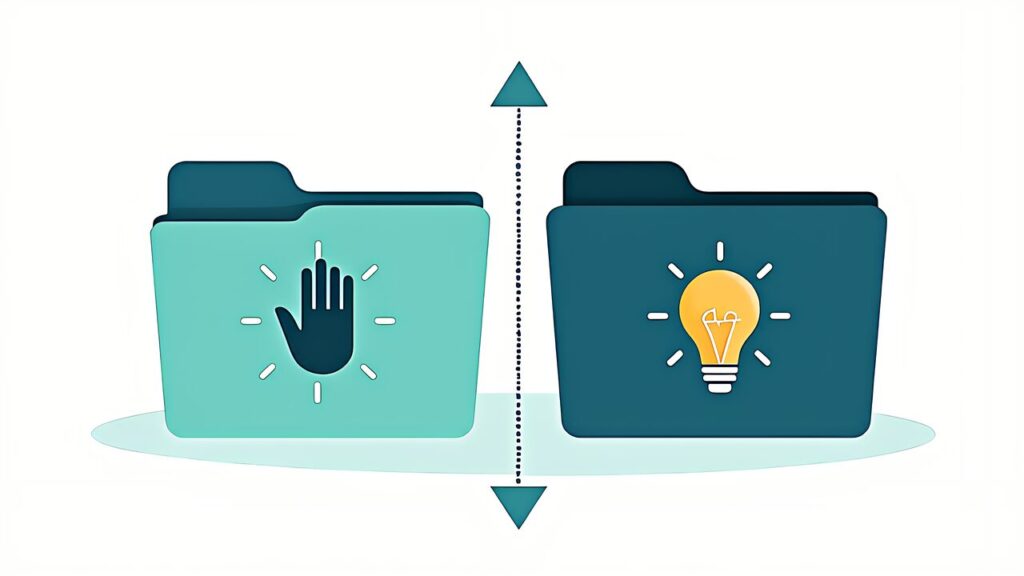
An important 2026 change is the clarified role separation between .claude/commands/ and .claude/skills/. They appear similar but differ fundamentally in invocation mechanism and context management.
| Item | .claude/commands/ | .claude/skills/ |
|---|---|---|
| Invocation | User explicitly types /name | Claude auto-judges from context |
| Frontmatter | Optional (description only) | Required (description, allowed-tools, etc.) |
| Execution Context | Shared with parent session | Fork (independent) selectable |
| Arguments | Received via $ARGUMENTS | Declared via argument-hint |
| Intended Use | Interactive routine operations | Auto-executed specialized processing |
.claude/commands/ suits “routine operations the user explicitly wants to invoke.” For example, commands like /release-notes are powerful when the user decides “I want to run this command now.” Meanwhile, .claude/skills/ suits “specialized processing where Claude autonomously judges the situation.” For example, the moment you paste a log file, Claude judges “this needs print failure analysis” and invokes the Skill.
As of spring 2026, a coexistence pattern where both are maintained in the same project is recommended. Slash commands for what you want to control manually, Skills for what you want Claude to handle autonomously.

The Skill body is a single Markdown file called SKILL.md. It’s placed at .claude/skills/
The main fields specifiable in frontmatter as of April 2026 are as follows.
| Field | Role | Required |
|---|---|---|
| description | Skill overview. The primary material Claude uses to judge invocation | Required |
| allowed-tools | Explicit list of tools usable within the Skill | Strongly recommended |
| context | fork (independent context) or inherit (parent context) | Optional (default: inherit) |
| argument-hint | Description of arguments received from user/Claude | Optional |
| auto-invoke | Whether automatic invocation is enabled (true/false) | Optional (default: true) |
| subagent | Whether usable within sub-agents | Optional |
description is particularly important — it needs to be not just a one-line summary but a concrete description of “what situations this Skill is useful in.” “Analyze print failures” is too vague. Something like “Receives FDM 3D print failure logs, diagnoses whether it’s Z-axis desync, bed adhesion failure, or nozzle clog, and returns 5 items to check before reprinting” explicitly states the situation, input, and output. Since Claude relies on the specificity of description to judge Skill invocation, vagueness here causes unintended invocations or non-invocations.
allowed-tools selects from Read, Write, Edit, Bash, Grep, Glob, WebSearch, WebFetch, etc. For example, a log analysis Skill would need only Read and Grep, granting no unnecessary permissions like Write or Bash for safety.

An advanced technique in Agent Skills practical 2026 is the combined use of auto-invoke and context.
When auto-invoke is set to true, Claude automatically invokes the Skill based on the situation. The specificity of the description determines whether it gets called at the right time. If too broad, it triggers on unrelated tasks; if too narrow, it misses legitimate use cases.
context chooses between fork or inherit. With fork, the Skill has no parent session history and executes in a clean environment with only the description and input. inherit continues in the parent session’s flow, allowing reference to conversation context. fork is safer but can’t reference prior conversation; inherit is flexible but risks context contamination.
The design guideline for Agent Skills practical 2026 is clear: fork for independent specialized processing, inherit for processing that needs the conversation flow.

A major Skills evolution in 2026 is the introduction of execution control within sub-agents. Setting the subagent field to true makes the Skill accessible not only from the main session but also from sub-agents spawned by Claude.
Sub-agents are isolated execution environments with their own system prompts and tool permissions. Normally they don’t access the parent’s .claude/skills/, but Skills with subagent: true are explicitly permitted.
However, when setting subagent: true, allowed-tools must be strictly narrowed. Sub-agents may run in contexts the user doesn’t directly monitor, so minimizing permissions is a security imperative.

Here we present three concrete Skill implementation examples for 3D printing operations. First is the print failure analysis Skill, placed at .claude/skills/print-failure-analysis/SKILL.md.
Example SKILL.md frontmatter and body (code blocks indented with 4 spaces).
___CODE_3___
This Skill auto-triggers the moment a user pastes a file like failure_log.txt, returning diagnostic results. With fork context, it executes without contaminating the parent session.
Next, we define a Skill that receives STL files or G-code and optimizes print parameters, at .claude/skills/model-optimizer/SKILL.md.
___CODE_4___
auto-invoke is set to false because optimization requires explicit user intent. Users invoke it with a slash command or explicit instruction.

A Skill that auto-generates a Bill of Materials for 3D printed products, at .claude/skills/bom-generator/SKILL.md.
___CODE_5___
BOM generation is a recurring task, and with auto-invoke: true, Claude judges “a BOM is probably needed” the moment a project folder is opened and triggers the Skill. This is a prime example of where Agent Skills practical 2026 delivers maximum value.
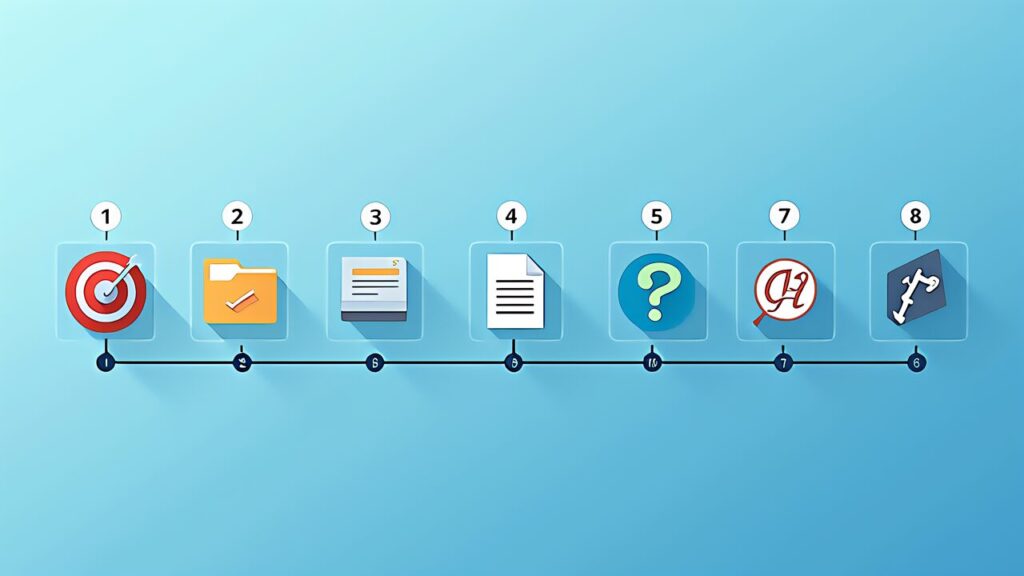
The concrete steps for creating a new Skill are as follows.
First, define the Skill’s scope. Narrow it down until you can write “what it takes as input and what it outputs” in one line. Vague Skills breed false triggers and malfunctions.
Second, create the directory. For project-specific, place at .claude/skills/
Third, create SKILL.md and fill in the frontmatter. Write description as concretely as possible and explicitly list allowed-tools.
Fourth, write the body instructions. Write in the same style as a system prompt. List the step-by-step procedure the Skill should follow.
Fifth, test. Verify that the Skill triggers correctly with appropriate input, and doesn’t trigger with unrelated input.
Sixth, iterate. Adjust the description and instructions based on actual usage, repeating the refine cycle.

skill-creator
built-in Skill takes natural language descriptions and generates SKILL.md scaffolding.
description Optimization Techniques
Since description determines Skill invocation accuracy, its optimization is critical. Key techniques based on Agent Skills practical 2026 experience are as follows.
Include trigger conditions

Specify input format
: State what format (text file, folder path, URL, etc.) is expected
Specify output format
: State what form the output takes (table, file, diagnostic report, etc.)
: State “when NOT to invoke” (e.g., “don’t invoke for FDM maintenance questions”)
Use technical terms
: Using domain-specific terminology improves Claude’s domain recognition accuracy
Claude looks at description and argument-hint to autonomously judge which Skill to call next. Investing time in Agent Skills practical 2026 description optimization directly leads to daily productivity improvement.
When deploying Agent Skills practical 2026 in an organization, security design must be considered.
Apply the principle of least privilege to allowed-tools. Don’t grant Write/Bash to Skills that only need read access. Don’t grant WebSearch/WebFetch to Skills that don’t need external communication.
Sandbox execution is also effective. With context: fork, the Skill runs in an independent context, preventing leakage of the parent session’s confidential information. Conversely, even if the Skill makes errors, they don’t contaminate the parent session.
Build in two-stage confirmation for destructive operations. For production deployment Skills, data deletion Skills, etc., include “always ask user for confirmation before execution” in the SKILL.md body.
Maintain audit logs. Claude Code execution logs serve directly as audit logs. Making it traceable which Skill was called when and what results it produced enables faster incident response.
After running Agent Skills practical 2026 for several months, some Skills get called very frequently. Optimizing these Skills improves overall performance.
The first step in optimization is not writing unnecessary information in SKILL.md. Claude reads the entire frontmatter and body each time, so verbose descriptions waste tokens per invocation.
Second, minimize calls to expensive tools like WebSearch. By designing argument-hint to pass necessary information as arguments, you can reduce internal search overhead.
Third, actively use context: fork. inherit carries over the parent session’s entire history, so in long sessions, massive context flows in each time, increasing cost and latency.
Fourth, consider splitting Skills. If one Skill is too multi-functional, it loads all instructions every time. Splitting into 2-3 purpose-specific Skills loads only the needed instructions each time.
Here are specific steps for introducing Skills to a project already in operation.
First, inventory “recurring tasks” in the existing project. List routine tasks that occur 3+ times per week and prioritize them. Start with the highest frequency tasks where automation has the biggest impact.
Next, document the current flow for that task. Write out the steps, tools used, and decision criteria in as much detail as possible. This documentation exercise itself is training in verbalizing the task’s essence.
Convert the documented flow into SKILL.md body content. At this stage, evaluate “is it okay to let Claude handle this decision?” For difficult-to-delegate decisions (like those directly affecting customers), design the Skill to include user confirmation steps.
Position the first week as an observation period for the Skill’s behavior, checking output quality at each invocation. If behavior differs from expectations, immediately revise SKILL.md. After 2-3 weeks of operation, it stabilizes, and from then on, minor adjustments once a week suffice.
As a hypothetical case, consider a 3-employee 3D print service bureau introducing Agent Skills practical 2026. This scale is typical for solo operators to small teams.
The business receives about 30 custom orders per week. Each order involves 7 steps: receiving model files, verifying printability, creating estimates, replying to customers, scheduling print jobs, post-print quality checks, and shipping. Each step is semi-routine — an experienced operator handles one in about 30 minutes, but a newcomer takes over an hour.
Before Agent Skills, the experienced operator became a bottleneck, slowing the pace of accepting new orders. Additionally, training new staff took months, making it difficult to scale up during busy periods.
The Agent Skills introduction progressed in stages.
In the first phase, they built a model verification Skill (printability check), estimate creation Skill, and customer reply draft Skill. These three alone covered 60% of per-order processing time.
In the second phase, they added a quality check Skill and scheduling optimization Skill. This raised the automation coverage to about 80%. The experienced operator now only needed to confirm final decisions.
Results: processing time per order dropped from 30 minutes to about 10 minutes, roughly tripling weekly throughput. New employee ramp-up time shortened from 3 months to 2 weeks, as they could handle orders by following Skill-suggested procedures from day one.
As a result, the number of processable orders per week expanded to 1.5-2x the previous level. New employees could be deployed in about a week using the introduced Skills, making it easy to scale up during busy periods.
The lesson from this case is that Skills function not as isolated efficiency gains but as “organizational capability enhancement.” Knowledge that was previously locked in individual expertise accumulates in Skills, enabling the entire team to maintain consistent work quality.
After operating Agent Skills practical 2026 for several months, the difference between good and bad Skills becomes clear. Here’s a summary of design principles.
First, the description is specific. The condition “invoke when X” is clear, so Claude doesn’t hesitate. Not “check code quality” but “receive Python file change diffs and flag issues from 3 perspectives: PEP8 compliance, type hint coverage, and function naming conventions.”
Second, inputs and outputs are clear. argument-hint explicitly states what’s received, and the body explicitly states what’s output. Skills with ambiguous I/O confuse both the caller and the callee.
Third, the scope is appropriately narrow. Don’t pack multiple functions into one Skill; follow the single responsibility principle. Separate “code quality check” and “fix suggestions” into different Skills.
Fourth, allowed-tools follows least privilege. Only specify necessary tools, granting no unnecessary permissions. This contributes to both safety and clarity of Claude’s judgment.
First, the description is abstract. Vague descriptions like “process conveniently” or “analyze nicely” prevent invocation judgment from functioning properly.
Second, the body is too long. A Skill with a 1000-line body has enormous loading costs each time, making it impractical. If it exceeds 500 lines, consider splitting.
Third, functionality overlaps with other Skills. When multiple Skills handle the same processing, Claude’s selection judgment becomes unstable and results become inconsistent.
Fourth, allowed-tools is too broad. Granting all tools indiscriminately poses security risks and creates cognitive noise for Claude.
Agent Skills practical 2026 transforms the way developers and operators work. Once-off prompt engineering becomes reusable knowledge assets, and the tacit knowledge of experienced team members becomes organizational common property. For 3D printing businesses, converting print failure analysis, model optimization, and BOM generation into Skills means that quality and speed of these operations no longer depend on specific individuals.
The key is starting with one Skill. Pick your most frequent recurring task, spend 30 minutes writing a SKILL.md, and observe it for a week. That experience alone will give you a clear picture of “what to convert to a Skill next.” Agent Skills practical 2026 isn’t a technology to learn comprehensively first — it’s a technology to learn through use.
Agent Teams vs Subagents provides a thorough comparison of Agent Teams vs Subagents
. We’ll explore the design choices for multi-agent patterns that build on top of Agent Skills.
Further Reading
For the latest specifications on Agent Skills, SKILL.md format, and frontmatter field details, please refer to the official Anthropic documentation (https://docs.anthropic.com/). Release notes and feature improvements are regularly published on the Anthropic official news page (https://www.anthropic.com/news). Community-shared Skill examples and best practices are also being collected through official channels.
The essence of Agent Skills in 2026 is capturing recurring work procedures as explicit knowledge and converting them into reusable assets. For a 3D printing business, routine tasks such as print-failure analysis, model optimization, and BOM generation are all strong candidates for being turned into Skills.
The key to running them well is incremental improvement. Instead of aiming for a perfect Skill from day one, start with a minimal version, use it in real work, and keep refining the description and body. After about three months of use, the accuracy of a Skill improves noticeably, and it is not unusual to free up 20 to 30 percent of the time spent on those tasks.
The previous article in this series, Claude Code Spring 2026 Update Roundup, covered the changes on the Claude Code side that set the stage for Agent Skills. If you are studying for the CCA Foundations certification, the Claude Spring 2026 Complete Roadmap is a good place to review the underlying configuration system. Next up, Agent Teams vs Subagents Complete Comparison 2026 looks at coordination patterns for multiple agents.
For official documentation, refer to the Anthropic website (docs.anthropic.com) and the official Claude Code repository. The Agent Skills specification is expected to keep expanding throughout 2026, so always check the official sources for the latest details.