

MechStyle AI 3D Printing Proves "Unbreakable Beauty": How MIT Is Redefining Generative Design
swiftwand swiftwand.ai
This article contains affiliate links. As an Amazon Associate, we earn from qualifying purchases.
Klipper is the firmware. The harder question is: what hardware does a Klipper user actually buy? “Klipper” can mean a $200 retrofit on an Ender 3, a $700 Voron Trident self-build, or a $1500+ fully-loaded CoreXY printer with AI monitoring. This roadmap presents three concrete budget tiers — entry, mid, and advanced — with itemized parts lists, a learning timeline from month-one to month-three, and the practical pitfalls that keep makers from finishing builds. All references are based on May 2026 retail prices verified at Switch Science, 3DJake, and the LDO Trident kit distributors.
This is the final article in the Klipper series. The previous five articles cover the firmware itself; this one is about how to spend money intelligently to use it.

Klipper is the right firmware choice for makers who want speed, advanced calibration (Pressure Advance, Input Shaping, KAMP), and an upgrade path that scales from “tweak my Ender 3” to “build my own CoreXY.” It’s the wrong choice for makers who value zero-setup printing more than configurability — the Bambu Lab X1C / P1S / A1 lineup is genuinely better for that audience.
The deciding question is “do you enjoy tuning the tool itself, or do you just want prints?” If you’re reading this guide, you probably enjoy tuning. That’s what makes Klipper rewarding; it’s also what makes Bambu Lab a poor fit, because Bambu hides almost all the tuning. Choose accordingly.
A second question is print frequency. If you print 1–2 times per week and are happy with the result, the time you’d spend learning Klipper outweighs the gain. If you print daily, plan to push speed up, or want to build a Voron, the Klipper investment pays back inside a few months.
The three tiers below assume you’ve answered “yes” to both questions. They differ in which hardware envelope you start at — and the right choice depends on your existing printer, your budget, and how deep you want to go in 2026.
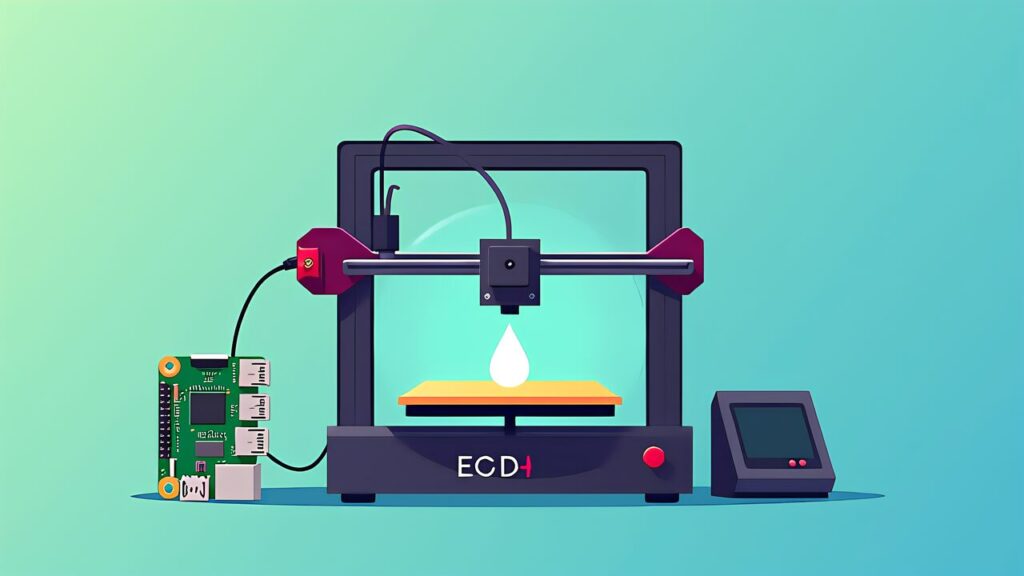
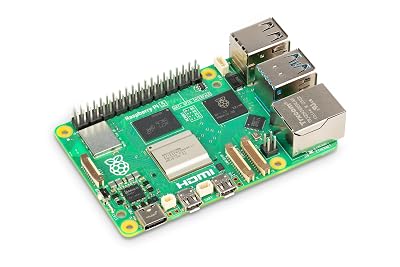
The cheapest path: keep your existing Ender 3 (or any Marlin-based 8-bit/32-bit printer), swap the control board for a Klipper-friendly one, add a Pi 5, and use community configs to bring it up. Total parts cost in May 2026:
| Part | Price | Role |
|---|---|---|
| Raspberry Pi 5 4GB | ¥22,330 (Switch Science) | Klipper host |
| BTT SKR Mini E3 V3.0 | $57.86 (about ¥9,100) | Drop-in replacement for stock Ender 3 board |
| BTT ADXL345 V2.0 | Single-digit USD (about ¥1,500) | Input Shaping calibration |
| Logitech C922 | About ¥9,000 (street price) | Camera for Obico Klipper monitoring |
| Wiring, microSD, PSU, etc. | About ¥5,000 | Miscellaneous |
| Total | About ¥47,000 (~$300) | — |
What you get: a fully Klipper-driven Ender 3 with Mainsail web UI, Input Shaping, Pressure Advance, KAMP, and Obico AI monitoring. Print speeds increase from typical Marlin 60–100 mm/s to Klipper 200–300 mm/s on the same physical printer. Calibration takes one weekend.
What you don’t get: a CoreXY frame, an enclosed chamber, a 350 mm bed, or any of the Voron-class advantages. The Ender 3 frame is the Ender 3 frame — Klipper makes it faster, but doesn’t change its fundamental printing area or rigidity ceiling.
Best for: someone who already owns an Ender 3 (or compatible printer) and wants to dramatically improve it without a full rebuild. The skill you build here transfers directly to a Voron build later if you decide to go that route.
Three of the four new purchases in the entry build, as sold on Amazon.com (the control board depends on your printer).
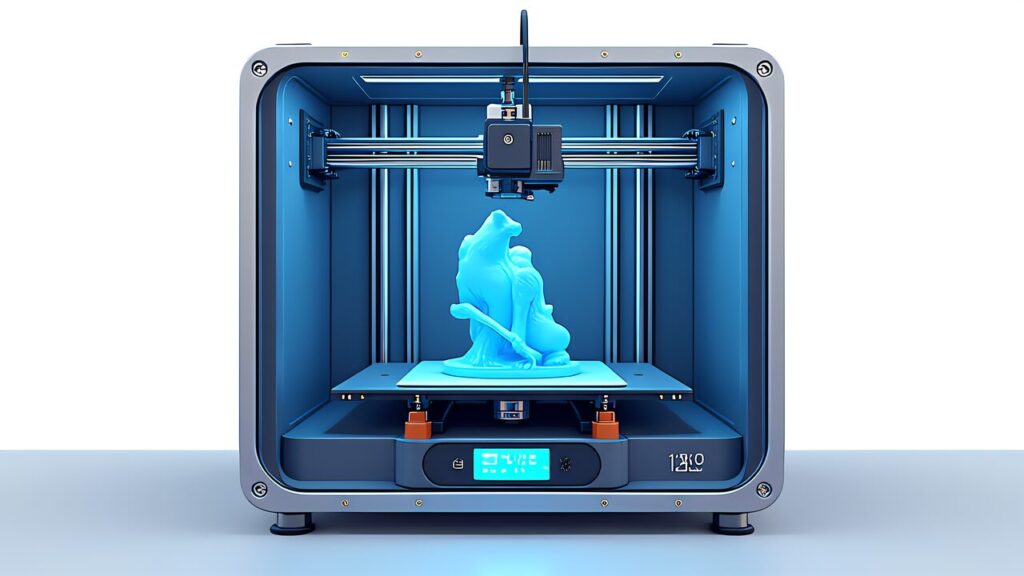
The Voron Trident is the canonical mid-tier Klipper build. It’s a 250/300/350 mm CoreXY printer designed by the Voron community to be assembled from a parts kit. The LDO Trident kit (the most reputable distributor in 2026) ships at $1,200–$1,500 depending on bed size and configuration. Total parts list:
| Part | Price | Role |
|---|---|---|
| Voron Trident kit (LDO retail) | About $1,200-$1,500 (¥190,000-¥230,000) | Frame, gantry, belts, motors, PSU, hotend full set |
| Raspberry Pi 5 8GB | ¥35,200 | Klipper host |
| BTT Manta M8P V2.0 + CB1 | Bundled or separately purchased | Control board |
| BTT EBB42 GEN 2 | About ¥6,000 | CAN bus toolhead |
| ADXL345 V2.0 | About ¥1,500 | Input Shaping |
| Logitech C922 | About ¥9,000 | Obico monitoring |
| Total | About ¥230,000-¥270,000 (~$1,500-$1,800) | — |
What you get: a CoreXY printer with Voron-class build quality, available in 250/300/350 mm bed sizes (the three official sizes), an enclosed chamber that handles ABS and engineering filaments well, automatic Z-tilt leveling, and a CAN-bus toolhead. Print speeds reach 350–500 mm/s after Input Shaping tuning.
What you sign up for: assembly time. A first-time Voron build is 30–60 hours of work over 2–4 weekends. The community calls this “the Voron tax.” It pays back in printer quality and in the deep understanding of every component you assembled, but it’s a real time investment up front.
Best for: a maker who has tuned at least one Klipper-driven printer (probably from Tier A) and is ready to step up to a serious printer. Voron Trident is the natural progression — and it’s a printer you’ll keep for years.
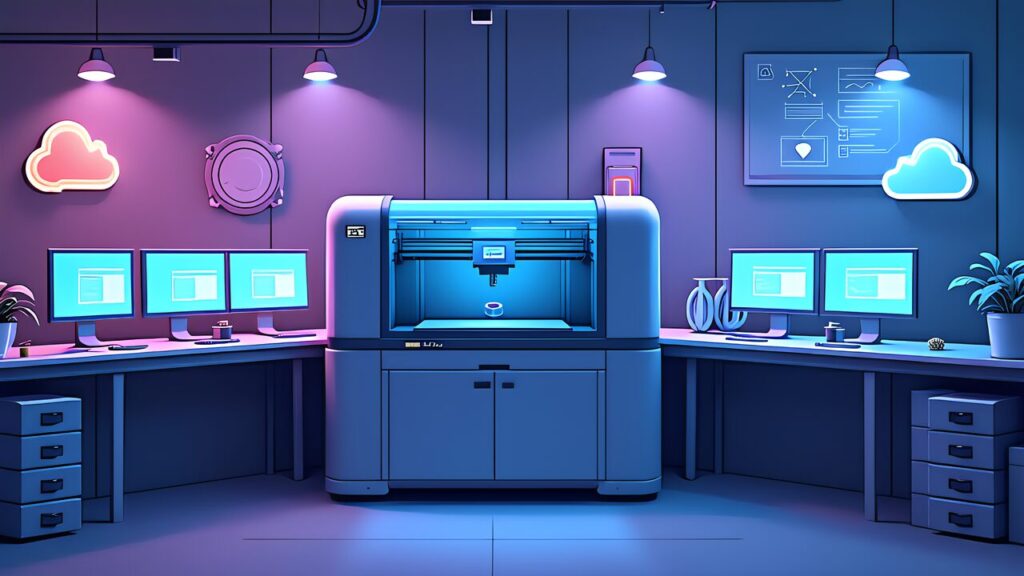
The fully-loaded Klipper build. Voron 2.4 R2 350 mm chassis, BTT Pad 7 touchscreen, Pi 5 16 GB for combined Klipper + Obico AI hosting, optional NVIDIA Jetson Orin Nano for local AI inference. This is “build a printer that no commercial product can match.”
| Part | Price | Role |
|---|---|---|
| Voron 2.4 R2 350mm kit | About $1,800-$2,500 (¥280,000-¥390,000) | Auto Z-leveling, large bed, chamber heater standard |
| Raspberry Pi 5 16GB | ¥60,720 | Multi-printer host with AI inference |
| BTT Manta M8P V2.0 + CB1 (CM4 upgradeable) | Bundled or separate | Main control board |
| BTT EBB42 GEN 2 + ADXL345 V2.0 | About ¥7,500 | Toolhead + Input Shaping |
| BTT Pad 7 | $166.59 (about ¥26,200) | KlipperScreen touch panel |
| Logitech C922 + auxiliary LED | About ¥12,000 | Monitoring + lighting |
| Obico Pro annual | About ¥7,500/year | AI monitoring |
| NVIDIA Jetson Orin Nano (optional) | About ¥40,000 | Local AI inference |
| Total | About ¥380,000-¥500,000 (~$2,500-$3,300) | — |
What you get: a Voron 2.4 R2 with 350 mm bed, a fully heated enclosure for engineering plastics (PA-CF, PEEK), automated Z-tilt and bed mesh, CAN-bus toolhead with built-in accelerometer, dedicated touchscreen, AI failure detection, and the option to run AI locally. Print speeds reach 500+ mm/s with extreme filament tuning.
What you sign up for: significant assembly + tuning time (Voron 2.4 builds are 50–100 hours), and a printer that genuinely deserves the label “advanced.” This is not a casual build; it’s a multi-month project that produces a printer you can rely on for production-quality parts at scale.
Best for: serious Klipper users who plan to print engineering parts (carbon-fiber filled nylon, PEEK, PEI), run a small print farm, or simply want the best 3D printer they can build themselves in 2026.
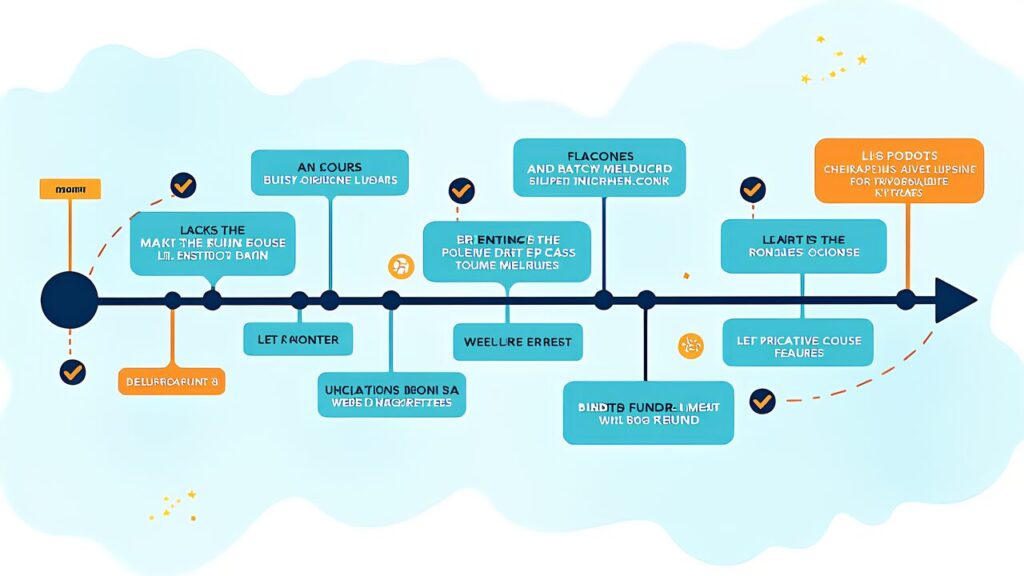
Most makers ramp into Klipper over 1–3 months. A reasonable progression:
At the end of this 3-month progression, you have a tuned Klipper printer running with all the major calibrations done, AI failure detection live, and a working understanding of what each tuning step does. From here, the natural next steps are either upgrading hardware (move to Voron Trident) or running multiple printers from the same Pi 5.

“My Voron build budget is exploding past $1,500.” Welcome to the Voron tax. The kit is $1,200–$1,500, but you also need filament for the printed parts, hand tools, calipers, a soldering iron, and various small consumables. Budget +$200–300 on top of the kit price.
“My Klipper printer was working, then I updated and it broke.” Klipper config schemas occasionally change between versions. Always read the release notes before updating. The Mainsail config history view shows you exactly what your config looked like before, which is essential for debugging.
“I bought the wrong bed size on my Voron.” 250 mm fits on a desk and prints almost everything; 300 mm is the sweet spot for most Voron users; 350 mm is for bigger parts and adds significant chamber heating cost. Voron Trident is officially available in all three sizes (250/300/350 mm); pick based on the largest part you actually print, not the largest part you might print someday.
“My SD card died and I lost my tuned config.” Standard Klipper failure mode. Mitigation: keep printer.cfg in Git, use Mainsail’s config history, and image the SD card to a backup periodically. The 5–10 minutes spent on backup discipline saves multi-hour reconfiguration disasters.
“I tuned everything but ringing came back after a week.” Belt tension drifts as belts settle into their final tension. Re-run resonance tests every month for the first 3 months, then quarterly thereafter. This is normal Voron-class maintenance.

Late 2026 should bring incremental improvements rather than disruptive changes. The Klipper development direction (per the Klipper3d roadmap) emphasizes: better load-cell probe support across more boards, additional sensor fusion options for better Input Shaping accuracy, and improved EXCLUDE_OBJECT integration with more slicers. None of these change the fundamental Klipper architecture; they polish existing features.
Hardware-side: BIGTREETECH continues iterating on the Manta and EBB lines, Voron may release a “Voron 2.5” hint at some point during 2026, and load-cell-based probes (Tap-style) are slowly expanding from premium to mainstream. The Bambu Lab P2 (announced March 2026, ships Q3) will reset the “easy mode 3D printer” baseline yet again, but doesn’t change the case for Klipper for tuners.
AI-side: Obico’s next-gen detection model (May 2026) is the current state of the art. Expect continued improvements through 2026; expect Bambu Cloud and OctoEverywhere to ship competing model upgrades in response. The trend toward local AI inference (Pi 5 16 GB, Jetson Orin Nano) accelerates as cloud-skeptical hobbyists demand offline-capable monitoring.
The boring conclusion: 2026 is a great year to start with Klipper because the ecosystem is mature, hardware is widely available, calibration is automated, and AI monitoring works. None of these were true to the same extent in 2024. The roadmap below is the right plan for this moment.

The three tiers above aren’t a progression you must follow — they’re three valid endpoints. A maker who finishes Tier A (Klipper-ified Ender 3) can stop there and run that printer for years, perfectly happy. A Tier B Voron Trident is the right destination for many makers who want serious tooling but not extreme overkill. Tier C is for the small minority that genuinely needs the extra envelope.
Spend the budget that matches your actual printing volume and ambition, not the budget that matches Voron envy. The Klipper community has more contented Tier-A users than Tier-C users, and that’s a healthy distribution.
In 2026, every tier is well-supported by the Klipper ecosystem. The firmware is stable on Klipper 0.13.0, the calibration tools are automated, the UIs are mature, and the documentation is comprehensive. Whatever tier you pick, the path from “buy the parts” to “print quality you trust” is shorter than it has ever been.
Useful next reads in this series: Klipper beginner guide for the firmware fundamentals, Input Shaping deep-dive for the resonance compensation, Pressure Advance auto-tuning for corner squish, KAMP guide for time savings, Mainsail vs Fluidd vs KlipperScreen for UI choice, and Obico AI integration for failure detection.