AWS Pricing Billing Complete Guide: CLF-C02 Domain 4 (12%) + 30 Practice Questions
swiftwand swiftwand.ai
“The prompt that worked perfectly in Claude returns shallow output when pasted into Gemini.” “The chain-of-thought structure that lifted ChatGPT accuracy produces verbose, unfocused analysis in Gemini 3.1 Pro.” If you have arrived at this article from the previous installment, you have likely already encountered this mismatch.
This article contains affiliate links. As an Amazon Associate, we earn from qualifying purchases.
As established in the Gemini 3.1 Pro Complete Guide, the model leads abstract-reasoning benchmarks like ARC-AGI-2 and GPQA Diamond. But the prompt grammar that unlocks that ability is genuinely different from Claude’s or ChatGPT’s. This article distils the official Google guidance as of May 2026 alongside the field-tested patterns published by Phil Schmid and other practitioner sources, separating “structures that work” from “anti-patterns that quietly degrade output.”
Anthropic’s Claude rewards polite preambles and explicit safety framing. OpenAI’s GPT family welcomes role-playing chains and conversational scaffolding. Google DeepMind explicitly revised the Gemini 3.1 prompting guidance in 2026 around two principles: directness over persuasion and logic over verbosity. The Vertex AI documentation (now Gemini Enterprise Agent Platform) puts it bluntly: “Gemini 3 is not a chat partner — treat it as an execution engine.”
Concretely, three habits transfer poorly:
Prompt design becomes repeatable once you treat it as engineering rather than phrasing.
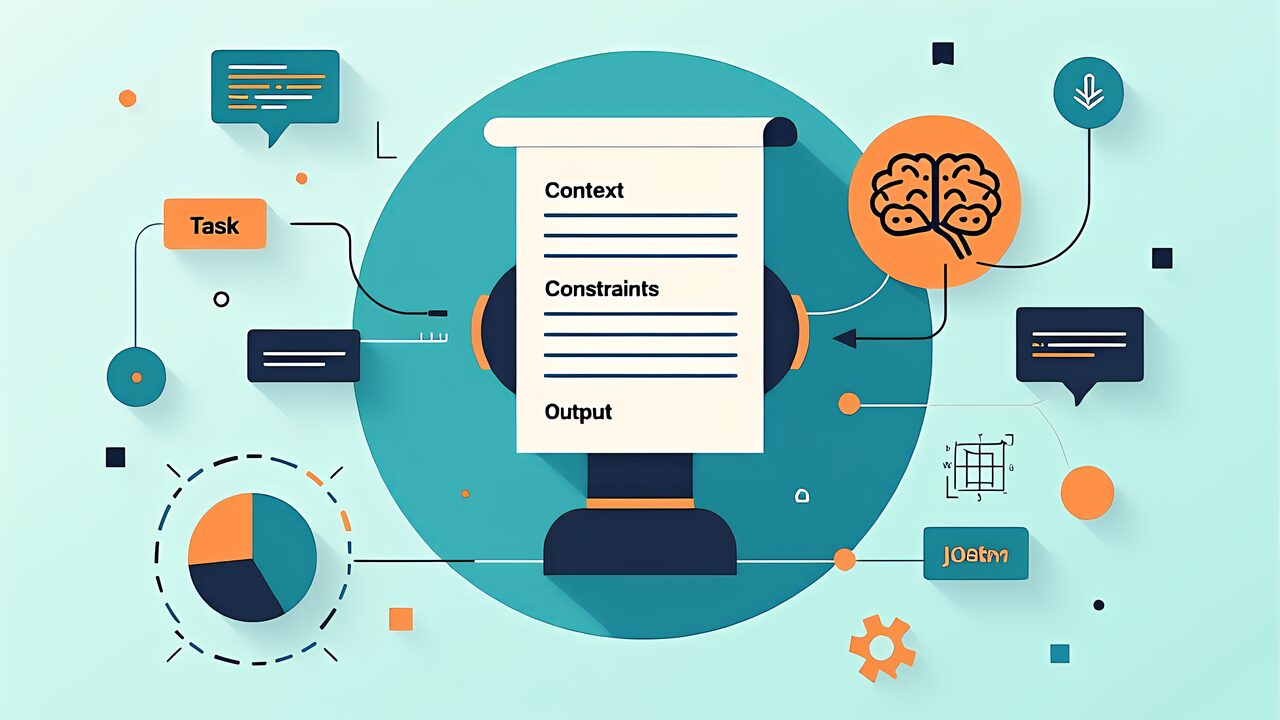
Google’s prompting guidance for Gemini 3.x collapses into four reproducible elements.
State what you want in one sentence, in imperative form. Avoid “Could you analyse…” — write “Analyse the following 3D-printer log and identify the top three failure modes.” Gemini routes tasks more accurately when the verb is unambiguous.
Use XML-like tags, but with domain-specific names rather than generic ones. <printer_log>, <material_spec>, <customer_request> outperform <input1> or <data>. Gemini’s attention to context is sharper when the tag carries semantic meaning.
Specify the exact shape of the response: JSON with named fields, a Markdown table with column headers, or a numbered list with a fixed length. Gemini 3.1 Pro respects schema-style instructions far more strictly than its predecessors. For deterministic tooling, combine the prompt declaration with the responseSchema API parameter.
Write what the model should NOT do, briefly and concretely. “Do not invent missing values; output ‘unknown’ if data is absent.” Negative constraints reduce hallucination rates measurably. Three to five negatives is the sweet spot.
Gemini 3.1 Pro’s 1,048,576-token window is the largest among the AI big three, and the model retains context quality across that range better than competitors do at similar lengths. Two pitfalls still degrade it.
Lost-in-the-Middle: Even Gemini 3.1 Pro shows reduced recall for facts placed near the middle of an extremely long prompt. Place critical information at the start or the end. For 500K+ token contexts, repeat the central question at the end.
Token billing breakpoint: Requests exceeding 200K tokens are billed at the higher tier ($2.50/1M input vs $1.25). Engineer prompts to stay below the breakpoint where feasible. Context Caching for repeated content pays back quickly.
Pricing tables make sense once you understand how foundation-model applications actually consume tokens.

 ポチップ
ポチップDeep Think allocates additional internal reasoning tokens before generating a response. It is governed by the thinking_config parameter with three levels:
<pre> blocks for embedded code samples.thinking_config deliberately for each prompt category, defaulting to LOW.The next article in this series moves from prompt construction to knowledge management: how Notebooks in Gemini and NotebookLM combine to give your prompt context a persistent home.