How to Choose 3D Printer Filament: The Only 3 You Need as a Beginner
swiftwand swiftwand.ai
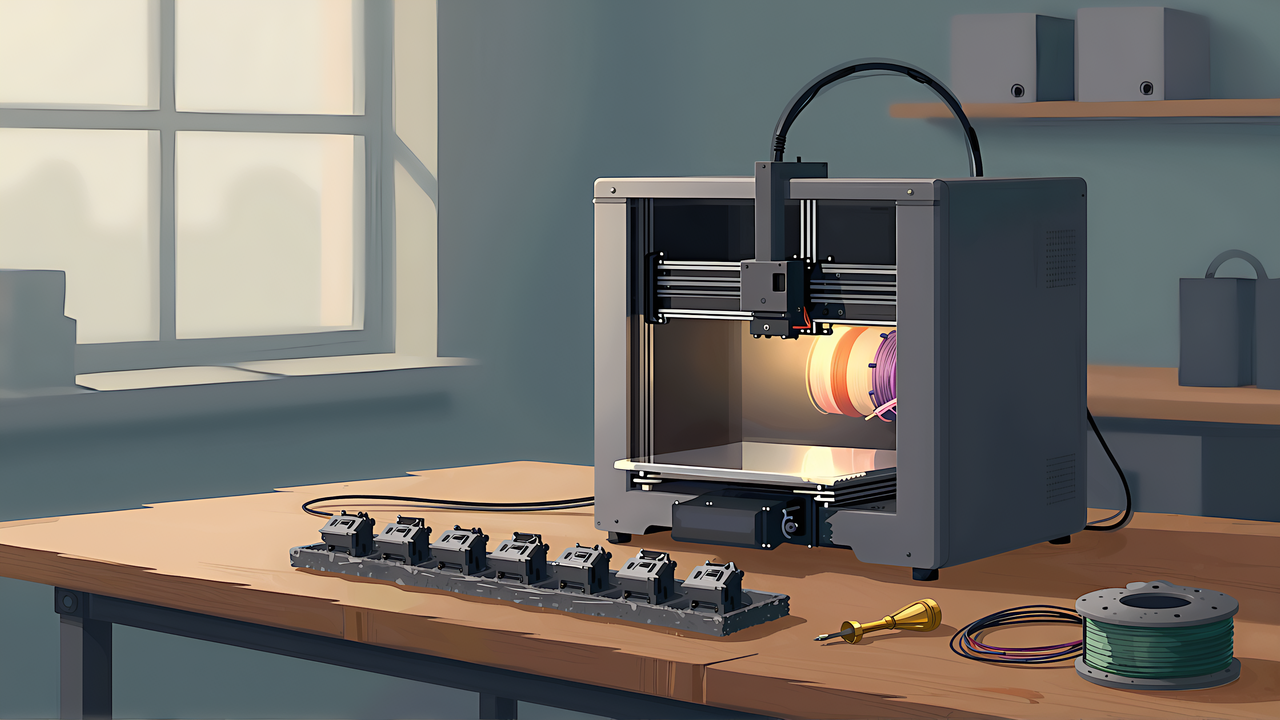
The lineup of multi-tool 3D printers shifted when Bambu Lab announced the H3C on November 3, 2026 and put it on sale the same day. The H3C swaps between nine tools, and in its press release Bambu Lab calls it “the company’s first third-generation desktop 3D printer.” For multicolor printing there were already two familiar approaches: one nozzle that swaps filament, and a pair of left and right nozzles. Now the H2C, which swaps hotends, and the H3C and Prusa’s INDX, which swap entire tools, sit alongside them, and the approaches separate clearly by what actually changes when the material changes.
This article contains affiliate links. As an Amazon Associate, we earn from qualifying purchases.
This article sorts those differences into five approaches. The only evidence used is each manufacturer’s official text and the values in the slicers’ printer profiles. We do not own any of the printers mentioned here and have not printed on them. What we did on our own machine was read the printer profiles and related configuration files from Bambu Studio 2.9.1 and OrcaSlicer 2.5.1. Prices and availability are as of November 16, 2026, and the amount of material thrown away is not covered in this article.
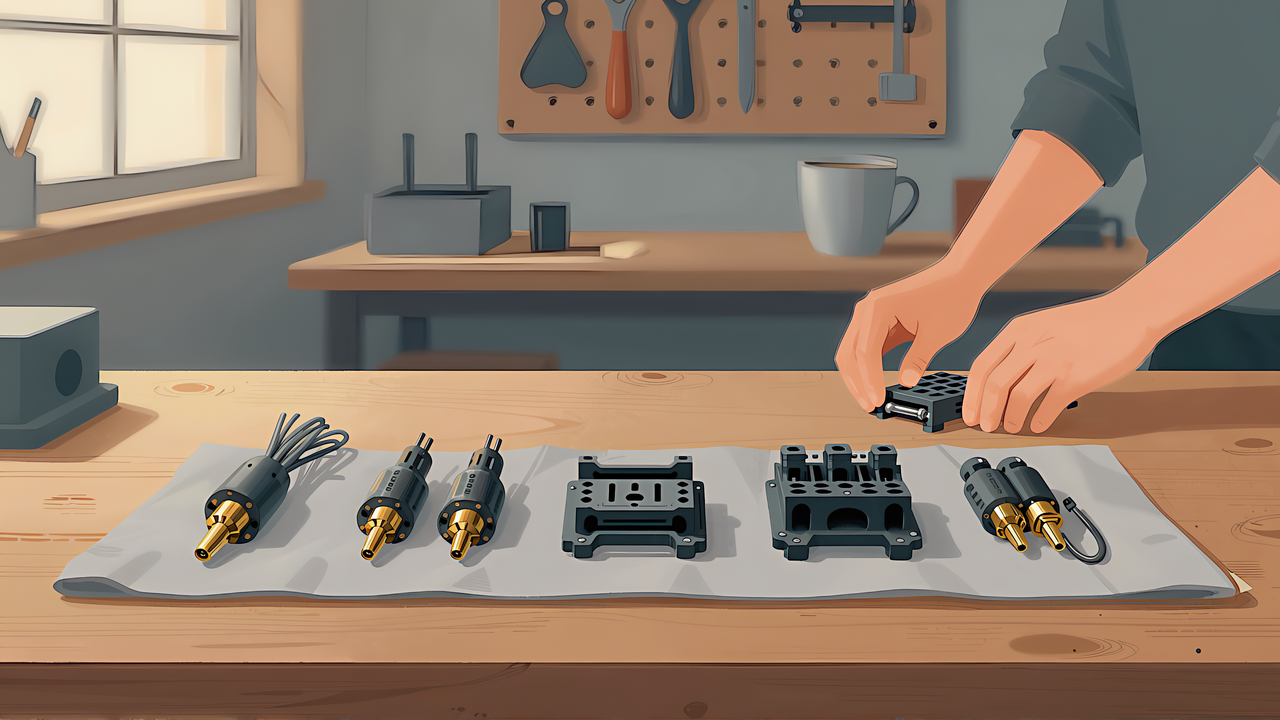
First, some terms. In this article, “multi-tool” is the umbrella term for any design with more than one nozzle or tool. As a baseline for comparison, the single-nozzle Bambu Lab P1S + AMS goes in the same table. Switching the material in use partway through a print is called a “swap,” and the material discarded during a swap is called “purge.” When an amount includes the prime tower (a tower built beside the model so that material can be extruded during swaps), we say so.
The axis that separates the approaches is what changes during a swap: just the filament, the nozzle doing the printing, the hotend, or the whole tool loaded with material. Structurally, the wider the scope of what is swapped, from filament to nozzle to hotend to tool, the fewer occasions there are to push old material out of a single nozzle and replace it with new material.
| Approach | What changes in a swap | Printers (including kits) | Number of nozzles or tools |
|---|---|---|---|
| Single-nozzle switching | The filament (the nozzle stays the same single one) | Bambu Lab P1S + AMS | 1 nozzle |
| Left and right dual nozzles | The printing nozzle (left or right) | Bambu Lab H2D, Bambu Lab X2D | 2 nozzles |
| Hotend swapping | The right-side hotend | Bambu Lab H2C (Vortek) | 1 left + 6 right |
| Tool changing | The tool loaded with material | Bambu Lab H3C (Swaptek), Prusa CORE One+ (Gen 2) + INDX, Prusa XL (the second-generation XL+ from August 2026), Snapmaker U1, Bondtech INDX | H3C 9; INDX 4 or 8; XL up to 5; U1 4 |
| Nozzle-set swapping | The set of nozzle, hotend and filament tube | Creality K3 (KliTek) | 4 nozzles |
With the Bondtech INDX development kit, the number of tools depends on how you build it.
The fifth approach, “nozzle-set swapping,” follows the wording of Creality’s KliTek FAQ. The FAQ says the system “only replaces the essential path: the nozzle, hotend, and filament tube,” meaning that only the set forming the material path is replaced. For the same reason, the H2C is not counted as tool changing either. What Bambu describes for the H2C is a hotend swap, which covers a different scope from the H3C’s Swaptek, where every tool has its own filament path and heater.
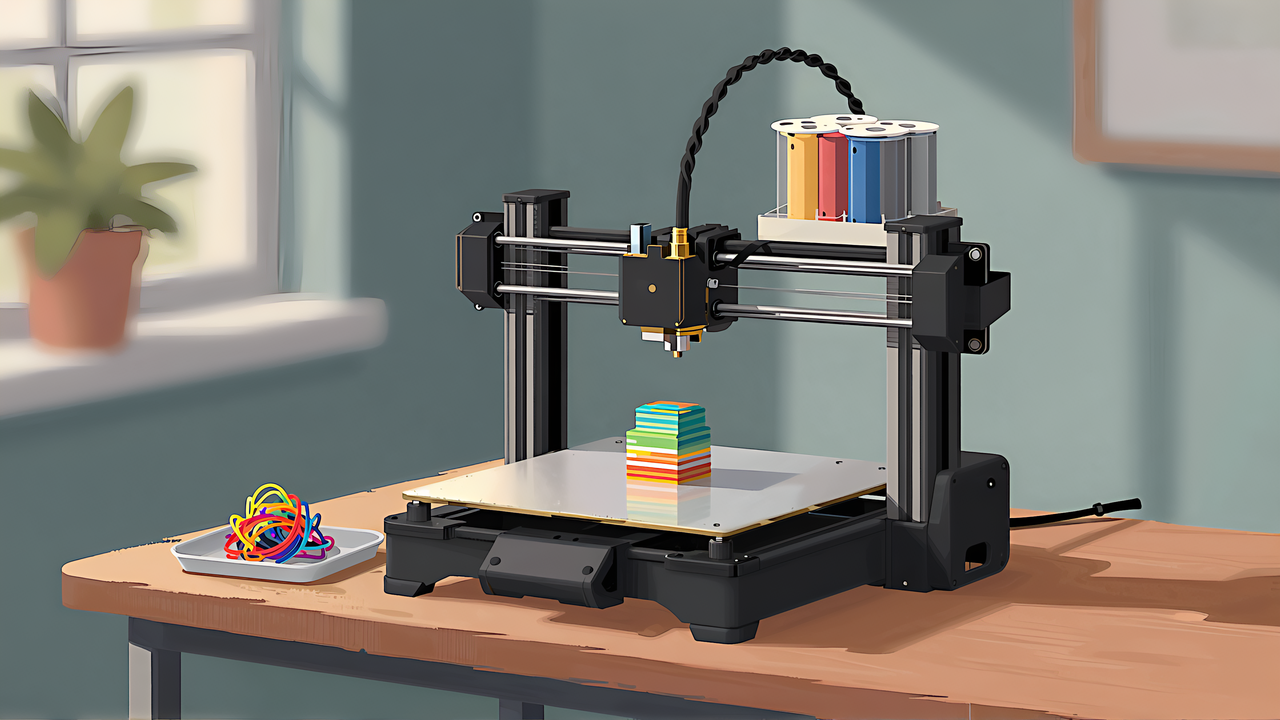
The Bambu Lab P1S prints multiple colors when connected to an AMS (Bambu Lab’s automatic filament feeder). The Japanese official store says up to four AMS units can be connected for 16-color multicolor printing. Because there is only one nozzle, however, every color change means pushing out the material left in that nozzle and replacing it with the new material.
Bambu itself describes the weakness of this approach. The H2C page on the Japanese official store explains, by way of comparison, that conventional single-nozzle multi-material printing discharges waste material every time the filament is switched. Purge happens on every swap, and it happens inside the same single nozzle. Adding AMS units adds colors, but the printer still has only one nozzle to use.
The slicer’s printer profile has the same shape. In Bambu Studio 2.9.1, “Bambu Lab P1S 0.4 nozzle” has a single element in its nozzle diameter field (nozzle_diameter). The nozzle-count field (extruder_max_nozzle_count) does not appear in the P1S file at all; it inherits [‘1’] from the top-level parent (fdm_machine_common). When this article looks at the other approaches, this “one extruder, one nozzle” setup is the baseline.
Swapping material inside a single nozzle is also the easiest approach to start with, since an AMS can be added to a current printer. The P1S Combo below ships with an AMS for up to four colors out of the box.
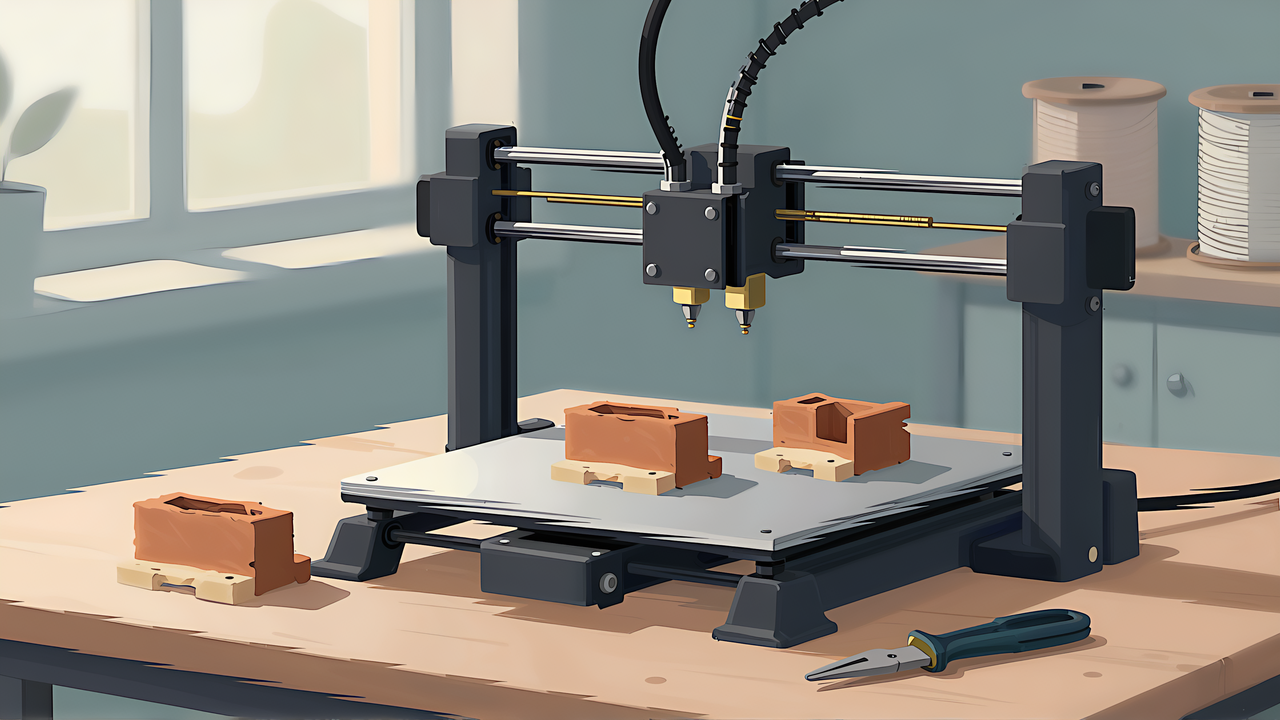
The Bambu Lab H2D was announced on March 25, 2025, and Bambu’s blog describes it as “Advanced Dual-Nozzle 3D Printing.” The Japanese official store describes it as a dual-nozzle, multi-material printer. In the Bambu Studio 2.9.1 printer profile, nozzle_diameter has two elements, and the nozzle-count field inherits [‘1’, ‘1’] from its parent (fdm_bbl_3dp_002_common). In other words, there are two extruders, left and right, with one nozzle each.
On purge, the H2D’s English product page says that dedicating one nozzle to a support-only material (Dedicated Support Material) lets it print supports while cutting down on waste, purging and material reloading. The H2D page on the Japanese official store goes further, stating that dual-nozzle printing reduces purge cycles in multicolor prints and that an algorithm optimizes filament usage to save time and material. The official text gives no figures for the amount of purge.
So let us sort it out from the structure. Simply choosing whether to print with the left or the right nozzle does not change the material inside either nozzle. With three or more materials, though, the structure means at least one nozzle receives a different material from the AMS, and a swap happens inside that nozzle. Left and right dual nozzles can avoid in-nozzle swaps with up to two materials; beyond that, the same thing happens as with single-nozzle switching.
The Bambu Lab X2D also has left and right nozzles, but its design aims at something different. According to Bambu’s blog post of April 14, 2026, the X2D has two extruders: the main extruder is mounted directly on the toolhead, and the auxiliary extruder sits at the back of the machine. The same post says, “The main prints the model while the auxiliary prints the support.” The Japanese official store’s headline calls it dual-nozzle 3D printing. In left-right terms, the left is the main and the right is the auxiliary, so the right side mainly handles supports. We did not open the X2D printer profile for this article.
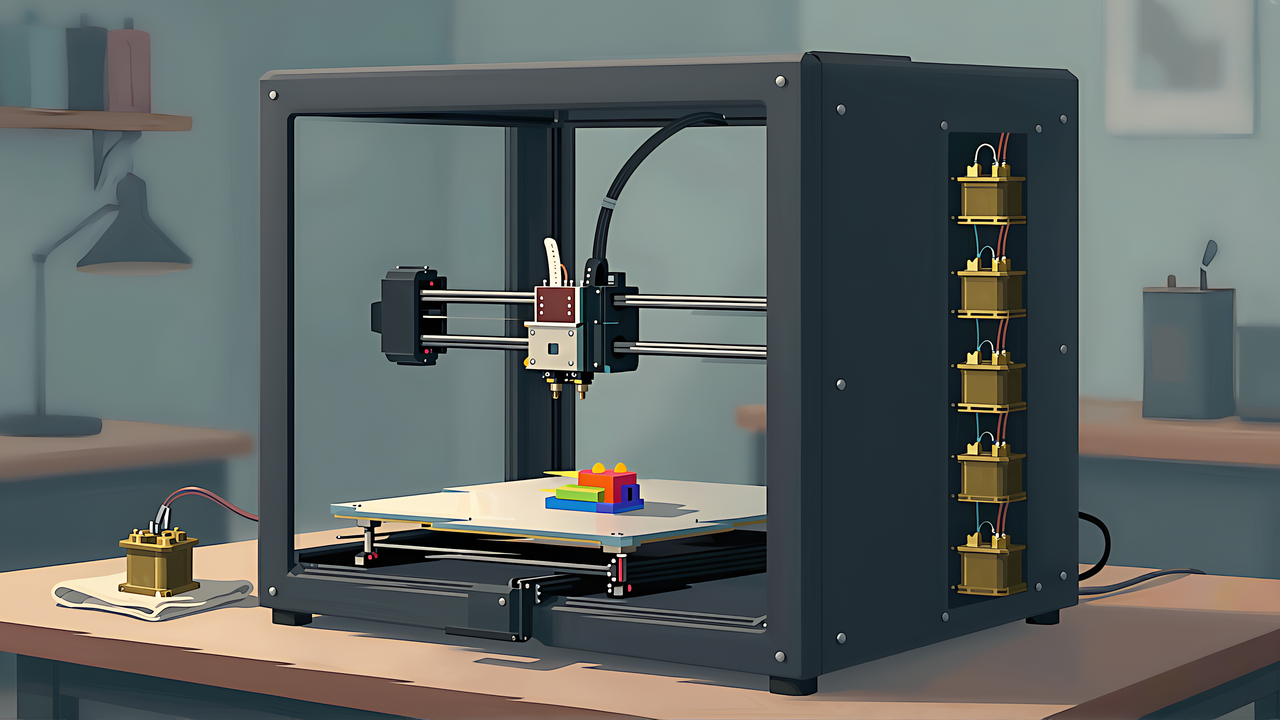
The Bambu Lab H2C was announced on Bambu’s blog on November 14, 2025, and a press release from Tokyo followed on January 14, 2026. The mechanism is called Vortek, and the blog says, “The Vortek Hotend Change system enables the use of up to six interchangeable, contactless connected hotends.” That means up to six swappable hotends can be used, and the connection to each hotend is contactless. Besides six-color printing, the English product page describes “a versatile seventh nozzle for support or an additional color.”
The slicer’s printer profile matches this description. In Bambu Studio 2.9.1, the H2C has two elements in nozzle_diameter and [‘1’, ‘6’] in the nozzle-count field. From the slicer’s point of view there are two extruders, left and right, with one nozzle on the left and up to six on the right. The official “up to six hotends” and “seventh nozzle” correspond to that 6 on the right and 1 on the left.
On purge, the same blog phrases it two ways. One is “the H2C can print with up to seven colors or materials in a single job, without purge-cleaning of the nozzles,” meaning a single job can use up to seven colors or materials without purge-cleaning the nozzles. The other is “When printing with fewer than seven filaments, the purge cleaning cycle can be completely eliminated during filament changes,” meaning that with fewer than seven filaments, purge cleaning during filament changes can be eliminated entirely.
“Up to seven” and “fewer than seven” do not agree on what happens at exactly seven. This article does not settle the boundary; it goes only as far as saying that Bambu describes nozzle purge-cleaning as unnecessary for colors and materials within the number of hotends. Structurally, if you use more materials than there are hotends, some hotend will receive a different material from the AMS, and a swap happens inside it.
The H2C stays on sale after the H3C launch. According to the H3C FAQ on the Japanese official store, the H2C is not being discontinued. That FAQ says the H2C has a feature the H3C lacks: fully automatic, free combination of multiple filaments with multiple nozzle diameters. However, the FAQ on the Japanese store’s H2C page says the current firmware does not yet support combining different nozzle diameters between left and right, or among the Vortek hotends, so the two FAQs do not agree. This article does not go into the details of mixing nozzle diameters.
A dedicated support nozzle, such as the H2C’s seventh nozzle, is where a water-soluble support material like PVA earns its place: the supports dissolve instead of being snapped off.

 ポチップ
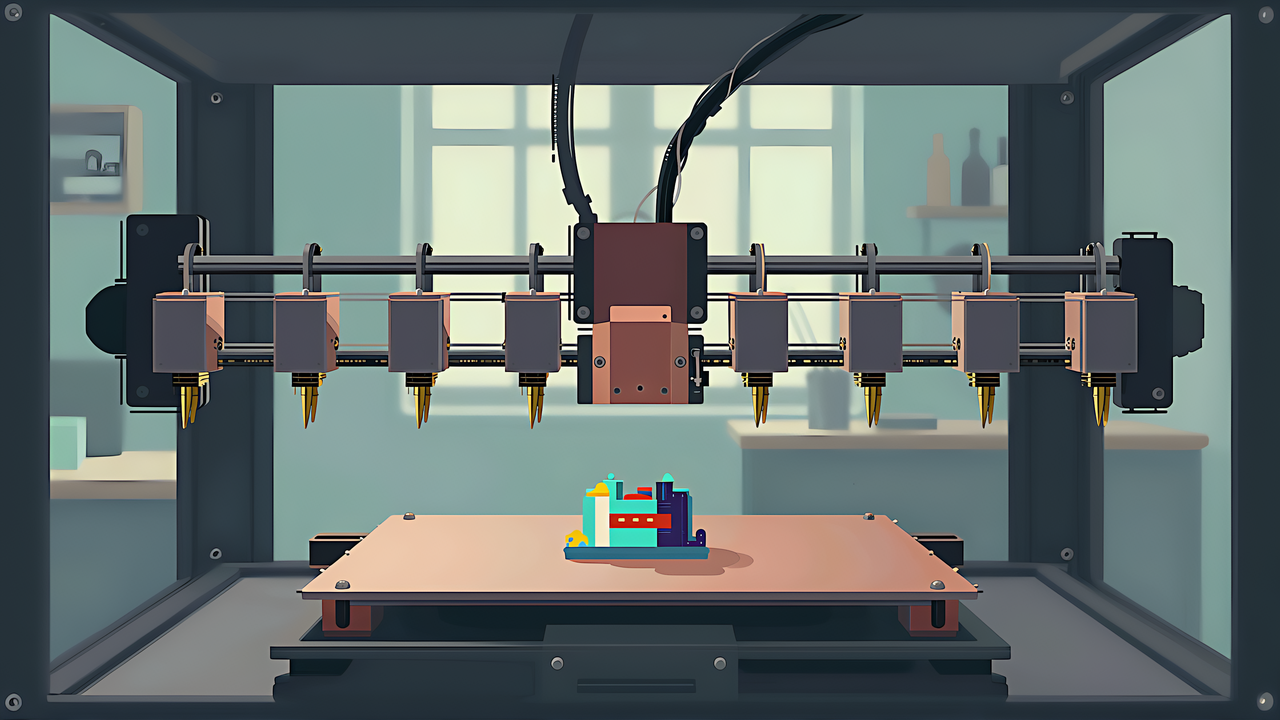
According to the press release, the Bambu Lab H3C is “Built around a nine-tool Swaptek architecture.” The official name for each tool is PrintTool, which the Japanese official store translates with a word meaning “build tool.” The official forum announcement says, “Nine PrintTools, each with its own dedicated filament path and heater, keep every material loaded, preheated, and ready to print.” Each of the nine tools has its own filament path and heater, and every material stays loaded and warm.
During a swap, what changes is the tool itself, with its material loaded. Structurally, as long as you stay within nine materials, each assigned to its own tool of the matching diameter, there is no need to push old material out of a single nozzle; instead, each swap includes a short prime (extruding fresh filament before returning to the print). The standard configuration, however, is eight tools for 1.75mm and one for 2.85mm. To print nine colors with 1.75mm filament only, Bambu’s Wiki FAQ says you buy an additional 1.75mm PrintTool and swap it in place of the 2.85mm PrintTool in position 8. The same FAQ says to use a PrintTool that matches the filament diameter when swapping. Bambu describes this prime as an operation with minimal waste. This article does not cover the amount.
The breakdown of the nine can be confirmed in the in-box contents table on the Japanese official store. All four configurations include eight 0.4mm print tools and one 0.4mm print tool for 2.85mm filament. According to the store’s FAQ, the 2.85mm tool is for 2.85mm flexible filament, and the only 2.85mm filament Bambu currently sells is 75A TPU. Bambu Studio has presets for Bambu TPU 75A (2.85 mm) and Generic TPU (2.85 mm). The same FAQ says this tool ships mounted in slot No. 8, the drying slot.
The extruder is called FlexFeed. The official forum says, “FlexFeed handles both 1.75mm and 2.85mm filament and switches on the go,” meaning it handles both diameters and can switch between them mid-print. The press release also says, “The result is reliable printing of TPU as soft as 75A.”
In the slicer’s printer profile, this breakdown appears directly as values. In Bambu Studio 2.9.1, “Bambu Lab H3C 0.4 nozzle” has [‘9’] in the nozzle-count field, and the default nozzle type (default_nozzle_volume_type) has nine elements, of which only the eighth is TPU285. The list of extruder variants (extruder_variant_list) also includes Direct Drive TPU285. Meanwhile, nozzle_diameter has one element, so the printer profile describes a single extruder position carrying up to nine nozzles. The build height field (printable_height) is 325, which matches the 330 × 320 × 325 mm build volume listed on the Japanese official store.
The official materials state the swap time in two ways. The November 3, 2026 press release says “the printer can change material in under 6 seconds.” The same release also says that after the swap “a brief priming sequence brings the fresh filament back to the model in 6 seconds with minimal waste.”
The official forum announcement says “6-second material switch, including a 3.4-second tool change.” That is a breakdown: a 6-second material switch that contains a 3.4-second tool change. The English product page also lists “3.4s Tool Change” and “6s Material Switch” as separate headlines. The 3.4 seconds is the time to swap tools, not the time from a color change until printing resumes.
The conditions behind the material switch time are in a note on the English product page: it comes from Bambu’s internal testing under optimal conditions, using PLA Basic filament and the filament saving purge mode. The Japanese official store’s note adds that the actual switch time varies with the filament type and the slicer settings.
All nine nozzles reach 350°C; the official forum says “All nine hardened-steel nozzles reach up to 350°C.” According to the press release, nozzle diameters range from 0.2mm to 0.8mm, all of them hardened steel rated HRC 55+. The Japanese official store notes that using a different diameter requires a separately sold hotend for that diameter.
The temperature figure that is easiest to misread is 85°C. Chamber heating tops out at 65°C; 85°C is the drying temperature of the AMS 3H. The AMS 3H is a storage unit that holds all nine spools, and the press release describes it as “a sealed, airtight chamber that protects filament from moisture.” Inside it is a two-slot dryer, which the official forum describes as “A dedicated 2-slot dryer sits right in the filament slots.” The Japanese official store notes that 85°C is a value measured by the built-in temperature sensor.
External AMS units can be connected too. The English product page says “Connect existing Bambu Lab AMS units through PrintTool No. 1 to support up to 24 filament spools,” meaning AMS units you already own connect through tool 1 for up to 24 spools. Structurally, material from an external AMS passes through tool 1, so if you use more than nine materials, swaps happen inside that tool.
The AI features need to be read in two groups: what is available now and what is planned. For what is available now, the English product page says, “Then its AI catches spaghetti, purge-bin jams, and clogs before they cascade.” The Japanese official store’s version says the AI continuously monitors for spaghetti, purge-bin jams and nozzle clogs.
By contrast, the BirdsEye camera is sold separately, and AI monitoring enhanced by BirdsEye is still at the planning stage. The Japanese official store says BirdsEye-enhanced AI monitoring is currently scheduled for release in the first half of 2027 and is subject to change. The official forum also has the line “AI detection helps make intelligent adjustments along the way.” (AI detection helps with adjustments during the print), but it does not explain what is adjusted or how.
The tool positions can be used for more than printing. Optional CutTool, DrawTool and DebossTool (cutting, drawing and debossing) are available. For color, Bambu also shows color mixing that builds colors by layering five base CMYKW filaments, and the Japanese official store notes that CMYKW PLA Palette filament is required for the intended result.
On the Japanese official store, the H3C costs ¥449,900 (about $3,000; tax included, as of November 16, 2026) in the “Bambu Lab H3C Combo” configuration. The Japanese official store was running a sale at that time, and the other Bambu printers in this article (H2C, H2D, X2D, P1S) showed sale prices, but the H3C was not part of the sale. The press release price is for the “Bambu Lab H3C AMS Combo”: $2,499 in the US (before tax, shipping included) and €2,499.00 in the EU (tax included). This article does not convert between currencies; the dollar figure next to the yen price is only a rough guide at ¥150 = $1.
Launch was November 3, as in the press release’s “Available starting from: Nov 3rd at Bambu Lab Official Store,” and it was a general sale rather than a pre-order. As of November 16, 2026, the Japanese official store page also shows an add-to-cart button. On the slicer side, Bambu Studio 2.9.1, released the same day, November 3, added support for the H3C. The release notes say, “This Bambu Studio release adds support for the Bambu Lab H3C, the new multi-nozzle printer in the Bambu Lab H series.”
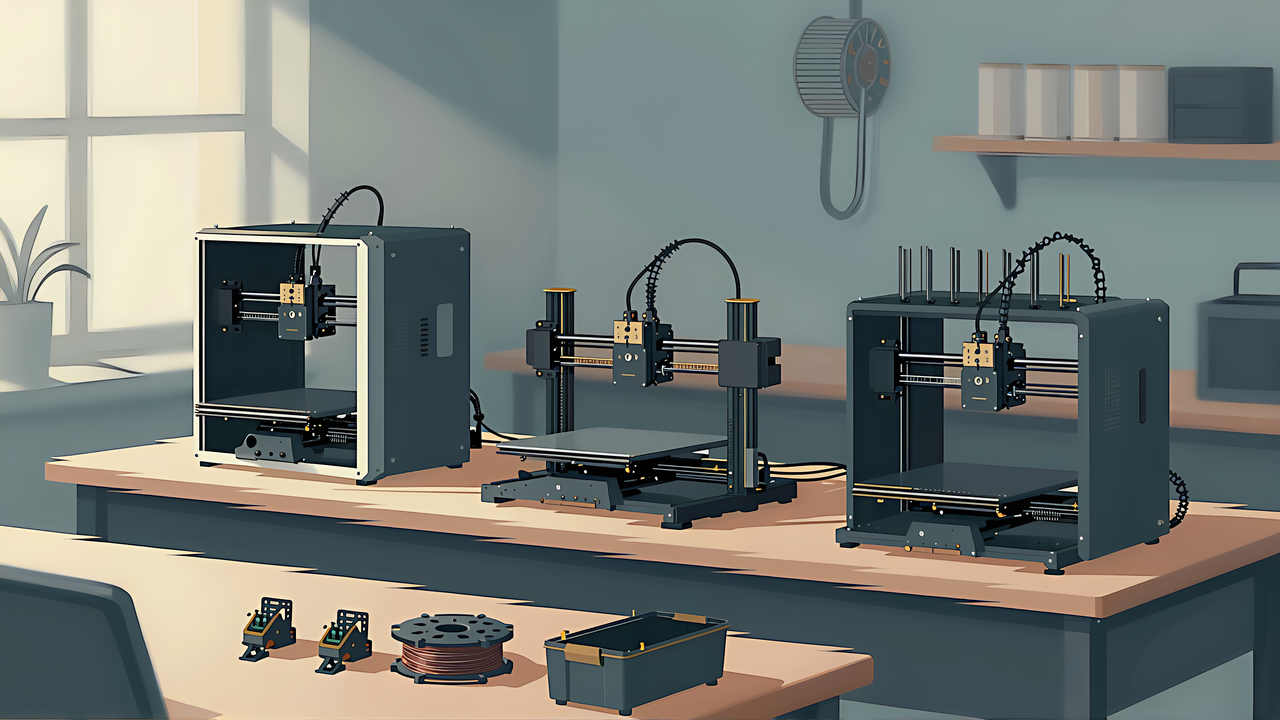
Tool changing is not unique to the H3C. The makers call it a toolchanger, and Prusa, Snapmaker and Bondtech each claim it produces almost no purge. Here we line up the Prusa and Snapmaker printers that have printer profiles in OrcaSlicer 2.5.1, plus Bondtech’s INDX.
INDX is a toolchanger that mounts on Prusa’s CORE One (including the CORE One L/L+). In its April 23, 2026 blog post, Prusa introduced the mechanism as Bondtech’s patented design and described it as a collaboration between Prusa Research and Bondtech. It is sold as a Conversion Kit that turns a CORE One into an INDX machine. In the same post Prusa opened orders and gave the first-batch prices as “$749/$999 (4T/8T) tariffs included”: $749 for four tools and $999 for eight, as US prices including tariffs.
Shipping started later than first planned. The April 23 post said shipping of the Prusa version of the kit was planned to start in “June 2026.” The actual start came with the August 20, 2026 post: “We’ve started shipping the first batch of INDX conversion kits.” From the same day, the complete Prusa CORE One+ (Gen 2) with Bondtech INDX also became available to order, assembled or as a kit, with four or eight tools.
According to an August 27 update to the same post, orders also opened for the CORE One L+ conversion kit and for a complete CORE One L+ with INDX. The conversion kit listing also includes four-tool and eight-tool versions for the CORE One L and L+. This article’s table uses the CORE One+ (Gen 2) row as the representative and does not add rows for the L series (OrcaSlicer 2.5.1 has no INDX printer profile for the L series).
The current conversion kit listing page says “New orders are estimated to ship after February 2027,” so a new order is expected to ship after February 2027.
On purge, the August 20 post says “Priming outside print area.” In OrcaSlicer 2.5.1 as well, the process profile that the “Prusa CORE One INDX 8T HF 0.4 nozzle” printer profile uses by default (0.20mm Balanced @Prusa CORE One INDX HF 0.4) has the prime tower disabled (enable_prime_tower is 0). Whether there is a prime tower is a process setting, not a printer-profile setting. Note that this printer profile inherits from the original “Prusa CORE One HF 0.4 nozzle” and is not a profile for the CORE One+ (Gen 2). The same version also has a four-tool “Prusa CORE One INDX 4T HF 0.4 nozzle” printer profile.
The Prusa XL is a toolchanger machine with up to five toolheads, as Prusa’s business page puts it: “Active toolchanger with up to 5 toolheads.” Since August 2026, the second-generation XL+ with revised hardware has been on sale. The current product page shows “Prusa XL+ Five-Head” and says of purge, “zero cross-contamination and virtually no purge waste”: the materials do not mix and there is almost no purge waste. The price display changes depending on the country you view it from, so this article does not list it.
In OrcaSlicer 2.5.1, “Prusa XL 5T 0.4 nozzle” has five elements in nozzle_diameter. OrcaSlicer 2.5.1’s printer profiles are for the XL / XL 5T; there is no XL+ profile. Unlike the INDX 8T, its default process profile has the prime tower enabled (enable_prime_tower is 1).
The Snapmaker U1 has a four-tool system it calls SnapSwap. The US store headline is “4 Toolheads. Direct Swaps in 5s. Minimal Purge.”: four toolheads swapped directly in five seconds, with minimal purge. The same page also lists a waste-reduction percentage, but two different values are given against the same footnote, so this article does not use it.
The price on the US store was $699 (sale price, compare-at price $999, as of November 16, 2026). In OrcaSlicer 2.5.1, “Snapmaker U1 (0.4 nozzle)” has four elements in nozzle_diameter, and its default process profile has the prime tower enabled.
Bondtech’s page separates where INDX can be bought: for the CORE One and for everything else. The CORE One version “is available exclusively at prusa3d.com,” meaning only from Prusa’s store. For other machines there is the INDX Development Kit, and Bondtech’s page gives the prices as “Smart Toolhead at $390, tools at $40 each.” Bondtech says the supported firmware is Klipper, Kalico and RepRapFirmware.
On purge, the claim is “Near zero purge waste.” For the swap time, Bondtech gives “Complete tool change incl. heat-up: ~14s,” about 14 seconds for the whole change including heating, with a note that it varies greatly with temperature, priming, travel and so on.
Here are each maker’s swap times as written. The order follows the sections of this article, not speed.
| Printer | How the official figure is written | What it includes (in each maker’s words) |
|---|---|---|
| Bambu Lab H3C | “under 6 seconds” (press release); “6-second material switch, including a 3.4-second tool change” (official forum) | A 6-second material switch that contains a 3.4-second tool change. Per the product page note: internal testing, optimal conditions, PLA Basic, filament saving purge mode |
| Prusa CORE One+ (Gen 2) + INDX | “~12 seconds per change based on material” (Prusa blog, August 20) | From the last extrusion of the previous material to the first extrusion of the next material on the print. Varies with the material |
| Snapmaker U1 | “Direct Swaps in 5s” | The main text gives 5 seconds for a color or material switch. The footnote calls it a typical value from Snapmaker’s internal testing, for reference only |
| Creality K3 | “in just 5 seconds” (store); “under 5 seconds” (FAQ) | A swap of the nozzle set. Creality’s own figure |
| Bondtech INDX | “Complete tool change incl. heat-up: ~14s” | Includes heating. Varies with temperature, priming and travel |
Whether the time covers only moving the tool, or runs until printing resumes with heating and priming included, differs from maker to maker. Even within the H3C, 3.4 seconds and 6 seconds refer to different times. This table cannot rank the printers by speed, so this article does not rank them.
The Creality K3 swaps four nozzles with a mechanism called KliTek. The store says “independent 4-nozzle system, the K3 achieves seamless nozzle changes in just 5 seconds,” describing four independent nozzles swapped in five seconds. As quoted earlier, the KliTek FAQ explains that only the set of nozzle, hotend and filament tube is replaced.
Elsewhere the FAQ says “Changing to the next nozzle takes under 5 seconds.”, which is worded slightly differently from the store’s “in just 5 seconds.” The same FAQ also says the mechanism “enables preheating before switching,” so the next nozzle can be heated before the swap. The idea of heating the next nozzle in advance also appears in the H3C’s Active Pre-Heat; the press release explains that “it begins heating the next nozzle while the current tool finishes its segment.” In other words, it starts heating the next nozzle while the current tool finishes printing its portion.
On purge, the store says “Eliminate purging and color bleeding.”
For the K3’s availability, the announcement and the store display have to be read separately. In a press release on November 3, 2026, Creality announced official U.S. availability of the K3 and said shipping of the first pre-orders began on November 2. As of November 16, 2026, however, the store still showed “(Pre-order) K3 Multi-Material & Multicolor 3D Printer $849.00” along with “Pre-Order Notice: Estimated shipping begins in early December.” That means an order placed then was expected to ship in early December. As of November 26, 2026, the “(Pre-order)” label has been removed from the product name, and the page shows “Estimated Shipping Date: Early December.”
We have not checked a K3 unit or any third-party measurements, so read all performance figures as Creality’s own claims. The store also lists reduction percentages, but it does not say what they are compared against or under what conditions, so this article does not use them. We also did not check the K3 printer profile or the slicer used with the K3 this time.

Each maker’s official text describes the machine; the slicer’s printer profile holds the values for how the slicer treats that machine. Checking whether the two agree shows how the differences between the approaches surface on the slicer side.
For Bambu Studio 2.9.1 (tag v02.09.01.70, released November 3, 2026), we used Python to read the printer profiles (0.4mm nozzle) for the P1S, H2D, H2C and H3C contained in the distributed zip. We fetched the same four files again from the tag’s commit on GitHub (56a57d0) and confirmed that all four match as JSON. The only difference in our local files is that they use CRLF line endings.
For OrcaSlicer 2.5.1 (released November 14, 2026, commit eef7710c), we read the Prusa XL 5T, CORE One INDX 8T and Snapmaker U1 printer profiles in the source, along with the process profile each one uses by default, after expanding the inheritance from their parent profiles. We did not slice anything for this article.
| Printer | Slicer | Printer profile name | Elements in nozzle_diameter | Other values |
|---|---|---|---|---|
| Bambu Lab P1S + AMS | Bambu Studio 2.9.1 | Bambu Lab P1S 0.4 nozzle | 1 | Nozzle count [‘1’] (inherited from the top-level parent) |
| Bambu Lab H2D | Bambu Studio 2.9.1 | Bambu Lab H2D 0.4 nozzle | 2 | Nozzle count [‘1’, ‘1’] (inherited from the parent) |
| Bambu Lab H2C | Bambu Studio 2.9.1 | Bambu Lab H2C 0.4 nozzle | 2 | Nozzle count [‘1’, ‘6’] |
| Bambu Lab H3C | Bambu Studio 2.9.1 | Bambu Lab H3C 0.4 nozzle | 1 | Nozzle count [‘9’]. The default nozzle type has nine elements, with only the eighth set to TPU285 |
| Prusa XL 5T | OrcaSlicer 2.5.1 | Prusa XL 5T 0.4 nozzle | 5 | Prime tower enabled in the default process profile (enable_prime_tower=1) |
| Prusa CORE One INDX 8T | OrcaSlicer 2.5.1 | Prusa CORE One INDX 8T HF 0.4 nozzle | 8 | Prime tower disabled in the default process profile (enable_prime_tower=0) |
| Snapmaker U1 | OrcaSlicer 2.5.1 | Snapmaker U1 (0.4 nozzle) | 4 | Prime tower enabled in the default process profile (enable_prime_tower=1) |
“Nozzle count” in the table is the value of extruder_max_nozzle_count. Only the prime tower value comes not from the printer profile but from the process profile the printer profile uses by default. All of these are slicer setting values, not a table of machine specifications.
First, the H3C and H2C have different shapes even in the slicer’s printer profiles. The H3C has one element in nozzle_diameter, with up to nine nozzles on one extruder position. The H2C has two elements: one nozzle on the left extruder and up to six on the right. Both the H3C’s “nine tools” and the H2C’s “six hotends and a seventh nozzle” agree between the official descriptions and the setting values.
Next, the H3C’s eighth element, TPU285, points to the same position as the Japanese official store FAQ’s statement that the 2.85mm print tool ships fitted in slot No. 8. Both the store’s in-box table and the slicer’s printer profile support the breakdown of eight tools for 1.75mm and one for 2.85mm flexible filament.
Further, the three OrcaSlicer printers split on the prime tower default. The CORE One INDX 8T has it disabled, consistent with Prusa’s “Priming outside print area.” The XL 5T and U1 have the prime tower enabled by default. The expanded printer profiles also contain a field for the time the slicer assumes per tool change (machine_tool_change_time); the INDX 8T and U1 have a value in it, while the XL 5T does not. This is a setting for the slicer’s estimates and is separate from the machine’s official swap time.
Finally, Bambu Studio and OrcaSlicer are different slicers, and neither their field names nor their defaults are the same. The comparison here stops at reading the differences between printers within each slicer.
The slicers also broadened their support for machines with multiple nozzles or tools this autumn. OrcaSlicer 2.5.0 became a stable release on November 7, 2026, and its release notes say it can “print two to four parts at once on IDEX and IQEX printers.” IDEX and IQEX are designs with multiple independently moving carriages, not designs that swap tools.
As a feature related to tool changing, the same release notes include “Toolhead collision volumes,” which keeps placement, brims and travel away from tool docks and similar areas.
Version 2.5.1 on November 14 added “Copy per-nozzle settings to every tool of a toolchanger,” which copies per-nozzle settings to every tool of a toolchanger. We covered OrcaSlicer 2.5 at its preview stage in Slicer plugins arrive in OrcaSlicer 2.5 and PrusaSlicer 3.0 — what changed in the two previews and what is still undecided (published 2026-10-26).
The profile values in this section were read with a short Python script that loads the slicers’ JSON profile files. If you want to inspect your own slicer’s profiles the same way, this book is a practical introduction to reading and processing files with Python.
 ポチップ
A printer being “out” can mean several different states: announced, open for pre-order, on general sale, or shipping. The expected wait from ordering to delivery also changes a great deal with this distinction. Here is the status as of November 16, 2026, as shown on each maker’s official pages.
| Printer or kit | Approach | Status (as of November 16, 2026) | Price given in this article |
|---|---|---|---|
| Bambu Lab H3C | Tool changing | On general sale (launched November 3) | ¥449,900 (Japan, tax included; about $3,000), $2,499 (US, before tax, shipping included), €2,499.00 (EU, tax included) |
| Bambu Lab H2C | Hotend swapping | On sale. Sales continue after the H3C launch (official store FAQ) | Not listed (sale in progress in Japan) |
| Bambu Lab H2D, X2D | Left and right dual nozzles | On sale | Not listed (sale in progress in Japan) |
| Bambu Lab P1S | Single-nozzle switching | On sale | Not listed (sale in progress in Japan) |
| INDX conversion kit (Prusa version) | Tool changing | The August 20 blog post announced that shipping had started. A new order is expected to ship after February 2027 | First batch $749 (4 tools), $999 (8 tools), US prices including tariffs (Prusa blog, April 23) |
| Prusa CORE One+ (Gen 2) with Bondtech INDX | Tool changing | Orders accepted since August 20 | Not checked for this article |
| Prusa XL+ (the second-generation XL, from August 2026) | Tool changing | On sale | Not listed (varies by country) |
| Snapmaker U1 | Tool changing | On sale (US store) | $699 (sale price, compare-at price $999) |
| Bondtech INDX Development Kit | Tool changing | On sale | Smart Toolhead $390, $40 per tool |
| Creality K3 | Nozzle-set swapping | US general availability announced on November 3, with the first pre-orders shipping from November 2 (Creality press release). The store still shows a pre-order, and an order placed now is expected to ship in early December | $849 (the store shows a pre-order) |
Yen prices for Bambu printers other than the H3C are not listed because the Japanese official store was running a sale and the prices could change before publication. We could not confirm the US price of the H2C on an official page. We also did not check the price or the expected shipping of the complete CORE One+ (Gen 2).
Between late June and early July 2026, we covered the new generation of printers in this field. When AI 3D printers in the second half of 2026: three major trends — how new-generation machines change the replacement decision (published 2026-06-29) was published, the K3 was only at the announcement stage. When Creality K2 Plus and KliTek — the current model with dual AI cameras, and the announced nozzle-changing machine (published 2026-07-01) was published, the price of the K3 itself had not been announced either. Now, as the table above shows, US general availability has been announced and the first pre-orders have begun shipping.
We covered how INDX works in Prusa CORE One INDX — purge-free multicolor with an eight-material toolchanger (published 2026-07-02). Since that article was published, the August 20 blog post announced that shipping of the Prusa version of the conversion kit had started, and a new order is now expected to ship after February 2027. For the kit’s price and shipping status, please use the values in this article’s table instead.
How to choose a printer by budget and use is summarized in 3D printer buyer’s guide for the second half of 2026 — choosing a new-generation machine by budget and use (published 2026-07-05). For the printers listed there that also appear in the table above, availability as of November 16, 2026 is as shown in the table.

We do not own any of the printers in this article and have not printed on them. All we did locally was read printer profiles and other configuration files from Bambu Studio 2.9.1 and OrcaSlicer 2.5.1, and we did not slice anything for this article. As a result, nothing can be said from this article’s evidence about the amount of purge, the number of swaps or print times.
In addition, the following points were not checked in this article, or the official materials do not agree with each other on them.
Slicer printer-profile values describe how the slicer treats a machine; they are not measurements of the machine’s performance. We confirmed that the setting values and the official descriptions agree, but that does not confirm that the machine behaves as described.
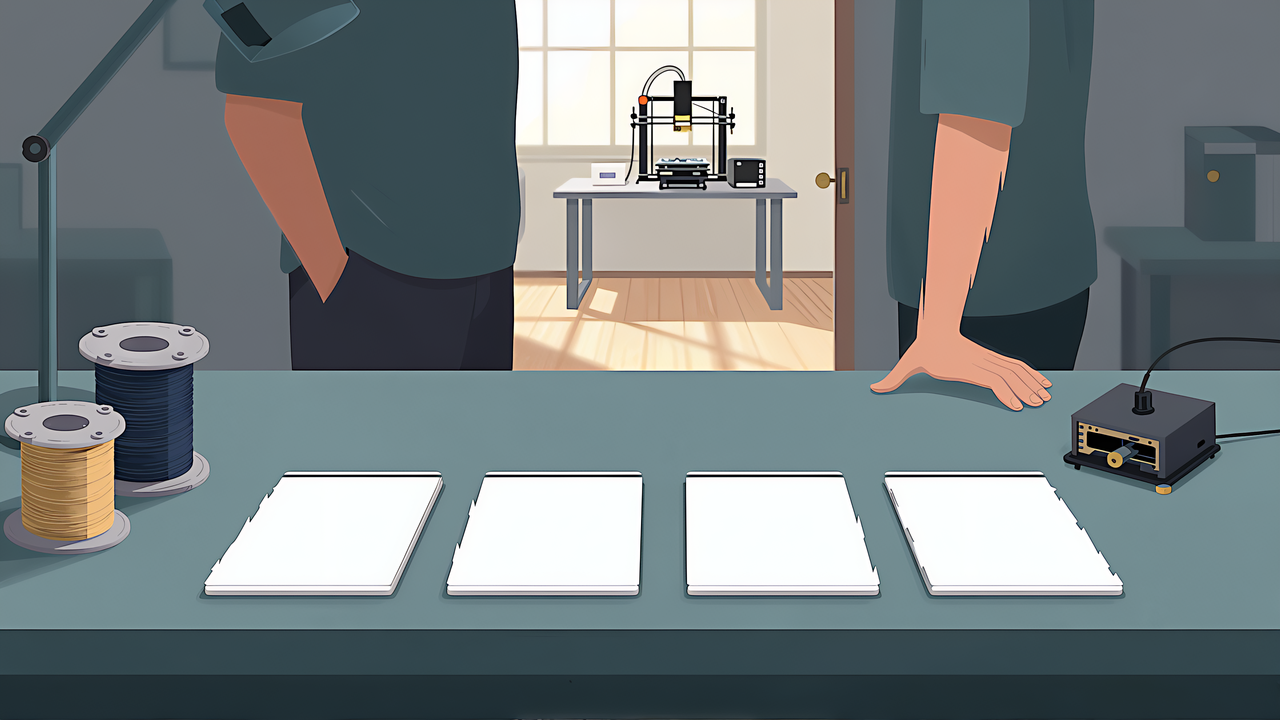
Multi-tool 3D printers split into five approaches by what changes during a swap. The P1S + AMS swaps only the filament, the H2D and X2D switch between left and right nozzles, and the H2C swaps its right-side hotend among up to six. The H3C, INDX, Prusa XL and U1 swap the whole tool with its material, and the K3 swaps the set of nozzle, hotend and filament tube.
The H3C has nine tools in total: eight for 1.75mm and one for 2.85mm flexible filament. Its swap time is “under 6 seconds” in the press release and “6-second material switch, including a 3.4-second tool change” on the official forum. According to the note on the English product page, the 6 seconds is a value from Bambu’s internal testing under optimal conditions with PLA Basic and the filament saving purge mode. All nine nozzles reach 350°C, the chamber reaches up to 65°C, and 85°C is the drying temperature of the AMS 3H. On the Japanese official store it costs ¥449,900 (about $3,000; tax included, as of November 16, 2026), and it has been on general sale since November 3.
There are four things worth checking before you choose a multi-tool 3D printer.
For the general steps for setting up purge and supports in a slicer, see Multi-material slicing in practice 2026 — settings for purge, supports and material boundaries (published 2026-07-04). Read with the differences between the approaches in mind, it becomes easier to narrow down which settings matter for your printer.